
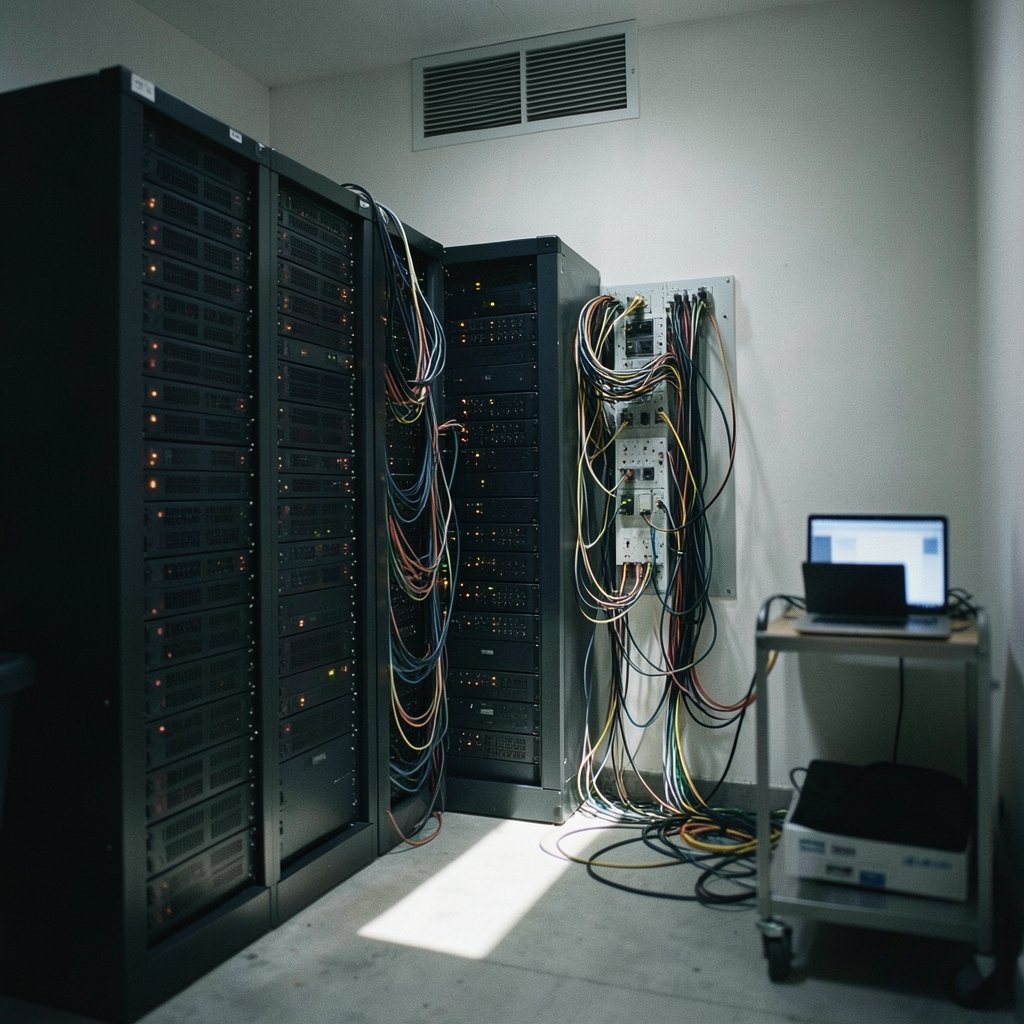
In 2024, researchers analyzing honeypot servers found that SSH endpoints exposed to the open internet receive login attempts within minutes of going live. Automated bots do not knock politely. They hammer the door thousands of times an hour, trying common passwords against every account they can find. The uncomfortable truth is that most organizations are not breached by clever hackers. They are breached by attackers who simply kept guessing until something opened.
This guide covers the defenses that genuinely reduce that risk, the ones that sound good but fail in practice, and the trade-offs security teams rarely mention.
What a Brute Force Attack Actually Looks Like
A brute force attack is any attempt to gain access by systematically trying credentials until one works. The classic version tries every possible character combination, but that approach is mostly obsolete because modern password lengths make it mathematically hopeless. What survives is smarter and more dangerous:
- Credential stuffing reuses username and password pairs leaked in other breaches. It works because people recycle passwords across sites.
- Password spraying tries a handful of common passwords (like “Summer2025!” or “Password123”) against many accounts, staying under lockout thresholds.
- Reverse brute force starts with one known password and tests it against thousands of usernames.
- Distributed attacks spread attempts across thousands of IP addresses, defeating simple per-IP blocking.
The MITRE ATT&CK framework catalogs brute force as technique T1110, with sub-techniques for each variant. That taxonomy matters because each variant requires a different countermeasure. Blocking one does not block the others.
Start With the Password Policy Nobody Follows

Most organizations still enforce composition rules: uppercase, lowercase, number, symbol, rotate every 90 days. Current guidance has moved decisively against this. NIST’s Digital Identity Guidelines (SP 800-63B) recommend screening new passwords against lists of known-breached and commonly used passwords, and dropping forced periodic rotation unless there is evidence of compromise. (Use Strong Passwords)
Why the reversal? Because composition rules produce predictable patterns. Users respond to “must include a symbol” by appending “!” to the end. Attackers know this and build their dictionaries accordingly. A 20-character passphrase like “correct-horse-battery-staple” is both easier to remember and vastly harder to guess than “P@ssw0rd1”.
In practice, the policy that works looks like this:
- Set a minimum length of 12 to 16 characters and allow up to 64.
- Check every new password against a breached-password list at the moment it is set.
- Drop mandatory rotation. Rotate only on evidence of compromise.
- Block the top 100,000 common passwords outright.
The common mistake here is adopting the length rule but skipping the breach-list check. Without it, users pick long-but-guessable phrases that spraying tools already include.
Rate Limiting and Lockout: Strong Defense, With a Catch
Account lockout disables an account after a set number of failed attempts. It is the oldest brute force defense and still one of the most effective against straightforward guessing. Rate limiting is gentler: it slows attempts by adding delays, which frustrates automated tools without locking out real users.
The catch is denial of service. If an attacker knows a valid username, they can deliberately trigger lockouts and lock out your entire staff. Security teams have learned this the hard way. The fix is layered:
| Control | Best Against | Main Weakness |
|---|---|---|
| Account lockout (5 attempts) | Single-account guessing | Enables lockout DoS |
| Exponential backoff | Automated tools | Slow to stop distributed attacks |
| IP throttling | Single-source attacks | Defeated by botnets |
| CAPTCHA | Basic automation | Accessibility friction; solvable by services |
| Anomaly detection | Spraying and stuffing | Requires tuning; false positives |
A practical middle ground: combine progressive delays with temporary lockouts measured in minutes rather than hours, and alert on lockout spikes so a DoS attempt is visible rather than silent. The OWASP community maintains detailed guidance on credential stuffing prevention, and its core recommendation is consistent: layer controls rather than relying on any single gate.
Multi-Factor Authentication Is the Biggest Single Win
If one control deserves priority, it is multi-factor authentication (MFA). A stolen or guessed password becomes useless without the second factor. Widely cited industry research indicates MFA blocks the overwhelming majority of automated account compromise attempts, though the famous “99.9%” figure is often repeated without its original scope and assumptions. Treat it as directional, not gospel.
Not all MFA is equal, and this is where organizations slip up:
- SMS codes are better than nothing but vulnerable to SIM-swapping and interception.
- Authenticator apps with time-based codes are solid but phishable in real time.
- Push notifications invite “MFA fatigue” attacks where users approve prompts out of annoyance.
- Hardware keys and passkeys built on the FIDO2/WebAuthn standard are phishing-resistant, because the credential is cryptographically bound to the legitimate site.
The WebAuthn specification became a W3C Recommendation in March 2019, and passkey adoption has accelerated sharply since. For administrator accounts, databases, and remote access, phishing-resistant MFA should be the default, not the upgrade path.
Harden the Services Attackers Target Most
Brute force attacks concentrate on a few exposed services. Each has specific hardening steps that matter more than generic advice.
SSH
- Disable password authentication entirely and require key-based login.
- Disable direct root login.
- Move away from port 22 only as a noise reducer, not a real defense. Scanners find moved services quickly.
- Use a tool like Fail2ban to ban IPs after repeated failures, and feed logs into monitoring.
Remote Desktop and VPNs
- Never expose RDP directly to the internet. Require VPN or zero-trust access instead.
- Enforce MFA on every remote access path.
- Restrict source IP ranges where business requirements allow.
Web Login Forms
- Add server-side rate limiting; attackers can trivially bypass client-side JavaScript checks.
- Use generic error messages (“invalid credentials”) so attackers cannot enumerate valid usernames.
- Deploy a web application firewall to catch high-volume automated patterns.
APIs and Admin Panels
- Require authentication tokens with short expiry.
- Rate limit by API key, by account, and by IP.
- Log failed authentications and alert on volume spikes.
A frequent oversight: teams harden the public login page but leave internal admin panels, staging environments, and forgotten test accounts on the same weak defaults. Attackers scan for exactly these. If you are also dealing with other automated threats, the same layered thinking applies to preventing computer viruses and to understanding what a DDoS attack looks like, since brute force campaigns often run alongside them. (Brute-force attack)
Monitoring Turns Defenses Into Intelligence
Prevention without detection is half a strategy. Failed login attempts are the single richest signal available, and most breaches leave a trail of them.
What to log and alert on:
- Failed authentication counts per account, per IP, and per subnet.
- Successful logins from new geographies or unusual times.
- Login attempts against disabled or non-existent accounts, a classic spraying signature.
- Spikes in password reset requests, which often follow credential stuffing.
The key insight is that password spraying evades per-account lockout by design, so per-account counters alone will miss it. You need aggregate views: 500 accounts each failing twice looks harmless per account but screams attack in aggregate. Set alerts on those aggregate patterns.
Build a Layered Defense
No single control stops every variant. The realistic model is defense in depth, where each layer catches what the previous one missed:
- Breached-password screening at account creation and password change.
- Phishing-resistant MFA on all remote and privileged access.
- Rate limiting plus progressive delays on every authentication endpoint.
- Per-account lockout with short durations and alerting on spikes.
- Network-level controls: VPN-only RDP, key-only SSH, IP allowlists where feasible.
- Centralized logging with aggregate anomaly alerts.
- Regular review of exposed services and forgotten accounts.
Two mistakes derail this more than any technical gap. First, teams deploy controls but never test them. An annual exercise that attempts a mock spraying campaign against your own systems reveals gaps no checklist will. Second, teams treat this as a one-time project. Attackers adapt within weeks; your defenses need the same cadence.
It also helps to think beyond passwords entirely. Every step that reduces the value of a stolen credential, from passkeys to device-based conditional access, shrinks the brute force attack surface. The same principle of removing single points of failure applies to identity theft and how to prevent it, where leaked credentials are the raw material for downstream fraud. And if ransomware is on your threat list, note that brute-forced credentials are a common entry point there too, which is why ransomware prevention starts with locking down authentication.
Conclusion
Brute force attacks persist because they are cheap, automated, and effective against organizations that rely on passwords alone. The defenses that work are not exotic: breached-password screening, phishing-resistant MFA, layered rate limiting, short lockouts with alerting, and disciplined exposure management. The defenses that fail are the ones deployed once and forgotten. Start with MFA on your most exposed systems, add aggregate monitoring so spraying cannot hide, and test your own defenses before someone else does. The attackers are already running their scripts. The question is whether your login page answers them with a wall or an open door.
Frequently Asked Questions
What is the difference between brute force and credential stuffing?
Brute force systematically guesses credentials against a target. Credential stuffing uses username and password pairs leaked from other breaches, betting on password reuse. Credential stuffing is usually faster and more successful because the credentials are already valid somewhere. Defenses overlap, but stuffing specifically requires breached-password screening and reuse detection.
How many failed login attempts should trigger a lockout?
There is no universal number, but five consecutive failures is a common starting point, paired with delays measured in minutes rather than hours. Shorter lockouts reduce the denial-of-service risk from attackers deliberately locking out known usernames. For high-value systems, combine lockout with alerting so lockout spikes are investigated rather than ignored.
Does changing the SSH port actually prevent brute force attacks?
It reduces log noise from generic scanners, which is genuinely useful for monitoring. It does not stop a determined attacker, because port scanning finds moved services quickly. Real protection comes from disabling password authentication entirely and requiring SSH keys, ideally with MFA for administrative access.
Can brute force attacks be stopped with CAPTCHA alone?
No. CAPTCHA raises the cost of automation but does not stop distributed attacks, credential stuffing with valid pairs, or solving services that outsource CAPTCHA challenges to humans. It works as one layer alongside rate limiting, MFA, and monitoring, never as a standalone control.
Is multi-factor authentication enough on its own?
MFA is the highest-value control, but it is not sufficient alone. Push-based MFA is vulnerable to fatigue attacks, SMS codes to interception, and stolen session tokens can bypass MFA entirely. Pair MFA with phishing-resistant methods like passkeys, plus rate limiting and anomaly detection, for genuine coverage.
How quickly do automated attacks begin after a server goes online?
Often within minutes. Exposed SSH and RDP endpoints are scanned continuously by botnets, and login attempts typically begin shortly after a service becomes reachable. This is why hardened defaults, not reactive fixes, matter: configure key-only SSH and VPN-only RDP before the service is ever exposed to the internet.
The final layer is culture and process, not technology. Write a short, plain-language authentication policy that tells staff what is expected of them, publish it, and review it annually. Train help-desk staff to recognize social engineering that targets password resets, since attackers who cannot guess a password will often try to talk someone into handing over a new one. Give every employee a one-click way to report suspicious login prompts, and act on those reports quickly. None of this replaces the technical controls above, but it closes the human gap that automation alone cannot reach.



