A digital disc image can make a familiar PlayStation 2 favorite easier to organize for an emulator session. A disc image is a digital file that represents the data stored on a game disc. You can browse action, racing, adventure, sports, and fighting games, then pick a style that fits your next play session.
Choosing a title is separate from preparing a lawful copy for play. The catalog helps you spot familiar names and compare listed details, while your own game file and emulator setup shape what you can run. That makes it easier to plan around PlayStation 2 nostalgia without treating every listing as ready to play.
Use the title you remember, or choose something new that suits the time you have. A quick race, a long adventure, and a head-to-head match call for different moods. Start with the titles and play styles you already know you enjoy.
Key Takeaways
- Browse action, racing, adventure, sports, and fighting favorites.
- A disc image represents data from a game disc.
- Choosing a title and preparing a lawful game copy are separate tasks.
- Listed file sizes can help you compare releases, not prove file quality.
- Emulators need a PS2 BIOS to boot games.
How Do You Choose PS2 Games ROMs by Genre and Size?
A racing fan might start with Need for Speed: Most Wanted, while a player after open-world action could begin with Grand Theft Auto: San Andreas. Your preferred play style is the clearest way to narrow a long retro gaming list. Start with the kind of play you want, then compare the exact release.
Genre helps you choose a game, while its listed size only describes that file. A catalog can show compact entries and much larger archives, even when titles come from the same console.
A file size alone does not verify that a disc image is a complete, accurate dump.
Action, racing, and sports picks
These five options cover different moods, from flight combat to wrestling. For more ideas across genres, see this list of classic PS2 games.
- Grand Theft Auto: San Andreas for open-world action.
- Ace Combat 5: The Unsung War for flight combat.
- Need for Speed: Most Wanted for racing.
- WWE SmackDown! Here Comes the Pain for wrestling.
- Crash Twinsanity for platforming.
What file sizes can tell you
A list of PS2 games under 1 GB can include complete releases. USA listings show Shadow of the Colossus at 915.0 MB, Dragon Ball Z – Budokai 3 at 846.3 MB, Battle Stadium DON at 220.2 MB, and Crash Bandicoot – The Wrath of Cortex at 399.4 MB.
| Title | Region | Listed size |
|---|---|---|
| Shadow of the Colossus | USA | 915.0 MB |
| Dragon Ball Z – Budokai 3 | USA | 846.3 MB |
| Battle Stadium DON | USA | 220.2 MB |
| Crash Bandicoot – The Wrath of Cortex | USA | 399.4 MB |
| Grand Theft Auto – San Andreas | USA | 2.60 GB |
Archive sizes differ from game disc sizes. The listed Resident Evil – Outbreak (v2.00) archive is 2.43 GB, while Mortal Kombat – Armageddon – Premium Edition is 2.05 GB. God of War II (Bonus) is a 5.87 GB archive, and that listing is specifically the Bonus version.
Sega Ages 2500 remakes have their own sizes: Phantasy Star I is 66.6 Mb, Phantasy Star II is 102 Mb, Golden Axe is 149 Mb, Afterburner II is 209 Mb, and Alien Syndrome is 218 Mb. Standalone Space Harrier is 236 Mb, while Outrun is 423 Mb. The Space Harrier entry is the standalone game, not the collection.
These remake sizes do not set a universal size expectation for other releases. Compare listed sizes as one detail, then check the exact edition and region before treating two listings for the same title as interchangeable.
What Do You Need to Run PS2 Games on an Emulator?
Both PCSX2 and AetherSX2 need a PS2 BIOS file before they can boot a game. You also need a game file in a format your emulator supports. The BIOS is a separate file from the disc image.
Import the BIOS into the emulator, then add your game files through its library or folder settings. If a BIOS error appears, check that the file is present, readable, and selected in the emulator. Confirm that the file is a BIOS dump, not a game image.
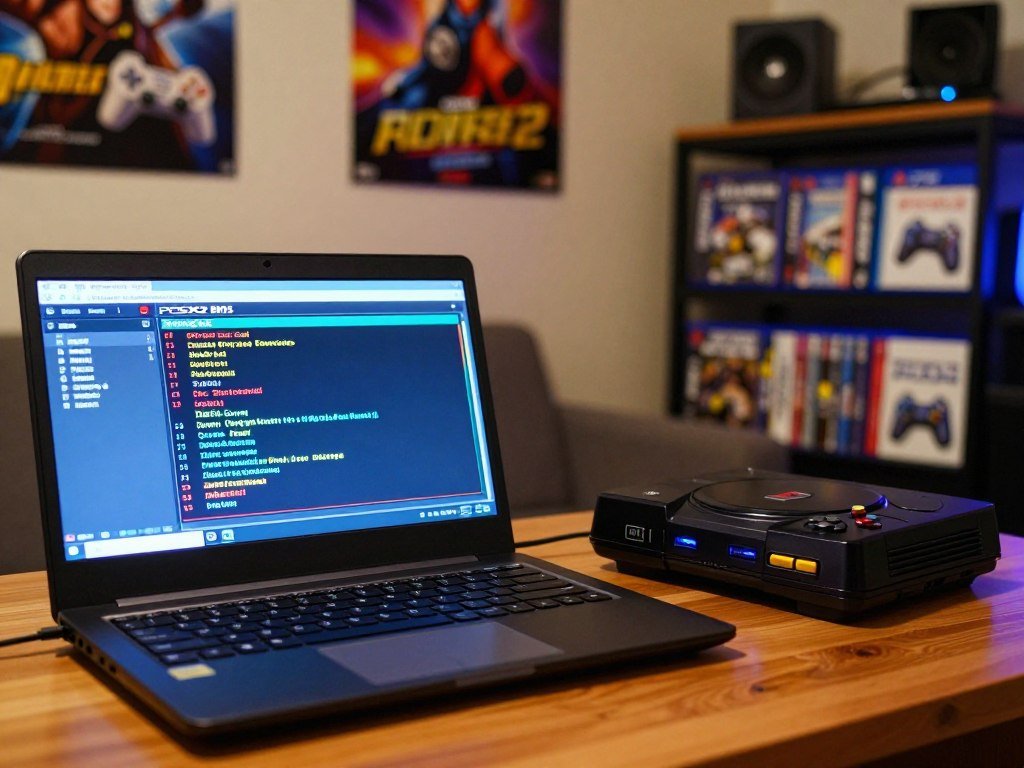
Set up PCSX2 or AetherSX2 with a BIOS
PCSX2 and AetherSX2 have different menus, but both need a BIOS setup step before launch. The PCSX2 BIOS dumping guide explains how to make a personal BIOS dump from your own console.
Real hardware uses a different path. Free McBoot and Open PS2 Loader are common terms for running games on a PS2, not steps required by an emulator. PPSSPP follows another setup path and does not need a PS2 BIOS.
The PPSSPP setup guide covers game files and folders for that separate emulator. A Fire Red emulator setup guide also shows how cheat formats can differ between programs. Those examples do not replace the BIOS step for PS2 emulation.
Match the BIOS region and legal use
Match the BIOS region to the game when possible. USA BIOS model examples include SCPH-39001 and SCPH-70012; Japan examples include SCPH-10000 and SCPH-18000. Europe examples include SCPH-50003 and SCPH-75004.
PAL systems use 50Hz video output, while NTSC systems use 60Hz. Sony developed the PS2 BIOS as copyrighted software. Copying, downloading, or sharing it may raise legal issues, depending on your country and how you obtain or distribute it.
Making a personal dump from your own console is generally the safer approach, but laws and exceptions vary by jurisdiction. Confirm your local rules and keep the BIOS file you use tied to your own lawful setup.
Which Games Perform Well on AetherSX2?
Ape Escape 2 is one concrete starting point for an Android player, with a reported 60 FPS result on a Snapdragon 888 at 2x resolution using OpenGL. That result is promising, but it describes one device and setup.
Ape Escape 2 and games with 100% community ratings offer useful starting picks. PS2 games for AetherSX2 can behave differently across phones, graphics settings, and game areas. Players testing Grand Theft Auto or Need for Speed titles should expect results to depend on their setup.
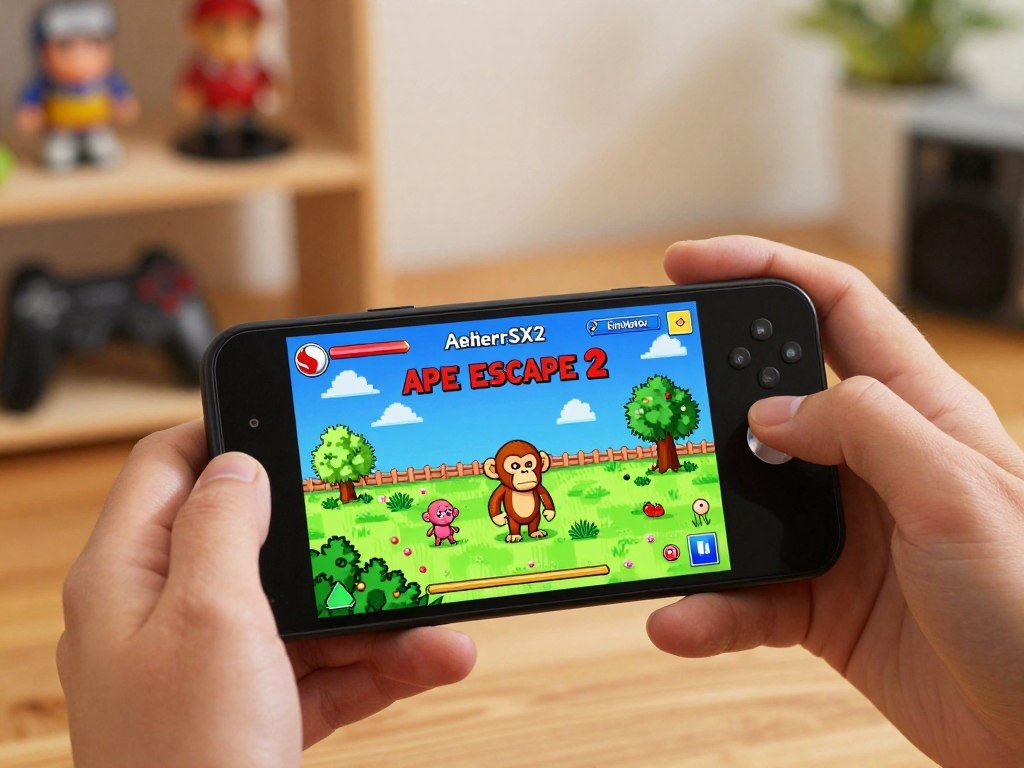
A compatibility report gives you a starting configuration, not a guarantee for every device.
- God of War II: 100% performance, cycle skip Mild, cycle rate -3.
- Resident Evil 4: 100% performance, cycle rate 0, cycle skip Normal.
- Mortal Kombat: Shaolin Monks: 100% performance, cycle rate -3, cycle skip Normal.
- God of War: 80% performance, cycle rate -2, cycle skip Moderate.
The AetherSX2 compatibility list reports Ape Escape 2 playable on Snapdragon 888 at 60 FPS and 2x resolution with OpenGL. Ape Escape 3 runs ingame at 45-60 FPS on that chip, at 2x resolution with OpenGL, with slowdowns in some areas.
Alien Hominid is playable on Snapdragon 850 at 60 FPS and 1x resolution with OpenGL. 007: Everything or Nothing reaches 50 FPS on Snapdragon 888, but black lines remain. The community-maintained compatibility list records these device-specific outcomes.
Test settings on your own phone, since a result from one device may not match another. Treat a compatibility report as a useful starting configuration, not a promise for every phone.
Conclusion
A familiar favorite is often the easiest way to make a first return to the PS2 library. Choose a game that fits your mood and play style, rather than picking only by file size or reputation. A steady, familiar start can make setting up PS2 emulation feel less like a chore.
Think about the kinds of games you enjoyed, and write down a few that still sound fun. Your shortlist can include a quick match for a free evening or a longer game for a weekend. Choose the one title you most want to revisit and make it the first entry in your personal shortlist.
FAQ
Do I need a separate PS2 BIOS file for every game?
No, one PS2 BIOS can boot many games in the same emulator. The game still needs a compatible region and settings, and some titles may work better with a different BIOS region. Keep the BIOS file in a folder the emulator can read, then select it in the program’s BIOS settings. You do not need a separate BIOS for each disc image.
Do I have to convert an ISO to CHD before using a PS2 emulator?
No, a PS2 emulator does not universally require CHD conversion. Check the formats your emulator supports, since support can differ by program and version. Keep the original disc image until you test the converted file and confirm it opens and plays. CHD is one storage format, not a required step for every game.
Can I run PS2 games from an external SSD on a PC or Android device?
Yes, you can run games from an external SSD when the drive format, system permissions, and emulator file path work together. The device must be able to read the drive, and the emulator needs access to the game folder. If the game does not appear, check the folder path and storage permissions before moving the file.
Why can a game reach a high frame rate and still show graphics glitches?
A high frame rate does not guarantee clean graphics, because speed and rendering problems are different. A game can run quickly while the emulator draws some effects or lines incorrectly. 007: Everything or Nothing has a reported 50 FPS result on Snapdragon 888, with black lines remaining. Your renderer and device can affect what you see.
Are PS2 game listings under 1 GB automatically incomplete?
No, a listing under 1 GB is not automatically incomplete. USA entries include Battle Stadium DON at 220.2 MB, Crash Bandicoot – The Wrath of Cortex at 399.4 MB, and Dragon Ball Z – Budokai 3 at 846.3 MB. Those sizes show that small listings exist, but file size alone cannot verify a dump.
How can I check whether a PS2 game file matches the right regional edition?
Compare the game’s region or serial details with the version selected in the emulator and the BIOS region. The title name alone may not identify the edition, especially when listings use different names or release labels. Check the file’s details and emulator settings together, then try the matching regional BIOS if the game does not boot as expected.



