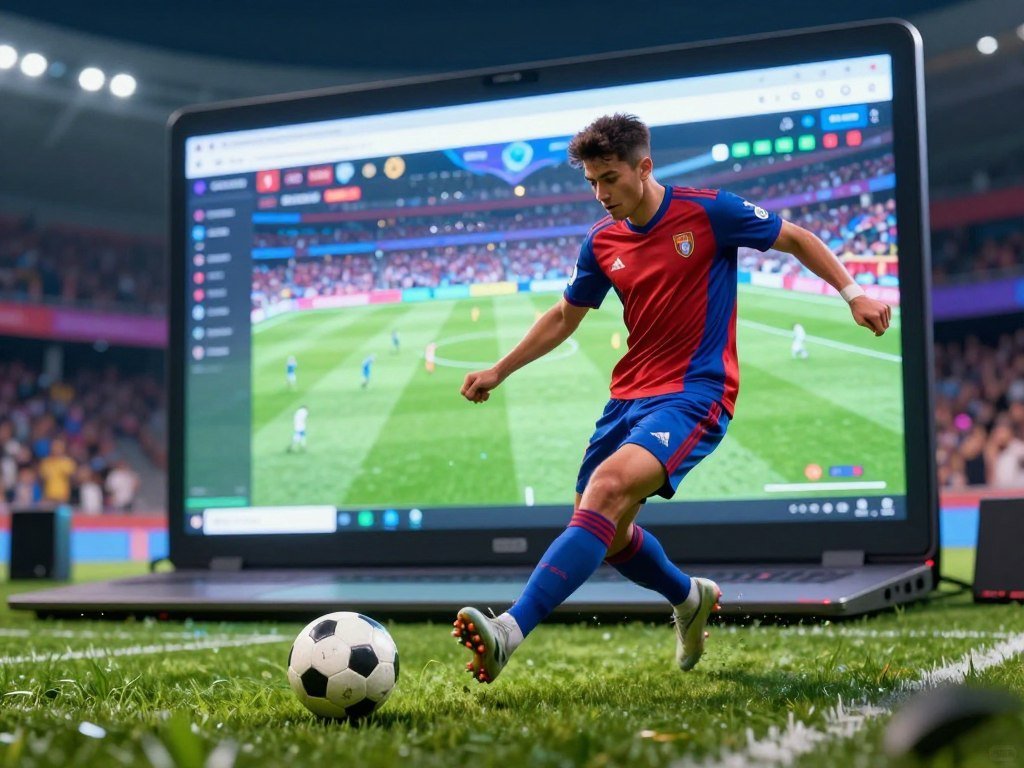
A quick penalty challenge, a full match, or a goofy head-to-head round can each make a good first pick, depending on how much time you have. A penalty shootout is a contest in which players take alternating penalty kicks to decide a tied match. Your best fit depends on pace, controls, and where you want to play.
Some options take seconds, while others give you a longer match or an arcade-style round. Unblocked access can depend on the network or device you use, so a game may not work everywhere. Choose a game that fits both your available time and the controls you want to use.
Key Takeaways
- Pick a quick challenge or a longer match based on your available time.
- Look for controls that feel natural on your device.
- Network or device limits may affect access to unblocked games.
- Try a short round before settling on a favorite.
- A penalty shootout uses alternating kicks to break a tie.
What Can You Play in Soccer Games Unblocked?
The fastest choice is usually a penalty or free-kick round; full-match simulators take longer because you build attacks and defend across the pitch. Quick challenges focus on one shot, while longer formats ask you to manage a team and a match.
Penalty games focus on shooting, not dribbling or defense. For a short break, choose a shooting challenge; set aside 10+ minutes for a full-match simulator.
Some tournament formats use group stages and knockouts, so check the format before starting a long run.
Penalty and free-kick challenges
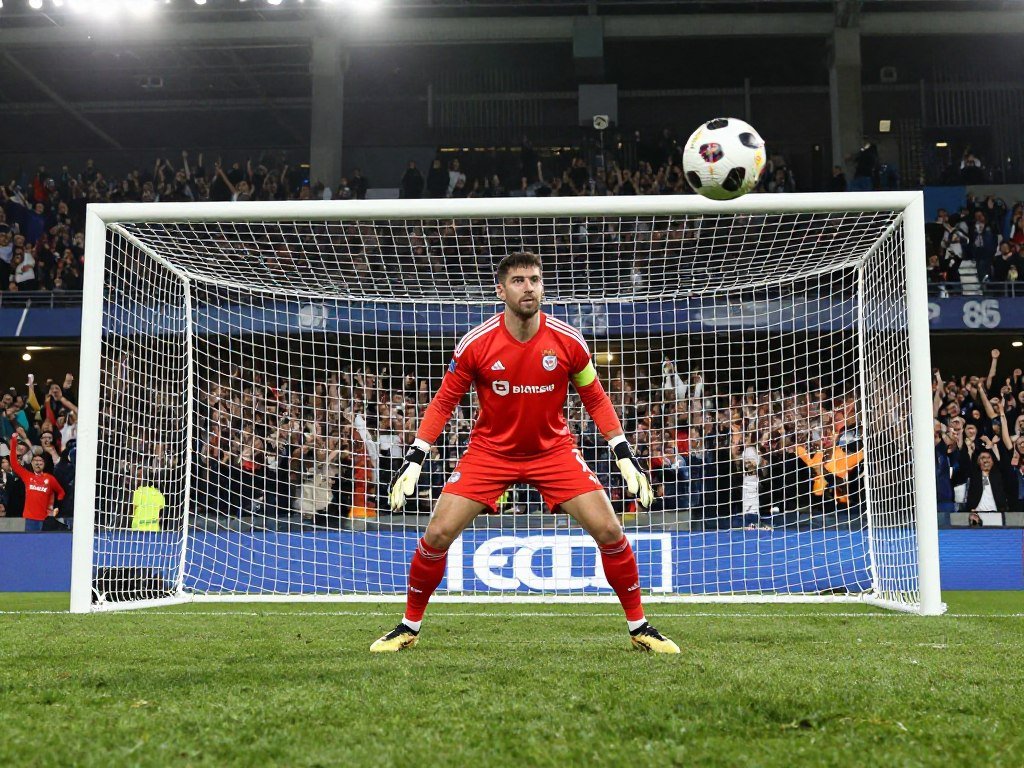
Penalty games test aim, power, and timing as you try to send the ball past the goalkeeper. Many use a swipe or click to set the shot, making each attempt easy to start.
Rounds can last seconds, and instant restarts let you try again right away. Penalty Shooters 2 and Free Kick Screamers are examples. These games suit soccer skills practice when you want to focus on shooting.
Full-match and tournament play
A full-match simulator gives you 11v11 team play, where passing, positioning, and defense matter across the pitch. Sessions often take 10+ minutes, so leave enough time to finish a match.
Soccer Skills Euro Cup, Soccer Skills World Cup, Super Liquid Soccer, and indoor-soccer offer this kind of play. Some games use World Cup, Champions League, or Euro Cup tournament formats. Group stages and knockout rounds can make a tournament last longer than one match.
Head soccer and physics arcade games
Head soccer is a short, loose style with oversized characters and exaggerated movement. Crazy soccer games trade realism for surprising physics, big collisions, and bounces that can send the ball anywhere.
A Small World Cup, Ragdoll Soccer, and Football Legends bring arcade action. Head soccer can feel less like a standard match because each player may have a large head or unusual movement. The fun comes from the odd bounce, not realistic team tactics.
| Game type | Main challenge | Typical pace | Example |
|---|---|---|---|
| Penalty or free kick | Aim, power, and curve | Rounds last seconds | Penalty Shooters 2 |
| Full-match simulator | Team tactics and player control | Sessions of 10+ minutes | Soccer Skills Euro Cup |
| Head soccer or physics arcade | Collisions and unpredictable bounces | Short matches | Ragdoll Soccer |
Which Soccer Games Fit Your Play Style?
For a quick first try, start with Penalty Mania or Freekick Training; choose Soccer Skills Euro Cup if you want to play through a tournament-style match. Your preferred pace can narrow the choices before you start.
Try one short round first, then keep the title whose controls and pace feel comfortable. Soccer video games include browser-based skill challenges and full team matches, so you can choose between quick attempts and a longer match.

Quick shooting and skill picks
Penalty Mania gives you penalty challenges, while Freekick Training centers on free-kick practice. Both suit players who want a direct goal attempt instead of a full field of play.
Penalty Shooters 2 is another tournament option, with 32 national teams and tournament brackets. A bracket gives each win a clear next step, which can make a quick shooting game feel like a larger contest.
Tournament and full-match picks
Soccer Skills Euro Cup offers tournament-style matches, and Soccer Skills World Cup is another team-play option. The names can be easy to mix up, so check the title before starting your chosen match.
Players can play soccer games for free through free browser collections. Soccer Cup 2026 is free with in-app purchases, so check its app listing before choosing it. For Android options, compare controls and connection needs in this guide to Android games.
Arcade and World Cup picks
Head Soccer 2026 is made for head-to-head arcade action, while World Cup Balls Up offers a physics-style ball challenge. These picks suit a lighter mood than a detailed team match.
CrazyGames lists Soccer Legends 2026, RocketGoal.io, and International Cup Football 2026 among its popular soccer games. Its World Cup games collection has 20+ titles, including International Cup Football 2026, Soccer Legends 2026, and CG FC 26.
Those titles are options, not a promise that one will suit every player. The best soccer game for you is the one with a pace and control style you enjoy. Try one short round first, then keep the title whose controls and pace feel comfortable.
Can You Play Soccer Games on a Browser, Phone, or Console?
Browser play is the easiest option when you want to start without installing a game; console and PC versions may need a download and enough storage. Free browser games can run online without downloads, though local network rules may block access.
Check your device’s available storage against the game’s requirements before installing a PC title. Soccer games online can run in a browser, while a console or computer game may need more space and stronger hardware.
Browser play on computers
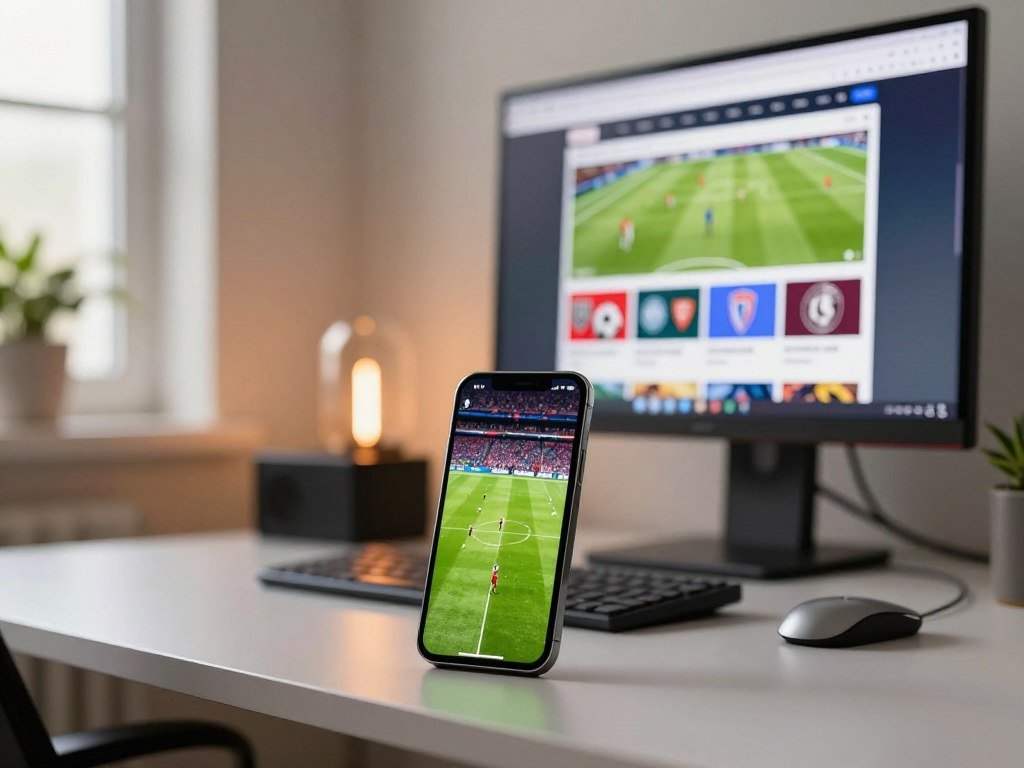
CrazyGames offers free browser soccer games on computers and mobile devices without downloads or installation. Hooda Math browser games also run without downloads or plugins and support school Chromebooks.
School filters or other local network restrictions can still block a site. Soccer Skills Euro Cup Unblocked offers fullscreen play, which can make the field easier to see in a browser window.
For phones and tablets, CrazyGames lists these titles:
- Ragdoll Soccer 2 Players
- Droll World Cup
- Soccer Lat: 3D Football Online
- RocketGoal.io
- International Cup Football 2026
Phone and tablet options
Free soccer games for kids include browser options and apps, but check age suitability and app purchase terms before installing. Soccer Games for kids is listed as an offline game with no ads, 1-minute matches, 36 characters, and 8 stadiums.
Soccer Cup 2026 is free with in-app purchases. Check whether an app needs a connection, and see how its controls fit your screen. A mobile game guide can help you compare session length, cost, and device needs.
Console and PC requirements
Rocket League is a soccer game built around cars, and it is free to play on Xbox One and Xbox Series X|S. It is a different kind of soccer match, with cars hitting a large ball instead of players kicking it.
Its minimum PC requirements are a 2.5 GHz dual-core CPU, 4 GB RAM, GeForce 760 or Radeon R7 270X graphics, DirectX 11, Windows 7 64-bit or newer, and 20 GB of available storage.
The recommended PC requirements are a 3.0+ GHz quad-core CPU, 8 GB RAM, GeForce GTX 1060 or Radeon RX 470 graphics, DirectX 11, Windows 7 64-bit or newer, and 20 GB of available storage.
Match your computer with the offline game details when choosing a kids’ option, and check the age label before installing.
How Do You Choose a Soccer Game for Solo or Multiplayer?
If you want a quiet solo session, choose a game with AI opponents; for a shared screen, check that the game supports local multiplayer before starting. The control style also matters, since a precise shot feels different from moving a whole team.
Confirm whether a game separates co-op from head-to-head multiplayer, since the player limit can differ by mode. Soccer games include solo play against AI, local multiplayer on one device, and online multiplayer over the internet.
Solo play against AI
Solo play pits one player against AI opponents, so you can learn controls without waiting for another person. A penalty game can help you practice aim, while a team match lets you work on passing and defense.
Mouse or tap aiming is common in shooting games. Simulators often use WASD or arrow keys to move, pass, shoot, sprint, and tackle. Check the controls before a match, especially when several actions share nearby keys.
Local play on one device
Local multiplayer means two or more people share a device. Football Masters and Heads Arena: Euro Soccer offer 1v1 local play, while Football Legends supports 2v2.
1 On 1 Soccer has no offsides or penalties and offers a 2-player mode. That simpler rule set keeps the match moving, but it may feel less like a formal soccer game.
Online multiplayer and cross-platform play
Online multiplayer connects players over the internet. Soccer Skills Euro Cup and Super Liquid Soccer are online multiplayer examples. Rocket League supports cross-platform multiplayer and cross-platform co-op, so players on different platforms can join together.
On Xbox, Rocket League supports local co-op for 2-8 players and online co-op for 2-8 players. Its local multiplayer supports 2-4 players, while online multiplayer supports 2-8 players.
Physics-based games add momentum, gravity, collisions, and bounces, so a player’s movement can change the ball’s path.
That extra motion can make a kick less predictable than a shot with fixed aim and power. Check the exact mode and platform combination before inviting friends, since cross-platform play applies to supported modes.
A shared device works best when each player can reach their controls without crowding the screen. For more on how cross-play connects people across systems, read this cross-platform games list.
Conclusion
The easiest way to find a soccer game you enjoy is to start with the format that fits your time and preferred controls. A quick round can show whether the pace feels right before you commit to a longer match or install.
Think about the device you have ready, then pick a title that suits it. Open a browser collection or your device’s game store, choose one suitable title, and try a round.
FAQ
Can I play soccer games unblocked at school?
Sometimes, browser games may work on school Chromebooks without downloads, but network filters can still block access. A game that loads at home may not open on a school network. Check the device and network rules that apply to you, and avoid trying to bypass a filter. Browser access also depends on the game site and local settings.
Do soccer games work offline?
Some soccer games work offline, but browser-based games usually need an internet connection. Soccer Games for kids is listed as an offline game, with no ads, 1-minute matches, 36 characters, and 8 stadiums. An app may still need a connection for updates or other features, so check its details before you travel or lose internet access.
What is the difference between head soccer and a soccer simulator?
Head soccer centers on short, exaggerated arcade play, while a full-match simulator uses team play and longer sessions. Head soccer may feature oversized players, loose movement, and odd bounces. A simulator asks you to manage passes, positioning, and defense across a match. Choose arcade play for quick action or a simulator for a fuller team contest.
Are free soccer games really free?
Yes, some soccer games are free to play, but the cost depends on the format. Browser collections can offer free games without a download. Soccer Cup 2026 is free with in-app purchases, so optional purchases may be available. Read the app listing before installing, especially if a child will use the game or device.
Can I play Rocket League with friends on different platforms?
Yes, Rocket League supports cross-platform multiplayer and cross-platform co-op. Cross-platform play lets people on supported systems join the same game, while co-op lets them work on the same side. Player limits differ by mode, so choose multiplayer or co-op based on how your group wants to play together.
What should I check before downloading a soccer game to my PC?
Compare your computer’s CPU, RAM, graphics, Windows version, DirectX, and available storage with the game’s minimum or recommended requirements. For Rocket League, the minimum calls for 4 GB RAM and 20 GB storage; the recommended setup calls for 8 GB RAM and the same storage. Meeting minimum needs may mean lower performance than the recommended setup.