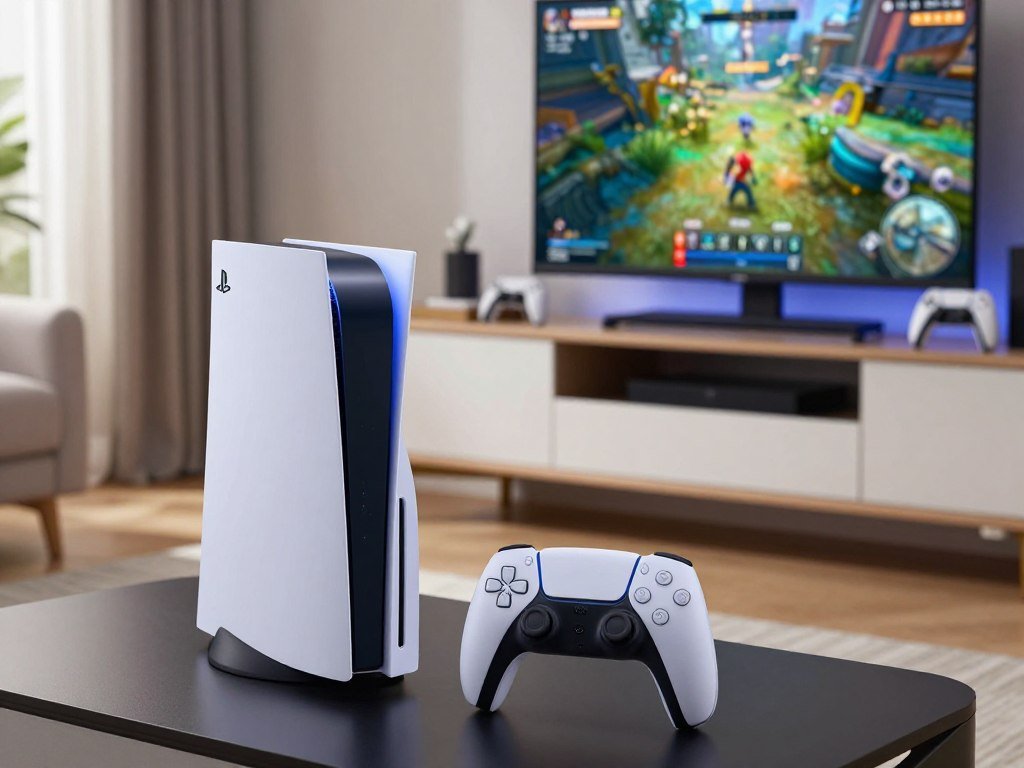
For most players, the standard option is the better value, while players who prize image quality on a capable 4K display may prefer the Pro. The choice matters most when you are planning a new gaming setup or replacing an older console. The price gap can be hard to justify if your favorite games do not use the Pro’s visual upgrades.
Your games, display priorities, and budget should guide the decision. A 4K screen can help show differences that might be less clear on a modest display. Your library matters, too, because some games use the Pro’s extra graphics power more than others. This comparison lays out the trade-offs so you can weigh features against the cost.
There is no need to pay for hardware advantages you will rarely see. The standard PS5 delivers the familiar PlayStation experience, while the Pro can improve visuals and performance in supported games. The best fit is the one whose advantages will show up in the games and setup you actually use.
Key Takeaways
- The standard PS5 or PS5 Slim is the value pick for most players.
- The Pro is aimed at players who want better graphics in supported games.
- PSSR helps compatible games upscale images for a 4K display.
- Game support and your screen affect how much of the upgrade you notice.
- The Pro does not include a built-in disc drive.
- Check your most-played games before paying for the higher-end model.
PS5 vs PS5 Pro: Which One Should You Buy?
The standard PS5 or PS5 Slim is the sensible pick for most budgets, while the Pro fits players who will make use of its visual upgrades. The PS5 Pro launched on November 7, 2024, as a mid-generation upgrade. It plays all PS5 games, so you do not need a separate library to use it.
The Pro is a stronger version of the same console family, not a system with exclusive PS5 games. PSSR is AI-assisted image upscaling that reconstructs a higher-resolution output from a lower-resolution game render. In supported games, that can help balance fine image detail with performance. Results depend on how each game uses the feature.
For most buyers, the standard model offers the better value. The Slim gives you a slimmer design and distinct disc and digital options. The Pro makes more sense when your display and favorite games can reveal its extra graphics features.
- Choose the standard PS5 for value and the familiar PlayStation experience.
- Choose the PS5 Slim for its slimmer design and model options.
- Choose the Pro for supported games and stronger image quality.
- Favor a disc edition if you buy, borrow, or own physical games.
Start with the games and display you already own, rather than paying for a theoretical upgrade.
A high-end console cannot improve a game that does not use its extra features. A screen can also limit what you notice, especially if it cannot show the image quality you want. Consider the games you return to most, not just a future title you might buy.
Some buyers may value a smaller case or physical-media support more than higher graphics performance. Others may play mostly digital games on a capable 4K display and welcome the Pro’s added headroom. Start with the games and display you already own, rather than paying for a theoretical upgrade.
What Changes in the PS5 Pro Specs?
The most useful memory difference is the Pro’s extra 2 GB of DDR5 system memory, not a larger GDDR6 pool. The standard PS5 and PS5 Slim each have 16 GB of GDDR6 memory. The Pro also has 16 GB of GDDR6, plus 2 GB of DDR5 system memory.
GDDR6 is the main high-speed memory used for graphics and game data. The extra DDR5 system memory is a separate pool, so it should not be added to the GDDR6 figure. PS5 vs PS5 Pro specs show the Pro adds DDR5 system memory while keeping the same 16 GB GDDR6 capacity.
| Model | GDDR6 memory | Additional DDR5 system memory |
|---|---|---|
| Original PS5 | 16 GB | None |
| PS5 Slim | 16 GB | None |
| PS5 Pro | 16 GB | 2 GB |
These figures describe memory capacity, not the console’s full graphics power. Graphics performance also depends on the GPU, software, and how a game uses the hardware. A larger memory figure alone would not tell you whether a game runs at a higher frame rate.
The shared GDDR6 amount does not mean the models have identical performance. The Pro has other graphics hardware changes that affect supported games. Memory bandwidth and the way the system moves data also matter, so capacity is only one part of the picture.
For a quick comparison, separate the two memory types instead of adding them into one total. That keeps the Pro’s additional system memory distinct from its graphics memory. Read memory capacity alongside the graphics hardware, not as a stand-alone measure of game performance.
What Are the U.S. PS5 Pro Prices?
The PS5 Pro costs $899.99 at the recommended U.S. retail price, effective April 2, 2026. The standard PS5 is listed at $649.99, while the PS5 Digital Edition is $599.99. Those recommended prices set a useful budget baseline, but retailer offers can change the amount you pay.
The PS5 Pro price is $899.99 in the United States. The PS5 vs PS5 Pro price comparison is $899.99 for the Pro, $649.99 for the standard PS5 and $599.99 for the Digital Edition. These are recommended U.S. retail prices, not a promise that every store will charge the same amount.
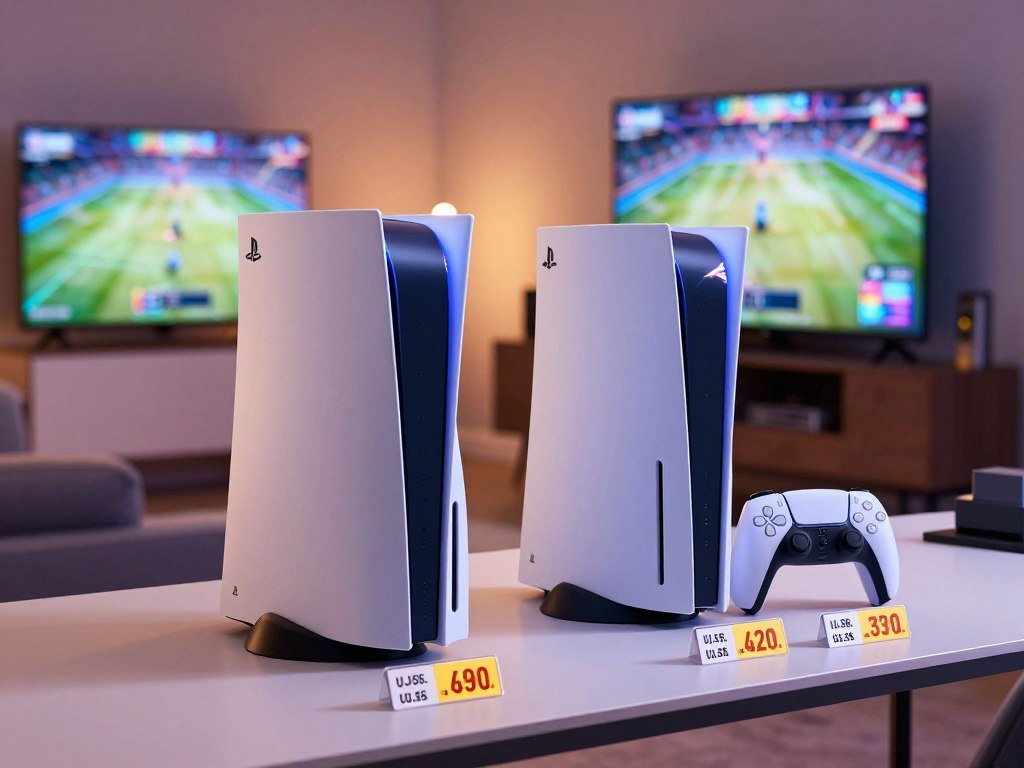
Recommended U.S. prices
| Model | Recommended U.S. retail price | Effective date |
|---|---|---|
| PS5 | $649.99 | April 2, 2026 |
| PS5 Digital Edition | $599.99 | April 2, 2026 |
| PS5 Pro | $899.99 | April 2, 2026 |
What the extra spend is buying
The extra spend pays for upgraded hardware designed to improve graphics in supported games. It does not buy a separate set of games, since the Pro plays PS5 titles. Your budget should account for what you will actually use, rather than the feature list alone.
Retailers may offer a discount or show a different total, so the listed price is only a starting point. A low advertised amount can also reflect a different seller or package. Check which model and items the offer includes before comparing it with the recommended price.
For a more detailed look at changing stock and unusually high resale offers, see this report on PS5 Pro availability and resale prices. Check the current total at checkout before deciding that a particular model fits your budget.
Where Does the Pro Gain Performance?
The Pro’s largest hardware change is its graphics processor, not a wholesale redesign of the system. It has 60 GPU compute units, compared with 36 in the standard PS5 and PS5 Slim. That GPU increase matters most in games limited by graphics processing.
The Pro GPU reaches a maximum clock speed of 2.35 GHz. The standard PS5 and PS5 Slim reach 2.23 GHz. PS5 vs PS5 Pro performance gains are most noticeable when a game is limited by graphics processing.
| Console | GPU compute units | Maximum GPU clock | Maximum CPU clock |
|---|---|---|---|
| PS5 | 36 | 2.23 GHz | 3.5 GHz |
| PS5 Slim | 36 | 2.23 GHz | 3.5 GHz |
| PS5 Pro | 60 | 2.35 GHz | 3.85 GHz |
GPU capacity and clock speeds
More GPU compute units give developers extra graphics capacity to work with. They can use that headroom for higher image detail, smoother performance, or other effects. A game’s settings decide which gains appear on screen.
The higher GPU clock adds to that capacity, but clock speed alone does not predict a game’s results. A title can use its extra graphics power in ways that favor image quality rather than higher frame rates. PS5 vs PS5 Pro performance depends on the game’s workload and settings.
The CPU’s role in game performance
The Pro CPU reaches a maximum clock speed of 3.85 GHz, compared with 3.5 GHz on the standard PS5 and Slim. That smaller increase can help, but it cannot remove every CPU limit. Simulation-heavy games may still be held back by tasks the CPU must handle.
A game limited by the CPU may not gain much from a stronger GPU. The system has more room to process graphics, but it cannot make every part of a game equally fast. Treat a clock-speed advantage as extra headroom, not a promise that every game will run faster.
For PC buyers weighing graphics upgrades, the same distinction between raw graphics power and game limits matters. This GPU performance comparison explains how different workloads can change what a graphics upgrade delivers. Treat a clock-speed advantage as extra headroom, not a promise that every game will run faster.
How Does PSSR Improve Image Quality?
PSSR gives compatible PS5 Pro games an AI-assisted way to upscale their image for a 4K display. It reconstructs a higher-resolution output from a lower-resolution game render. The goal is to keep more image detail without requiring every game to render each frame at full output resolution.
That can help a game balance image quality and performance. The game first creates a lower-resolution image, then PSSR works to produce a sharper result for the screen. It is a system feature, but developers decide how and where each game uses it.
How the upscaling works
PSSR uses AI-assisted image upscaling to rebuild a higher-resolution output from a lower-resolution render. In a compatible game, that can preserve more detail than the original image would show at its lower render size. The result still depends on the game’s graphics and settings.
An enhanced PSSR image-quality setting is available in supported titles, including Final Fantasy VII Rebirth, Alan Wake 2, and Control. These games use the feature as part of their own graphics options. A shared feature name does not mean they all produce the same image.
Why results differ by game
Sony says results vary by title. Developers’ implementation affects image stability, fine detail, and how the picture looks during motion. Small patterns, distant objects, and fast movement can make differences easier to spot.
A still frame may look clear even when moving objects reveal flicker or soft edges. That is why screenshots alone can give an incomplete sense of image quality. Look at a game while it moves, especially if you notice fine detail or image stability.
PSSR cannot guarantee a uniform change across the full library. One game may gain cleaner detail, while another may show a smaller difference. Look at the specific game in motion, because PSSR’s result is not uniform across the library.
What Changes With Ray Tracing and Frame Rates?
The Pro’s advantage is the chance to combine richer lighting effects with smoother performance in games designed to use it. Ray tracing can add detail to reflections, shadows, and global illumination. Those effects take graphics power, so the game must support them and set a performance target.
GPU headroom can help supported games sustain higher frame rates while using more demanding effects. That does not mean every title will run at the same speed. Game settings and the work each scene requires shape the result.
A 60 Hz or 120 Hz display describes how often the screen can refresh each second. It does not make a game run at 60 or 120 frames per second by itself. The game must offer a mode that supports the chosen rate.
Compatible games can combine 4K output, ray tracing, and PSSR at 60 fps or up to 120 fps on a 4K TV. These are possible modes, not a claim that every game reaches the same target. A title may offer a choice between sharper graphics and faster motion.
If you are weighing what a frame-rate target means in another major console game, read about reported GTA 6 frame-rate expectations. A display’s refresh rate cannot create a game mode the developers did not include.
Some games may use ray tracing in one mode and prioritize a higher frame rate in another. That choice can change the image and motion you see during play. Check a game’s own mode options before expecting ray tracing and a high frame rate at once.
Which Games Benefit From PS5 Pro Enhancements?
More than 100 PS5 titles have a PS5 Pro enhancement, but an enhancement is a game-specific feature rather than a system-wide guarantee. Some games add improved visuals, while others focus on performance. What you gain depends on each title’s own Pro settings.
Examples of enhanced games include:
- Marvel’s Spider-Man 2
- Horizon Forbidden West
- Gran Turismo 7
What enhanced games can improve
A Pro enhancement may improve image quality, performance, or both. One game may add a sharper image mode, while another may offer smoother motion. The same console feature can lead to different results because each developer makes its own choices.
Check the specific mode details for games you care about. An enhancement label does not say exactly which settings changed or how noticeable they are. A title’s own options can show whether it favors detail, frame rates, or a mix.
PS4 compatibility and Game Boost
The Pro can play over 8,500 PS4 games, though a small number are incompatible. Game Boost can improve frame rates in some PS4 and PS5 games. It does not mean every older game gets a patch or a visible performance change.
Players with a large older library may still find the Pro useful even when many games lack a specific enhancement. Game Boost can help some titles, but its effect varies by game. The system’s improvements are most relevant when your regular games use them.
If your library is mostly unpatched titles, consider how much time you spend in games with a specific Pro mode. Older games may run well already, or they may not gain much from extra hardware. Check the enhancement details for the games you play most, especially if your library is mostly unpatched titles.
What Does The Last of Us Part II Remastered Show?
The Last of Us Part II Remastered shows how the Pro can use a lower render resolution and PSSR to target a sharp 4K image at 60 fps. Its enhanced rendering mode starts at 1440p, then upscales to 4K. The game targets 60 fps, rather than promising that every scene stays locked at that rate.
This is a clear example of the trade between render resolution and output resolution. The game does not need to render every pixel at 4K to send a 4K image to the display. PSSR helps reconstruct the output from the lower-resolution render.
Final Fantasy VII Rebirth offers a different example. Its enhanced mode uses PSSR and runs with a 60 fps target. The two games use the same general image-upscaling feature, but their rendering choices are not identical.
A target describes what a mode aims to deliver, not a locked result in every scene. Busy action, effects, and other game demands can affect performance. A frame-rate target is useful, but it does not guarantee identical results throughout play.
These examples show why one game cannot stand in for the full library. Each title can use different render settings, image tools, and performance goals. Your preferred game may make a different choice from either example.
Try the mode in the game you care about and pay attention to both motion and fine detail. A sharp still image does not tell you how stable the picture looks during play. Use the mode in the game you care about as your test case, rather than treating one title as a universal benchmark.
How Much Storage Do the Models Offer, and Can You Expand It?
Built-in storage ranges from 825 GB on some models to 2 TB on the Pro. The original PS5 has 825 GB, while the PS5 Slim disc model has 1 TB. The Pro offers the most built-in SSD space, with a 2 TB drive.
Not all Slim versions have the same storage amount. The digital model has 825 GB, while the disc model has 1 TB. Advertised capacity is not the same as the space left for installed games.
Built-in SSD capacity by model
| Model | Built-in SSD storage |
|---|---|
| Original PS5 | 825 GB |
| PS5 Slim disc model | 1 TB |
| PS5 Slim digital model | 825 GB |
| PS5 Pro | 2 TB |
Installed games use part of the drive, and system software also takes space. The available SSD capacity can be lower than the advertised total. A larger drive can reduce how often you need to remove games to make room.
Adding an M.2 drive
PS5 storage can be expanded by up to 8 TB through an M.2 NVMe PCIe Gen4 x4 port. An M.2 drive is an internal SSD that fits into the console’s expansion slot. It gives you another place to store and play compatible games.
The drive must meet the console’s compatibility and installation needs. Capacity alone does not confirm that a particular SSD is a good fit. Check the drive’s compatibility and installation requirements before buying an M.2 upgrade.
Does Wi-Fi 7 Make a Difference?
Wi-Fi 7 is useful only when the rest of your home network can support it. The Pro supports Wi-Fi 7, while the standard PS5 and PS5 Slim support Wi-Fi 6. The Pro also works with Wi-Fi 6 and Wi-Fi 5 routers.
PS5 vs PS5 Pro Wi-Fi differs by generation: the Pro supports Wi-Fi 7, while the standard PS5 and PS5 Slim support Wi-Fi 6. To use Wi-Fi 7’s enhanced wireless features, you need a compatible router. A newer console cannot add those features to an older router.
Network conditions also affect real-world results. Distance from the router, walls, and other wireless traffic can affect the connection. A Wi-Fi 7 label alone does not promise faster downloads or a steadier online game.
For some homes, wired Ethernet is a practical alternative. You can connect the console to the router with an Ethernet cable instead of relying on Wi-Fi. That option can help if the console sits near the router and you prefer a wired setup.
The wireless upgrade matters most if your router and other network conditions can make use of it. If your current router supports an older standard, the Pro can still connect, but Wi-Fi 7 features will not apply. Check your router’s Wi-Fi standard before treating the Pro’s newer wireless capability as a buying advantage.
Will the PS5 Pro Fit Your Setup?
The Pro measures 388 × 216 × 89 mm, so check the space where you plan to place it before buying. The PS5 Slim disc model measures 358 × 216 × 96 mm. The Slim digital model is 358 × 216 × 80 mm, so the two Slim versions differ in depth.
The Pro is longer than either Slim model, while its depth falls between the Slim disc and digital versions. Those numbers describe the console itself, not the extra space needed for cables. Your shelf or cabinet must fit the full setup, not just the case.
A smaller footprint does not automatically make a console easier to place. A tight cabinet may block airflow or leave too little room for connections. The shape of the shelf and location of the cable ports matter as well.
Measure the area where the console will sit, including the space needed to reach its ports. Leave room for ventilation and cable connections instead of fitting the system tightly against a wall. Measure the available space with cables and airflow clearance in mind, not just the console’s listed dimensions.
Can You Use Physical Games on the PS5 Pro?
The PS5 Pro has no built-in disc drive, while the standard disc PS5 can play physical games out of the box. The Pro needs a separately purchased optional disc drive to use physical media. Disc owners should include that extra hardware in their choice.
If you already own game discs, the Pro cannot read them without the optional drive. The same applies if you often borrow games from friends or family. Those habits can make a disc edition more convenient than a digital-only setup.
The standard PS5 disc edition includes an optical drive for physical game discs. The Pro does not include one in its case. You can add the optional drive, but it adds a separate piece of hardware and setup.
Digital purchases avoid the need for a disc drive. They do not give you access to games you own on physical discs, though. A digital library and a disc collection are different ways to own and use games.
People who buy used games or lend titles may also prefer a disc edition. Physical media can give you more ways to use a game than a digital purchase alone. If you rely on a disc collection, decide how you will use those games before choosing the Pro.
What Display Brings Out the PS5 Pro’s Advantages?
The Pro supports 8K output, but that does not mean every game is rendered natively at 8K. The standard PS5 and PS5 Slim support output resolutions up to 4K. A game and the display must both support the intended mode for 8K output to apply.
A 4K screen can make the Pro’s image improvements easier to notice in supported games. A more modest display may show less of the difference, which can make a standard model a better value. Your display is part of the upgrade, not just a place to plug in the console.
Match the console to the screen
- With a 1080p or modest screen, a standard model is usually the value choice.
- With a 4K screen, Pro image improvements may be easier to notice.
- With an 8K display, the Pro supports 8K output, but the game and screen need the intended mode.
Read resolution claims carefully
Output resolution describes the signal sent to the screen. It does not always describe the resolution at which a game renders its image. A game can render below 8K and still use an output mode suited to an 8K display.
If you use a monitor, check the HDMI connection and the display’s supported settings. A monitor’s advertised refresh rate may not apply to every input or resolution. This PS5 monitor guide covers display choices and connection details for gaming setups.
A resolution label alone does not tell you whether a game looks better on your screen. The game’s mode, display, and image processing all affect what appears. Match the upgrade to the display you own, not a resolution label alone.
How Does PS5 Slim Compare With PS5 Pro?
The PS5 Slim is the middle ground for buyers who want the PS5 library in a slimmer model without making the Pro’s graphics upgrade their priority. The Slim is a PS5 family option with disc and digital versions. The Pro is aimed at higher graphics performance in supported games.
PS5 vs PS5 Slim comes down to model format and budget as well as size. PS5 vs PS5 Pro vs Slim is a choice between standard performance, a slimmer design and the Pro’s added graphics features. Choose the model whose format and features match how you play.
Slim disc and digital options
The Slim Disc Edition suits people who want physical games without adding a drive. The Slim Digital Edition fits players who buy games through digital stores. Both offer access to the PS5 library in the slimmer design.
- Choose Slim Disc Edition for physical games without adding a drive.
- Choose Slim Digital Edition if downloads suit your library.
- Consider the Pro when supported-game image quality matters more than the higher outlay.
Which model suits a Slim owner
A Slim owner already has a current PS5 model that plays PS5 games. The Pro may make sense if its supported-game image improvements address a difference you notice. It is less compelling if your favorite games look and run well on your current setup.
The DualSense Edge wireless controller is compatible with the Pro. Controller compatibility can matter if you already use that model, but it does not change the console’s graphics performance. Your game library and display remain the main reasons to consider upgrading.
There is no need to replace a working Slim just because a newer model exists. Consider the Pro when its changes would improve games you play often. If you already own a Slim, upgrade only when the Pro’s supported-game improvements address a difference you notice.
Should You Buy Now or Wait for PS6?
There is no fixed PS6 release date, so waiting means choosing to delay without a confirmed launch timetable. Sony CEO Hiroki Totoki said Sony had not settled on a fixed PS6 release date. That leaves buyers without a confirmed date to plan around.
If your current console still meets your needs, waiting may feel comfortable. If you want to play current PS5 games now, a current model gives you a clear way to do that. The choice depends on whether today’s games and features justify spending now.
What is known about PS6 timing
Sony has not settled on a fixed PS6 release date. There is no confirmed release year, price, or specification to use as a buying benchmark. Any decision to wait rests on your comfort with delaying a purchase.
The lack of a date does not make waiting wrong. It simply means you cannot tie the decision to a confirmed launch schedule. A person who is happy with a current system may have little reason to rush.
Buy for today’s games or wait
- Buy a PS5 Pro now if its supported games and display justify the cost.
- Choose a standard PS5 or Slim if value is the priority.
- Wait if you are comfortable delaying a purchase without a confirmed PS6 date.
For a closer look at current stock and unusual resale listings, see this PS5 Pro availability report. Compare the total offer and included items before treating a listing as a normal retail option.
Buy for the games and display you can enjoy now if those benefits justify the cost to you.
Your decision can be practical rather than a guess about future hardware. A current console serves the games available today, while waiting trades immediate use for an unknown launch schedule. Buy for the games and display you can enjoy now if those benefits justify the cost to you.
Conclusion
Choose the standard PS5 or Slim for value, and the Pro when its supported-game improvements matter enough to justify the extra spend. The Pro is most compelling when your display can show its image benefits and your games use its enhanced modes. Most players do not need to pay more just to access the PS5 library.
Make a short list of the games you play most often. Then check whether their PS5 Pro modes would improve the image or frame rate on your home display. Check your most-played games and display, then choose the model whose benefits you will notice.
FAQ
Are PS5 Pros still available?
Yes, the PS5 Pro remains a current PS5 model, but retailer inventory changes. Stock can differ between stores and online listings, so check live availability before traveling. Compare the seller, condition, and included items when a listing comes from a marketplace. A pre-owned offer may not match the recommended retail price or include the same items as a new console.
Should I buy PS5 Pro or wait for PS6?
Buy the PS5 Pro if its supported games and your display make the upgrade worth the cost; there is no fixed PS6 release date. If value matters more, the standard PS5 or Slim can play the current PS5 library. Waiting is a reasonable choice when you are comfortable delaying a purchase without a confirmed launch timetable.
What year is PS6 coming out?
No PS6 release year is confirmed. Sony CEO Hiroki Totoki said Sony had not settled on a fixed release date, so there is no confirmed year to use when planning a purchase. If your current console works for you, waiting is an option. If you want to play current PS5 games now, choose from the models available today.
Does a PS5 Pro need a 4K TV?
No, a PS5 Pro does not need a 4K TV to work, but a 4K display is needed to see its 4K output and PSSR benefits as intended. The console can still connect to a lower-resolution screen. A modest display may make some image improvements harder to notice, so weigh your screen when deciding whether the upgrade suits you.
Can the PS5 Pro output 8K?
Yes, the PS5 Pro supports 8K output, but that does not mean every game renders natively at 8K. The game and display must support the intended mode for 8K output to apply. Output resolution describes the signal sent to the screen, while a game may render its image at a lower resolution before processing it.



