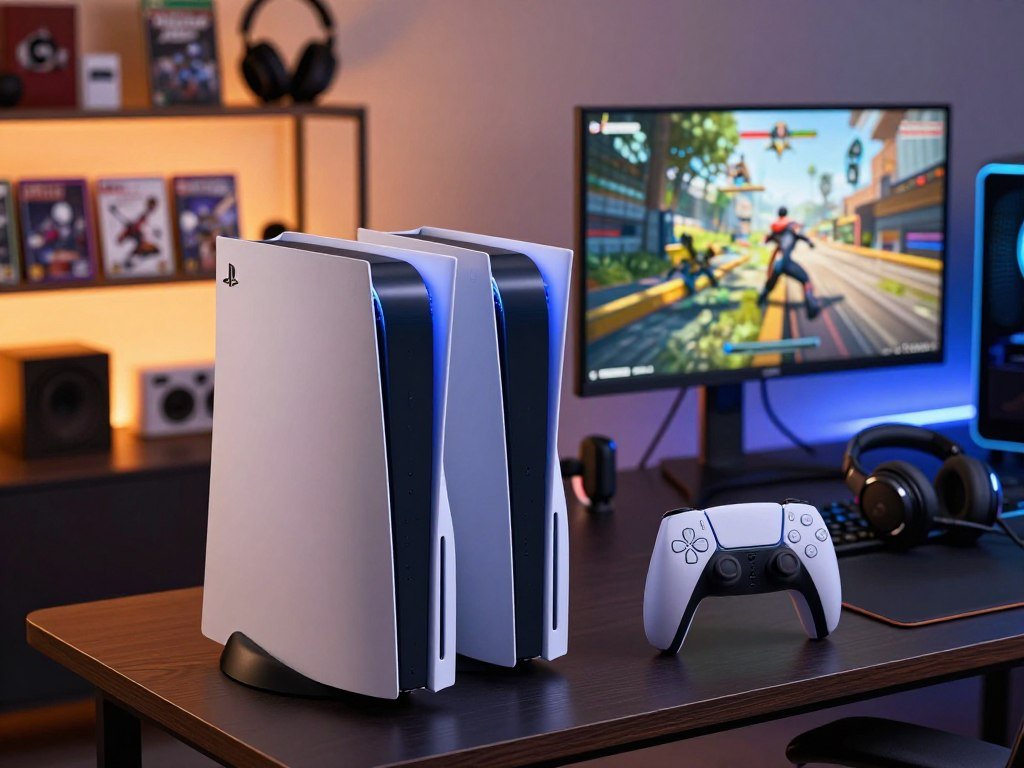
For most buyers comparing these two base PlayStation consoles, the PS5 Slim is more compact; the original PS5 can still suit a specific setup. Both deliver the same core gaming experience, but their physical design and some everyday features differ. The disc-drive add-on is an optional Blu-ray drive that attaches to the PS5 Slim Digital Edition.
Your choice can affect how much shelf space you need, whether you can play physical games, and what you spend. A digital console may suit a library bought online, while a drive matters if you own game discs or Blu-ray movies. The right fit also depends on your current setup, including the space around the console and the items included in its package.
Key Takeaways
- The Slim keeps the base console’s core gaming experience in a smaller chassis.
- Choose a Disc Edition if you want to play physical game discs.
- The Slim Digital Edition can use an optional disc-drive add-on.
- Storage differs by Slim edition and production revision.
- Compare the full package, not just the console’s name.
- Decide first whether you need to play physical game discs, since that choice narrows the models to compare.
How Much Do PS5 and PS5 Slim Models Cost in 2026?
In 2026, the standard PS5 Disc Edition is $649 and the standard PS5 Digital Edition is $599. The key difference for your budget is whether a disc drive comes built in or costs extra later.
The $80 disc-drive add-on is not the price of a complete PS5 Slim console. The Slim went on sale in November 2023, and its Digital Edition can take the optional drive.
2026 prices for disc and digital configurations
These prices separate complete standard consoles from one Slim accessory. Sony’s U.S. price change took effect April 2, 2026, as CNBC’s report on the price increase notes.
| Configuration | Disc-drive setup | 2026 price |
|---|---|---|
| Standard PS5 Disc Edition | Built-in disc drive | $649 |
| Standard PS5 Digital Edition | No disc drive | $599 |
| PS5 Slim disc-drive add-on | Optional add-on | $80 |
The standard digital edition arrives without a drive, so it cannot play game discs unless you add a compatible drive to a Slim Digital Edition. Buying a digital console and adding a drive later means budgeting for two separate items.
Adding a disc drive later
The disc-drive add-on gives the Slim Digital Edition an optical drive for physical game discs and Blu-ray media. It does not turn its accessory price into the cost of the full console.
That distinction matters when a listing shows an $80 drive beside a console photo. Check the product title and what the box includes, especially when comparing deals or bundles.
Do not treat the accessory price as the price of a complete PS5 Slim console.
A complete console listing should name the edition and show the console itself. An add-on listing should identify the drive as a separate accessory.
Before checkout, confirm whether the price shown is for a complete console or only the add-on drive.
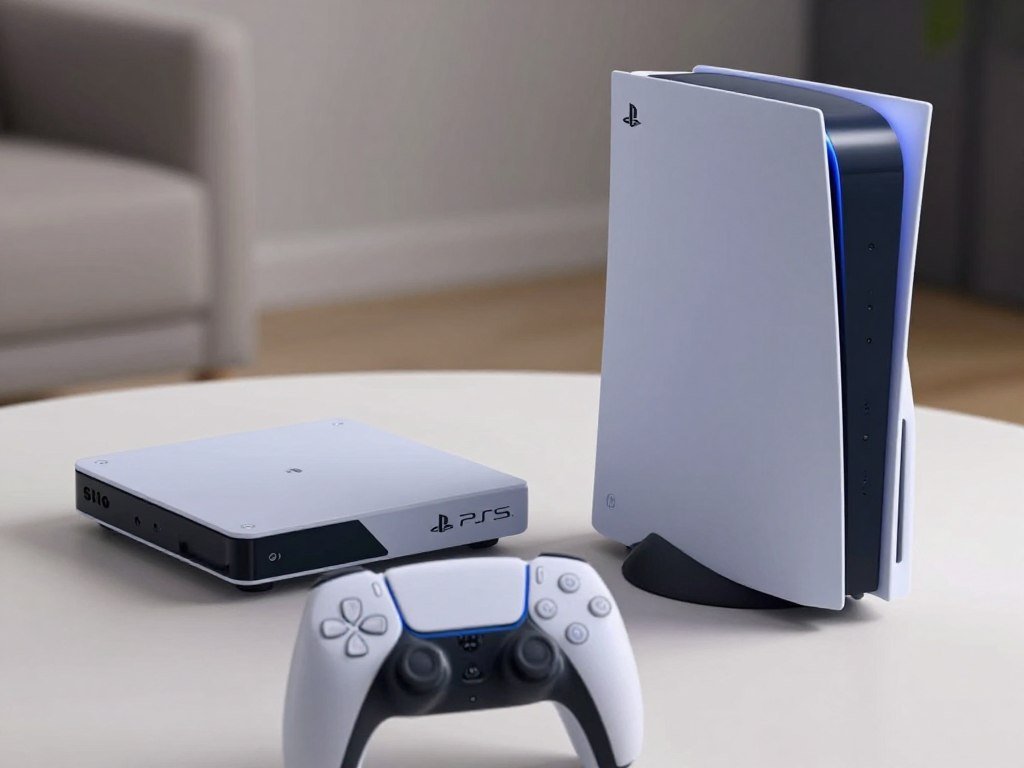
PS5 vs PS5 Slim: How Much Space Do They Save?
The PS5 Slim is shorter in each listed edition’s dimensions and weighs less than its corresponding original PS5 edition. That smaller chassis can help when a shelf has limited depth or a cabinet has little clearance.
Dimensions exclude projecting parts, so leave room for the console’s vents. Neither console is portable; these measurements help you plan a fixed place for gaming.
Exact dimensions and weights by edition
The table gives the listed size in millimeters, followed by weight. The original PS5 Disc Edition and Digital Edition figures also appear in Dimensions.com’s PS5 measurements.
| Model | Dimensions in millimeters | Weight |
|---|---|---|
| Original PS5 Disc Edition | 390 × 104 × 260 mm | 4.5 kg |
| Original PS5 Digital Edition | 390 × 92 × 260 mm | 3.9 kg |
| PS5 Slim Disc Edition | 358 × 96 × 216 mm | 3.2 kg |
| PS5 Slim Digital Edition | 358 × 80 × 216 mm | 2.6 kg |
The slim PS5 is smaller in both height and depth than its matching original edition. The Disc Edition comparison is useful if you plan to keep the console beside a television or inside a media cabinet.
What the smaller footprint changes in a setup
When shelf depth is tight, the shorter listed depth may make placement easier. Cabinet height matters too, especially when the console stands upright rather than lying flat.
Measure the open space, not just the shelf board. A cabinet wall, door, or nearby device can limit how the console fits and where air can move.
Check the available height and depth against the listed dimensions, then allow extra room around the vents. A close fit can make access to cables harder, even when the console technically fits.
The original PS5 has a larger frame, while the slimmer design takes up less room on a shelf. The weight difference also matters when you need to move a console for cleaning or cable changes.
Measure the shelf’s usable depth and height before choosing a console for a tight cabinet.
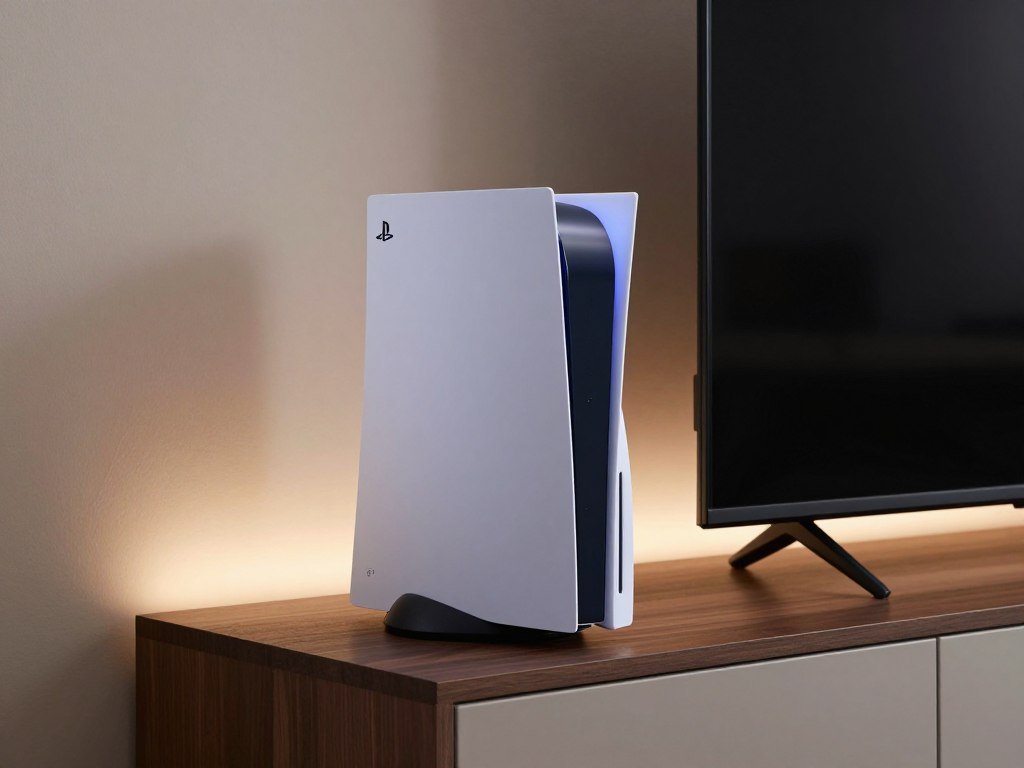
Do the PS5 Slim and Original PS5 Perform Differently?
The PS5 Slim does not deliver better gaming performance than the original PS5. The redesign changes the shell, not the core CPU, memory, or graphics hardware.
Both base consoles share the same listed gaming performance specifications. The Slim has some useful storage and port changes, so specs still matter when choosing an edition.
CPU, memory, and graphics performance
Both consoles use an AMD Ryzen Zen 2 CPU with 8 cores and 16 threads. Each also has 16 GB of GDDR6 system memory with 448 GB/s bandwidth.
The GPU is an AMD Radeon RDNA-based graphics engine with ray tracing and 10.3 TFLOPS of graphics performance. The PS5 vs PS5 Slim specs therefore point to the same base-level graphics and gaming performance.
The Slim’s SSD has raw read bandwidth of 5.5 GB/s. That figure describes the Slim, not a speed advantage over the original console.
A monitor can display only the frame rates and modes a game supports. A portable monitor for console gaming needs a suitable HDMI input and refresh rate for your planned setup.
Storage and front-port changes
Storage depends on the Slim’s edition and revision. The original PS5 Slim Disc Edition configuration has 1 TB onboard, while Sony reduced the Digital Edition to 825 GB in late 2025.
Do not assume every Slim has 1 TB. A used console, a newer revision, or a digital bundle may have a different storage configuration than another listing.
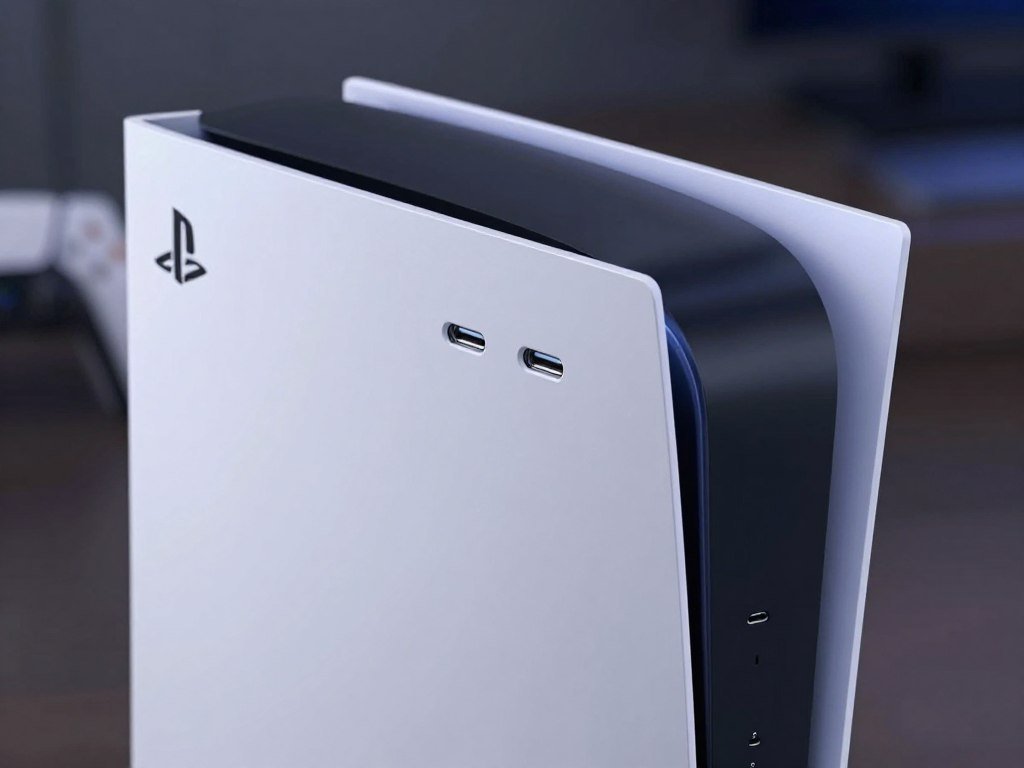
The original PS5 front panel has one USB-C port and one USB-A port. The Slim has two USB-C ports, while both consoles have two USB-A ports at the rear.
Those front ports can affect how easily you connect a cable or accessory without reaching behind the console. If you use a USB-A device often, the original’s front layout may feel more convenient.
Check the exact Slim edition and revision if built-in storage is a deciding factor.
Which Games, Discs, and Accessories Work on Each Console?
The overwhelming majority of more than 4,000 PS4 games are playable on PS5 consoles. Most of your PS4 library can carry over, and select titles can use Game Boost for higher or smoother frame rates.
A PS4 game disc must stay in the drive each time you play it. The Digital Edition cannot read PS4 game discs, and PS5 consoles do not support PlayStation 3 discs.
PS4 games and physical discs
Six PS4 games are listed as playable only on PS4. Check this list if an older favorite is the main reason you want a new console.
- Afro Samurai 2 Revenge of Kuma Volume One
- Just Deal With It!
- Robinson: The Journey
- We Sing
- Hitman Go: Definitive Edition
- Shadwen
For other supported PS4 games, Game Boost can raise or smooth the frame rate in select titles. Results depend on the game, so the feature does not change every PS4 game in the same way.
If you own PS4 discs, choose a console with a disc drive. The PS5 Digital Edition cannot use those discs, and a PS3 disc will not work in either model.
Controllers, VR, and unsupported PS4 features
PS5 games require a DualSense wireless controller. Supported PS4 games can use DualSense, DUALSHOCK 4, or officially licensed third-party gamepads.
PS VR games on PS5 need a PS VR headset, a PS4 PlayStation Camera, and a PlayStation Camera adaptor. Sony makes the adaptor available at no charge.
The PS5 HD Camera cannot replace the PS4 Camera for PS VR. The PS4 Second Screen app, PS4 game companion apps, PS4 Tournaments, and In-Game Live from PlayStation are not supported on PS5 consoles.
Those app limits matter if you rely on a phone companion app or PS4 tournament features. Check which controller and camera your specific game or headset needs before connecting older gear.
If PS VR is part of the setup, check that the PS4 Camera and Camera adaptor are available before setting up the headset.
Which PS5 Model Fits Your Budget and Gaming Habits?
Choose the PS5 Slim for a more compact setup, the original PS5 when its package or deal suits you better, and the PS5 Pro when enhanced performance matters most. Your main tradeoff is size, package value, or extra performance.
The original PS5 and Slim share core gaming performance; the PS5 Pro is a separate model. Treat the Pro as a performance-focused option, not another size-only redesign.
When the Slim is the better fit
The Slim suits a setup where a smaller chassis and revised design make placement easier. Its digital version can also take the optional disc-drive add-on if you later want to play physical games.
Remember that the Slim’s vertical stand is sold separately. That detail can change how a console package fits your setup, even when the model itself is the right choice.
When the original PS5 or PS5 Pro makes more sense
The original PS5 included a stand, so its package may suit you if you plan to place the console upright. A particular offer can also make it the better fit for your budget.
Use these buyer profiles to sort the choices:
- Choose the PS5 Slim when a smaller chassis best fits your room or media shelf.
- Consider the original PS5 when its included stand or a specific deal matters more.
- Compare the PS5 Pro when enhanced performance is your main priority.
If you are weighing a Pro listing against a new base console, check the seller, condition, and included drive. This PS5 Pro used-price guide covers why some pre-owned listings can cost more than a new console.
Your display also shapes the experience: a monitor cannot make a game run at a frame rate the game does not support. Compare the console with the screen and connection you already own.
Do not choose the PS5 Pro for its name alone; choose it when enhanced performance is the reason for paying more.
Check the exact model number and package contents before paying, especially for a used console or a digital bundle.
Conclusion
For most buyers focused on fitting a console into a living space, the PS5 Slim is the straightforward choice. Its smaller chassis keeps the base PS5 gaming experience in a design that may fit more easily beside a TV or inside a cabinet.
The original PS5 remains a reasonable choice when its package includes what you need or a particular offer fits your budget better. Physical games also make the disc-drive setup an important part of your decision.
Before buying, check the exact listing for the edition, storage configuration, and included drive. Confirm the edition and included hardware on the exact listing before you buy.
FAQ
Is a PS5 Slim the same as a normal PS5?
The PS5 Slim has the same core gaming performance as the original PS5, but several everyday details differ. The Slim has a smaller chassis and two front USB-C ports. Storage varies by edition and revision, and its Digital Edition can take an optional disc-drive add-on. Compare the exact console package if storage or physical games matter to you.
Does the PS5 Slim overheat easily?
No, the PS5 Slim should not be described as overheating more easily than the original PS5. Both consoles need room for air to move around their vents during play. Avoid pressing the console against a wall or filling the cabinet space around it with other devices. A clear, open spot helps the system manage heat during normal use.
What are the main differences between PS5 Slim and PS5 Pro?
The PS5 Slim is a compact redesign of the base PS5, while the PS5 Pro is a separate, performance-focused model. The Slim keeps the original PS5’s core gaming performance. Compare current configurations and prices if you are choosing between them, then decide whether a smaller chassis or enhanced performance matters more for your games.
What are the disadvantages of a PS5?
The original PS5 takes up more room than the Slim, which can make a tight cabinet harder to use. The Digital Edition cannot play physical game discs, so disc owners need a model with a drive. Neither PS5 model supports PlayStation 3 discs. Those limits matter most if you have older physical games or little shelf space.
Is it still worth buying a PS5 now?
Yes, a PS5 is still a good way to play PS5 games and the overwhelming majority of more than 4,000 PS4 games. Select PS4 titles can also benefit from Game Boost. If enhanced performance matters more than the base console experience, compare the PS5 Pro as a separate option before choosing a model.
What games cannot be played on PS5?
Six PS4 games are listed as playable only on PS4: Afro Samurai 2 Revenge of Kuma Volume One, Just Deal With It!, Robinson: The Journey, We Sing, Hitman Go: Definitive Edition, and Shadwen. PS5 consoles also do not support PlayStation 3 game discs. Check a specific older title before buying if it is central to your game library.



