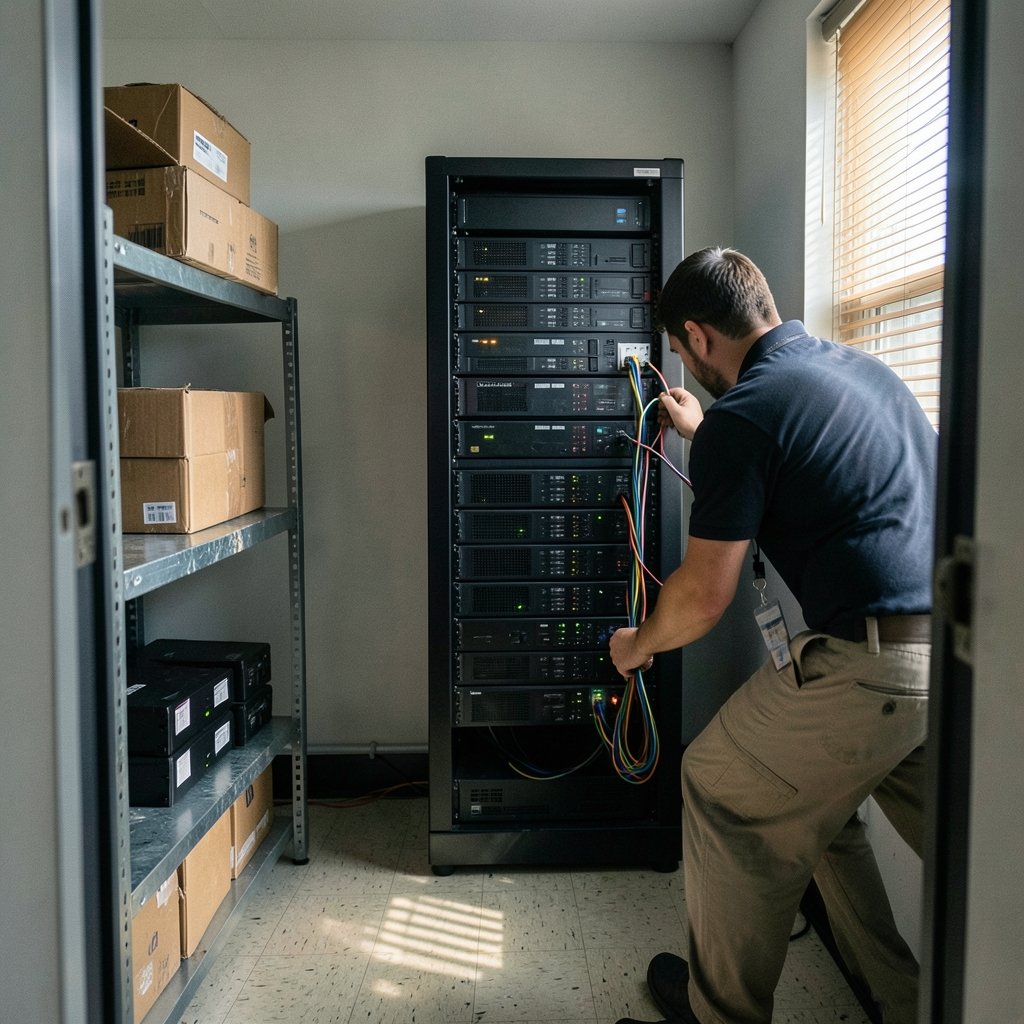
What would happen if every file on your main work machine became unreadable in the next ten minutes? If the honest answer involves panic, a call to an IT friend, or the hope that someone else has a backup, this guide is for you. Ransomware protection is not a product you install and forget. It is a stack of small, boring configurations that decide whether an incident becomes an inconvenience or a business-ending event. The setup below walks through that stack in the order that actually matters, with the mistakes people make most often and what works in practice.
Start With the Question Every Setup Answers
Before touching a single setting, define the recovery target. Two numbers drive everything: how much data can you afford to lose (recovery point objective) and how long can you be offline (recovery time objective). A solo consultant might accept losing four hours of work. A clinic processing appointments cannot lose ten minutes. Write both numbers down. Every decision after this point is judged against them, and a setup without them is guesswork dressed up as security.
Step 1: Build Backups That Survive the Attack

Most ransomware victims who pay do so because their backups were deleted, encrypted, or never tested. The widely used 3-2-1 rule — three copies of data, on two different media types, with one copy offsite — is a reasonable floor. Many practitioners now recommend the extended 3-2-1-1-0 variant: one copy immutable or offline, and zero errors when you verify a restore. Note that neither is a formal standard; they are conventions, and the variants differ between sources. Treat them as a checklist, not a certificate.
In practice, the offline or immutable copy is the one that saves you. A backup drive that stays connected to the same machine is not a backup; it is a second victim. Practical configurations that work:
- Keep one copy on media that is physically disconnected except during the backup window.
- Use storage that enforces immutability for a set retention period, so credentials alone cannot delete it.
- Restore a real file from a real backup once a month and record the result. An untested backup is a hope, not a control.
- Protect backup credentials separately from domain administrator accounts. Attackers routinely hunt for both.
The CISA #StopRansomware Guide, published jointly with MS-ISAC, treats tested backups as the single most reliable recovery mechanism, and it pairs that advice with patching, multi-factor authentication, and network segmentation. The exact edition changes over time, so check the current version on the agency’s site rather than relying on a screenshot from a blog post.
Step 2: Close the Doors Attackers Actually Use
Ransomware crews rarely invent a new flaw. They use exposed remote desktop, unpatched edge devices, stolen credentials, and phishing. A protection setup that ignores these is theater.
Patch What Is Being Exploited
Chasing every patch on a fixed schedule is less effective than prioritizing vulnerabilities known to be exploited in the wild. The CISA Known Exploited Vulnerabilities catalog exists precisely for this, and U.S. federal agencies are required to remediate listed flaws under Binding Operational Directive 22-01. For everyone else it remains a sensible triage list: patch catalog entries first, then internet-facing systems, then everything else.
Remove Internet-Exposed Remote Access
Remote desktop protocol exposed directly to the internet is a recurring entry point in incident reports from Microsoft and CISA alike. Put remote access behind a VPN or a zero-trust gateway, enforce multi-factor authentication, and disable direct RDP from the public internet entirely. If a vendor insists on an exposed appliance, ask what compensating controls exist and write the answer down.
Segment the Network
Flat networks let ransomware spread from one infected laptop to every server in minutes. Split the network so file servers, backup storage, and administrative systems sit in separate zones with explicit rules between them. This is unglamorous work, and it is the difference between one encrypted machine and a company-wide shutdown. For a broader baseline on endpoint hygiene, a solid malware protection routine covers the client side of the same problem.
Step 3: Harden Endpoints and Identity
Endpoints are where ransomware executes, and identity is how it moves. Configure both with the assumption that something will get through.
- Enable tamper protection and controlled folder access where your endpoint platform offers them, so unauthorized processes cannot modify protected directories.
- Turn on attack surface reduction rules that block Office macros spawning scripts and similar behaviors. Start in audit mode, review the noise, then enforce.
- Remove local administrator rights from daily accounts. Most commodity ransomware runs with whatever privileges the logged-in user holds.
- Enforce MFA everywhere, especially on email, VPN, and any remote management tool. Push-based MFA is weaker than number matching or hardware keys; prefer the stronger option.
- Disable macros from the internet by default and keep the setting enforced through policy, not habit.
A practical tip from real deployments: roll these changes out in rings, starting with IT and a volunteer group. Enforcing everything at once on a Monday morning generates a week of support tickets and a quiet rollback. Rings surface the one legacy application that breaks before it breaks the whole company.
Watch the Common Mistakes
Three failure patterns show up again and again. First, teams enable logging but never look at it, so the alert that mattered sat unread for six days. Second, someone excludes the entire file server from antivirus scanning to improve performance, which is exactly where ransomware wants to run. Third, backup jobs report success while silently skipping locked files. Each of these is fixable with a scheduled review rather than new spending.
Step 4: Detect Early Enough to Matter
Prevention fails eventually. Detection buys the minutes that separate a contained incident from a full encryption event. Focus on a small number of high-value signals rather than a dashboard nobody reads:
| Signal | Why It Matters | Practical Setting |
|---|---|---|
| Mass file modification | Encryption touches thousands of files fast | Alert on volume thresholds per share |
| Backup deletion attempts | Attackers disable recovery first | Alert on any change to backup jobs or retention |
| New service or scheduled task | Persistence and encryption launch | Alert on creation outside change windows |
| Credential dumping tools | Precedes lateral movement | Alert on known tool behavior |
| Unusual outbound traffic | Exfiltration before encryption | Baseline normal destinations, alert on new ones |
Align the program to a recognized framework so it stays coherent. NIST Cybersecurity Framework 2.0, published in February 2024, added a Govern function that forces decisions about risk ownership rather than leaving security as an IT side project. Map your controls to its functions and you get a defensible structure without inventing one.
Step 5: Write the Response Plan Before You Need It
A response plan is a one-page document with names, numbers, and order of operations. It should answer: who declares an incident, who calls legal and insurance, who talks to staff, and who is authorized to shut down systems. Include the offline copy of contact details, because your directory may be encrypted. Include the decision about paying, made in advance with counsel, since U.S. Treasury guidance warns that ransom payments may violate sanctions rules and the FBI generally discourages payment.
Two more elements belong in the plan. First, a communication template for customers and regulators, because reporting obligations vary by jurisdiction and sector and the clock starts at discovery, not at resolution. Second, a rehearsal. A tabletop exercise with the leadership team costs an afternoon and exposes assumptions that a document review never will. The pattern of a real incident is well documented; the Rhysida ransomware attack on Berlin’s government systems shows how public institutions handle disclosure, service disruption, and recovery under scrutiny. Similar lessons appear in analyses of the Warlock ransomware campaign abusing SharePoint and ToolShell flaws, where an unpatched collaboration platform became the way in. (Ransomware)
Step 6: Prepare Staff Without Blaming Them
Phishing remains a common first step. Awareness training helps most when it is short, frequent, and paired with an easy reporting button. People who fear punishment for clicking hide mistakes; people who get a fast “thanks, we’re on it” reply report early. Run simulated phishing at a low volume and measure reporting rates as well as click rates. A team that reports in two minutes is worth more than a team that scores perfectly on a quiz.
Choosing Tools Without Overspending
Small organizations often overbuy and underconfigure. A defensible starter stack looks like this: endpoint protection with tamper protection, immutable cloud backup plus one offline copy, MFA on every remote entry point, patching driven by the known-exploited list, and logging with three or four tuned alerts. That combination addresses the majority of real-world incidents. Advanced detection platforms add value once the basics are stable, not before.
If you are evaluating a specific threat family to understand what your controls must stop, background reading helps calibrate. A breakdown of what The Gentlemen ransomware does to victims illustrates how extortion now combines encryption with data theft, which is why exfiltration monitoring belongs in the detection list above. (Stop Ransomware)
A Realistic 30-Day Rollout
Trying to do everything at once fails. A workable sequence for a small team:
- Week 1: Document recovery targets, inventory data, verify one restore, and remove any internet-exposed RDP.
- Week 2: Enforce MFA on email, VPN, and remote management; remove standing admin rights from daily accounts.
- Week 3: Patch known-exploited vulnerabilities, enable attack surface reduction rules in audit mode, and configure the five alerts in the table above.
- Week 4: Draft the one-page response plan, hold a two-hour tabletop, and fix the two biggest gaps it reveals.
Repeat the restore test monthly and the tabletop twice a year. Protection is a maintenance habit, and the organizations that recover well are usually the ones that practiced when nothing was wrong. For a plain-language refresher on the threat itself, this explanation of what ransomware is and how to prevent it pairs well with the technical steps here.
Conclusion
Ransomware protection comes down to a short list executed properly: backups that cannot be deleted by the attacker, remote access that is not exposed, patches prioritized by real exploitation, identity protected by multi-factor authentication, networks split into zones, and a response plan someone has actually rehearsed. None of these are exotic. Most cost time rather than money. The organizations that suffer worst are rarely the ones attacked by the most sophisticated tool; they are the ones that never tested a restore. Start with the backup test this week, then work down the list.
Frequently Asked Questions
How much does basic ransomware protection cost?
For a small organization, the core controls — immutable cloud backup, endpoint protection, MFA, and patching — are usually available within existing subscriptions or modest monthly fees. The larger cost is staff time for configuration and testing. Expensive detection platforms are optional until the basics are stable and monitored.
Are offline backups still necessary if cloud backups are immutable?
Immutable cloud backups cover most scenarios and are far better than unprotected cloud storage. An offline copy still matters because it protects against compromised credentials with broad rights, provider account issues, and misconfiguration. Many teams keep one periodic offline copy as a final fallback.
How often should backups be tested?
Restore a representative file at least monthly, and run a fuller restore test quarterly. Record what was restored, how long it took, and whether it matched expectations. If the restore takes longer than your recovery time objective allows, the backup design needs revision, and more testing by itself will not fix it.
Can antivirus alone stop ransomware?
No. Endpoint protection blocks many known and commodity threats, but attackers adapt, use stolen credentials, and target unpatched systems. Antivirus works as one layer alongside patching, MFA, segmentation, least privilege, and tested backups. Relying on a single tool is the most common reason setups fail.
Should we pay the ransom if attacked?
Law enforcement agencies generally discourage payment because it funds crime and does not guarantee recovery. Payment may also violate sanctions rules depending on the recipient, so consult legal counsel before any decision. The stronger position is a tested backup and response plan that makes payment unnecessary.
What is the single most important step to take first?
Verify that you can restore from backup, and confirm the backup cannot be deleted using the credentials an attacker is likely to steal. Everything else improves your odds, but recovery capability determines whether an incident is survivable. Test it before you need it.