

What actually separates a good retro handheld from a frustrating one? It is almost never the screen or the chip. It is the workflow: how you get games onto the device, how you pick a firmware, how you manage saves, and how many evenings you lose to setup before you play anything. Three vertical handhelds dominate this conversation in 2027, and they look nearly identical in photos. The Anbernic RG35XX, the Miyoo Mini Plus, and the TrimUI Brick all borrow the Game Boy silhouette, all run Linux, and all lean on RetroArch under the hood. Yet the day-to-day experience of owning each one is genuinely different. This comparison focuses on that experience rather than spec-sheet bragging rights.
Why the Workflow Matters More Than the Spec Sheet
A handheld is a small computer with a screen, and like any computer, the software layer shapes everything. Two devices with identical panels can feel completely different depending on whether the firmware is preconfigured, whether the device has Wi-Fi, and how mature the community tooling is.
There is a broader lesson here that shows up across technology. When people compare platforms, the differences that matter are usually about how work flows through them, not raw capability. The same principle drives comparisons like Airtable vs Notion workflow differences in productivity software, and RabbitMQ vs Kafka workflow differences in messaging infrastructure. Retro handhelds are no exception. The hardware is the easy part; the workflow is where the decision lives.
One important caveat before going further: “RG35XX” is an ambiguous name. Anbernic shipped several revisions, including Plus, H, SP, and 2024 variants, with different chips, Wi-Fi status, and firmware support. Any comparison has to name the revision. The notes below describe general patterns across the family and flag where a specific model changes the answer.
The Three Devices at a Glance
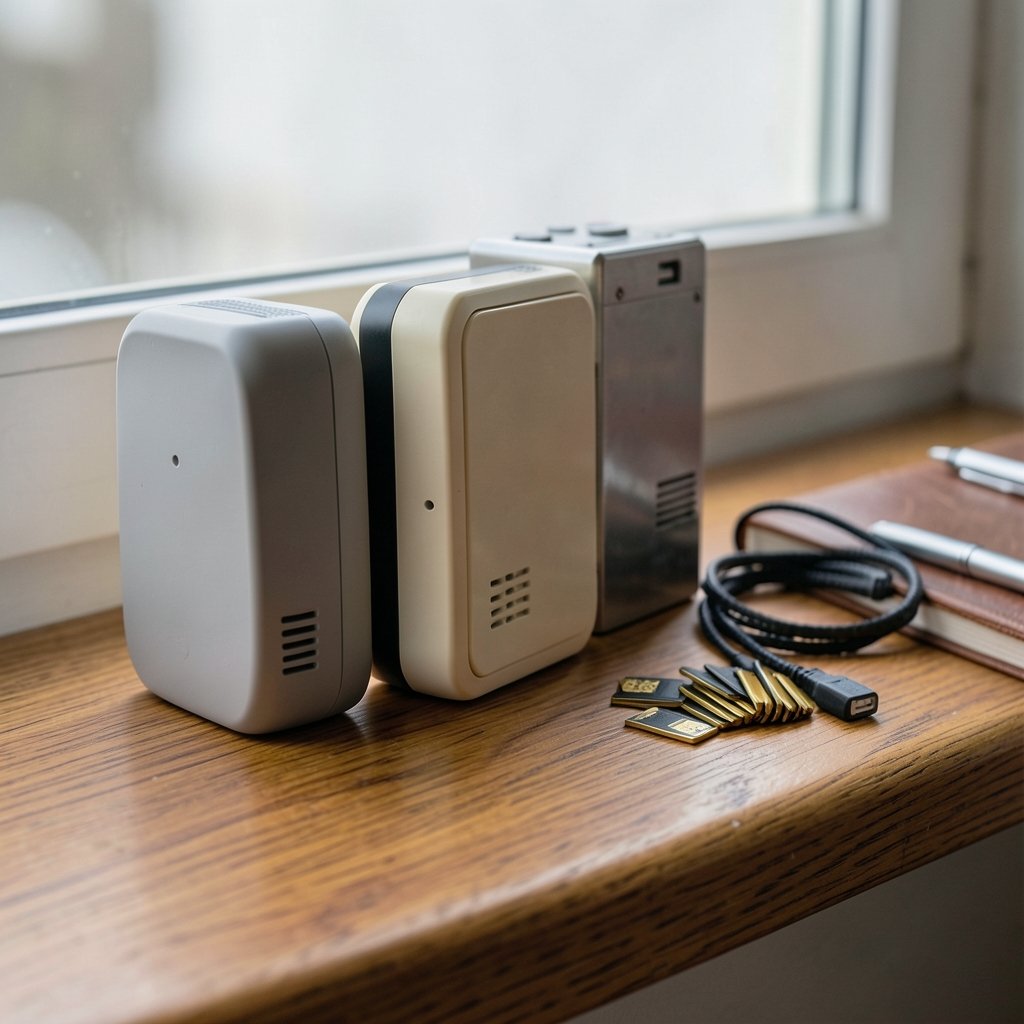
| Feature | Anbernic RG35XX (family) | Miyoo Mini Plus | TrimUI Brick |
|---|---|---|---|
| Form factor | Vertical, Game Boy style | Vertical, Game Boy style | Vertical, compact |
| Screen class | 3.5″ 640×480 IPS | 3.5″ 640×480 | Smaller, higher-density panel |
| Wi-Fi | Not on base model; present on later revisions | Yes | Varies by model; verify |
| Stock firmware | Anbernic Linux build | Miyoo Linux build | TrimUI Linux build |
| Best-known community firmware | GarlicOS, muOS and similar | OnionOS | Newer, less documented |
| Setup friction | Medium to high on base model | Low | Medium |
| Ecosystem maturity | High, but fragmented by revision | Highest | Lowest of the three |
The table tells the story in miniature. The Miyoo Mini Plus wins on ecosystem maturity. The RG35XX wins on variety, though that variety is also its biggest headache. The TrimUI Brick is the newest and least documented, which cuts both ways.
Firmware Is the Real Operating System
Here is the single most useful thing to understand: on all three devices, stock firmware is a starting point, not a destination. The community firmware you install determines your menus, your save-state behavior, your theme options, and how much of RetroArch you ever have to see.
Miyoo Mini Plus and OnionOS
The Miyoo Mini Plus has the most mature third-party firmware ecosystem of the three. OnionOS is the community firmware most owners install, and it changes the out-of-box workflow substantially. It brings themes, ROM scraping, save states, and RetroArch integration into a single coherent interface. In practice, this means a new owner can go from unboxing to playing with minimal fiddling. The documentation is thorough, the install process is well trodden, and problems are easy to search for because so many people have hit them first.
The trade-off is that OnionOS sets the agenda. You are working inside a workflow someone else designed well, and customizing beyond it takes effort.
RG35XX and the Firmware Buffet
The RG35XX family offers multiple community firmware options, including GarlicOS and muOS among others, depending on the model revision. That flexibility is real, but it comes with a cost: you have to know which revision you own before you download anything. Installing the wrong build on the wrong board is the classic first mistake, and it can leave you with a device that will not boot until you reflash the SD card.
The upside is choice. Different firmware builds emphasize different things, from minimal boot times to deeper RetroArch control. Tinkerers tend to love this. People who just want to play tend to find it exhausting.
TrimUI Brick and the Frontier
The TrimUI Brick is the newest of the three, and its ecosystem is correspondingly less documented. That does not make it a bad device. It means the workflow involves more improvisation. You will find fewer step-by-step guides, fewer YouTube walkthroughs, and fewer forum threads where someone has already solved your exact problem. Early adopters accept this; cautious buyers should factor it in.
Getting Games Onto the Device
This is where workflow differences become physical. How do ROMs actually get from your computer to the handheld?
- Identify whether your device has Wi-Fi. The base RG35XX does not, while the Miyoo Mini Plus does, and later RG35XX revisions such as the Plus, H, and SP do as well. Confirm before you plan your workflow.
- Wi-Fi devices can use network transfer and OTA-style updates, which means no card swapping once you are set up. This is the single biggest quality-of-life difference between models.
- Non-Wi-Fi devices require SD-card swapping or USB transfer for ROMs and updates. That means ejecting, mounting, copying, unmounting, and reinserting every time you add a game.
- Keep a clean folder structure. A consistent layout for system folders and BIOS files saves hours later, regardless of device.
- Scrape artwork in batches. Scraping tools work across all three devices, but doing it once in bulk beats fixing mismatched covers one at a time.
The practical rule: Wi-Fi changes how often you actually add games. A device that requires card swapping tends to accumulate a big library once and then never get updated. A Wi-Fi device gets a new game whenever the mood strikes.
For anyone comparing toolchains more broadly, the pattern is familiar. The friction lives in the transfer step, not the destination. The same dynamic shapes One.com vs Hostinger workflow differences in hosting and Cline vs Cursor workflow differences in AI coding tools.
Screen, Scaling, and What Your Eyes Actually Notice
All three devices target roughly 640×480-class, 4:3-ish displays, so integer scaling behavior for 8-bit and 16-bit systems is broadly similar across the group. Pixels map cleanly, and retro games look the way they should.
The differences show up elsewhere:
- The TrimUI Brick’s smaller, higher-density panel changes how readable UI text and shaders are. Menus look sharper but smaller, and some shader effects that look great on a larger panel can become visual noise on a denser one.
- The RG35XX and Miyoo Mini Plus share a similar screen size, so themes and overlays designed for one often translate visually to the other.
- Text legibility matters more than most buyers expect, especially for RPGs with dense menus.
A useful habit: before committing to a device, look at screenshots of the actual firmware menus at native resolution. Specs tell you the panel; screenshots tell you whether you can read the thing at arm’s length.
Input Layout and Comfort
All three are vertical handhelds with shoulder buttons, but the feel differs. The RG35XX and Miyoo Mini Plus follow the classic Game Boy layout closely. The TrimUI Brick is also vertical but with a different button and d-pad feel, and it may lack analog sticks depending on the model.
That matters for system coverage. PS1 games without analog sticks are playable but compromised for titles that expect them. If your library leans toward 8-bit and 16-bit consoles, the missing sticks cost you nothing. If you want to play 3D-era games, plan accordingly.
The honest advice: comfort is personal, and no spec sheet captures it. Button travel, d-pad pivot feel, and how the device sits in your hands after forty minutes are things you learn only by holding one.
Saves, States, and the Sync Problem
Save management is the invisible workflow that bites people late. On all three devices, RetroArch provides the underlying save-state and battery-save system. The differences are in how the firmware surfaces it.
- OnionOS on the Miyoo Mini Plus makes save states easy to reach and manage, which reduces the chance of losing progress.
- RG35XX firmware builds vary in how prominently they expose save management, so check before you commit to a long RPG.
- The TrimUI Brick follows the same RetroArch conventions but with less community documentation on edge cases.
The common mistake is assuming saves sync across devices. They do not, unless you deliberately set that up. If you own more than one handheld, decide early which device is your “main” and keep your saves there, or build a manual sync habit with a consistent folder structure.
Community Tooling: The Shared Layer
Underneath the differences sits a shared workflow layer: RetroArch, frontends, and ROM-scraping tools. This is good news. Skills transfer. If you learn core management, shader configuration, and scraping on one device, you carry that knowledge to the next.
The difference between devices is mostly how much of this layer is preconfigured versus manual. The Miyoo Mini Plus preconfigures more. The RG35XX gives you more choices to configure yourself. The TrimUI Brick asks you to figure out more on your own.
That same distinction, preconfigured versus manual, drives most tool comparisons people wrestle with. It shows up in Replit vs Cursor workflow differences and in Kiro vs Cursor workflow differences, where the question is always how much scaffolding you want versus how much control.
Practical Tips and Common Mistakes
A few habits separate a smooth setup from a miserable one.
Back up your stock SD card immediately. The cards bundled with handhelds are often low quality. Clone the contents before you touch anything, and consider buying a reputable card before you install custom firmware.
Name your ROMs consistently. Scrapers match on filenames. Messy names produce messy artwork libraries.
Do not install firmware for the wrong revision. This is the number-one RG35XX mistake. Check the board revision before downloading.
Test one system before loading hundreds of games. Confirm the emulator core works, the controls map correctly, and saves persist. Then scale up.
Keep BIOS files organized. Some systems need them, and missing BIOS files produce confusing boot failures that look like bad ROMs.
Resist the urge to over-configure. The most common trap is spending a weekend tuning shaders and never playing. Set it up once, then play.
How to Choose Based on Your Workflow
The decision comes down to what kind of owner you are.
Choose the Miyoo Mini Plus if you want the least friction, the most documentation, and a mature firmware ecosystem. It is the safest first handheld and the easiest to recommend to someone who just wants to play.
Choose an RG35XX if you enjoy tinkering, want firmware options, and are willing to verify your exact revision. Pick a Wi-Fi-equipped model if you can, because card swapping gets old fast.
Choose the TrimUI Brick if you are comfortable being an early adopter, want a compact device, and do not mind fewer guides. Verify current specs and firmware status before buying, since this is the model most likely to have changed.
If you are comparing development or data workflows alongside your hardware research, the same “match the tool to your habits” logic applies to Rust vs C workflow differences and SQL vs NoSQL workflow differences.
Conclusion
The RG35XX, Miyoo Mini Plus, and TrimUI Brick are more alike than different on paper. The real split is in workflow: how mature the firmware ecosystem is, whether Wi-Fi removes the card-swapping ritual, how much configuration you must do yourself, and how well documented the edge cases are. The Miyoo Mini Plus wins on smoothness, the RG35XX wins on flexibility at the cost of complexity, and the TrimUI Brick trades documentation for novelty. Pick the workflow that matches your patience, not the spec sheet that matches your spreadsheet.
Frequently Asked Questions
Which of these three is easiest for a complete beginner?
The Miyoo Mini Plus, generally. Its community firmware ecosystem is the most mature and best documented, so setup steps are easy to find and problems are well covered. A beginner can get to playing with minimal troubleshooting.
Is the base RG35XX really missing Wi-Fi?
The base model does not include Wi-Fi, while later revisions such as the Plus, H, and SP do. That single difference changes the entire transfer workflow, so confirm the exact model before buying.
Can I install the same firmware on every RG35XX revision?
No. Firmware builds are tied to specific board revisions. Installing the wrong build can prevent the device from booting, so verify your revision before downloading anything.
Do save states sync between these devices automatically?
No. Save states live on the SD card and stay with that device unless you deliberately set up syncing. If you own multiple handhelds, pick a main device for saves or build a manual sync habit.
Is the TrimUI Brick a bad choice because it has less documentation?
Not inherently. It means you will improvise more and find fewer step-by-step guides. Buyers who enjoy early adoption handle this fine; buyers who want a well-trodden path should look at the other two.
Do all three devices run the same emulators?
They all rely on RetroArch as the common emulation layer, so core management and shader knowledge transfers between them. The difference is how much of that layer each firmware preconfigures for you.



