
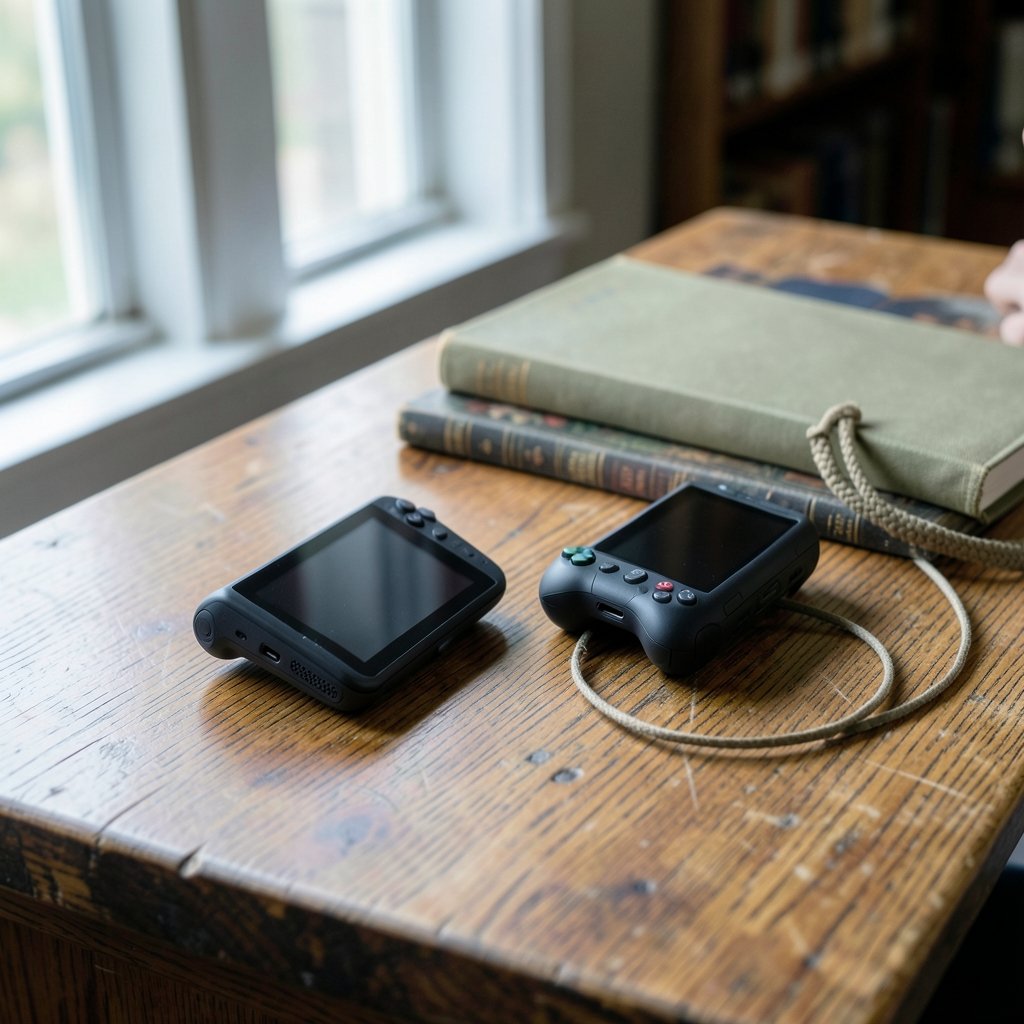
What makes a handheld worth carrying every day: the spec sheet, or the way it feels after the novelty wears off? That question decides the ROG Xbox Ally versus ROG Xbox Ally X choice. Both devices run Windows 11 with an Xbox full-screen experience layered on top, and both were announced with 7-inch 1080p panels in the 120 Hz class. The differences sit in the tier split: the X carries a Ryzen AI Z2 Extreme chip, more memory and storage, a brighter panel, and a bigger battery, while the base model runs a Ryzen Z2 A. Re-verify exact clock speeds, TDP ranges, memory capacities, and battery figures against current official pages before treating them as fixed, because firmware and regional variants shift over time. What follows is a practical framework for judging the everyday experience rather than a spec recital, plus the mistakes that trip up most buyers.
Why the everyday experience beats the spec sheet
Most handheld comparisons die in a spreadsheet. The numbers look decisive until real life intervenes: a commute where the battery dies at the worst moment, a session where a game stutters during a cutscene, a launcher update that eats twenty minutes of play time. The device that wins is the one that removes friction, not the one that wins a benchmark by four frames.
That is the lens to use here. Treat the two tiers as different answers to the same question: how much friction can you tolerate, and how much are you willing to pay to remove it? The X tier exists to remove more of it. The base tier exists to make the entry price bearable. Neither is wrong; they serve different players.
The hardware split that shapes daily play
The tier differences were announced along predictable lines, and each one maps to a daily annoyance or a daily comfort.
| What changes | Base ROG Xbox Ally | ROG Xbox Ally X | Daily impact |
|---|---|---|---|
| Processor | Ryzen Z2 A | Ryzen AI Z2 Extreme | Headroom for heavier games and multitasking |
| Memory and storage | Less of both | More of both | Fewer install shuffles, smoother background tasks |
| Display | 7-inch 1080p, 120 Hz class | Same class, brighter with better contrast | Outdoor visibility and dark-scene clarity |
| Battery | Smaller | Larger | Session length away from a wall outlet |
| Price | Lower | Higher | How much the upgrades cost you upfront |
A useful habit: read each row and ask, “Would I notice this on a Tuesday night?” The processor and memory rows matter if you play demanding titles or keep a browser and chat app open. The display row matters if you game near windows or outdoors. The battery row matters if your charging opportunities are unpredictable. If a row would not change your Tuesday, it should not change your budget.
Battery life is the real currency
Handhelds live or die by the outlet. The X tier was announced with a larger battery than the base model, and that single difference compounds across a week of play. A device that lasts through a full commute and a lunch break is a different product from one that needs a mid-session top-up.
Here is what actually works in practice. First, measure your real sessions for a week before buying: note how long you play, where, and whether power is within reach. Second, plan for degradation. Lithium batteries lose capacity over years, so a device that just barely covers your longest session today will not cover it in two years. Third, budget for a power bank the way you budget for a case; for many players a mid-tier device plus a good power bank beats a top-tier device alone, and for others the bigger battery in the X is worth more than any accessory. There is no universal answer, only your session pattern.
Windows, the Xbox layer, and the friction tax
Both tiers run Windows 11 with an Xbox full-screen experience, and that shared foundation is the biggest wildcard in the comparison. Windows gives you access to multiple storefronts, which is a genuine strength. It also brings updates, driver installs, and launcher sprawl, which is a genuine tax. How much of that layer is shared versus tier-specific by 2027 is not something anyone should assume; check current documentation before buying.
The practical move is to audit your library before you choose. If most of your games live in one storefront, the friction is manageable on either tier. If your library is scattered, the launcher question deserves real weight, and a comparison of how storefronts handle updates and offline modes is worth reading before you commit. The same goes for online services: a handheld is only as good as its connection on the days the servers wobble, and understanding how outages affect play helps you set expectations. For a broader view of how platform choice shapes daily play, see this breakdown of Steam vs Epic vs GOG judging everyday gaming experience, and for the online-service angle, this piece on PSN vs Xbox outages and the everyday gaming experience is a useful companion.
Reading performance numbers without getting fooled
Frame rate averages are the least useful number in handheld reviews. What matters is consistency. A game that holds a steady frame rate feels better than one that averages higher but spikes. Two terms are worth learning: 1% low FPS, which captures the worst frames in a session, and frame pacing, which describes whether frames arrive at even intervals. A device with strong averages but poor pacing feels stuttery in exactly the moments, combat and cutscenes, where you notice it most.
For everyday evaluation, prefer reviews that report sustained performance over thirty-minute sessions rather than short bursts, because handhelds throttle as they heat up. Watch for thermal and fan noise notes; a handheld that sounds like a hair dryer in a quiet room is a different product from a quiet one, regardless of frame counts. And check how the device handles sleep and resume, because a handheld that loses your session when you pocket it has failed the most basic everyday test.
The 2027 question: buying for the years ahead
Any 2027 framing is forward-looking, and honesty matters here: no one can promise what firmware roadmaps, price cuts, or refreshed models will look like. What you can do is buy for resilience. Favor the tier whose headroom matches the games you expect to play in two or three years, not only the ones you play now. More memory and storage age better than almost any other spec, because they buy you time before the install shuffle begins. A brighter panel ages well too, since display quality is something you notice every single session.
The wider market context helps. Handheld competition is intensifying, and the broader debate over PC gaming vs console and the everyday experience explains why Windows handhelds occupy an odd middle ground: more flexible than a console, less frictionless than one. If you are weighing a handheld against a living-room machine, comparisons like Xbox Series X vs PS5 judging the everyday gaming experience and Xbox Series S vs PS5 judging the everyday gaming experience show how much of the decision comes down to friction rather than raw power. Within the handheld category itself, it also helps to see how sibling devices stack up, such as this look at the ROG Ally vs ROG Ally X in everyday gaming and this comparison of the ROG Ally X20 vs Predator Atlas 8.
Common mistakes buyers make
The same errors show up again and again in handheld purchases.
- Buying the top tier by default. The X is not automatically the right choice. If your library is light and your sessions are short, the base model plus a power bank may serve you better for less.
- Trusting launch-day reviews. Early firmware rarely represents the device a year later. Look for follow-up coverage and community reports after several update cycles.
- Ignoring the launcher tax. Count how many storefronts you actually use. Each one adds update time and login friction to every session.
- Skipping the ergonomics test. Weight and grip matter more than any spec after the first hour. If you can hold a demo unit, do it.
- Forgetting storage math. Modern games are large. Map your five most-played titles against the storage tier before deciding the extra capacity is unnecessary.
- Assuming prices are stable. Regional pricing and promotions move. Check current listings rather than remembered launch figures.
A practical evaluation checklist
Before committing, run through a short routine that turns specs into decisions.
- Log your play sessions for one week: length, location, and power access.
- List your ten most-played games and note their storefronts and rough install sizes.
- Decide which single upgrade would remove your biggest daily annoyance: battery, storage, or display brightness.
- Read at least two long-session reviews that discuss thermals and frame pacing.
- Check current official specifications and firmware notes for both tiers, since announced details can change.
- Set a total budget that includes a case, a power bank, and any storage expansion.
If the checklist points to the base model, buy it without guilt. If it points to the X, the extra spend is buying specific, identifiable comfort rather than prestige. That is the whole game.
Conclusion
The ROG Xbox Ally versus ROG Xbox Ally X decision is not really about which device is better. It is about which device fits the life you actually live. The X tier was announced with more headroom: a stronger chip, more memory and storage, a brighter screen, and a bigger battery. The base tier trades some of that for a lower price. In 2027, the winning choice will be the one that matches your session length, your library, and your tolerance for friction, verified against current specifications rather than launch-day memory. Evaluate the Tuesday night, not the benchmark chart, and the right answer tends to announce itself.
FAQ
Is the ROG Xbox Ally X worth the extra cost over the base model?
It depends on whether the announced upgrades map to your daily annoyances. If you play demanding games, keep multiple large titles installed, or game away from outlets often, the stronger chip, extra memory and storage, and larger battery earn their keep. If your sessions are short and your library is light, the base model plus a power bank is often the smarter spend.
Do both handhelds run the same software?
Both were announced with Windows 11 and an Xbox full-screen experience, so the foundation is shared. How much of that layer differs between tiers by 2027 is not something to assume. Check current documentation before buying, and pay attention to how each tier handles updates and sleep and resume in real-world reports.
How much battery life should I expect in everyday use?
Exact figures should be verified against current official specifications and independent long-session testing, since announced numbers and real play diverge. The practical approach is to measure your longest typical session and require a comfortable margin above it, because battery capacity degrades over years of use.
Can the base model handle modern games well?
The base tier uses a less powerful chip and less memory, so expect it to favor lighter and older titles, or reduced settings on heavier ones. That is not a flaw; it is the trade the lower price makes. Match the tier to the games you genuinely play most weeks rather than the most demanding game you own.
What specs matter most for everyday play?
In practice, memory and storage age best, because they determine how many games you can keep ready and how smoothly background tasks run. Battery capacity shapes where you can play. Display brightness shapes when and where you can see the screen. Raw peak performance matters least if frame pacing and thermals are poor.
Should I wait for a 2027 refresh instead of buying now?
There is no reliable way to predict refreshes, price cuts, or firmware roadmaps. Buy when your current device stops serving you, choose the tier with headroom for the games you expect to play in a few years, and verify current specifications at the moment of purchase rather than relying on launch coverage.



