
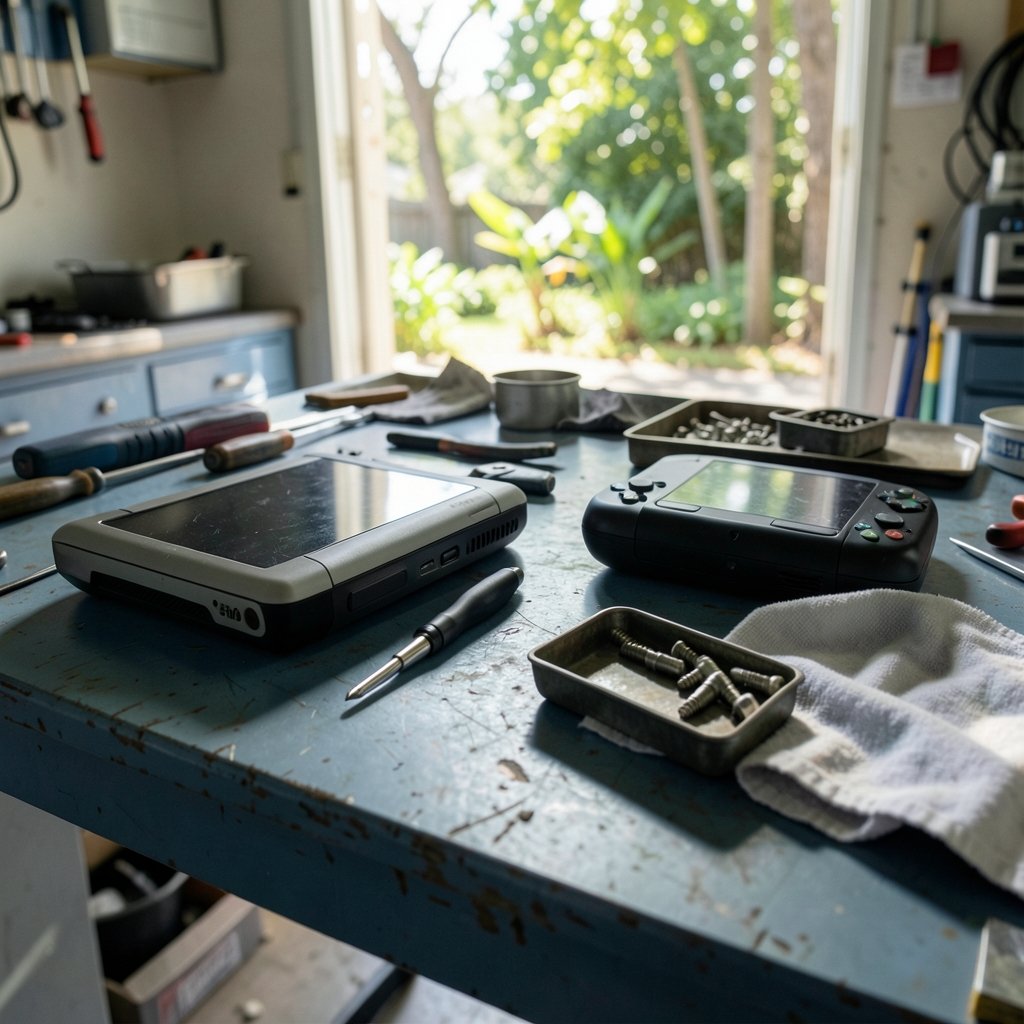
What actually makes a gaming handheld feel good to live with day after day, once the spec sheet stops mattering? That question is central to the ROG Xbox Ally X vs Legion Go 2 conversation. Both devices are positioned as premium Windows handhelds, and both invite the same mistake: comparing them on headline numbers alone. A better approach is to build a repeatable method for judging the everyday experience, then apply it to whichever hardware ends up on your desk in 2027.
Why 2027 Comparisons Are Really Method Comparisons
A fair warning before anything else: no confirmed 2027 roadmap exists for either device family. Treat any future-facing comparison as a scenario, not a promise. What does carry forward is how each device family behaves in daily use, and those patterns are already visible in the current generation.
The original ROG Ally, announced in April 2023 and shipped that June, runs Windows 11 on an AMD Ryzen Z1 Extreme APU. Lenovo’s Legion Go, announced in September 2023, pairs a larger, higher-resolution display with detachable controllers. Those two design philosophies, one leaning compact and console-like, the other leaning big-screen and tabletop-flexible, are the real story. The silicon changes every cycle. The trade-offs tend to persist.
Start With the Screen, Because You Stare at It Most
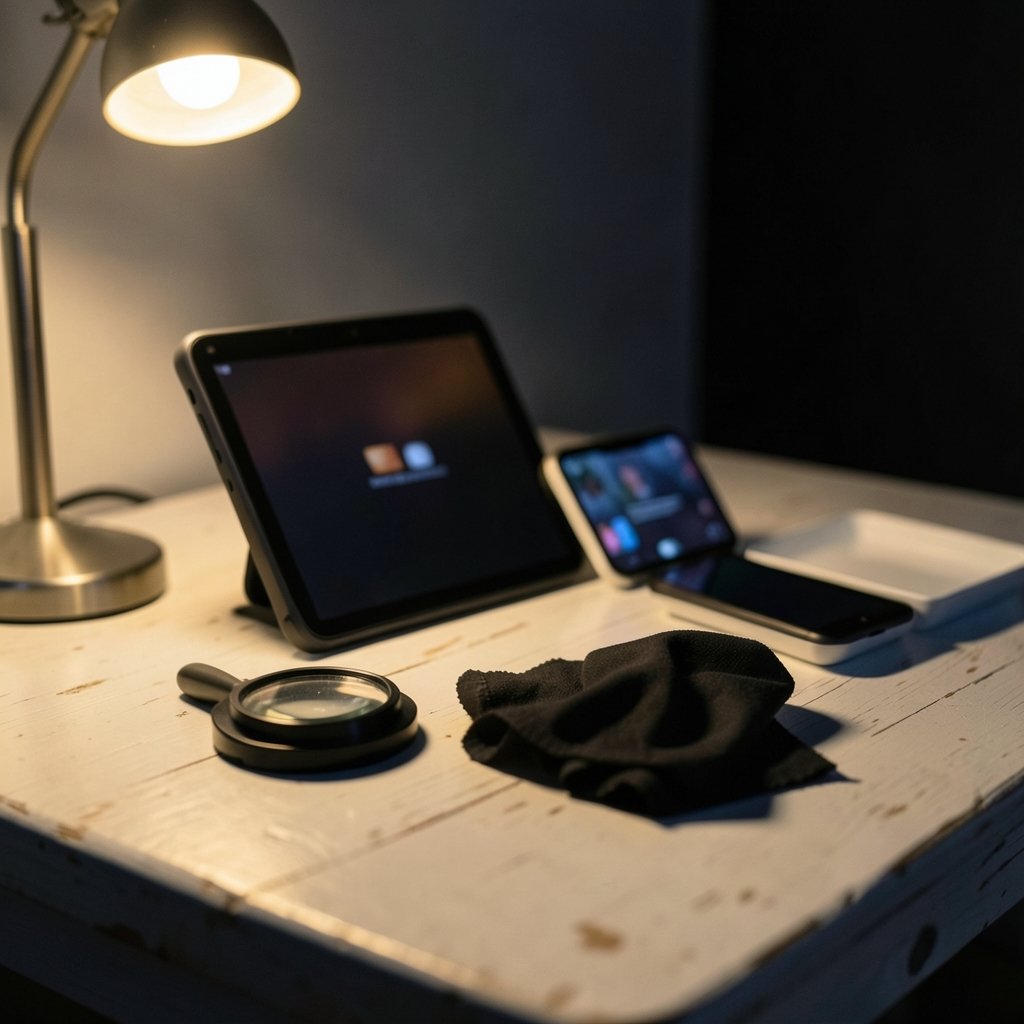
Display quality is the most underrated everyday metric. It shapes fatigue, readability, and how much you actually want to pick the device up.
| What to check | Why it matters daily | Common mistake |
|---|---|---|
| Panel size and resolution | Bigger screens help text and UI; higher resolution costs battery | Assuming more pixels always wins |
| Variable refresh rate (VRR) | Smooths stutter when frame rate fluctuates, which is constant on handhelds | Ignoring whether VRR works on the internal panel |
| Brightness and glare handling | Outdoor and window-lit play become possible or miserable | Testing only in a dark room |
| Text scaling at 100% | Windows UI can look tiny on small high-res panels | Never checking desktop mode readability |
VRR deserves special attention. On a handheld, frame rates swing wildly between scenes, and VRR is what keeps that swing from turning into visible tearing and judder. The catch is that support varies by panel and driver, and it may behave differently over the internal display than over USB-C or HDMI output. Check per-device specs rather than assuming.
Lenovo’s larger panel is a genuine advantage for strategy games, visual novels, and anything with dense UI. A smaller, denser screen wins for portability and pixel density. Neither is objectively better. The question is which one matches how you actually play. If you mostly game in short bursts on a commute, the compact screen usually wins. If you dock to a monitor or play at a table, the bigger panel earns its keep.
Battery Life and Thermals: The Real Everyday Test
Battery is where Windows handhelds most often disappoint. Reviews of 2023 and 2024 devices consistently found demanding titles draining the battery in roughly one to two hours at higher TDP settings. Exact numbers vary enormously by game, brightness, and settings, so cite a specific test rather than a general claim.
Here is a practical testing routine anyone can run before buying or keeping a device:
- Pick three games you actually play: one light indie, one mid-weight title, one heavy AAA release.
- Run each for 30 minutes at a fixed brightness and a fixed TDP profile.
- Record battery percentage drop, fan noise by ear, and how warm the grips feel.
- Repeat once at the lowest power profile to see the efficiency floor.
- Note how long a full charge takes, because slow charging quietly ruins portability.
That last point gets skipped constantly. A device that plays for two hours but takes three to recharge is a desk device in disguise.
Thermals matter just as much, because heat reaches your hands as well as the chip. Handhelds that push high TDP in a thin shell tend to get warm at the grips and loud at the fan. Neither shows up in a frame-rate chart. Both affect whether you reach for the device on a lazy evening.
Suspend, Resume, and the Windows Problem
This is the single biggest everyday difference between Windows handhelds and console-like alternatives, and it rarely appears in comparisons.
Windows sleep behavior on handhelds has historically been unreliable. Games sometimes fail to resume cleanly, sessions drop, and you learn to save obsessively. Valve’s SteamOS, which powers the Steam Deck, offers a console-style suspend and resume that just works. That gap is a genuine quality-of-life issue, and it is worth testing directly: put a game into suspend mid-mission, wait an hour, and see what happens.
Microsoft has been improving the handheld Windows experience, adding more handheld-friendly shell behavior and deeper Xbox app integration in recent years. Verify the exact build and date before relying on it. But the practical advice stands: test suspend and resume on the specific device, with the specific games you play, before committing.
For a broader look at how these platform-level differences play out, the breakdown of the Legion Go vs Steam Deck everyday gaming experience is a useful reference point, since it isolates software experience from raw hardware.
Frame Rates Are Not the Whole Story
Everyone quotes average frame rate. It is one of the least useful everyday numbers.
Better measures include 1% low frame times, which capture the stutter you actually feel; fan noise measured in decibels; surface temperature at the grips; time-to-resume from suspend; and watt-hours consumed per hour of play. These are standard review methods, though methodology varies by outlet, so compare like with like.
A device that averages 45 frames per second with stable frame times feels dramatically better than one averaging 60 with constant hitches. On a small screen, consistency beats peak. This is exactly why VRR support and good frame pacing matter more than a benchmark headline.
The same principle applies across the console world. The analysis of the Xbox Series X vs PS5 everyday gaming experience makes a similar case: the numbers that sell hardware are rarely the numbers that determine whether you enjoy using it.
Storage, Load Times, and the Small Frictions
Everyday feel is built from dozens of small frictions. Storage is one of the biggest.
Internal NVMe storage loads games fast. MicroSD cards using UHS-I cap out around 104 MB/s, so large games load noticeably slower from a card than from internal storage. That difference compounds: boot times, level loads, texture streaming hitches. If you plan to carry a big library, factor in the cost of fast internal storage rather than leaning on a cheap card.
Other frictions worth auditing:
- Windows overhead. Desktop updates, notifications, and background tasks interrupt play in ways consoles never do.
- Launcher sprawl. Multiple storefronts mean multiple logins, updates, and libraries. The comparison of Steam vs Epic vs GOG everyday gaming shows how much this shapes daily convenience.
- Controller ergonomics. Detachable controllers add flexibility but can feel less rigid in hand. Fixed grips feel sturdier but less adaptable.
- Weight and balance. A heavy device held for an hour is a different product than one held for ten minutes.
None of these appear on a spec sheet. All of them determine whether the device earns a permanent spot in your bag.
Building a 30-Day Trial Plan
The most reliable way to judge either device is to live with it under structure. Here is a plan that works for any handheld.
- Week one, novelty week. Play whatever you want. Note when the battery dies and how often you charge.
- Week two, commute week. Use it only in transit or in short breaks. Track how often you actually finish a session.
- Week three, docked week. Connect to a monitor or TV. Check whether VRR survives the connection and how the UI scales.
- Week four, honest week. Play your real library, not the showcase titles. Log every moment of friction.
By the end, patterns emerge. If you stopped reaching for the device by week three, the hardware is wrong for you regardless of benchmarks.
Where Each Design Philosophy Wins
The ROG Xbox Ally X lineage leans toward a tighter, more console-adjacent Windows experience, with Xbox integration doing much of the heavy lifting. The Legion Go 2 lineage leans toward screen real estate and tabletop flexibility through detachable controls.
| Priority | Likely better fit |
|---|---|
| Short bursts, portability | Compact, lighter design |
| Strategy, RPGs, dense UI | Larger, higher-resolution panel |
| Tabletop or docked play | Detachable controllers, bigger screen |
| Minimal software friction | Stronger console-style shell and resume behavior |
| Maximum flexibility | Windows, full storefront access |
Neither column is universally right. The honest answer depends on which rows describe your actual week.
Conclusion
The ROG Xbox Ally X vs Legion Go 2 question will not be settled by a spec sheet, and it certainly will not be settled by a 2027 rumor mill. What settles it is a method: test the screen in real light, measure battery against your real games, verify suspend and resume, watch frame times instead of averages, and audit the small frictions that quietly decide whether a device gets used.
Hardware cycles come and go. The evaluation framework does not. Build it once, apply it to whatever ships, and you will pick the handheld that fits your life rather than the one that wins a benchmark.
FAQ
Does the ROG Xbox Ally X outperform the Legion Go 2?
No confirmed public specs exist for either 2027 device, so no honest power comparison is possible yet. Historically, both families have used AMD handheld APUs in the same performance class, with differences driven more by power profiles, cooling, and screen resolution than by raw silicon.
Which handheld has better battery life?
It depends almost entirely on the game, brightness, and TDP setting. Reviews of 2023 and 2024 Windows handhelds found heavy titles draining batteries in roughly one to two hours at higher power settings. Test your own library at fixed settings rather than trusting a single number.
Does the Legion Go 2 have detachable controllers?
Lenovo’s Legion Go line introduced a detachable-controller design in 2023, and that flexibility is the family’s signature feature. Whether a future model keeps it is unconfirmed, but the design philosophy of trading portability for screen size and tabletop use is the pattern to watch.
Why does suspend and resume matter so much on Windows handhelds?
Because it is the difference between a device you use and one you avoid. Windows sleep behavior on handhelds has historically been unreliable, and games sometimes fail to resume cleanly. Console-style suspend is one of the biggest everyday advantages competing platforms hold.
Is VRR important on a small handheld screen?
Yes, more than on a desktop monitor. Handheld frame rates fluctuate constantly, and variable refresh rate smooths that fluctuation into something comfortable. Check whether VRR works on the internal panel and over video output, since support varies by device.
How long should I test a handheld before deciding?
Give it 30 days with structure: one week of free play, one week of commute-only use, one week docked, and one week of your real library. Track battery drops, friction points, and how often you actually pick it up. Usage patterns reveal more than any benchmark run.



