
What happens when you put a six-year-old budget champion next to a current-generation midrange card? That is the question behind every RTX 5060 Ti vs GTX 1660 Super comparison, and it matters to a huge number of PC builders. The GTX 1660 Super launched on October 29, 2019, at $229, and it became one of the most popular 1080p cards ever sold. Millions of them are still humming away in budget rigs today. The RTX 5060 Ti arrived in April 2025 on the Blackwell architecture, bringing DLSS 4, GDDR7 memory, and hardware ray tracing to roughly the same price bracket the 1660 Super once occupied.
So is it time to retire the old workhorse? The short answer is yes, but the interesting part is why, and under what conditions. This guide breaks down the specs, the real-world differences, the traps people fall into when upgrading, and what actually works in practice.
The Spec Sheet Gap in Plain Numbers
Before any opinion, the hardware tells its own story. Here is how the two cards line up on paper.
| Feature | GTX 1660 Super | RTX 5060 Ti (16 GB) |
|---|---|---|
| Launch | October 2019 | April 2025 |
| Architecture | Turing (TU116) | Blackwell (GB206) |
| Launch price | $229 | Midrange 2025 pricing |
| Memory | 6 GB GDDR6 | 16 GB GDDR7 (8 GB variant also exists) |
| Memory bus | 192-bit | 128-bit |
| Board power | 125 W | Around 180 W |
| Ray tracing | None | Hardware accelerated |
| Upscaling | None (no DLSS) | DLSS 4 with Multi Frame Generation |
| PCIe interface | PCIe 3.0 x16 | PCIe 5.0 x8 |
A few things jump out immediately. The 1660 Super has a wider bus but older, slower memory and far less of it. The 5060 Ti has a narrower bus but GDDR7, which moves data much faster per pin. Raw bandwidth comparisons between the two generations are misleading, which is exactly why spec-sheet arguments online so often go nowhere.
The bigger story is feature support. The 1660 Super has no tensor cores, no RT cores, and no DLSS of any kind. It renders games the old-fashioned way and that is it. The 5060 Ti supports DLSS 4, including Multi Frame Generation, plus hardware ray tracing and modern video encoding. In 2026, those features are not luxuries. They are how demanding games stay playable at sensible settings.
Real-World Performance: Not a Close Fight
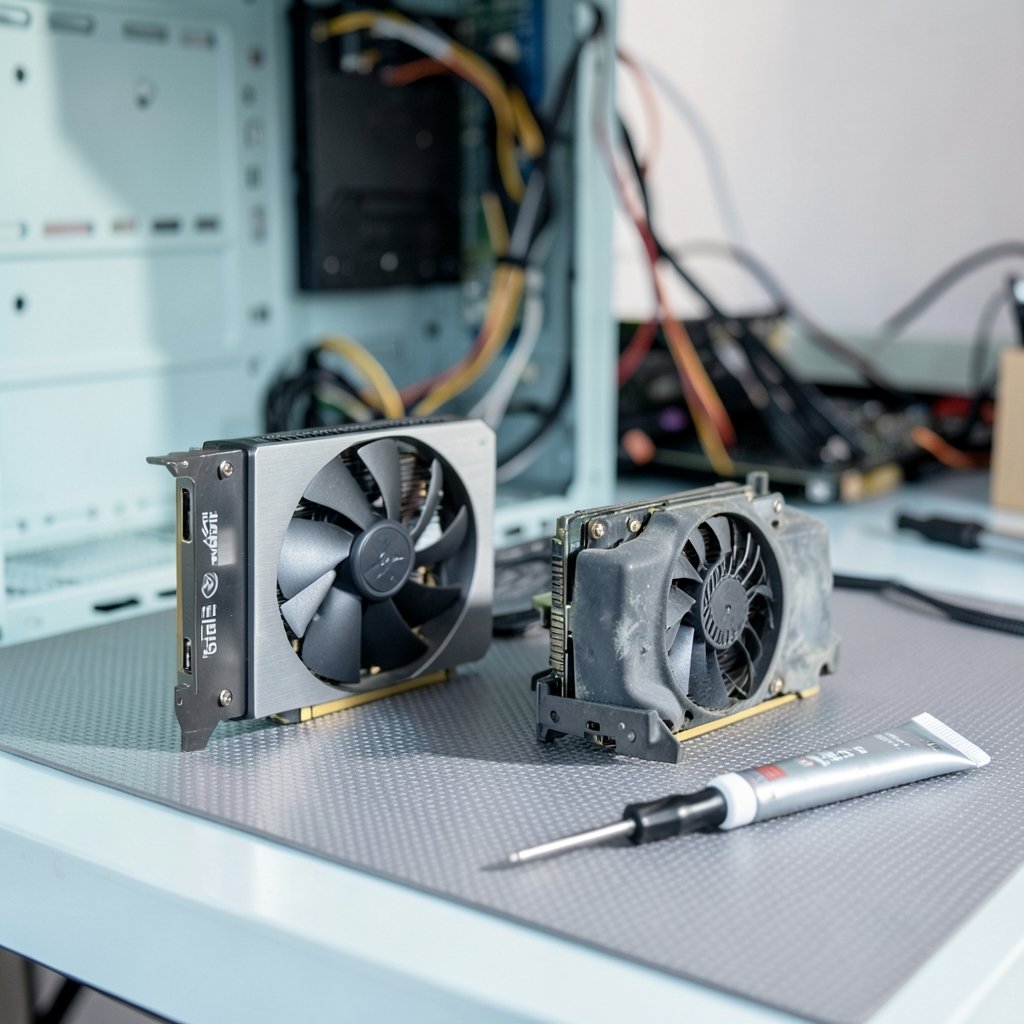
Anyone hoping for a nuanced back-and-forth should brace for disappointment. The RTX 5060 Ti sits in a completely different performance class. Exact percentage gaps vary by game, resolution, and settings, so treat any single number with suspicion, but the direction is never in doubt. Across demanding modern titles, the 5060 Ti is dramatically faster, and the gap widens further once ray tracing enters the picture, where the 1660 Super simply cannot compete.
The more practical question is what that means for the games people actually play. At 1080p with esports titles and older releases, the 1660 Super still holds up surprisingly well. It was built for exactly that job. The trouble starts with anything from the last two or three years that assumes upscaling and frame generation as baseline features. On the 1660 Super, those games demand settings reductions that visibly hurt the experience, and in some cases they refuse to run at acceptable frame rates at all.
There is also a subtler issue: the 6 GB of VRAM. Texture streaming in modern engines is hungry, and 6 GB was already tight when the card launched. Today it forces compromises in texture quality even at 1080p. The 8 GB RTX 5060 Ti variant drew criticism in reviews for similar reasons at higher settings, which tells you how much the memory conversation has shifted. The 16 GB variant sidesteps the problem entirely and is the version most reviewers recommended.
The Upgrade Math Nobody Talks About
Here is where practical experience matters more than benchmarks. People planning this upgrade often budget for the graphics card and nothing else. That is the first mistake.
The 1660 Super draws 125 W. The 5060 Ti draws around 180 W. That is a meaningful jump, and it changes what your power supply needs to deliver. A 450 W unit that has happily fed a 1660 Super for years may not have the headroom, the connector, or the age profile to safely handle a modern card. Check the PSU’s wattage, its age, and whether it has the right power connectors before ordering anything.
The second trap is the CPU. A 1660 Super is usually paired with a midrange processor from 2019 or 2020. Drop a 5060 Ti into that system and the processor can become the limiting factor in CPU-heavy games, especially at 1080p where frame rates climb high. The card will still be faster, but you may not see its full potential. This is not a reason to skip the upgrade. It is a reason to plan the platform around it eventually.
The third trap is the motherboard slot. The 5060 Ti uses a PCIe 5.0 x8 interface. On an older PCIe 3.0 board, it will run at PCIe 3.0 x8. In most games the difference is small, but it is worth knowing rather than discovering later and panicking. If you are weighing platform decisions anyway, the same forward-looking logic applies to other hardware choices, much like the trade-offs covered in this breakdown of the RTX 5060 Ti 16GB vs RTX 5070 and which card still makes sense.
What Actually Works in Practice
Upgrades go smoothly when people follow a few unglamorous rules. Skip them and you get the classic forum post: new card installed, system unstable, no idea why.
- Check the power supply first. Confirm wattage, age, and connector type before buying. A quality 650 W unit is a sensible baseline for a 5060 Ti build.
- Update the motherboard BIOS before swapping cards. Older boards sometimes need a BIOS update to recognize newer GPUs reliably.
- Use a display driver removal tool to clear the old drivers completely, then install fresh ones. Leftover files cause more weird behavior than any hardware fault.
- Reseat the RAM and check the CPU cooler while the case is open. It costs nothing and prevents mystery crashes.
- Test with a known benchmark and a known game before declaring victory. Stability under load matters more than a single frame-rate screenshot.
- Enable DLSS and frame generation deliberately. Start with quality presets and adjust from there rather than maxing everything blindly.
One more practical note: resale value. The 1660 Super still sells used because it is a capable budget card. Selling it offsets part of the upgrade cost, and demand for cheap 1080p cards remains steady. Do not let it gather dust in a drawer.
Timing and Market Realities
Buying a graphics card in 2026 means reading the market, not just the reviews. Supply and pricing for midrange cards fluctuate, and launch-window pricing rarely holds. There has been plenty of discussion about how Nvidia RTX 50 Super delays in 2026 affect the stack below, and those shifts can change whether a 5060 Ti looks like good value this month or next. If you are not in a hurry, watching prices for a few weeks is rarely a bad move.
The same patience applies to the broader hardware ecosystem. Console-style handheld PCs and budget gaming devices now compete for the same money, and comparisons like this Atari Gamestation Go vs Super Pocket workflow guide show how fragmented the “cheap gaming” market has become. A discrete GPU upgrade is still the most flexible path for a desktop, but it is worth knowing the alternatives exist.
Who Should Upgrade and Who Should Wait
Not everyone needs this card. The honest breakdown looks like this.
Upgrade now if you play modern AAA titles, you are stuck at 1080p with settings turned down, you want ray tracing and DLSS 4, or your 1660 Super is paired with a reasonably modern CPU and a decent power supply. The jump in experience is large and immediate.
Wait if you mostly play esports and older games at 1080p, your current card meets your needs, or your whole platform is aging and you would rather save for a full rebuild. Spending on a GPU that gets bottlenecked by a 2019 processor is not money wasted, but it is money spent early.
Consider the 16 GB variant unless the price difference is severe. The 8 GB version works, but the memory headroom of the larger model buys longevity, and longevity is the whole point of an upgrade.
Conclusion
The RTX 5060 Ti vs GTX 1660 Super matchup is not really a contest, and pretending otherwise does nobody favors. The 1660 Super earned its reputation honestly: cheap, efficient, and capable at 1080p for its era. But eras end. The 5060 Ti brings a different performance class, modern memory, and a feature set the older card cannot touch, and for anyone still gaming on Turing hardware in 2026, the upgrade is one of the most meaningful single-component changes available.
The real work is in the details around the card: the power supply, the CPU, the drivers, and the patience to buy at the right moment. Get those right and the upgrade feels transformative. Get them wrong and you will blame the hardware for a problem that was never about the hardware. Check the fundamentals, buy the 16 GB model if you can, and let the old 1660 Super retire with dignity, ideally into someone else’s budget build.
Frequently Asked Questions
Is the RTX 5060 Ti much faster than the GTX 1660 Super?
Yes, by a wide margin. They belong to different performance classes separated by six years of architecture development. The 5060 Ti is dramatically faster in modern games, and the gap grows further with ray tracing enabled, which the 1660 Super cannot handle in hardware at all.
Can I put an RTX 5060 Ti in an old PC built for a 1660 Super?
Usually yes, with caveats. Check that your power supply has enough wattage and the correct connectors, update your motherboard BIOS, and expect your older CPU to limit performance in some games. The card will work, but the rest of the system determines how much of its speed you actually feel.
Is 6 GB of VRAM still enough in 2026?
For older and lighter games at 1080p, it can be. For current demanding titles, 6 GB forces visible texture and settings compromises. This is one of the main reasons the 1660 Super feels dated now, and why the 16 GB version of the 5060 Ti is the safer long-term buy.
Should I buy the 8 GB or 16 GB RTX 5060 Ti?
The 16 GB model is the better choice for most buyers. The 8 GB variant drew criticism in reviews for memory limits at higher settings. If the price gap is manageable, the extra memory buys years of headroom, which is exactly what an upgrade should deliver.
Does the GTX 1660 Super support DLSS or ray tracing?
No. The 1660 Super has no tensor cores or RT cores, so it cannot use DLSS upscaling or hardware ray tracing. It renders games with traditional methods only. The 5060 Ti supports DLSS 4 with Multi Frame Generation and hardware ray tracing.
Is it worth upgrading now or waiting for newer cards?
If your current card is holding back the games you want to play, upgrade now. Waiting only makes sense if your system is otherwise healthy and you are not bothered by reduced settings. Market timing and future releases can shift prices, so watch the market briefly if you are flexible, but do not wait indefinitely for a perfect moment that may not arrive.



