
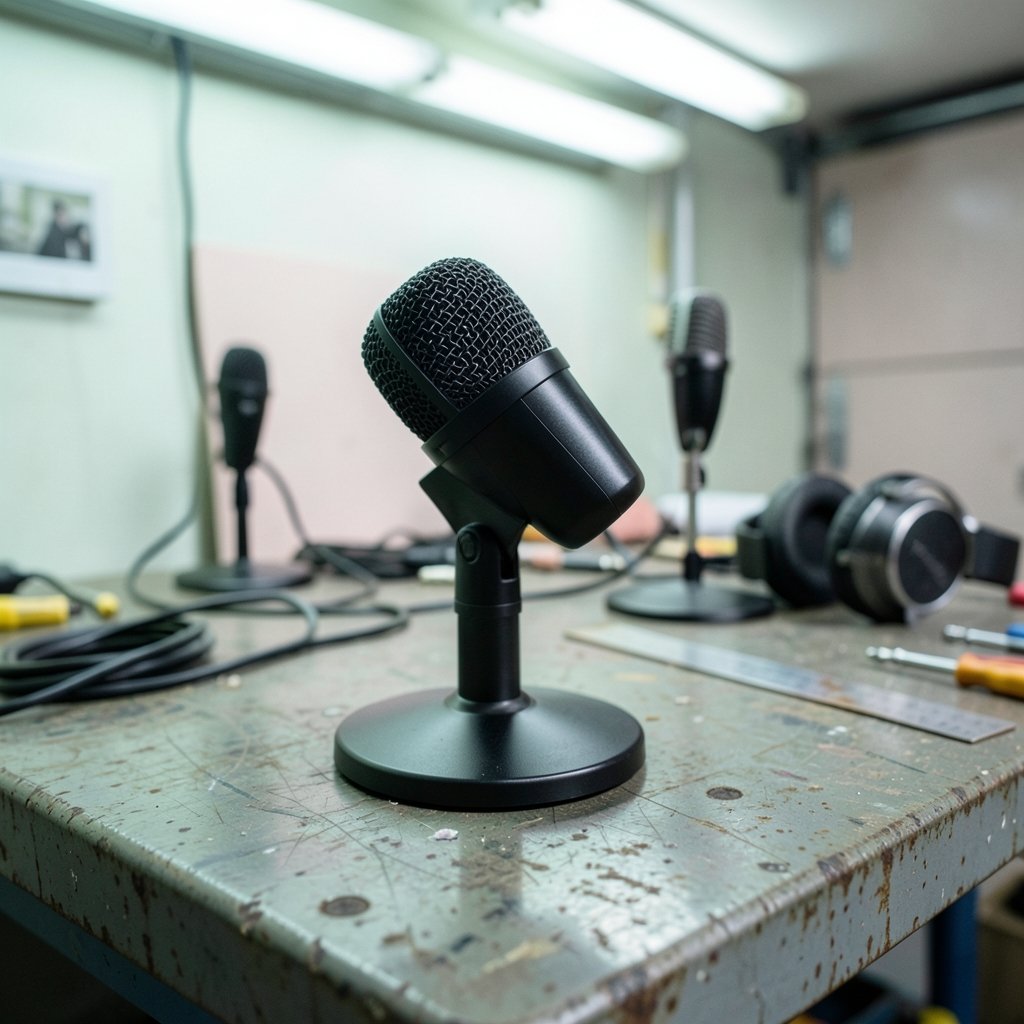
What if the microphone you pick this year quietly decides how you will record, stream, and edit for the next three? That is not a dramatic question. It is a practical one. The Shure MV7i, the HyperX QuadCast 2, and the Elgato Wave Neo all capture voice well enough for most creators. The real split happens after the sound leaves the capsule: how many sources you can bring in, which software routes them, and how much gear sits between your mouth and your audience.
This comparison looks at those workflow differences rather than spec-sheet bragging rights. It also flags where the 2027 picture is still shifting, because firmware and companion apps have a habit of rewriting the rules after launch.
Why Workflow Beats Specs for Most Buyers
A microphone is a doorway, not a destination. Two mics with near-identical frequency response can produce wildly different working days depending on what plugs into them and what software listens to them.
Three workflow axes separate this trio:
| Axis | Shure MV7i | HyperX QuadCast 2 | Elgato Wave Neo |
|---|---|---|---|
| Connection | USB-C plus XLR input and output | USB only | USB only |
| Capsule type | Dynamic | Condenser | Condenser |
| Software ecosystem | Shure MOTIV | HyperX NGENUITY | Elgato Wave Link |
| Multi-source path | Built-in second XLR input | None native | Via software mixing |
| Best fit | Hybrid podcast and instrument work | Solo plug-and-play streaming | Streamers already in Elgato’s world |
Read that table once and the buying decision gets simpler. The MV7i is the only one of the three that behaves like a small interface. The other two are single-door devices, and their value lives in software.
The Shure MV7i: A Mic That Thinks It Is an Interface
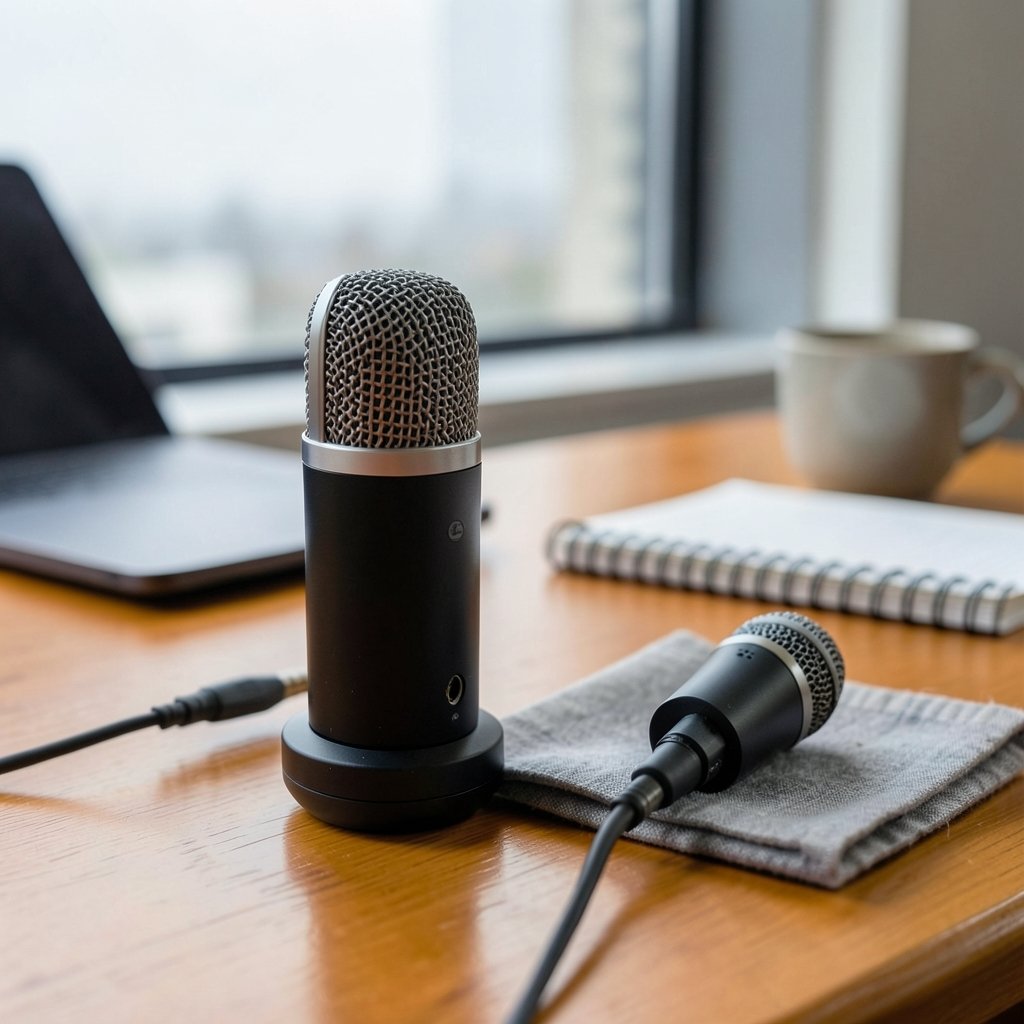
Shure announced the MV7i in January 2025 at NAMM, extending the MV7 family that the MV7+ refreshed in 2024. The headline feature is not the dynamic capsule. It is the built-in second XLR input. That single port changes what a solo creator can do without buying an audio interface.
What the second input unlocks
A podcaster can run a dynamic mic on the main capsule and a guest mic or instrument on the XLR input, then manage both in Shure’s MOTIV app. A musician can track voice and guitar in one pass. A streamer can keep a co-host on a separate channel without a mixer on the desk.
That is a genuine workflow fork. Most USB microphones give you one input and call it a day. The MV7i gives you a small studio frame in a desktop body.
Where the MV7i workflow gets awkward
Practical experience says the second input tempts people into overbuilding. Common mistakes include:
- Buying a second mic before learning MOTIV’s mix controls, then fighting feedback from two open channels.
- Assuming the XLR input processes identically to the main capsule. Check the documentation for your firmware version before you plan a two-source recording around it.
- Forgetting that a dynamic mic rewards close mic technique. Creators who sit back from the grille get thin audio and blame the hardware.
The MV7i suits people who already know they need two sources. If you record alone and always will, you are paying for a doorway you never open.
The HyperX QuadCast 2: Plug In, Talk, Done
The QuadCast 2 arrived around 2024 as the successor to the QuadCast S, and a QuadCast 2 S variant adds the RGB and streaming dressing. Model naming across the line is worth verifying at purchase, because the SKUs blur together in retail listings.
Workflow-wise, the pitch is simple: a USB condenser with a built-in shock mount and tap-to-mute, aimed at a single host at a single desk. There is no XLR path. There is no native multi-mic input. What you get is a fast start.
The strength of a closed loop
For a solo streamer, a closed loop is a feature. Tap the top to mute during a call. Let the shock mount absorb desk bumps. Skip the interface, skip the cable spaghetti, skip the routing puzzle. If your entire audio life is one voice into one computer, the QuadCast 2 removes decisions rather than adding them.
The hidden ceiling
The ceiling shows up the moment your needs grow. A co-host joins. You want to record a guitar. You want a second mic for interviews. Suddenly you are shopping for an interface anyway, and the QuadCast 2 becomes the expensive first step rather than the destination.
The companion software, HyperX NGENUITY, leans toward peripheral and lighting control. Do not expect it to become a virtual mixing desk. If routing is your priority, this is not the tool for it.
The Elgato Wave Neo: Software Is the Product
Elgato released the Wave Neo around 2023 as a budget USB condenser sitting below the Wave:3, aimed squarely at streamers. The hardware is modest. The interesting part is Wave Link, Elgato’s virtual mixing software.
Why Wave Link matters more than the capsule
Wave Link lets a streamer manage multiple audio sources in software: game audio, chat, music, and voice on separate virtual channels, each with its own level. For someone already running Elgato hardware, that is a workflow multiplier that no capsule upgrade can match.
The catch is verification. Confirm how fully the Neo integrates with Wave Link before you buy, because budget models sometimes ship with trimmed software support. Release date, capsule details, and feature parity with the Wave:3 are all worth checking against current documentation rather than launch-era reviews.
The ecosystem trap
Elgato’s workflow rewards commitment. If your stream deck, lights, and capture setup already live in that world, the Neo slots in cleanly. If you are starting from zero, you are buying into an ecosystem to get the software benefit, and that is a bigger decision than choosing a microphone.
Connection Type Is the Real Dividing Line
Strip away the branding and one fact remains: the MV7i offers USB-C plus XLR in and out, while the QuadCast 2 and Wave Neo are USB only. That is the single biggest workflow divider for 2027 buyers.
USB-only mics behave predictably because they follow the USB Audio Device Class standard, which is why they work without drivers on most systems. Predictable is good. Expandable is different. The MV7i’s XLR path means the mic can outlive your current setup; the USB-only pair are complete the day they arrive and stay that way.
If you enjoy mapping out how tools diverge at the plumbing level, the same thinking applies elsewhere. The one.com vs hostinger workflow differences piece shows how platform choices quietly shape daily routines, much like connection type shapes a recording desk. Creators comparing editing environments run into the same pattern in the kiro vs cursor workflow breakdown, where the tool’s defaults decide the rhythm of the work.
Software Ecosystems Compared
The capsule captures sound. The software decides what happens next. Here is how the three ecosystems line up.
| Ecosystem | Primary job | Strength | Limitation |
|---|---|---|---|
| Shure MOTIV | DSP and mix control for the mic and its inputs | Handles two sources without an interface | Tied to Shure hardware |
| HyperX NGENUITY | Peripheral and lighting management | Simple, familiar to HyperX owners | Not built as a mixing desk |
| Elgato Wave Link | Virtual audio mixing across sources | Strong multi-source routing for streamers | Best value inside Elgato’s ecosystem |
A useful habit: open each companion app’s release notes before buying. Firmware updates can add routing features, fix input handling, or change how a second source behaves. A 2027 buying guide that ignores software versioning is only half a guide.
Practical Tips That Actually Work
These habits separate smooth setups from frustrating ones, regardless of which mic ends up on the desk.
- Decide your source count first. One voice means a USB-only mic is fine. Two sources means the MV7i’s XLR input earns its keep.
- Test the mute control before you trust it. Tap-to-mute is only useful if you have verified it mid-recording, not during a quiet rehearsal.
- Learn one routing scenario deeply. A single working mix beats five half-configured templates.
- Keep mic distance consistent. Dynamic and condenser capsules respond differently to distance, and inconsistency is the most common cause of uneven audio.
- Document your settings. When firmware updates land, a note of your previous levels saves an evening of guessing.
The same discipline shows up in data work, where tool choice shapes daily habits; the sql vs nosql workflow comparison makes that point well. Audio routing and data modeling are cousins: both reward choosing structure before adding volume.
Common Mistakes Buyers Make
The most expensive mistake is buying for the spec sheet instead of the workflow. A creator who records alone buys the MV7i for its second input and never uses it. A podcaster buys the QuadCast 2 for its clean look and discovers a month later that a co-host needs a channel.
The second mistake is assuming software is free of consequences. Companion apps differ enormously in routing depth, and switching ecosystems later means relearning habits, not just reinstalling software.
The third mistake is ignoring the 2027 question entirely. Firmware and app updates can shift workflows after purchase. Buyers who check current documentation, not launch reviews, make better calls.
Conclusion
The Shure MV7i, HyperX QuadCast 2, and Elgato Wave Neo are all competent microphones, and none of them will ruin your audio. The decision comes down to the shape of your work. Choose the MV7i if you need two sources and want a hybrid path that can grow. Choose the QuadCast 2 if you are a solo host who values a fast, closed, plug-and-play loop. Choose the Wave Neo if you already live inside Elgato’s ecosystem and want Wave Link’s mixing to do the heavy lifting.
In 2027, the microphone is rarely the bottleneck. The workflow around it is. Pick the workflow you can live with, then let the capsule follow.
FAQ
Is the Shure MV7i worth it if I only record one voice?
Probably not. The MV7i’s main advantage is its built-in second XLR input, which lets you add a guest mic or instrument without a separate interface. If you only ever record one voice, you are paying for a feature you will not use, and a simpler USB mic will serve you just as well.
Does the HyperX QuadCast 2 work without extra software?
Yes. It is a USB-only microphone designed for plug-and-play use, with a built-in shock mount and tap-to-mute control. Its companion software, HyperX NGENUITY, focuses mainly on peripheral and lighting management rather than deep audio routing, so you can use the mic without leaning on software at all.
Can the Elgato Wave Neo mix multiple audio sources?
The mixing happens through Elgato’s Wave Link software rather than the microphone itself. Wave Link lets streamers manage game audio, chat, music, and voice on separate virtual channels. Before buying the Neo specifically, confirm how fully it supports Wave Link, since budget models sometimes ship with trimmed software features.
Which of the three is best for a two-person podcast?
The Shure MV7i is the natural fit because its second XLR input handles a guest mic without an audio interface. The QuadCast 2 and Wave Neo are USB-only single-input designs, so a two-person setup would require additional hardware or software workarounds.
Do firmware updates change how these microphones behave?
They can. Companion apps like Shure MOTIV, HyperX NGENUITY, and Elgato Wave Link receive updates that may adjust routing, input handling, or feature support. Check current release notes before buying rather than relying on launch-era reviews, especially if you are reading this in 2027.
What is the biggest workflow difference between these microphones?
Connection type. The MV7i offers USB-C plus XLR input and output, making it expandable. The QuadCast 2 and Wave Neo are USB only, which keeps them simple but closed. That single difference determines whether your setup can grow without new gear.



