

A smart switch clicks into the wall, the app connects, the wiring looks right, and then the lamp flickers, glows faintly in the dark, or refuses to turn on at all. What went wrong? In the vast majority of these cases, the answer is a single overlooked spec: minimum load. It is the least glamorous number on the box and the one that causes the most failed installations. This guide explains what minimum load means, why no-neutral switches are so sensitive to it, which bulbs cause trouble, and what actually fixes the problem in practice.
What Minimum Load Actually Means
Every smart switch needs electricity to run its own electronics: the Wi-Fi or Zigbee radio, the relay, the microcontroller, and the LED indicator light. A switch with a neutral wire gets that power directly from the mains. A switch without a neutral wire has a problem: the only path to power is through the light bulb itself. (Upcoming switch 2 games)
So the switch steals a tiny trickle of current through the lamp circuit. That trickle is far too small to make an incandescent bulb glow, but it is enough to run the switch’s internal power supply. The catch is that this leakage current needs a complete circuit, and the lamp provides it. If the lamp draws too little power on its own, the switch’s internal supply cannot stabilize. The result is flickering, buzzing, a lamp that glows dimly when “off,” or a switch that drops off the network entirely. (Nintendo switch 2 lite samsung 8lpu plus chip rumor 2026) (Switch)
That threshold is the minimum load. It is usually expressed in watts, but it can also be stated as a minimum current or tied to specific bulb types. It is not a safety limit. It is a functional limit, and ignoring it is the number one reason DIY smart switch installs fail.
Why No-Neutral Switches Are the Usual Suspects
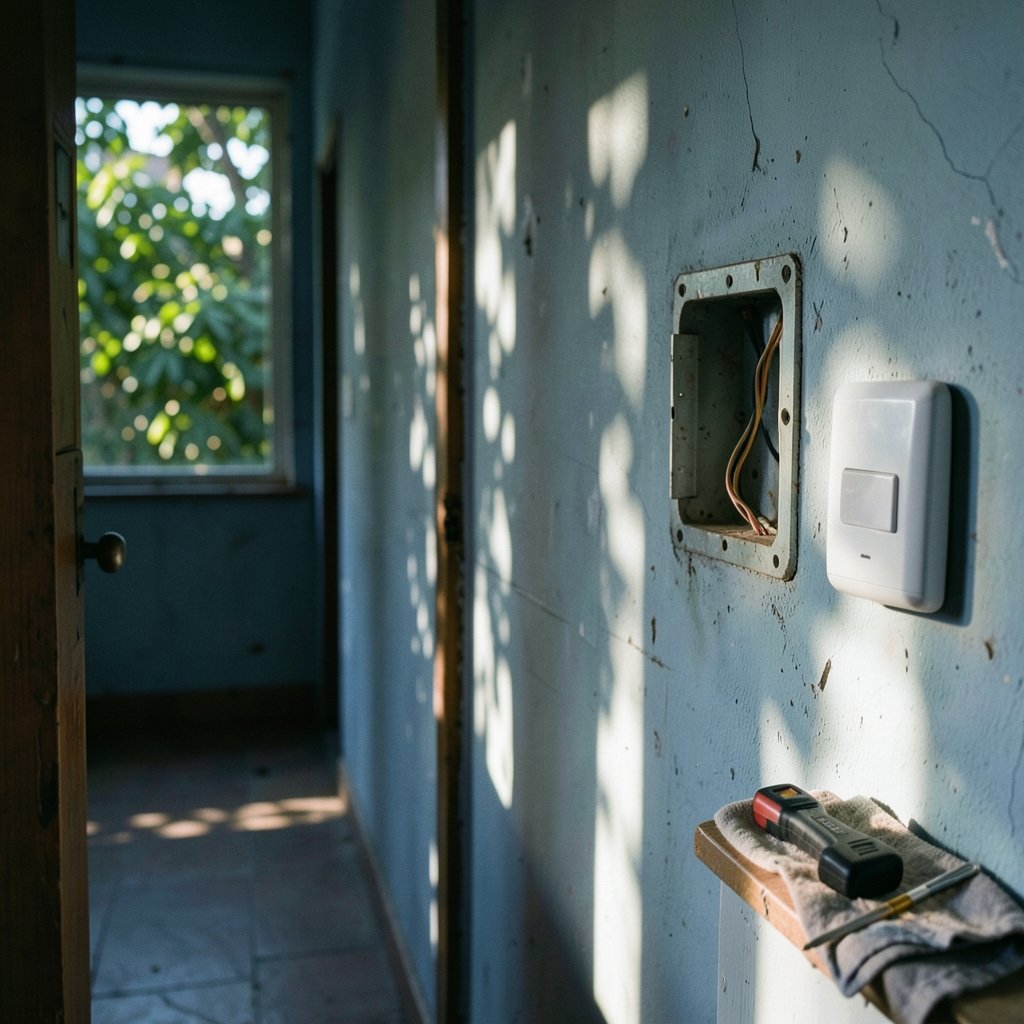
The minimum load problem is almost entirely a no-neutral problem. Switches that require a neutral wire power themselves directly and generally have no minimum-load requirement at all. If a neutral is available in the box, using a neutral-required switch eliminates this entire category of headache.
Many older homes simply do not have a neutral in the switch box, which is why no-neutral switches exist and sell so well. They are a clever engineering compromise, but the compromise has a cost. The switch’s power supply is parasitic: it lives off leakage through the load. Manufacturers publish minimum load figures for exactly this reason, and the numbers vary enormously between brands and models. Some no-neutral switches specify minimums as low as 3 watts for LED loads; others demand 25 watts or more. There is no industry standard, so the figure on one datasheet tells you nothing about another product.
That lack of standardization is a genuine trap. A reviewer who says “it worked fine with my LEDs” may have been running 40 watts of bulbs where you are running 6. Always check the specific datasheet for the specific model, and check whether the stated minimum refers to LED/CFL loads or incandescent loads. They are often different numbers.
Why LED Bulbs Trigger the Problem So Often
LED bulbs are the most common trigger because they are extremely efficient. A 9-watt LED can produce roughly as much light as a 60-watt incandescent bulb. From the switch’s point of view, that is a 9-watt load instead of a 60-watt load, which frequently falls below the threshold needed to keep its internal supply running.
There are secondary complications too. Many LED bulbs contain driver electronics that behave unpredictably at very low currents. Some flicker, some glow faintly, some buzz audibly, and some refuse to start at all. Dimmable LEDs and smart bulbs are the worst offenders, because their drivers are designed to interpret small current variations as dimming signals. A leakage current intended to power a switch can be misread as a “dim to 2%” command, which is why lamps sometimes stay faintly lit when the switch is off.
Incandescent and halogen bulbs, by contrast, almost never cause trouble. A 40-watt incandescent easily satisfies most minimum load requirements, which is why older installs and test benches so often “just work.” The bulb type matters as much as the wattage.
A Practical Comparison: Bulb Types and Minimum Load Behavior
| Load type | Typical behavior with no-neutral switch | Practical note |
|---|---|---|
| Incandescent / halogen | Usually reliable; easily meets minimum load | Simplest fix, but inefficient and being phased out in many markets |
| Standard LED (non-dimmable) | Hit or miss; depends on total wattage | Add up every bulb on the circuit instead of only one |
| Dimmable LED | Most likely to flicker or glow when off | Often needs a bypass capacitor |
| Smart bulb | Frequently incompatible | A smart bulb powered off at the switch cannot be controlled remotely |
| Multiple LED bulbs combined | Often works if total wattage clears the threshold | Two or three bulbs may solve it where one fails |
The combined-load trick is worth emphasizing because it is free. If a single 8-watt LED flickers but three 8-watt LEDs on the same switched circuit behave perfectly, the total load of 24 watts has cleared the threshold. This works because the switch sees the sum of all lamps it controls, not each bulb individually.
The Bypass Capacitor: What It Is and When It Helps
Manufacturers know about the minimum load problem, and many ship a small accessory to solve it: a bypass capacitor, sometimes called a load capacitor, dummy load, or compensator. It is a small component wired across the lamp terminals (in parallel with the light) that provides a controlled leakage path for the switch’s current, stabilizing its power supply without lighting the bulb.
When it works, it works well. Flicker stops, the faint glow disappears, and the switch stays connected. In practice, though, there are several caveats:
- Not every brand supplies one, and naming varies so widely that buyers often do not realize the part exists.
- It must be installed at the lamp, not at the switch, which means working inside the light fitting.
- It only helps within limits. A capacitor cannot rescue a load that is dramatically below the threshold, and it does nothing for smart bulbs that need constant power.
- Installation involves mains wiring inside a fixture, so it should only be done with the circuit isolated and, where required, by a qualified electrician.
A bypass capacitor is a targeted fix for a specific symptom, not a universal cure.
What Actually Works: Fixes Ranked by Effort
In practice, the fixes fall into a rough order from easiest to hardest. Most installers should work down this list rather than jumping straight to rewiring.
- Check the datasheet first. Confirm the exact minimum load for your model and whether it applies to LED or incandescent loads. Half of all “faulty switch” complaints are actually spec mismatches.
- Add load. Swap one LED for a higher-wattage LED, or add a second bulb to the same switched circuit so the total clears the threshold.
- Fit the manufacturer’s bypass capacitor. Use the part supplied or specified by the switch maker, installed across the lamp.
- Switch to a neutral-required model. If a neutral is present in the box, this is the cleanest permanent solution and removes the minimum load constraint entirely.
- Separate smart bulbs from the switch. If the goal is smart bulbs, the switch should stay permanently on and control nothing, or be replaced with a scene controller or a smart button that never cuts power to the bulbs.
The last point deserves emphasis. A common and frustrating mistake is pairing a no-neutral smart switch with smart bulbs. The switch cuts power to the bulbs, the bulbs drop off the network, and voice control stops working. Some no-neutral switches will not function with smart bulbs at all, because the bulb’s driver does not provide a stable leakage path. Smart bulbs and switch-based control are two different architectures, and mixing them usually produces the worst of both.
Common Mistakes That Cause Failures
A few errors show up again and again in failed installs. The first is measuring load by brightness rather than wattage: a bulb that “looks bright” may still draw only 7 watts. The second is trusting a product listing over the datasheet, since marketplace listings routinely omit or misstate minimum load figures. The third is assuming all no-neutral switches behave alike when their thresholds differ by an order of magnitude.
The fourth, and most serious, is ignoring local electrical codes. Wiring changes must follow the applicable rules, such as the National Electrical Code in the United States or BS 7671 in the United Kingdom, and requirements for no-neutral switches and bypass capacitors vary by jurisdiction. Where the code or the manufacturer’s instructions conflict with a clever workaround, the code wins. If in doubt, an electrician’s hourly rate is cheaper than a burned-out switch or a house fire. (Electrical)
It is also worth thinking ahead about the wider setup. If the switch is part of a larger automation plan, the same load-matching logic applies to other devices, and pairing a reliable switch with good voice control hardware matters as much as the wiring itself. Buyers building out a system often compare options like the best smart speakers for home automation before committing to an ecosystem, because the switch is only one link in the chain.
Minimum Load in Context: Smart Switch vs. Smart Bulb vs. Neutral Switch
| Approach | Minimum load issue? | Best for | Main drawback |
|---|---|---|---|
| No-neutral smart switch | Yes, always a consideration | Homes without a neutral in the switch box | Threshold varies wildly; flicker risk |
| Neutral-required smart switch | Generally no | Any home with a neutral available | Requires neutral wiring |
| Smart bulbs | Not applicable to the switch | Renters; lamp-level control | Must stay powered; wall switch becomes a liability |
| Smart switch plus dumb LEDs | Depends on total wattage | Most retrofits | Needs load matching |
The pattern is clear: the minimum load question only really bites when a no-neutral switch meets a low-wattage LED load. Everything else is a variation on that theme.
Conclusion
Minimum load is the spec nobody reads until the lights start flickering. It exists because no-neutral smart switches must power themselves through the lamp, and a lamp that draws too little current cannot sustain that. The fix is rarely exotic: check the datasheet, add load or add bulbs, fit the manufacturer’s bypass capacitor, or move to a neutral-required switch if the wiring allows it. Avoid the classic pairing of a no-neutral switch with smart bulbs, respect local electrical codes, and treat the minimum load figure as a hard requirement rather than a suggestion. Get that one number right, and the rest of the installation tends to take care of itself.
Frequently Asked Questions
What is minimum load on a smart switch?
Minimum load is the smallest amount of power a connected lamp must draw for the switch to work reliably. No-neutral switches power their electronics by leaking a small current through the lamp, so a lamp below the threshold can cause flicker, faint glowing, or connection dropouts.
Why does my smart switch make my LED bulb flicker?
The LED draws less current than the switch needs to stabilize its internal power supply. The switch’s leakage current charges and discharges the LED driver unevenly, producing visible flicker. Adding load, adding a second bulb, or fitting a bypass capacitor usually resolves it.
Do I need a neutral wire for a smart switch?
Not always, but a neutral wire makes life much easier. Neutral-required switches power themselves directly and generally have no minimum load requirement. No-neutral switches work, but they are sensitive to bulb type and wattage.
Can I use a bypass capacitor to fix minimum load problems?
Often yes, if the manufacturer supplies or specifies one for your model. It is wired across the lamp to provide a stable leakage path. It only works within limits and should be installed with the circuit isolated, following local wiring rules.
Will a smart bulb work with a no-neutral smart switch?
Usually not well. The switch cuts power to the bulb, so the bulb cannot be controlled remotely, and some no-neutral switches will not function with smart bulbs at all. Smart bulbs generally need constant power, with control handled by an app, voice, or a scene controller.
How do I know if my bulb is below the minimum load?
Add up the wattage of every bulb on the switched circuit and compare it with the figure on the switch’s datasheet, checking whether it applies to LED or incandescent loads. If the total is below the threshold, the install is at risk regardless of how bright the room looks.



