
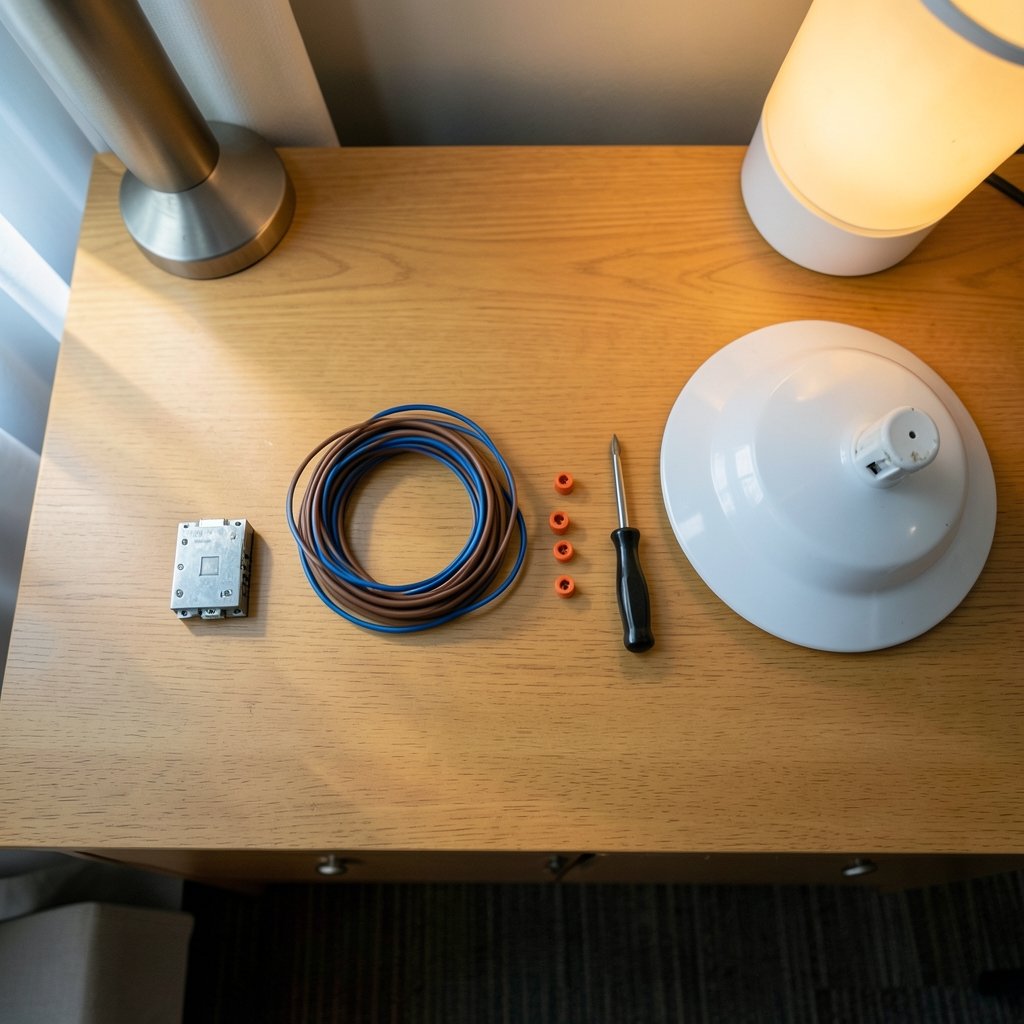
Can you really make an old pull-chain ceiling fan smart without tearing into your walls or buying a whole new fixture? That question sends a lot of homeowners down a rabbit hole of product listings, forum threads, and half-finished YouTube tutorials. The short answer is yes, but the details matter more than the marketing suggests. A smart relay sits between your existing wall control and the fan itself, letting an app, voice assistant, or automation schedule take over the on/off and speed duties. Done right, it is one of the cheapest smart-home upgrades in the house. Done carelessly, it can buzz, flicker, or fail inspection. (U.S. Consumer Product Safety Commission)
This guide walks through what a smart relay actually is, which fan types cooperate with one, the wiring realities nobody mentions in the product photos, and the mistakes that trip up most first-timers.
What a Smart Relay Actually Does in a Fan Circuit
The phrase smart relay is not a standardized industry term, and that vagueness causes real confusion. In the ceiling fan world, it usually means one of three things:
- An in-canopy module that tucks into the fan’s ceiling housing and switches the load there
- A smart wall switch or relay that replaces the existing wall control
- A dry-contact relay that only passes a signal to a separate controller
Each behaves differently. An in-canopy module is invisible and keeps your wall switch intact, but it lives in a cramped, hot space. A wall relay is easier to reach but may not fit a shallow box. A dry-contact unit does not carry fan current at all, so it needs a companion device.
Whatever the form, the relay’s job is simple: interrupt or restore power to the fan, and in some designs, step through speed taps. It does not magically add variable-speed control to a motor that was never built for it. That distinction separates a smooth retrofit from a disappointing one.
AC vs. DC Fans: The Split That Decides Everything
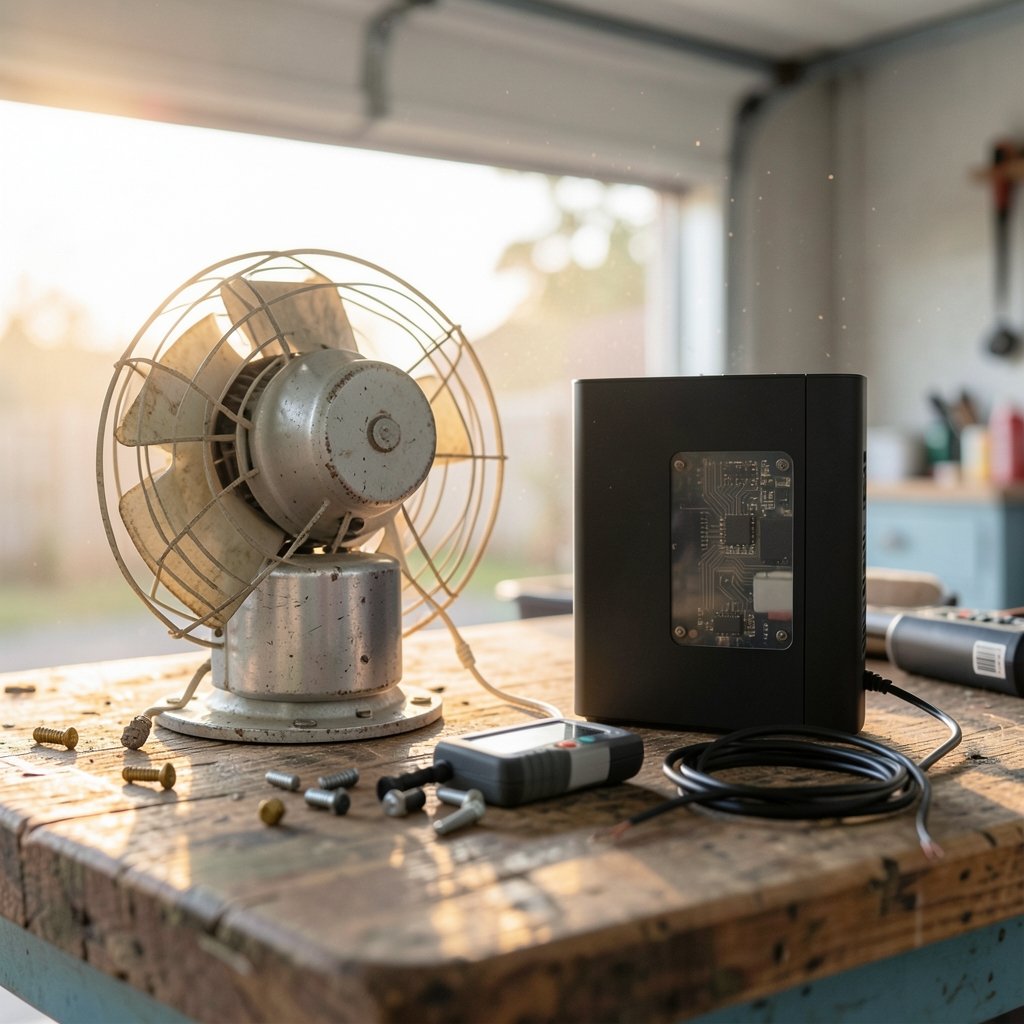
Before buying anything, identify the motor. This single fact determines whether a relay will work well or fight you.
| Fan motor type | How speed is controlled | Relay compatibility | Watch out for |
|---|---|---|---|
| AC capacitor fan | Pull chain switches between capacitor taps | Good with on/off relays; speed control needs multi-relay or dedicated modules | Humming, lost low speeds, capacitor damage if wired wrong |
| DC motor fan | Built-in electronic controller, remote or wall panel | Poor with simple relays; usually needs the manufacturer’s own module | Voids warranty, controller conflicts |
| Older AC fan, no neutral at switch | Pull chain only | Requires in-canopy relay or rewiring | No neutral means most smart switches are out |
AC capacitor fans are the classic pull-chain workhorses. Their speeds come from switching different capacitor values into the circuit, so a relay that only cuts power gives you nothing but on and off. To get speed control you need a module designed to replicate those taps, or you accept binary control and keep using the chain for speed.
DC fans are a different animal. Their motors run on internal electronics that expect a specific controller. Dropping a generic relay inline often produces erratic behavior or simply does nothing useful. In practice, the honest advice is to use the fan maker’s own smart module or leave it alone.
The Neutral Wire Problem Nobody Mentions
Here is the mistake that wastes the most weekends: buying a smart wall relay before checking for a neutral wire in the switch box. Older homes frequently run only a hot line and a switched line to the fan. Smart relays need constant power to stay awake, which means a neutral.
Three ways out exist. First, install an in-canopy module where the neutral is available at the fixture. Second, run a new cable, which is a job for a licensed electrician and possibly a permit. Third, choose a no-neutral smart switch, which leaks a tiny current through the load. That last option often causes flicker or faint glowing in LED bulbs and can misbehave with fan motors.
Practical tip: photograph the inside of the switch box before you buy anything. Count the wires, note the colors, and check whether a bare copper ground is present. Ten minutes with a phone camera saves a return shipping label.
Safety, Codes, and Certification: The Boring Parts That Matter
Ceiling fans are heavy, spinning, mains-powered machines mounted above people’s heads. The electrical code treats them accordingly. Fan-rated electrical boxes are required because standard boxes are not built to hold a fan’s weight and vibration. The National Electrical Code, published by NFPA, sets the requirements most jurisdictions adopt, though local amendments vary.
Certification is the other non-negotiable. A relay that carries fan current should be listed by a recognized testing laboratory. Look for a UL, ETL, or CSA mark on the device itself; a listing photo does not replace the mark on the unit. Unlisted modules sold at bargain prices are a genuine fire risk, and inspectors will flag them. For wireless devices, the FCC maintains a public equipment database where you can confirm a product’s authorization.
If you are unsure whether your project needs a permit, call your local building department. Many areas require one for new wiring, and skipping it can complicate a future home sale. The U.S. Department of Energy also publishes guidance on household electrical safety that is worth a skim before you start.
How to Install an In-Canopy Smart Relay
For most retrofits, the in-canopy route is the least invasive. The steps below assume a fan-rated box, an existing wall switch, and a module rated for the fan’s load.
- Cut power at the breaker and verify with a non-contact tester at the fixture. Do not trust the wall switch alone.
- Remove the fan’s canopy to expose the wiring compartment. Support the fan so it does not hang from the wires.
- Identify the wires: typically black (hot), white (neutral), green or bare (ground), plus the fan’s own leads.
- Read the module’s diagram twice. Wire colors on aftermarket modules do not always match house wiring conventions.
- Connect the module so it receives constant hot and neutral, then feeds the fan. Cap every connection with a proper connector, not tape alone.
- Tuck the module carefully so it does not pinch against the canopy or sit against a hot surface.
- Restore power and pair the device with your hub or app before reinstalling the canopy, so you can troubleshoot without disassembly.
- Test every speed and the light kit if one exists, then run the fan for fifteen minutes and check for unusual heat or noise.
If any step feels uncertain, stop and call an electrician. The cost of an hour of professional time is trivial next to a burned junction box.
Where the Relay Fits in a Wider Smart Home
A fan relay is rarely the only device people add. It usually joins a hub, some sensors, and a handful of other gadgets. If you are building out from scratch, a sensible order is lighting first, then climate, then the fan. Guides on best smart home devices for beginners cover the starter kit nicely, and a piece on best smart speakers for home automation explains which voice platforms pair cleanly with relay modules.
Pairing a fan with a thermostat is where automation earns its keep. A simple rule like “run the fan when the bedroom exceeds 78°F” turns a dumb fixture into part of a cooling strategy. Articles on best smart thermostats to save energy walk through the scheduling side, and the same logic applies to fan triggers. Just remember that a ceiling fan cools people, not rooms, so it should switch off when nobody is home.
Security and access devices often live on the same hub. If you are already running automations, a look at best smart locks for home security shows how shared platforms reduce app sprawl. Keeping everything on one ecosystem, whether that is Matter, Zigbee, or Wi-Fi, is the single best defense against a phone full of orphaned apps.
Common Mistakes and What Actually Works
Experience from the field points to a short list of recurring errors.
Buying on price alone. The cheapest relay on a marketplace listing often lacks listing marks and proper load ratings. A fan draws a surge at startup that a light-duty relay may not survive.
Ignoring the load rating. Check the module’s rated amperage against the fan’s nameplate. A small margin is fine; running at the limit is not.
Assuming speed control is included. Many relays are on/off only. If variable speed matters, confirm the module supports it and that your motor type is compatible.
Skipping the hub question. Some relays need a proprietary bridge, others speak Matter or Zigbee directly. Verify before purchase, because a relay that will not pair is an expensive paperweight.
Mounting the module where it bakes. Canopy space gets warm. Follow the manufacturer’s clearance guidance and never wrap a module in insulation.
Forgetting the wall switch. Household members will still flip the physical switch. Choose a module that remembers its state or pair it with a smart switch so the two do not fight.
What actually works is unglamorous: match the module to the motor, confirm the neutral, buy listed hardware, and test before closing up the canopy. People who follow that sequence rarely post troubleshooting threads.
When to Skip the Relay Entirely
Sometimes the right move is a new fan. If the existing fixture is twenty years old, noisy, or a DC model with a proprietary controller, the cost of a compatible module plus labor approaches the price of a modern fan with smart features built in. The same applies when the electrical box is not fan-rated, since that requires opening the ceiling anyway. In those cases, a bundled fixture with native app support is simpler, safer, and often cheaper over five years.
For renters, relays are usually off the table without landlord approval. Plug-in fan controllers and smart plugs for floor fans are the workable alternative.
Conclusion
A smart relay can turn a basic pull-chain ceiling fan into a schedule-aware, voice-controlled part of the house for a modest sum, provided you respect three things: the motor type, the neutral wire, and the certification mark. Get those right and the install is a satisfying afternoon project. Get them wrong and you will spend that afternoon on a forum asking why your fan hums. Check the box, read the diagram, buy listed hardware, and when in doubt, hire the electrician. Your ceiling will thank you.
Frequently Asked Questions
What is a smart relay for a ceiling fan?
It is a small switching device that sits between your home’s power and the fan, letting an app, voice assistant, or automation turn the fan on and off. Some models also step through speed settings. It is not a standardized product category, so the term can refer to an in-canopy module, a wall switch, or a dry-contact relay.
Can I use a smart relay with a DC motor ceiling fan?
Usually not with a generic relay. DC fans rely on internal electronics that expect the manufacturer’s own controller, and a third-party relay often causes erratic behavior or voids the warranty. Use the fan maker’s smart module instead, or choose a fan with built-in smart features.
Do I need a neutral wire for a smart fan relay?
It depends on the device. Wall-mounted smart relays almost always need a neutral to stay powered. In-canopy modules usually find a neutral at the fixture, which is why they are the easier retrofit in older homes. No-neutral switches exist but can cause flicker and are a poor match for fan motors.
Will a smart relay let me control fan speed?
Only if the module is designed for it. Many relays are on/off only, which means you keep using the pull chain for speed. Modules that replicate capacitor taps can offer multiple speeds on AC fans, but they must explicitly support your motor type. Check the spec sheet before buying.
Is it safe to install a ceiling fan smart relay yourself?
It can be, if you are comfortable working inside a junction box with the breaker off, and if the device carries a recognized listing mark such as UL, ETL, or CSA. New wiring often requires a permit. If you are unsure about any step, a licensed electrician is the right call.
Why does my fan hum or flicker after adding a relay?
Humming usually points to a dimmer-style module or a relay not suited to inductive motor loads. Flicker often comes from a no-neutral switch leaking current or a loose connection. Both are worth fixing promptly, since they can stress the motor and indicate a wiring problem rather than a software glitch.



