
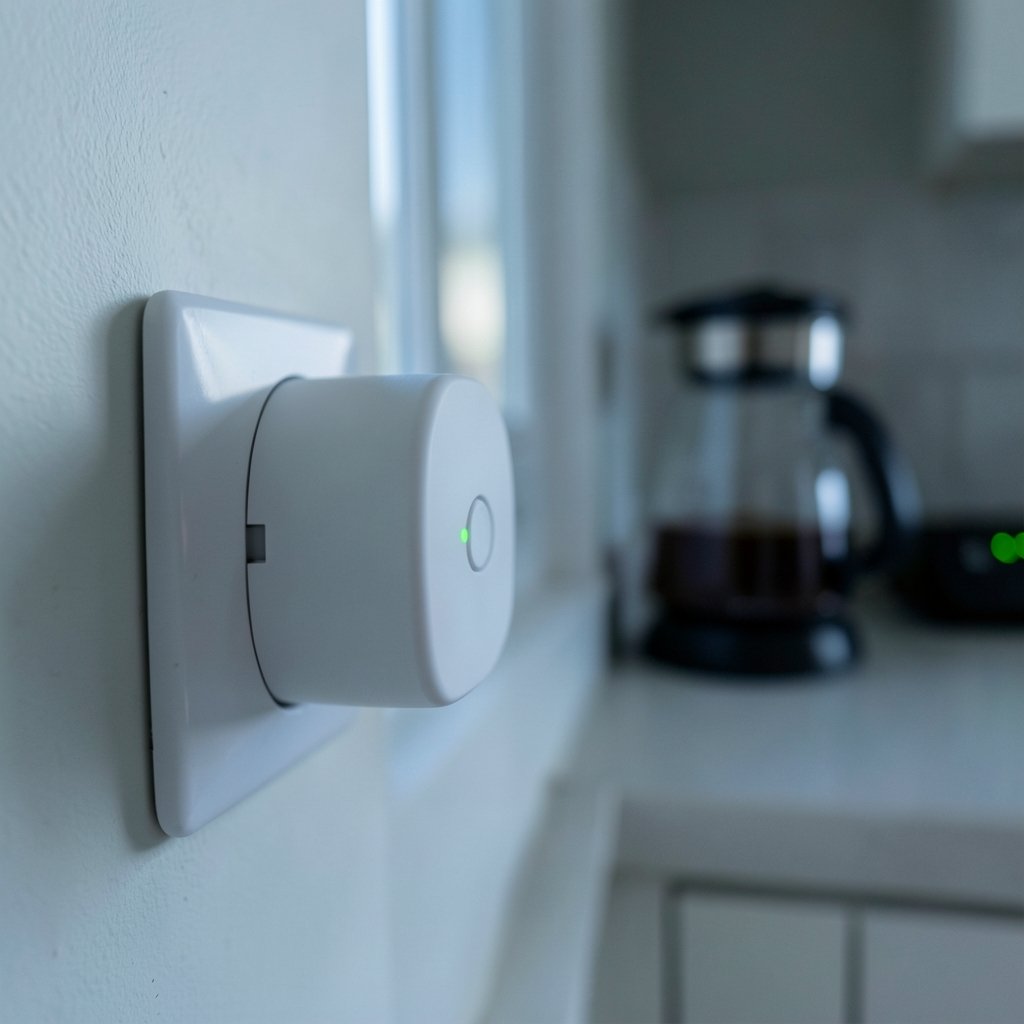
What happens to your smart plug’s morning routine when the internet goes down? If you have ever stood in a dark kitchen at 6 a.m. wondering why the coffee maker did not start, you already know the answer is not simple. Some plugs keep running their schedules. Others go completely dumb. The difference comes down to where the schedule actually lives, and that is a detail most product pages never explain clearly.
This guide breaks down how smart plug scheduling without internet really works, which devices are more likely to keep running, and the mistakes people make when they assume “smart” means “self-sufficient.”
The Core Question: Where Does the Schedule Live?
Every smart plug schedule runs in one of three places. Understanding these three locations explains almost every outage behavior you will ever see.
On the plug itself (local firmware). The plug stores the on and off times in its own memory. When the clock hits 6:00, the plug switches the relay without asking anyone’s permission. This is the most resilient design.
In the cloud. The schedule lives on the manufacturer’s servers. Your plug is essentially waiting for a message from the internet. If that message cannot arrive, nothing happens.
On a local hub. A home hub such as Home Assistant or Hubitat holds the schedule and sends commands over your local network. The internet can be gone, but the hub and router still need power.
The practical takeaway: “no internet” is not the same as “no network.” Most Wi-Fi plugs still need your router powered on and broadcasting. Pulling the internet cable is a very different test from pulling the router’s power plug.
Which Smart Plugs Keep Scheduling Without Internet?
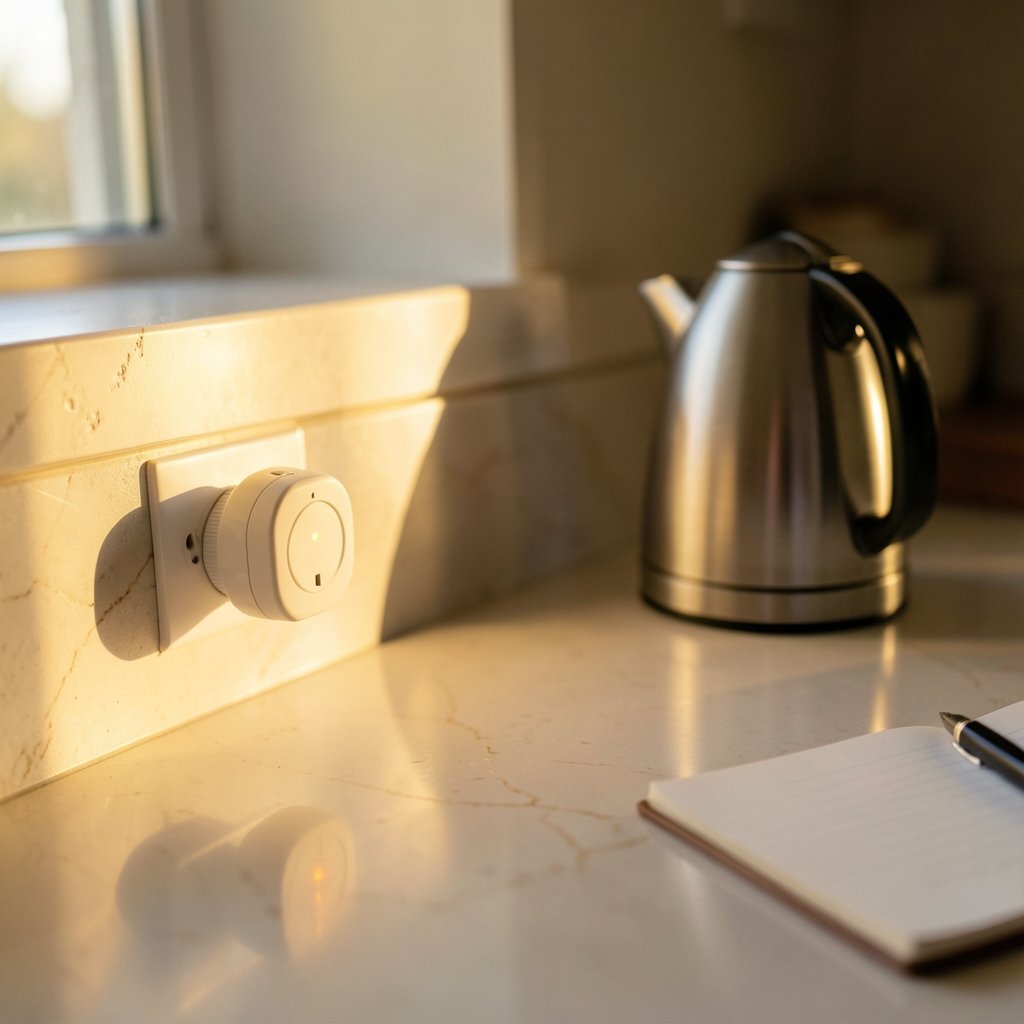
Manufacturer documentation varies widely, and the honest answer is that you have to check per model, not per brand. Still, some patterns hold up.
| Plug type | Schedule location | Works with internet down? | Works with router off? |
|---|---|---|---|
| Cloud-only Wi-Fi plug | Manufacturer servers | Usually no | No |
| Wi-Fi plug with local schedules | Plug firmware | Often yes | Usually yes |
| Matter-over-Wi-Fi plug | Device or local controller | Often yes | Depends on setup |
| Zigbee/Z-Wave plug with local hub | Hub software | Usually yes | No |
| Plugs with local APIs (Shelly, Tasmota) | Device firmware | Usually yes | Usually yes |
A few practical notes on that table. Plugs that support a local API tend to be the most reliable for offline scheduling because nothing in the chain depends on a vendor’s servers staying online. Devices running open firmware such as Tasmota are popular for exactly this reason. Meanwhile, budget plugs that only work through a phone app and a cloud account are the most likely to fail silently.
If you are building a broader connected home and want devices that behave predictably during outages, it helps to compare options carefully before buying. Guides on best smart speakers for home automation and best smart thermostats to save energy cover similar local-versus-cloud trade-offs for other device categories. (Smart plug)
How to Test Your Plug Before You Rely on It
Most people discover their plug’s limits during a real outage, which is the worst possible time. Run this test instead, ideally on a weekend morning when a failed schedule costs you nothing.
- Set a schedule that turns a lamp on in five minutes.
- Unplug your internet router or modem only, leaving the Wi-Fi router powered if they are separate devices.
- Wait for the scheduled time and watch the lamp.
- Repeat the test with the whole router powered off.
- Repeat once more after a full power cut to the plug itself.
Each step tells you something different. Step 2 tests cloud dependency. Step 4 tests whether the plug needs the local network at all. Step 5 tests whether the plug remembers its state and schedule after losing power, which is a separate setting from offline scheduling and is often missed.
Write down the results. A small label on the plug itself is genuinely useful six months later when you have forgotten which model does what.
Common Mistakes People Make
Assuming “smart” means “independent.” The word smart describes the app, not the reliability. Plenty of smart plugs are entirely dependent on a server farm hundreds of miles away.
Confusing offline scheduling with offline control. A plug might run its stored schedule perfectly while still refusing to respond to your phone. Those are two different capabilities, and marketing copy rarely separates them.
Forgetting the router’s power. A plug with local schedules can survive an internet outage, but not a router that lost power in the same storm. If you want true resilience, put the router and hub on a small uninterruptible power supply.
Skipping the firmware update. Local scheduling features are sometimes added or fixed in firmware. A plug that failed an offline test two years ago may behave differently after an update.
Ignoring the power-loss state setting. Many plugs let you choose whether they resume their previous state, stay off, or turn on after a power cut. Leaving this on the default can undo a perfectly good schedule.
Buying twelve plugs from one brand without testing one. Test a single unit thoroughly, then scale up once you know the behavior.
Local Hubs and Matter: The Middle Path
If you want schedules that survive internet outages without hunting for the perfect plug, a local hub is often the more reliable answer. Zigbee and Z-Wave plugs paired to a hub keep their automation rules on the hub itself. As long as the hub and router have power, the schedule runs. The catch is that hub-based systems cost more upfront and require a bit more setup patience.
Matter, the cross-vendor smart home standard, was designed with local control in mind. Matter-over-Wi-Fi and Thread devices are built to respond on the local network rather than round-tripping through a cloud. Whether a specific plug’s schedule survives an internet outage still depends on the implementation, so treat Matter support as a strong signal rather than a guarantee.
For anyone already running a hub, a device like the Home Center Lite smart home hub can centralize scheduling and reduce the number of separate apps you depend on. Fewer cloud accounts generally means fewer points of failure.
Security and Reliability Go Together
There is an underappreciated link between offline scheduling and device security. Plugs that rely heavily on cloud accounts also tend to be the ones with weaker local controls, and internet-connected gadgets in general deserve scrutiny. If you are reviewing the devices on your network, a guide to the best internet security in Australia covers the broader picture, while best outdoor security cameras without a subscription makes a similar case for local-first design in another product category.
The pattern is consistent: devices that work locally tend to be more private, more reliable, and less likely to become useless when a manufacturer shuts down a server or changes its terms.
Practical Scenarios Where This Matters
Holiday lighting. A schedule that fails mid-holiday leaves the house dark or, worse, lit around the clock. Local schedules are the safer bet here.
Aquarium and terrarium equipment. Heaters and filters on cloud-dependent plugs are a genuine risk. Test thoroughly before trusting a schedule with anything alive.
Coffee makers and space heaters. Convenience devices are fine with occasional failures, but a space heater stuck on because a cloud command never arrived is a safety issue. Prefer plugs with local schedules and a sensible power-loss setting.
Home servers and networking gear. Reboot schedules and power cycling are common uses. These plugs should almost always use local scheduling so a network problem does not lock you out of the fix.
What to Look For When Buying
When shopping, ignore the feature list and look for these signals instead.
- Explicit mention of local schedules or offline operation in the manual or support pages, rather than only in marketing copy.
- A local API or documented integrations with Home Assistant or similar platforms.
- Matter or Thread support, which usually indicates a local-first design.
- A published power-loss behavior setting you can change.
- Firmware update history, which suggests the manufacturer maintains the product.
If a product page says nothing about offline behavior, assume the schedule is cloud-based until you prove otherwise with the test above.
When the Internet Is Down but the Network Is Fine
This is the most common real-world case, and it is where local scheduling shines. A cable outage, a DNS failure, or an ISP maintenance window takes the internet away for an hour. Your router keeps broadcasting. A plug with local schedules never notices. A cloud-only plug misses every command during that window and may even drift out of sync afterward.
The same logic applies to gaming setups and home offices, where uptime matters. If you are choosing connectivity for a household that cannot tolerate dropouts, a guide to the best internet for gaming covers connection types and reliability in more detail. (Cybersecurity)
Conclusion
Smart plug scheduling without internet is not a single feature you can tick off a list. It is a property of the whole chain: the plug’s firmware, the app, the hub, the router, and the power supply. The good news is that the test takes ten minutes and tells you more than any spec sheet. Run it once, label your plugs, and buy local-first devices for anything that matters. The convenience of a smart plug is real, but it is only as dependable as the least reliable link in the chain.
Frequently Asked Questions
Do smart plugs work if the internet goes down?
It depends on the plug. Models that store schedules in their own firmware usually keep running on and off times without internet. Cloud-dependent plugs typically stop responding to schedules until the connection returns. The only reliable way to know is to unplug your internet and test.
Do smart plugs still work if the Wi-Fi router is off?
Usually not. Most Wi-Fi smart plugs need the local network to be up, even when their schedules are stored locally. A plug with local schedules can survive an internet outage, but a powered-off router is a different problem. Putting the router on a small backup power supply solves this.
Can I control a smart plug without the manufacturer’s app?
Sometimes. Plugs with a documented local API can be controlled by third-party software, and many integrate with open platforms. This is more common with brands aimed at hobbyists and less common with budget plugs that only work through a phone app and a cloud account.
Does a smart plug remember its schedule after a power cut?
Often yes, but the on or off state after power returns is a separate setting. Many plugs let you choose whether to resume the previous state, stay off, or turn on. Check that setting before relying on a plug for anything important.
Is Matter better for offline scheduling?
Matter was designed with local control in mind, so Matter devices are generally a better bet than cloud-only alternatives. However, whether a specific plug’s schedule survives an internet outage still depends on how the manufacturer implemented it. Treat Matter support as a strong signal, not a guarantee.
What is the most reliable setup for schedules that never fail?
A plug with local schedules or a local API, paired with a local hub, running on a router and hub connected to a small uninterruptible power supply. That combination removes the internet, the cloud, and short power cuts from the equation. It costs more, but it is the setup that behaves predictably.



