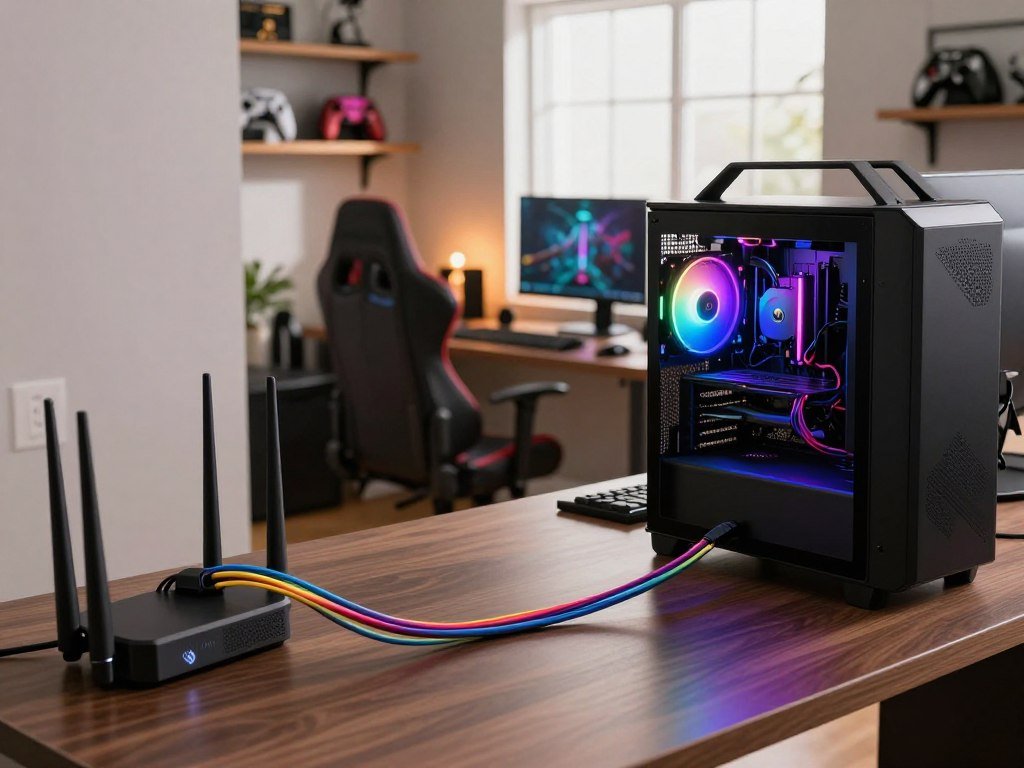
Fiber internet is the best starting point for most gamers because low latency and stable performance matter more in a match than download speed alone. Verizon Fios is the overall provider pick, with AT&T Fiber and Quantum Fiber as strong fiber alternatives. Cable from Xfinity is a practical wired option, while T-Mobile Home Internet can work where wired service is limited.
Latency is the time it takes data to travel between your device and a game server and back. That response time, along with jitter, bandwidth, and network congestion, can shape your gaming experience. Your connected devices and household habits also affect the quality of service you need.
This roundup helps you compare speed, latency, availability, data use, and household setup before you choose. Start by checking which connection types reach your home. Check which connection types and providers serve your exact address before settling on a plan.
Key Takeaways
- Fiber is the preferred starting point for responsive play when available.
- Wired cable can be a capable alternative to fiber.
- 5G Home Internet may suit casual play, depending on local signal.
- Ping and jitter matter alongside download and upload speeds.
- Choose a plan for your household’s busiest hours and data use.
- Ethernet can help your primary gaming device avoid Wi-Fi interference.
Which connection type gives gamers the most reliable play?
Fiber is usually the strongest choice for responsive play, cable is a capable wired fallback, and 5G Home Internet is most useful when wired broadband is limited. For fast-paced play, connection stability matters alongside the plan’s bandwidth. Fiber typically has the lowest latency of these three connection types.
Fiber uses optical lines to carry data, while cable service commonly brings a fiber connection to the neighborhood and coaxial cable to your home. Both can support online gaming, but their upload patterns and shared network design differ.
Fiber and cable handle real-time play differently
Fiber internet typically has latency around 5-15 ms and symmetrical upload and download speeds. That balance can help when you game while someone else streams or uploads files.
Cable internet typically has latency around 15-30 ms. It can provide consistent performance for many players, though a shared local network may become busier at peak times. Upload speeds are often lower than download speeds.
| Connection type | Typical latency | Upload/download pattern | Gaming fit |
|---|---|---|---|
| Fiber | 5-15 ms | Often symmetrical | Best fit for responsive play |
| Cable | 15-30 ms | Usually faster downloads | Capable wired fallback |
| 5G Home Internet | 30-50 ms | Varies by cellular signal | Useful where wired service is limited |
The CNET connection-type comparison explains how home services differ in delivery and performance. Your address may offer only one wired choice, so the strongest theoretical connection is not always an option.
When 5G Home Internet is the practical alternative
5G Home Internet connects a gateway to cellular networks instead of using a wired line into your home. It can handle casual play where cable or fiber is unavailable.
Signal strength and network congestion can change its response time from one session to another. That makes fixed wireless less predictable for competitive gaming, where steady timing matters. For fast-paced matches, choose a wired connection when one is available at your address.

How much download speed do gamers need?
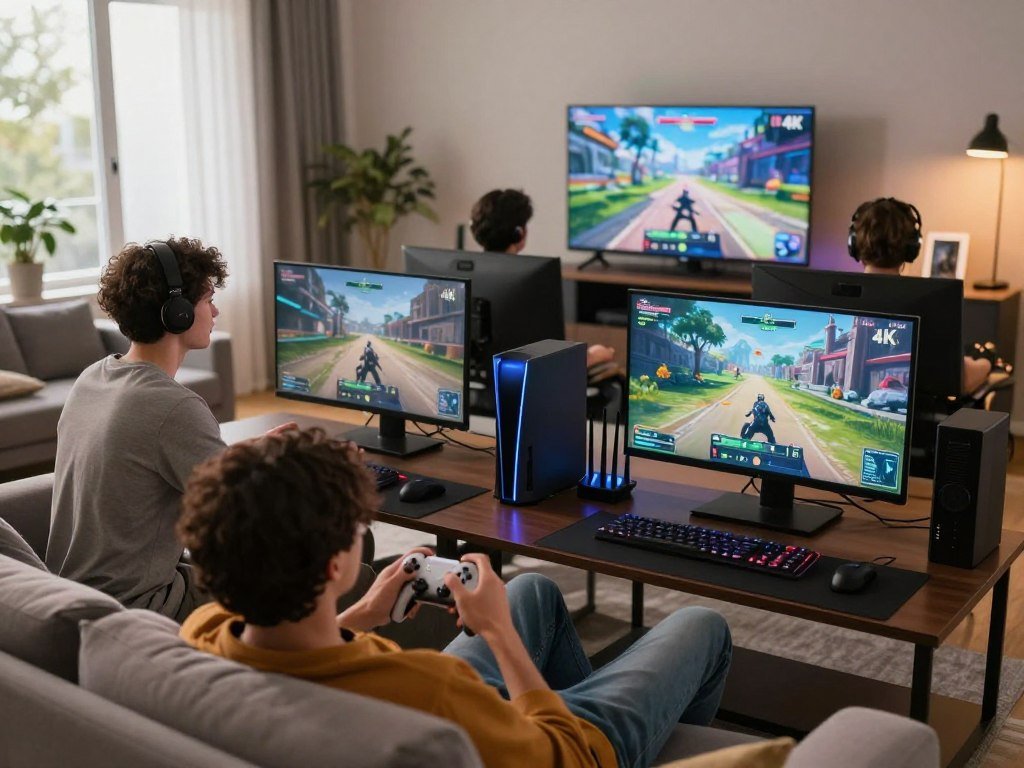
A single player can get by with less bandwidth than a household running several games, streams, and downloads at once. For one active match, a decent gaming experience can use 25-100 Mbps download and 5-20 Mbps upload. Simultaneous household activity, not the game alone, often sets the speed tier you need.
Online play usually uses less bandwidth than a large game update or a 4K video stream. Download speeds matter when several devices need data at the same time, and upload capacity helps with voice chat and other outgoing data.
Casual play and ordinary multiplayer
Casual gaming guidance suggests 25-50 Mbps download and 3-5 Mbps upload. A 100 Mbps plan can be a useful starting point for a casual player with a few connected devices.
Multiplayer gaming can share a connection with streams, video calls, and phones. A 250 Mbps tier can suit multiplayer play with streaming and several devices, especially when household activity overlaps.
Multiple gamers, streaming, and heavy downloads
Households with multiple gamers and 4K streaming may benefit from 500 Mbps or more. A 1 Gig plan can fit competitive gaming, livestreaming, large downloads, and heavy multi-device use. Competitive gaming guidance gives 50-100+ Mbps download and at least 10 Mbps upload.
| Scenario | Recommended download speed | Recommended upload speed | Best use |
|---|---|---|---|
| Casual gaming | 25-50 Mbps | 3-5 Mbps | One casual player |
| Decent gaming experience | 25-100 Mbps | 5-20 Mbps | General online play |
| Multiplayer with streaming and multiple devices | 250 Mbps | Not specified | Shared household use |
| Multiple gamers with 4K streaming | 500 Mbps or more | Not specified | Several demanding activities |
| Competitive gaming and heavy multi-device use | 1 Gig | At least 10 Mbps for competitive gaming | Streaming, downloads, and many devices |
Clearwave guidance recommends 100 Mbps for casual gaming, 250 Mbps for multiplayer gaming with streaming and multiple devices, 500 Mbps or more for several gamers and 4K streaming, and 1 Gig for demanding use.
Three household factors can raise the speed tier you need:
- Simultaneous users playing, streaming, or working online.
- 4K streaming on one or more connected screens.
- Large downloads or updates running during play.
Choose a tier for the busiest hour in your home, not just for a quiet solo match.
What ping and jitter make online play feel responsive?
A connection with ping below 30 ms generally feels responsive, while latency above 100 ms can make delays hard to ignore. For competitive play, below 20 ms is a useful target, not a guarantee. Stable ping matters because sudden changes can disrupt timing even when the average looks good.
Ping is round-trip latency: the time data takes to travel to a game server and return. Jitter is variation in that delay over time. A stable connection keeps response times from jumping between measurements.
How ping affects reaction time
When you press a button, your device sends data to the game server and waits for a response. Higher ping adds more time to that exchange, which can make actions feel delayed.
Latency thresholds are practical guides, not promises about every game. Server load, your route through the network, and the match itself can affect how a number feels. Competitive gamers often aim for low latency because small delays can matter during quick decisions.
Why jitter and game-server distance matter
Jitter makes your connection feel uneven. A ping that shifts sharply between readings may cause brief pauses or delayed actions, even if its average seems acceptable.
Distance to the game server can also raise ping because data must travel farther. Network congestion along the route can add delay as well. An excellent speed test to a nearby server does not promise the same ping to a distant game server.
Check results during the hours you play, since a quiet test may not reflect evening traffic. Compare ping and jitter during the hours you usually play, not only during a quiet afternoon.
Best Internet for Gaming: Which Provider Fits Your Setup?
For most gamers, start by checking Verizon Fios fiber availability, then compare other fiber options before choosing cable or 5G. Your best fit depends on the connection type offered at home and how your household plays. Verizon Fios is the overall pick, with other providers serving distinct needs.
This shortlist helps you compare internet plans without treating maximum download speed as the only measure. A strong gaming internet option should fit your address, upload use, and connected devices.
| Provider | Connection type | Best fit |
|---|---|---|
| Verizon Fios | Fiber | Overall pick for gamers |
| AT&T Fiber | Fiber | Fiber alternative |
| Quantum Fiber | Fiber | Multi-gig fiber alternative |
| Xfinity | Cable | Wired choice with broad availability |
| T-Mobile Home Internet | 5G Home Internet | Wireless fallback |
Fiber services are worth comparing first because they can pair low latency with strong upload capacity. Verizon Fios leads this shortlist, while AT&T Fiber and Quantum Fiber give you other fiber choices when available.
Xfinity is the cable choice on this list, while T-Mobile Home Internet can fill a gap where wired service is not offered. Their suitability depends on the plan and the way your household shares the connection.
The best internet for gaming on PS5 and the best internet for gaming on Xbox both benefit from a wired connection and low latency, regardless of console. Your system choice does not change the value of a stable connection.
Plan names and options can differ by service address, even within the same town. Treat the shortlist as a way to narrow your options, then compare the plan details that fit your address and play style.

Is Verizon Fios a strong pick for competitive gaming?
Verizon Fios stands out for competitive play because its typical latency is under 20 ms and jitter is under 5 ms. Those response times can help keep fast matches feeling steady. Its typical latency and jitter both sit below useful targets for competitive play.
Fiber plans provide symmetrical speeds, so upload capacity can keep pace with download capacity. That balance helps when you send voice chat, share files, or stream gameplay while playing.
Verizon Fios has no data cap or contract in 2026. That can make a plan easier to use for households that download games often or prefer not to commit to a contract term.
The service’s upload speed still matters if you broadcast live or share the connection with several people. A plan’s advertised download figure does not tell you how much upload capacity your stream can use.
Check how your household uses the connection before picking a tier. Voice chat alone differs from sending a high-quality live broadcast while other devices upload files.
Verizon Fios is a strong choice for competitive gamers who can get fiber service and want symmetrical speeds. Its low jitter can help reduce the sudden timing swings that feel worse than a steady delay.
Compare the available plan’s upload speed with your streaming needs before choosing a tier. A fit for solo play may not leave enough room for a stream and other household uploads.

What makes AT&T Fiber a good gaming option?
AT&T Fiber combines typical latency under 15 ms with symmetrical speeds that reach up to 5 Gbps. That low delay can support responsive multiplayer. Typical jitter stays under 5 ms.
Symmetrical upload and download speeds can help when several people game, stream, and send files at once. The high speed ceiling offers room for heavy household use, but a game does not need multi-gig bandwidth just to run.
AT&T Fiber has no data cap or contract in 2026. Its symmetrical speeds up to 5 Gbps offer ample capacity for demanding connected homes, where multiple devices may need bandwidth at once.
For a single player, a lower tier may be enough if the home has few active devices. Extra download capacity helps most when large updates overlap with video streams or work calls.
Upload speed deserves attention if you broadcast gameplay or make frequent video calls. With symmetrical service, the upload side can match the download side of the selected speed tier.
Fast service cannot remove every cause of lag. A distant game server or congestion elsewhere in the route can still affect ping, even when your home connection has strong capacity.
Compare the available tier at your address against your household’s real upload and download use. The 5 Gbps ceiling is an option for high demand, not a target every gamer must reach.
When does Quantum Fiber make sense for gaming?
Quantum Fiber is a compelling fit for gamers who can access its low-latency fiber service, especially when several demanding activities share the connection. Its response time typically ranges from 4-15 ms, with jitter under 3 ms. That steady timing can suit responsive play.
Quantum Fiber’s symmetrical service can help households that stream, work, or upload files while gaming. Speeds reach up to 8 Gbps in select markets, giving some homes more capacity than ordinary gameplay requires.
Quantum Fiber has no data cap or contract in 2026. The 8 Gbps maximum is available only in select markets, so local plan options determine whether that tier is offered.
Most gamers do not need multi-gig speed for gameplay alone. A fast connection can help when several users download large files or stream high-resolution video at the same time.
Low jitter can matter more to a competitive player than a speed ceiling that sits far above household use. A stable connection can keep actions feeling consistent while the network handles other activity.
Think about whether your home regularly runs several demanding tasks at once. A household with one player and few devices may have little use for the highest tier.
Treat the 8 Gbps ceiling as extra household capacity, not a requirement for a smooth match.
Is Xfinity good for gaming?
Xfinity can be a solid gaming choice where its wired service is available, especially on a tier that fits the household’s busiest use. Its 1 Gig plan reports median latency of 13 ms or below in 2026. That reported result makes Xfinity a cable option worth considering.
Xfinity’s service is fiber-powered, then reaches homes through coaxial cable. This delivery method can support gaming, while the plan’s upload capacity and local network conditions still matter.
Its latest 300 Mbps, 500 Mbps, and Gigabit plans include unlimited data in 2026. Many areas offer symmetrical speeds on gigabit tiers, though that option is not available everywhere.
The unlimited-data terms apply to those named current tiers, not every Xfinity plan. A lower or older plan may have different terms, so do not assume one plan’s allowance applies to another.
For a household with several active devices, choose a tier that leaves room for games, streams, and downloads to overlap. The 300 Mbps level may suit lighter use, while busier homes may need more capacity.
Upload speeds also affect livestreaming and file sharing. A plan with fast downloads may still have less upload capacity than a symmetrical fiber plan.
Confirm the speed and data terms for the exact Xfinity plan offered at your address. Local gigabit options and plan details can change what makes sense for your home.
Is T-Mobile 5G Home Internet good for gaming?
T-Mobile 5G Home Internet can handle casual console gaming, but its wireless performance depends more on local signal and congestion than a wired plan does. For a 5G connection, target latency below 50 ms. Competitive play is less predictable when signal and network load change.
T-Mobile says its gateway connects to 4G LTE and 5G cellular networks, and service reaches more than 50 million U.S. homes in 2026. Performance depends on your location and gateway placement.
T-Mobile Rely Internet costs $50 per month, with typical downloads of 87-318 Mbps and uploads of 14-56 Mbps. Amplified costs $60 monthly and typically provides 133-415 Mbps down and 12-55 Mbps up. All-In costs $70 monthly, with the same typical speed ranges as Amplified.
| Plan | Monthly price | Typical download | Typical upload | Included terms |
|---|---|---|---|---|
| Rely Internet | $50 | 87-318 Mbps | 14-56 Mbps | Taxes and fees included; no equipment fee, data cap, or contract |
| Amplified Internet | $60 | 133-415 Mbps | 12-55 Mbps | Taxes and fees included; no equipment fee, data cap, or contract |
| All-In Internet | $70 | 133-415 Mbps | 12-55 Mbps | Taxes and fees included; no equipment fee, data cap, or contract |
The plan prices and terms apply to all three plans in 2026. A strong cellular signal can support casual PS5 play or Xbox Series X matches, though the experience can change as local traffic rises.
Gateway placement can affect the signal it receives. Congestion on the cellular network can also change response times, so a good result at one hour may not hold during a busy evening.
T-Mobile can work for casual play on either console when signal and latency are suitable. Test latency and stability at the gateway’s intended location before relying on 5G for competitive matches.
How much data does online gaming use?
A typical hour of online play can use around 100 MB, although the game and its settings change the total. Active matches commonly use less data than large game downloads. Play time, game settings, and background updates can shift monthly use.
Playing for an hour a day can use about 3-12 GB per month. Several hours a day can use about 10-50 GB per month, depending on the game. These are estimates, not a guaranteed cap for every player.
Large downloads and updates use data separately from the traffic exchanged during a match. A household may also stream video or download files while you play, adding to its total use.
Three factors that can change your monthly use include:
- Hours played each day and across the month.
- The game and its graphics settings.
- Background downloads or updates running on connected devices.
Graphics quality and game features can affect how much data play uses. Some sessions include more activity than others, so the hourly estimate is a guide rather than a strict limit.
Game updates can arrive while you are away from the console, and automatic downloads may run in the background. That use can make a month look heavier than match traffic alone would suggest.
If you share internet with people who stream or download files, their use also counts toward the household total. Your gaming device may not be the largest source of data in the home.
Check your console’s monthly data-use history if you need a closer estimate for your household.
How do data caps and contract terms affect gaming?
A data cap can matter more for large downloads and shared household use than for the data exchanged during an individual match. One large update can exceed 100 GB. Check the plan’s data allowance before a new game download catches you by surprise.
Match traffic is only one part of monthly use. Game downloads and repeated updates can consume much more data, especially when several people install or update games on shared internet.
FCC Broadband Facts labels include details about plan data allowances and terms. The FCC label rule update describes changes to how providers disclose broadband plan details.
Before you choose an internet plan, check these three items:
- The plan’s data allowance.
- Any extra charges, or options for unlimited data.
- The contract length and cancellation terms.
A data cap matters most when your home combines gaming with streaming and large downloads. Several connected devices can add up, even when no single match uses much data.
Plan prices and terms do not apply nationwide just because one offer appears in an ad. The details can differ by provider, plan, and location, so compare the terms shown for the offer you are considering.
A contract can also affect how easily you change service if your gaming needs shift. Consider cancellation terms alongside the listed speed and allowance.
Read the plan’s data allowance and contract terms before ordering, not after the first large update.
How can you compare providers at your address?
The best plan for your home is the one actually available at your exact service address, not the one advertised for a nearby ZIP code. Start with the full address, since service options can change from one block to the next. Most homes can get service from only one or two wired providers.
U.S. cities average three wired internet providers, but many homes have fewer practical options. Fiber internet, cable, and available speeds can differ between nearby buildings.
Start with the exact service address
Enter your street address and unit number in provider availability tools. A ZIP code alone may show offers that do not reach your home.
Provider availability and speeds can vary by address, connection type, distance from the network, and Wi-Fi router performance in 2026. A nearby home may have a different service type or plan speed.
Compare connection types and plan details
Use this three-step check to compare internet service:
- Enter the full service address, including an apartment or unit number.
- Compare the available connection types and upload speeds.
- Check plan terms, equipment, and any installation needs.
The CNET overview of internet connection types outlines how service methods differ. Local wiring and network distance can affect the options and speeds offered at a particular home.
Equipment is part of the plan you will use, not a side detail. Check whether a modem or gateway is included and whether installation has a separate charge.
Router performance can affect the speed you see inside your home, even when the provider brings a faster connection to the building. Keep that difference in mind when comparing an advertised tier with a speed test.
Confirm availability and plan details using the complete address before comparing final offers.
Can one connection handle gaming and a busy household?
An 800 Mbps connection is not necessary for one player’s basic gameplay, but it can comfortably support a busy household using several demanding services at once. For a home with several users, that bandwidth can cover gaming, 4K streaming, remote work, and smart-home devices. 1 Gig equals 1,000 Mbps.
An 800 Mbps connection provides more than enough bandwidth for multiple gamers while others stream or work remotely. It can also help large downloads finish while other devices stay active.
Extra bandwidth is most useful when several activities happen at once. It does not automatically lower one player’s ping, since latency and connection stability still shape response time.
Consider a household where one person plays online, another joins a video meeting, and a television streams 4K video. Smart-home devices may also send data in the background, while phones and computers check for updates.
That mix can use more bandwidth than a solo match. A high-speed tier gives concurrent users more room to share the connection without making every download wait for one device to finish.
Yet more bandwidth does not fix an unstable route to a game server. A home can have a fast plan and still see lag if latency jumps or the network becomes congested.
Use your household’s shared activity to judge whether 800 Mbps is useful. A single gamer may not need it, while several gamers and remote workers may value the added capacity.
Choose a high-speed tier for the household’s concurrent activity, not for a gaming speed label alone.
How can you reduce lag on your home network?
Connecting your main gaming device to the router with Ethernet is the simplest way to reduce Wi-Fi interference. A wired connection can also lower latency compared with Wi-Fi. Ethernet is the first choice for a gaming PC or console when a cable can reach.
Cat 6 or Cat 6a cables are suitable options for a wired gaming setup. A higher cable category does not by itself lower ping or overcome limits in your devices.
Check these three parts of your setup:
- Connect your main gaming device to the router by Ethernet.
- Place the router centrally and off the floor.
- Use the 5 GHz Wi-Fi band if a wired link is not practical.
A Cat 6 Ethernet cable for gaming is a practical choice for many home setups. The right length helps you connect a console or PC without leaving a cable stretched across a walkway.
Wi-Fi can face interference from walls, other networks, and household devices. That can create inconsistent performance even when your broadband plan has plenty of bandwidth.
Putting the router in a central, elevated spot can improve coverage across the home. A 5 GHz band can reduce interference compared with 2.4 GHz, though walls and distance may still weaken its signal.
Household congestion can also affect a wireless session when multiple devices use the network. Pause a large download during a match if it is competing with your game for capacity.
A wired connection will not fix every cause of lag, such as a distant game server. It does remove Wi-Fi as one source of delay and dropouts.
If you must play over Wi-Fi, move closer to the router and test the connection again during your usual gaming hours.
What upload speed do streamers need for gaming?
A gamer who broadcasts live should judge a plan by upload speed as well as download speed. The outgoing stream shares upload capacity with gameplay and voice chat. Gaming while streaming to Twitch can call for 10-25 Mbps upload and 50-100 Mbps download.
Those figures are scenario guidance, not universal minimums. Your stream settings and other household uploads affect how much room the connection needs.
Upload bandwidth for livestreaming
Upload capacity carries the video and audio you send to a streaming service, along with voice chat and other data. A plan with limited upload speed can struggle when those tasks overlap.
Symmetrical upload and download service can give streamers more room on the upload side. The best internet for gaming and streaming needs headroom beyond the match itself, especially when another person is sending files.
Cloud gaming and shared connections
Cloud gaming guidance gives 3-5 Mbps upload. That use differs from broadcasting a live stream, so do not treat the cloud gaming figure as a streaming target.
Simultaneous household uploads can compete with your broadcast. Video calls, file backups, and another live stream all send data out through the same connection.
A plan with enough download bandwidth can still feel strained if uploads fill its capacity. Leave upload headroom for the stream and other household activity instead of choosing a plan based only on download speed.
Conclusion
A responsive gaming connection starts with the right local service, not the biggest speed number on an ad. Fiber internet is the preferred starting point for most gamers when available, while wired cable and 5G Home Internet can fit other needs.
Check your exact address, compare latency and upload details, and choose Ethernet for your primary gaming device. These steps help you match the plan to your home and the way you play.
Check your address for fiber first, then compare wired alternatives and choose the plan that fits how your household actually plays.
FAQ
What internet is ideal for gaming?
Fiber with a wired Ethernet connection is the strongest general choice for gaming. Fiber typically pairs low latency with stable performance, while Ethernet avoids much of the interference that can affect Wi-Fi. Cable is a practical wired alternative when fiber is unavailable. Before choosing a plan, consider how many people stream, work, and download while you play.
How much data does gaming use per hour?
Online gaming can use around 100 MB per hour, though the game and settings change the total. Graphics quality and in-game activity can affect how much data a session uses. Downloads and updates add separate data use, and they can be much larger than match traffic. Your console’s monthly data history can give you a better estimate for your own play.
Is 600 Mbps fast?
Yes, 600 Mbps is ample for gameplay and can leave bandwidth for other household use. The value depends on how many people stream, work, or download at once. One player may have little use for that much capacity, while a busy home can share it across several devices. Remember that a higher speed does not automatically lower ping.
Is T-Mobile Wi-Fi good for gaming?
T-Mobile 5G Home Internet can work for casual play when the signal is strong. Its cellular connection can change with local congestion and gateway placement, so results may vary between sessions. That makes it less consistent for competitive matches than a wired connection. Test it during the hours you play, not only when the network is quiet.
Why is T-Mobile internet so laggy?
Local congestion, signal strength, gateway placement, and distance from the game server can all contribute to lag. A weak signal or busy cellular network may raise latency, while a distant server adds travel time. Try the gateway in a different location and compare results during peak play hours. A speed test alone may not match the route to your game server.
Is 800 Mbps overkill for gaming?
It is more bandwidth than a single player needs for gameplay alone, but it can support multiple gamers, 4K streaming, remote work, and smart-home devices at the same time. The extra capacity is most useful when several demanding tasks overlap. It does not guarantee lower ping for one player. Choose based on household use rather than the number alone.
Is Xfinity WiFi good for gaming?
Xfinity’s wired service can support gaming, and its 1 Gig plan reports median latency of 13 ms or below. Wi-Fi adds local variability, so connect by Ethernet when possible. Xfinity reaches homes by coaxial cable, and plan details can differ by area. Check the speed and data terms for the exact plan offered at your address.



