What if the database decision that makes or breaks your next project comes down to a single file versus a full server? That is the real choice between SQLite and PostgreSQL. One is a tiny library that lives inside your app. The other is a heavyweight engine built to serve thousands of users at once. Teams argue about this pair constantly, and the argument has grown louder as both projects keep shipping new features. This comparison cuts through the noise with practical guidance on architecture, concurrency, features, and the mistakes people make when picking between them.
The fundamental architecture gap
SQLite is an embedded database. It runs in-process as a library and stores the entire database in a single file. There is no server to install, no port to open, no connection string pointing at a host. Your application calls SQLite functions directly, and the data lands on disk. (About SQLite)
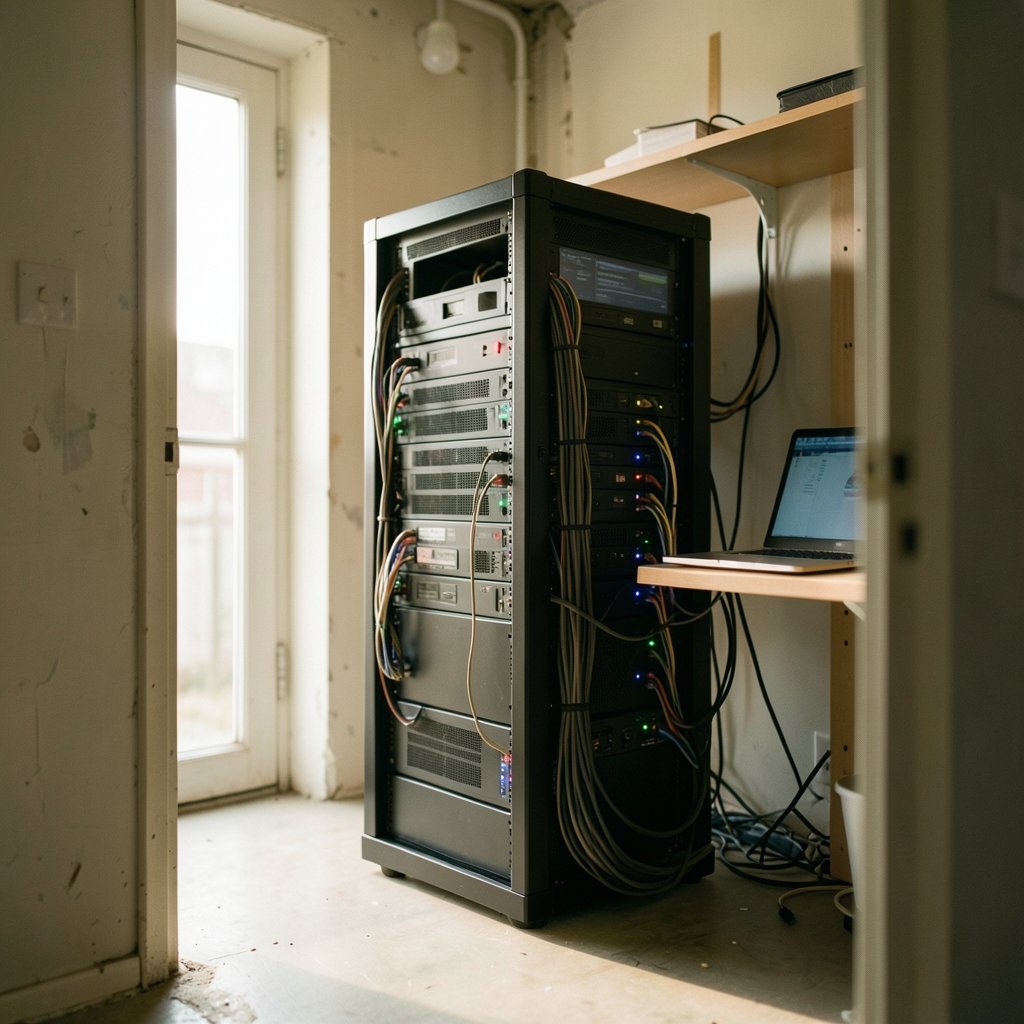
PostgreSQL is a client-server relational database management system. A separate server process handles queries, and clients connect over a network protocol. That server manages multi-user concurrency through multi-version concurrency control (MVCC), which lets readers and writers work without blocking each other.
This difference shapes everything else. SQLite’s design means zero administration and trivial backups (copy the file). PostgreSQL’s design means centralized access control, connection pooling, and the ability to serve many applications from one data store. Neither is better in the abstract. The architecture either fits your deployment model or it does not.
The SQLite project itself is candid about this. Its official guidance on appropriate uses lays out plainly when the embedded model wins and when a client-server database is the right call. Reading that page before choosing saves hours of second-guessing later.
Concurrency: where the decision usually gets made
The single most common reason teams outgrow SQLite is write concurrency. SQLite uses a single-writer model. Writes are serialized, one at a time. In WAL (write-ahead logging) mode, readers can proceed concurrently with a writer, which handles most read-heavy workloads comfortably. But if your app needs many simultaneous write transactions, they queue up.
PostgreSQL handles concurrent writes natively. Multiple clients write at once, and MVCC keeps them from stepping on each other. For a web app with hundreds of active users submitting data, that matters enormously.
Here is the practical translation:
| Workload pattern | SQLite | PostgreSQL |
|---|---|---|
| Single-user desktop or mobile app | Excellent fit | Overkill |
| Read-heavy site with occasional writes | Strong fit in WAL mode | Strong fit |
| Many concurrent writers | Bottleneck risk | Built for it |
| Multi-server or distributed app | Poor fit | Strong fit |
| Embedded or edge device | Excellent fit | Poor fit |
A common mistake: teams benchmark SQLite with a single-threaded script, see blazing numbers, ship to production, and then watch write latency spike under real concurrent load. Test with realistic concurrency, not a loop in a terminal.
Feature depth: closing the gap, but not fully closed
For years the knock on SQLite was weak typing and thin feature support. That criticism has aged. SQLite added STRICT tables in version 3.37.0 (released November 27, 2021), which gives optional type enforcement and narrows a traditional gap versus PostgreSQL. JSON functions arrived back in 3.9.0 (October 14, 2015), and a binary JSONB representation landed in 3.45.0 (January 15, 2024). For many applications, SQLite now covers the feature checklist that once forced a move to Postgres. (SQLite)
PostgreSQL still pulls ahead on depth. It offers a rich extension ecosystem, advanced indexing strategies, mature replication, row-level security, and a vast set of built-in functions. PostgreSQL 17 shipped on September 26, 2024, continuing a steady release cadence. Teams that need partitioning at scale, logical replication, or complex analytical queries will find PostgreSQL’s toolbox deeper.
The honest framing: SQLite covers the 80 percent case well. PostgreSQL covers the 80 percent and then keeps going. If your feature list includes things like full-text search at scale, geospatial indexing, or heavy analytical aggregation across large tables, PostgreSQL is the safer bet.
Performance: the benchmark trap
Performance claims about these two databases are everywhere, and most are misleading. The truth is workload-dependent, and any 2026 comparison you read on a blog deserves skepticism about its methodology.
What actually holds up:
- SQLite is often faster for single-user reads and writes because there is no network round trip and no inter-process communication. For a local app, that overhead is real.
- PostgreSQL wins on concurrent throughput because it parallelizes work across connections and CPU cores.
- SQLite’s zero-configuration nature means less time tuning and more time shipping, which is a performance benefit measured in engineering hours.
- PostgreSQL’s query planner handles complex joins and large datasets far better than SQLite’s simpler planner.
The mistake people make is treating a microbenchmark as a verdict. A synthetic test with one connection tells you almost nothing about a production system with 200 users. Benchmark your actual query patterns against your actual concurrency profile, or accept that the numbers are noise.
Licensing and cost
SQLite is in the public domain. No license fees, no attribution requirements, no legal review needed before shipping. That simplicity is a genuine advantage for embedded products and commercial software.
PostgreSQL uses the PostgreSQL License, a permissive, MIT-like license. It is free to use, modify, and distribute, including in commercial products. Both are effectively free for any realistic use case, so licensing rarely decides the question. The real cost difference is operational: PostgreSQL needs a server, backups, monitoring, and someone to keep it healthy. SQLite needs a file and a backup strategy.
When SQLite is the right call
SQLite shines in specific, well-defined situations:
- Desktop and mobile applications. Every phone in your pocket likely runs SQLite somewhere. Local data storage with no server is exactly its purpose.
- Prototyping and small internal tools. You can ship a working data layer in minutes without provisioning anything.
- Edge and embedded devices. A single file with no dependencies is ideal for constrained environments.
- Read-heavy websites with modest write volume. In WAL mode, this handles more traffic than people expect.
- Testing and CI pipelines. An in-memory or file-based SQLite database makes test suites fast and hermetic.
The pattern: one writer, many readers, or a single application owning its data. If that describes you, adding PostgreSQL is complexity without payoff. The same logic applies across the tech stack. Just as picking the right game engine matters more than picking the trendiest one in the Roblox Studio vs Unity vs Godot comparison, picking the database that matches your deployment model beats picking the one with more features.
When PostgreSQL is the right call
PostgreSQL earns its keep when the workload demands it:
- Multi-user web applications with concurrent writes from many clients.
- Services that scale horizontally, where multiple app servers need shared state.
- Analytical and reporting workloads involving complex joins and large datasets.
- Applications needing advanced features like row-level security, replication, or extensions.
- Teams with compliance requirements that benefit from centralized access control and audit logging.
If you are unsure whether you need PostgreSQL, ask one question: will more than one process write to this database at the same time, at meaningful volume? A yes points toward PostgreSQL. A no points toward SQLite until proven otherwise.
Common mistakes that cost teams time
Experience across many projects surfaces the same errors again and again.
Mistake one: choosing PostgreSQL for a single-user app. Teams reach for the “serious” database out of habit, then spend weeks on server provisioning, connection pooling, and backup automation for an app with one user. SQLite would have shipped in an afternoon.
Mistake two: choosing SQLite for a multi-tenant SaaS product. The single-writer limit bites under concurrent load, and migrating a live database to PostgreSQL under pressure is painful. If you know you will have many concurrent writers, start with PostgreSQL.
Mistake three: ignoring WAL mode. SQLite’s default journal mode is slower for concurrent reads. Enabling WAL is a one-line change that transforms read performance. Skipping it leads teams to blame SQLite for a configuration problem.
Mistake four: benchmarking without realistic concurrency. Covered above, but worth repeating. A single-connection benchmark is not a production simulation.
Mistake five: forgetting backups. SQLite’s file-based nature makes backups easy, which leads people to skip them. Copy the file, or use the backup API, on a schedule. Easy is not the same as automatic.
Mistake six: treating the choice as permanent. Both databases speak SQL, and migration tools exist. The decision is reversible, which means you should optimize for shipping now, not for a hypothetical future scale you may never reach. The same principle shows up in hardware bets. Companies that overcommit to one platform before the market settles often regret it, much like the cautionary tale in the Xbox layoffs and studio sales story, where strategic overreach carried real costs.
A practical decision framework
Strip away the noise and the decision reduces to a short checklist:
| Question | If yes | If no |
|---|---|---|
| Will multiple processes write concurrently? | PostgreSQL | SQLite |
| Does the app run on one device or one process? | SQLite | PostgreSQL |
| Do you need replication or horizontal scaling? | PostgreSQL | SQLite |
| Is zero-configuration deployment a priority? | SQLite | PostgreSQL |
| Do you need advanced extensions or analytics? | PostgreSQL | SQLite |
If the answers conflict, weight concurrency highest. It is the constraint that causes the most painful migrations. Everything else can be worked around.
Conclusion
The SQLite versus PostgreSQL question is not a contest with a winner. It is a matching problem. SQLite is the right answer when one application owns its data and simplicity is the priority. PostgreSQL is the right answer when many clients write at once and the system must scale. Both are mature, free, and battle-tested. Both keep improving, with SQLite closing feature gaps and PostgreSQL deepening its lead on advanced capabilities.
The teams that get this right do one thing consistently: they match the database to the deployment model instead of to fashion. They enable WAL mode when they pick SQLite. They provision properly when they pick PostgreSQL. And they remember that the choice is reversible, so they ship instead of deliberating. For a broader look at how hardware and platform decisions play out in 2026, the best phones of 2026 roundup shows the same lesson: fit beats hype every time.
Frequently Asked Questions
Can SQLite handle a production web application?
Yes, within limits. A read-heavy site with modest write volume runs comfortably on SQLite in WAL mode. The constraint appears when many clients write concurrently, because writes are serialized. If your traffic profile is mostly reads with occasional inserts, SQLite can serve production traffic well. If it is write-heavy with many simultaneous users, PostgreSQL is the safer choice.
Is PostgreSQL faster than SQLite?
Not in every case. SQLite often wins on single-user reads and writes because there is no network round trip. PostgreSQL wins on concurrent throughput because it parallelizes across connections. The answer depends entirely on your workload, which is why single-connection benchmarks mislead. Test with realistic concurrency before drawing conclusions.
Do I need to migrate from SQLite to PostgreSQL eventually?
Only if your workload demands it. Many applications never outgrow SQLite because they are single-user or read-heavy by nature. Migration becomes necessary when concurrent writes, horizontal scaling, or advanced features enter the picture. Because both databases use SQL, migration is feasible when the time comes, so there is no need to preemptively over-engineer.
What is WAL mode in SQLite and why does it matter?
WAL stands for write-ahead logging. It is an alternative journal mode that lets readers proceed concurrently with a writer, instead of blocking them. Enabling WAL is a simple configuration change that dramatically improves read performance under concurrent access. Teams that skip it sometimes blame SQLite for slowness that is really a configuration issue.
Is SQLite really the most widely deployed database?
The SQLite project makes this claim, citing use in browsers, phones, and embedded systems. It is a vendor claim rather than an independent measurement, but the underlying point is credible: SQLite ships inside an enormous number of devices and applications because its embedded design suits them perfectly. Treat the superlative as directionally true rather than precisely verified.
Which database should a beginner learn first?
Start with SQLite. It requires no installation, no server, and no configuration, so beginners can focus on learning SQL itself rather than on database administration. Once the fundamentals are solid, moving to PostgreSQL teaches server concepts, concurrency control, and administration. Learning SQLite first removes friction; learning PostgreSQL second adds depth.