Square or Clover for Service Businesses in 2027?
Every service business eventually faces the same question at the counter: which point-of-sale system should take the money? A cleaning company, a salon, a repair shop, or a fitness studio sells time rather than stock — appointments, sessions, call-outs, and packages — and the payment system has to fit that shape. Square or Clover for service businesses in 2027 is the comparison that matters most, because these are the two names that come up first when a service firm outgrows a simple card reader.
Square and Clover come at the problem from different directions. Square started as a simple card reader and grew into a full business platform, so it is strongest where simplicity matters: fast setup, clean hardware, and tools that work out of the box. Clover started as a flexible point-of-sale system built to be customised, so it is strongest where a business has unusual needs — complex service menus, parts and labour on one ticket, or a till shaped around its own workflow.
This comparison tests both systems where a service business actually feels them: taking payment in person and online, bookings and deposits, pricing as the business grows, and the hardware and apps that keep a working day moving. Prices are approximate starting prices, so check current pricing before you decide.
Key takeaways
- Square is the better pick for small service businesses that want to start fast, with free software and simple, predictable pricing.
- Clover is the better pick for service businesses that need a customised till, complex service menus, or deeper inventory and staff tools.
- On card fees alone the two are close, at around 2.6% plus a small fixed fee per transaction, so the decision turns on hardware and software fit.
- Square’s built-in bookings are simpler, while Clover leans on third-party apps for scheduling.
- Both systems scale, but Square is easier to start and Clover is easier to shape around an unusual workflow.
Square vs Clover at a glance
| Feature | Square | Clover |
|---|---|---|
| Software cost | Free to start; paid plans from around $29 a month | Paid plans from around $14.95 a month, plus hardware |
| Card fees | Around 2.6% + 10c per in-person payment | Around 2.6% + 10c, varies by processor plan |
| Bookings | Built-in Square Appointments | Mostly via third-party apps |
| Hardware | Reader, Terminal, Register, Stand | Go, Flex, Mini, Station, Kitchen Display |
| Best for | Small firms that want simplicity | Firms that need a custom setup |
Square: The Simple All-Rounder
Square’s biggest strength is how little stands between you and taking a payment. You can order a reader, download the app, and be charging clients the same day, with no monthly software fee on the free plan. For a solo cleaner, a mobile hairdresser, or a small repair firm, that speed matters more than any advanced feature. The dashboard is clean, the reports are easy to read, and the whole system feels designed for people who would rather be doing the job than managing software.
Square also covers more of the business than a till. Square Appointments handles bookings, reminders, and no-show protection without a separate subscription, and Square Invoices and recurring payments cover deposits and regular clients. The trade-off is flexibility: if your workflow does not match Square’s till, you bend to the software rather than the other way around.
Pros: Free to start with no monthly software fee; excellent built-in bookings; simple, reliable hardware; fast setup.
Cons: Less customisable than Clover; processing fees are fixed, with little room to negotiate at small volumes; some advanced features need paid plans.
Clover: The Customisable Workhorse
Clover is built to be shaped around your business. Its app market is far deeper than Square’s, with tools for complex service menus, employee permissions, inventory with parts and variants, and customer loyalty, all running on the same till. A repair shop can put parts and labour on one ticket, a salon can build service bundles with add-ons, and a multi-location firm can set different menus and permissions per site. That flexibility is Clover’s real advantage.
The price of that flexibility is complexity. Clover hardware costs more up front, plans are sold through resellers with varying prices, and setup takes longer. Its bookings usually come from a third-party app, which adds a subscription and another system to manage.
Pros: Deep customisation and a large app market; strong inventory and staff tools; flexible hardware range; good for multi-location firms.
Cons: Higher up-front hardware cost; pricing varies by reseller; bookings need a third-party app; slower setup.
Payments and Pricing Head to Head
On card fees, there is little to choose between them: both charge around 2.6% plus 10 cents per in-person transaction, though Clover’s rate can vary with the processor plan. The real difference is the monthly bill. Square’s free software plan means a small firm pays nothing monthly and only pays per transaction, while Clover starts at around $14.95 a month before hardware and app costs. Over a year, a low-volume business usually pays less with Square, while a high-volume business may negotiate a better Clover rate.
Both handle invoices, deposits, and recurring payments, and both take the usual card types and contactless payments. Square’s invoicing is built in and simple; Clover’s often runs through an app. If most of your money comes through the till, the difference is small — but for invoices and deposits, Square’s built-in tools have the edge.
Hardware Head to Head
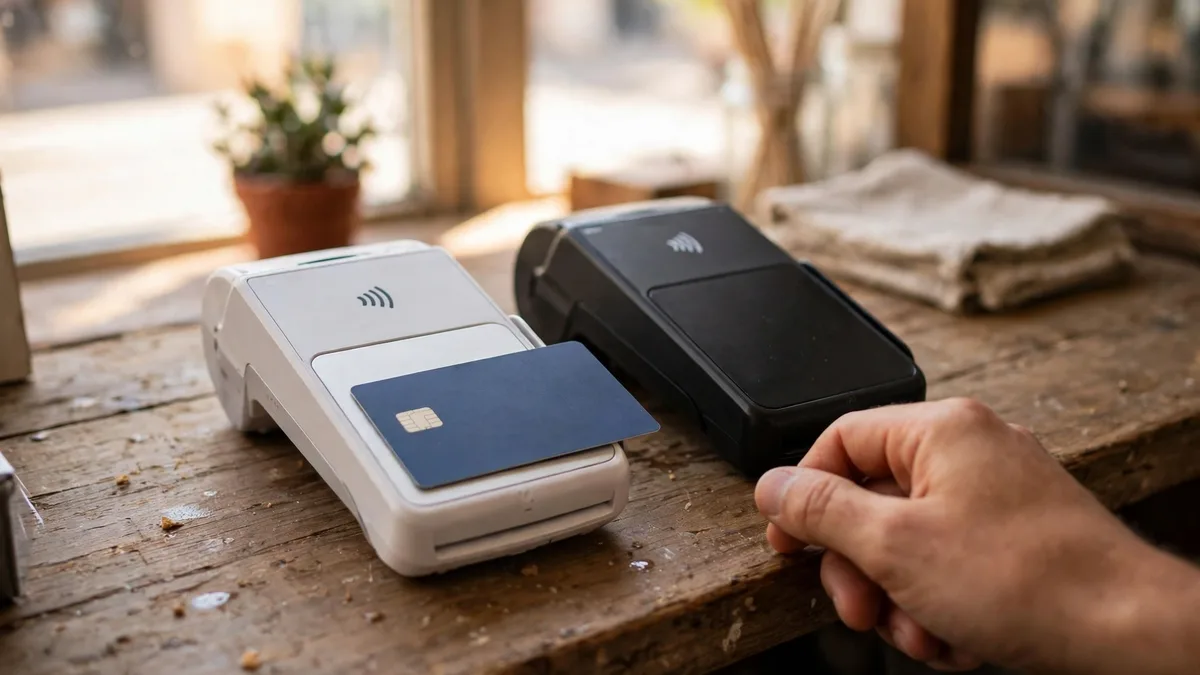
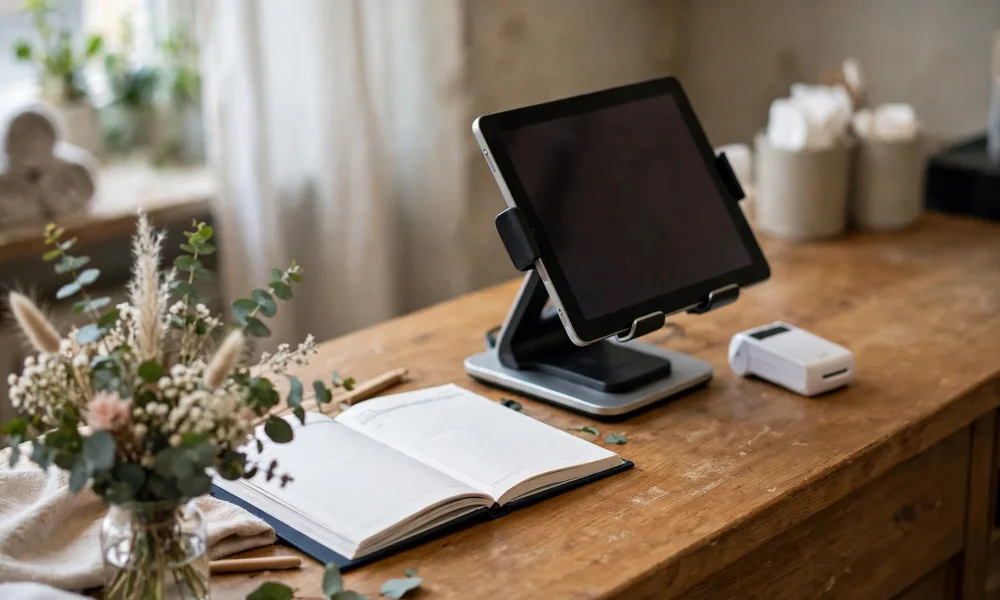
Square’s hardware is simple and good-looking: a pocket reader for mobile work, a Terminal for counter payments, a Register for a fixed till, and a Stand that turns an iPad into a point of sale. It is easy to buy, set up, and replace. Clover’s range is wider — the pocket-sized Go, the handheld Flex, the Mini countertop unit, the full Station, and a Kitchen Display for food service — and it feels more like proper till hardware than consumer gadgets.
The deciding question is where payments happen. If your team takes payment at the client’s home or on the move, Square’s reader and Clover’s Go and Flex both work well. At a fixed reception desk, both offer solid countertop options. Clover wins on range and durability; Square wins on simplicity and price.
Bookings and Scheduling Head to Head
This is Square’s clearest win. Square Appointments is built into the platform: clients book online, get reminders, pay deposits, and can be charged for no-shows, all without a separate app. It reports into the same dashboard as your payments, and if bookings are the heart of your business, this alone can settle the decision — the same strength that shows up in the Square vs Booksy comparison for salons.
Clover takes the opposite approach: bookings come from third-party apps in its marketplace. That can work well, but it means another subscription, another login, and another integration to keep healthy. If your booking needs are simple, Square wins outright; if they are unusual enough to need a specialist app, Clover’s marketplace gives you options Square does not.
Reporting, Apps, and Growing the Business
Both systems report well, but differently. Square’s reports are clean and easy to read, covering sales, staff, and appointments in one place — ideal for an owner checking numbers over coffee. Clover’s reporting is deeper, especially around inventory, staff permissions, and multi-location performance. Neither is bad; they are built for different desks.
On apps, Clover has the deeper market, with hundreds of tools for loyalty, accounting, inventory, and scheduling. Square’s market is smaller, but its built-in tools cover more ground, so you need fewer add-ons. Both scale as a business grows — Square by adding paid plans and hardware, Clover by adding apps and locations — a pattern the Shopify vs Square comparison for service businesses shows from the other side.
The Verdict
Choose Square if you are a small service business that wants to start quickly, pay nothing monthly to begin with, and have bookings, payments, and invoices in one simple system. It is the better pick for solo operators, mobile services, and firms where the owner also works the till. Choose Clover if your business has a more complex workflow — detailed service menus, parts and labour on one ticket, multiple locations, or strict staff permissions — and you are willing to invest time and money in setting the till up around it.
For most service businesses, Square is the safer default in 2027: it does the core jobs well, costs less to start, and its built-in bookings remove a whole subscription from your monthly bill. Clover is the better choice when you already know Square’s simplicity would get in your way — and if you are weighing Square against other payment-first platforms, the Stripe vs Square comparison for service businesses is a useful next read.
How to Choose Between Square and Clover
Start by listing how money actually moves through your business: in-person payments, online bookings, invoices, deposits, and recurring charges. Then trial both systems with a real week of work — take real payments, book real appointments, and run the end-of-day reports. If your staff keep working around the software, it is the wrong fit. Check the total monthly cost too, including hardware, apps, and processing fees.
Checklist: Before You Commit to a POS System
- List every way clients pay you, including deposits, invoices, and recurring charges.
- Check the total monthly cost: software, hardware, apps, and processing fees together.
- Test bookings end to end, from the client’s first click to the reminder message.
- Confirm the hardware works where payments actually happen: counter, van, or client’s home.
- Ask what happens to your sales history and customer list if you switch later.
- Run a real week of transactions in the trial before you sign a contract.
Frequently Asked Questions
Is Square or Clover cheaper for a small service business?
Square is usually cheaper to start: its software is free and you only pay per transaction. Clover starts at around $14.95 a month plus hardware, though high-volume businesses can sometimes negotiate lower processing rates.
Can Clover handle appointments and bookings?
Yes, but through third-party apps from its marketplace rather than a built-in tool — another subscription and another system to manage, while Square Appointments is built in.
Which is better for a salon or spa?
Square is the better pick for most salons: built-in bookings, simple hardware, and easy deposits. Clover suits larger salons with complex service menus, multiple locations, or detailed staff permissions.
Do Square and Clover both work for mobile service businesses?
Yes. Square’s pocket reader and Clover’s Go and Flex are all designed for taking payments on the move, at a client’s home or on site, and both sync when you are back online.
Can I switch from Square to Clover later?
Yes, but plan it carefully. Export your customer list and sales history first — and budget for new terminals, since your old hardware usually will not work with the new system.
Do I need a contract with either system?
Square works month to month with no long contract. Clover plans are often sold through resellers and some include a contract, so ask about early-exit fees before you sign.
The Bottom Line
Square and Clover are both strong point-of-sale systems for service businesses in 2027, and the right choice comes down to how your business works. Square wins on simplicity: free software, built-in bookings, and hardware that just works. Clover wins on flexibility: a till you can shape around complex menus, inventory, and multi-location needs.
For most service businesses, Square is the better starting point: cheaper to begin, faster to set up, and bookings and payments in one place. If you already know your workflow is too complex for Square’s simpler till, Clover is worth the extra setup time and cost. Either way, trial both with real transactions before you commit.