
Which controller will you actually reach for on a normal Tuesday night? That question matters more than any spec sheet. The Steam Controller, Xbox Wireless Controller, and DualSense each promise something different, and in 2027 the right pick depends less on raw hardware and more on how the device fits into your daily routine. This guide walks through how to evaluate all three like a practical buyer rather than a hype follower. (Best controller pc gaming actually works 2026)
Why the Everyday Experience Beats the Spec Sheet
Most controller comparisons obsess over stick resolution and trigger travel. Those numbers matter, but they rarely decide whether you enjoy gaming after work. What decides it is friction: how fast the pad pairs, whether the battery is dead when you sit down, and whether a game recognizes the controller without a fight.
Valve announced a new Steam Controller on November 12, 2025, alongside the Steam Machine and Steam Frame, with an early 2026 launch window. That timing means 2027 is the first full year where all three mainstream options coexist as current products. Buyers now face a genuine three-way choice instead of the old Xbox-versus-PlayStation binary.
The smart approach is to score each controller across six everyday dimensions: PC compatibility, remapping depth, battery routine, wireless latency, durability, and platform lock-in. No single device wins every category. The Steam Controller leans on configurability, Xbox leans on Windows-native simplicity, and DualSense leans on haptics and adaptive triggers where games support them.
Start With Compatibility, Because It Sets the Floor
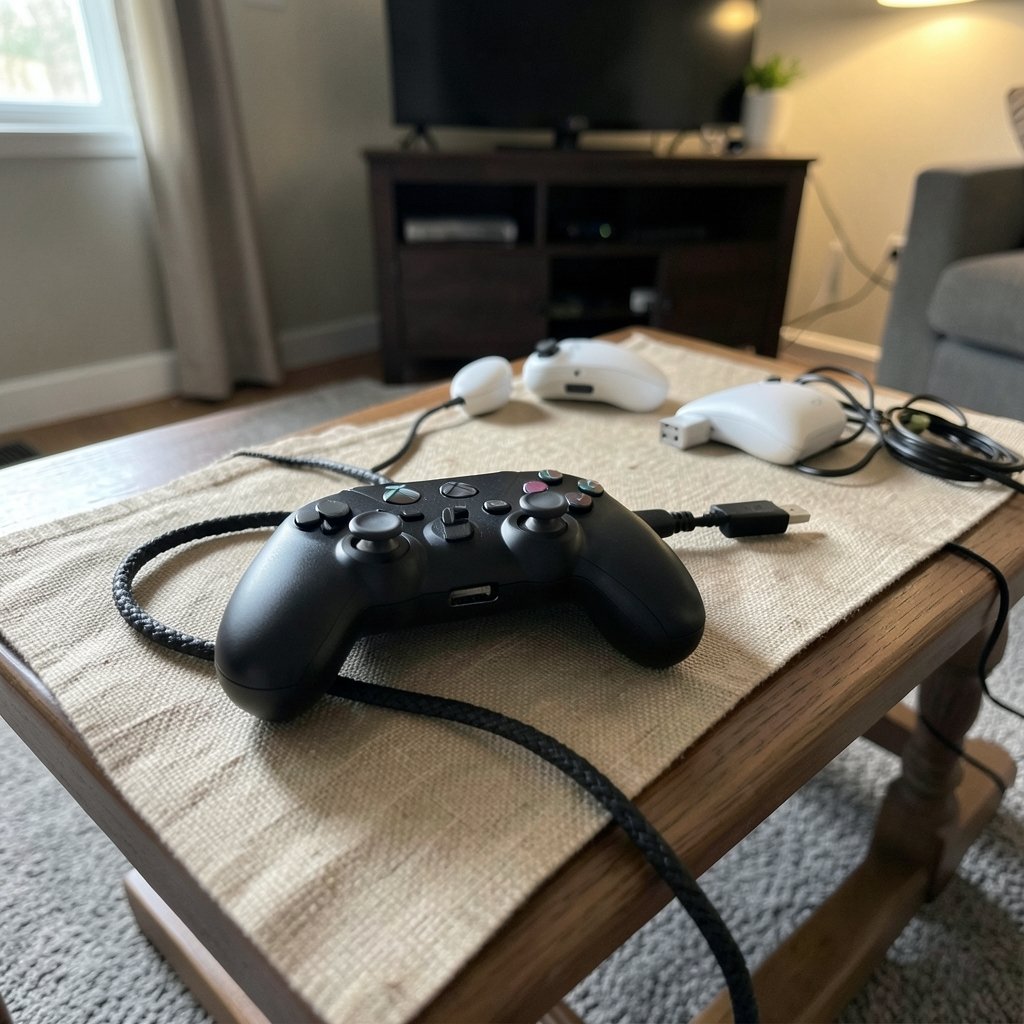
Compatibility is the first filter. A controller that needs tinkering before every session loses points no matter how good its grip feels.
Xbox controllers speak XInput on Windows, the long-standing API that many PC games target natively. That is why an Xbox pad often works the moment you plug it in. Microsoft documents the XInput gamepad API for developers, which explains why support is so broad. The trade-off is that XInput is a convention rather than a formal standard, and Microsoft has been moving toward newer input APIs, so the landscape may shift gradually. (WCAG 2.1 understanding documents)
DualSense connects over Bluetooth or USB-C and works on PC, but its standout features, adaptive triggers and haptic feedback, only appear in games that explicitly implement them. Support is title-dependent, often routed through Steam Input or Sony’s own PC integration. If a game ignores those features, you are paying for hardware you cannot feel.
The Steam Controller is the wildcard. Its value comes from Steam Input, Valve’s configuration layer that lets you remap any supported controller per game, including Xbox and PlayStation pads, with community-shared layouts. That means the Steam Controller is less a standalone device and more a hardware-and-software setup. If you want to understand how that setup affects ownership, the breakdown of whether Steam family sharing is safe for private everyday use covers the account side of the equation.
A Quick Compatibility Comparison
| Controller | Native Windows fit | Special features on PC | Setup friction |
|---|---|---|---|
| Xbox Wireless | Strong via XInput | Standard rumble, impulse triggers on newer pads | Low |
| DualSense | Good, feature-dependent | Adaptive triggers, haptics where supported | Medium |
| Steam Controller (2025) | Via Steam Input | Trackpads, grip buttons, deep remapping | Medium to high |
The pattern is clear: Xbox wins on zero-effort compatibility, DualSense wins on immersion when supported, and the Steam Controller wins on flexibility for players willing to configure.
Remapping Depth: Where the Steam Controller Pulls Ahead
If you play strategy games, older titles, or anything designed for a mouse, remapping depth changes what is possible. The original Steam Controller, launched in November 2015 and discontinued in late 2019, built its identity around dual trackpads and Steam Input. The 2025 model keeps that philosophy but adds two analog sticks, a D-pad, ABXY face buttons, and grip buttons, according to Valve’s announcement materials. Final hardware may differ slightly from announcement renders, so verify specs before buying.
In practice, this means the Steam Controller can emulate mouse input, set up radial menus, and assign macros per game. Xbox and DualSense pads can also use Steam Input, but they lack the trackpads that make mouse-style aiming comfortable from a couch.
There is a cost, though. Deep configuration takes time. New owners often spend their first evening building layouts instead of playing. The fix is simple: start with a popular community layout, play for an hour, then tweak only what annoys you. Resist the urge to build from scratch.
Battery and Charging: The Routine That Decides Everything
Battery strategy is the most underrated everyday factor. It determines cost, downtime, and even how the controller feels in your hands.
Xbox wireless controllers use AA batteries or a separate rechargeable pack. That sounds old-fashioned, but it has a real advantage: when the charge dies, you swap cells in seconds and keep playing. The downside is ongoing cost and the mild annoyance of remembering to buy batteries.
DualSense uses an internal rechargeable battery, so you charge over USB-C. No battery purchases, but you are tethered while charging unless you own a second pad or a charging dock. Heavy players often end up buying a dock anyway.
The 2025 Steam Controller’s power source should be confirmed against official documentation, since announcement materials suggest a rechargeable design. If it is rechargeable, it joins DualSense in the charge-management camp.
A practical rule: if you hate cables, AA or a spare rechargeable pack wins. If you hate buying batteries, internal cells win. Either way, budget for a second charging solution if you play long sessions.
Wireless Latency and Connection Friction
Latency is measurable, but most players notice pairing friction first. Xbox controllers use Xbox Wireless, a proprietary 2.4 GHz connection, or Bluetooth. DualSense uses Bluetooth or USB-C. The Steam Controller uses a proprietary wireless Puck receiver or Bluetooth and USB-C, per Valve’s announcement.
In everyday terms, proprietary receivers tend to pair faster and hold a steadier connection, while Bluetooth is convenient but more prone to dropouts when other devices crowd the band. If you play competitive shooters, wired USB-C remains the safest choice for all three.
Do not over-index on millisecond differences you cannot feel. Instead, test the connection in your actual room. Walls, Wi-Fi routers, and USB 3.0 ports all interfere with 2.4 GHz signals. A controller that reviews well but stutters in your living room is the wrong controller for you.
Ergonomics, Durability, and Repairability
Ergonomics are subjective, but you can still evaluate them in a structured way. Grip shape, stick placement (symmetrical versus offset), trigger travel, and button actuation force all affect comfort over a two-hour session. Published teardown measurements help here. iFixit’s teardown documentation for controller hardware lets you compare internal construction and repairability rather than relying on impressions alone.
Durability follows the same logic. Stick drift remains the most common long-term failure, and it is largely a function of module quality and how hard you press. Hall-effect sticks, now appearing in more third-party and premium pads, reduce drift risk. Check whether your chosen controller uses them before you buy. (Hall effect sensor)
Repairability matters too. AA-battery designs are usually easier to open and service. Glued-in internal batteries are harder to replace, which shortens the device’s practical lifespan. If you plan to keep a controller for five years, favor designs you can fix.
For players who already own a pad that misbehaves, a guide to common gaming controller problems and how to fix them yourself can save a replacement purchase. And if you are weighing which layout suits your hands, the comparison of Xbox versus PS5 controller PC compatibility and features helps narrow the field.
Platform Lock-In and the 2027 Buying Decision
Lock-in is the final dimension, and it is easy to overlook. Xbox controllers work smoothly with Windows and Xbox consoles. DualSense ties you to PlayStation features that may not carry over to other platforms. The Steam Controller is built for Steam, and its full value depends on staying inside that setup.
This is where the broader hardware picture matters. If you are deciding between a console-style box and a PC-style box, the first-boot comparison of Steam Machine versus Xbox Series X setup shows how much setup friction each path carries. A controller that matches your platform’s strengths will always feel better than one you fight against.
There is also the cloud factor. Streaming changes how much local hardware matters, and players should know about the Xbox cloud gaming hour cap that Game Pass players should know before committing to a streaming-first routine.
What Actually Works in Practice
After weighing all six dimensions, a few practical patterns hold up:
- Pick Xbox first if you want zero-setup Windows gaming and do not mind AA batteries.
- Pick DualSense first if you love haptics and play games that support adaptive triggers.
- Pick the Steam Controller first if you play mouse-heavy genres and enjoy tuning layouts.
- Buy a second charging option regardless of which you choose.
- Test wireless in your own room before the return window closes.
For handheld and docked play, the question of whether the Steam Deck is worth buying for beginners in everyday use overlaps heavily with controller choice, since the Deck’s built-in controls change how often you reach for a separate pad.
Conclusion
Evaluating the Steam Controller, Xbox pad, and DualSense in 2027 is not about crowning a winner. It is about matching hardware to routine. Score each option across compatibility, remapping, battery, latency, durability, and lock-in, then weight the categories by how you actually play. Xbox rewards simplicity, DualSense rewards immersion, and the Steam Controller rewards curiosity. The best everyday controller is the one that disappears into your evening, not the one with the longest feature list.
Frequently Asked Questions
Which controller is easiest to set up on a Windows PC?
The Xbox Wireless Controller is generally the easiest. It uses XInput, which many PC games support natively, so it often works the moment it connects. DualSense and the Steam Controller usually need a little more configuration, especially if you want their advanced features.
Does the DualSense work fully on PC?
It works, but not every feature travels. Adaptive triggers and advanced haptics only function in games that explicitly implement them, often through Steam Input or Sony’s own PC support. Basic buttons, sticks, and standard rumble work broadly.
Is the Steam Controller worth it if I do not play Steam games?
Usually not. Its biggest advantage is Steam Input, the remapping layer that makes trackpads and grip buttons useful. Outside Steam, much of that value disappears, and a standard Xbox or DualSense pad becomes the simpler choice.
Are AA batteries really better than a built-in rechargeable battery?
It depends on your habits. AA batteries mean instant swaps and no charging downtime, but ongoing cost. Internal rechargeable batteries avoid battery purchases but require charging sessions or a second pad. Neither is objectively better.
How do I reduce the risk of stick drift?
Choose controllers with hall-effect sticks where available, avoid pressing sticks harder than needed, and keep the pad clean. Buying a model you can open and repair also helps, since replacing a stick module is far cheaper than replacing the whole controller.
Should I wait for more 2027 controller releases before buying?
Only if you are unhappy with current options. All three mainstream choices are mature enough to evaluate now. Waiting makes sense if you specifically want confirmed final specs on the newest Steam Controller, but most buyers can decide using the six dimensions above.



