
What if you spent a thousand dollars on a VR headset and it arrived unable to talk to your PC? That fear sits behind almost every “should I upgrade?” thread in VR forums. The rumored Steam Frame and the proven Valve Index sit on opposite sides of that worry: one is a newer, less-documented platform, and the other is a known quantity with years of community troubleshooting behind it.
This guide won’t pretend to know specs that haven’t been confirmed. Instead, it gives you a practical checklist for deciding whether your current setup can handle a new headset, and how to verify that before money changes hands.
Why this comparison is trickier than it looks
Most hardware comparisons rest on spec sheets. This one can’t. The Valve Index has been on the market since June 2019, with a documented tracking system, a fixed cable standard, and a large body of user experience. The Steam Frame, by contrast, is a name that has circulated in leaks and reporting, and its final specs, price, and connection method are not something anyone can confirm with certainty right now.
That gap matters because compatibility is not one checkbox. It’s a stack: your operating system, your graphics card, your ports, your tracking space, your software version, and your account. A headset can pass on the GPU and fail on the cable. It can run fine on paper and stutter in practice because a USB controller is overloaded.
The smart move, then, is not to memorize a spec table. It’s to learn how to read the requirements that will eventually appear on official pages, and to know which parts of your current setup are already fixed costs.
What the Valve Index actually demands from a PC
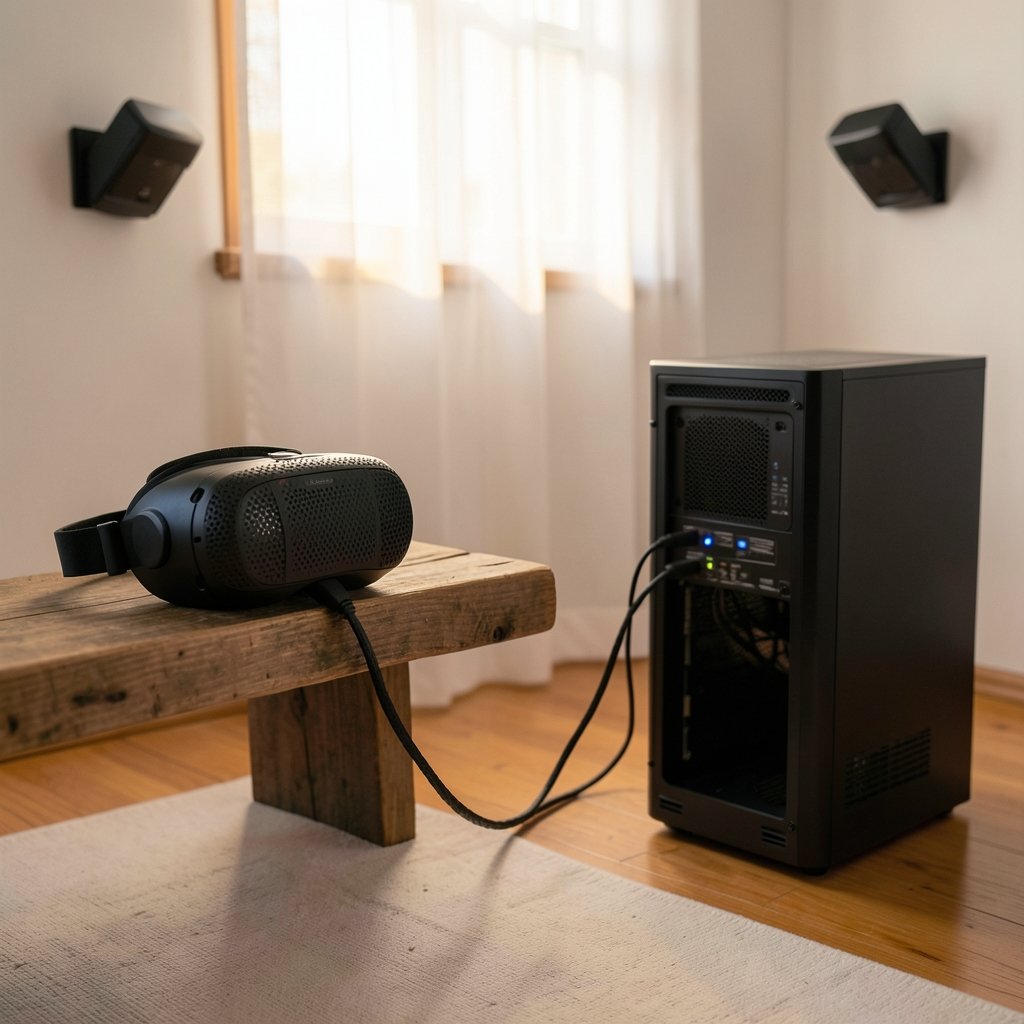
The Index is a tethered PC headset. It connects through DisplayPort for video and USB for data, and it relies on external base stations for tracking. Those base stations, often called lighthouses, sweep the room with infrared light while sensors on the headset and controllers pick up the pattern. It’s an outside-in system: the room infrastructure does the tracking, not the headset alone. (Virtual reality headset)
Practically, that means the Index asks for three things beyond a decent GPU:
- A free DisplayPort output on your graphics card, not just on the motherboard.
- USB bandwidth for the headset and any receivers, which is where older motherboards and crowded USB hubs often fall short.
- Physical room setup for two base stations, ideally mounted high and angled down, with a clear line of sight to the play area.
The Index’s display and refresh characteristics are well documented, and its tracking ecosystem has been stable for years. If you already own base stations and Index controllers, that infrastructure is the single most valuable thing you carry into any upgrade decision.
What to do when the Steam Frame specs are still unconfirmed
Here’s the honest position: no responsible article can hand you a confirmed list of Steam Frame system requirements today. Anything presented as a hard spec is either a leak, a rumor, or wishful thinking.
What you can do is prepare. When official requirements appear, they will almost certainly address the same handful of categories as every PC VR headset before it:
| Category | What to check | Why it matters |
|---|---|---|
| Operating system | Windows version, or Linux/SteamOS support | The runtime must support your OS |
| GPU | VRAM, driver version, display outputs | Rendering and video output depend on it |
| Connection | Wired port type or wireless standard | Determines cable and router needs |
| Tracking | Base stations or inside-out cameras | Decides whether your current gear carries over |
| Software | SteamVR or successor runtime version | Older runtimes may not support new hardware |
| Account | Steam account status and region | Store and licensing issues can block setup |
Treat that table as a framework, not a leaked spec sheet. Fill in each row only from official documentation once it exists.
Check your PC before you check the headset
The most common mistake people make is researching the headset first and their own machine second. Flip that order. A quick system audit costs nothing and eliminates most upgrade surprises.
Start with the graphics card. Confirm the exact model, the driver version, and how many free outputs remain after your monitor. Many users discover their only DisplayPort is already in use, which turns a simple swap into a cable-and-adapter problem. On the software side, the same discipline applies to any major upgrade: verify the platform before committing, much like you would check if your PC supports Windows 11 before you upgrade rather than discovering a blocker after installation.
Next, check USB. Count your controllers and devices. If you run a wheel, a microphone, and a headset through one unpowered hub, expect trouble. A powered hub or a dedicated USB card solves more VR problems than most people realize.
Finally, measure your play space. Base-station tracking wants a clear volume, and inside-out tracking wants good lighting and visible surfaces. A room that works for one system may frustrate the other.
The software layer people forget
Hardware gets the headlines, but the runtime is where compatibility actually lives. SteamVR is the software layer that connects a headset to Steam games, and its version history and tracking ecosystem are documented in the SteamVR overview on Wikipedia. Reading that background helps you understand why a new headset might need a newer runtime, and why some older titles behave differently across headsets.
Two habits protect you here. First, keep your runtime updated before a new headset arrives, so you aren’t troubleshooting two variables at once. Second, check whether your favorite games list explicit headset support. A game that runs well on the Index may need a patch or a compatibility layer on newer hardware, and that gap is usually temporary but rarely instant.
Tracking: the upgrade decision nobody talks about
If there’s one question that should decide your upgrade, it’s this: does the new headset keep your existing tracking hardware, or replace it?
Base-station tracking and inside-out camera tracking are different philosophies. Base stations give extremely precise tracking with a fixed play space and a physical setup ritual. Inside-out tracking trades some precision for portability and zero external hardware. Neither is strictly better; they suit different rooms and habits.
For an Index owner, the practical stakes are high. If the new headset abandons base stations, your existing lighthouses and controllers may become shelf decorations. If it supports them, your upgrade cost drops and your setup time stays short. This is the single question to ask before pre-ordering anything.
A step-by-step pre-upgrade checklist
Work through this in order. Each step either clears a risk or reveals one while you can still change plans.
- Write down your full PC spec. CPU, GPU, RAM, motherboard, and PSU wattage. Keep it in a note you can paste into support threads.
- Audit your ports. List every DisplayPort and USB port, note which are occupied, and identify which USB ports share a controller.
- Confirm your OS version and update status. New hardware often needs a current OS build, not a two-year-old one.
- Check your runtime version and update it before any hardware arrives.
- Map your play space. Note dimensions, ceiling height, lighting, and reflective surfaces such as mirrors or glossy TVs.
- List your must-play games and check each one’s stated headset support.
- Read the official requirements page twice, once for minimums and once for connection details.
- Set a budget that includes accessories: cables, adapters, a powered hub, or a router upgrade if wireless streaming is involved.
Steps five and eight are the ones people skip, and they’re the ones that turn a smooth upgrade into a weekend of returns.
Where buyers get burned
A few failure patterns show up again and again in upgrade stories, and none of them are about raw performance.
The single-port trap. A user buys a headset, then finds their GPU has one DisplayPort already feeding a monitor. Adapters can work, but they add failure points.
The hub gamble. Daisy-chaining devices through a cheap hub causes dropouts that look like headset faults. It usually isn’t the headset.
The pre-order fog. Buying on announcement-day enthusiasm, before independent reviews and official requirement pages exist, is the riskiest move in this hobby. Waiting a few weeks for documented requirements costs nothing.
The subscription and finance blind spot. VR bundles sometimes pair hardware with financing or service plans. Read the terms the way you would any contract, the same caution that applies when you check BMG Money reviews before signing a loan agreement. The same skepticism is worth applying to any app or service that asks for money before you’ve tested the hardware, which is why a money pilot legit check before you risk your money is a sensible habit in general.
The software shortcut. Installing unverified tools or “optimizers” to fix performance often creates new problems. If you’re weighing third-party options for other parts of your setup, it helps to know that Notion alternatives have real limits worth checking before switching tools mid-project, and the same caution applies to VR utilities.
What actually works in practice
Experienced users tend to follow a few unglamorous rules that consistently pay off.
They buy from sellers with clear return windows, because a headset that doesn’t fit your face or your room is a real outcome. They test the headset on a known-good game first, not on the most demanding title in their library. They keep the old headset until the new one has survived a full week, which turns a potential disaster into a minor inconvenience. And they check community reports about their specific GPU model, since driver quirks cluster around particular cards.
They also resist the urge to upgrade everything at once. Changing the headset, the GPU, and the runtime in the same week makes any problem impossible to isolate.
How to decide when the specs finally land
When official Steam Frame requirements appear, run them through this filter, in order:
- Does my OS appear on the supported list?
- Does my GPU meet the stated minimum, with headroom for the games I actually play?
- Do I have the required port or network standard free?
- Does the headset keep my base stations, or replace them?
- Is my runtime version supported?
- Can I afford the accessories the connection method implies?
If any answer is no, the upgrade isn’t blocked; it’s just bigger than the sticker price. Knowing that before you order is the whole game.
Conclusion
The Steam Frame versus Valve Index question can’t be settled with a spec table today, because one side of that table doesn’t officially exist yet. What can be settled is your own readiness. Audit your ports, your GPU, your room, and your runtime now. Understand that the Index’s base-station ecosystem is an asset you may or may not carry forward. Then, when the requirements page goes live, you’ll be reading it as a prepared buyer instead of a hopeful one. Patience costs nothing; a rushed pre-order can cost plenty.
Frequently Asked Questions
Is the Steam Frame confirmed to exist?
No. The name has circulated in leaks and reporting, but official specifications, pricing, and compatibility details are not something that can be confirmed at the time of writing. Treat any firm spec list you see as unverified until it appears in official documentation.
Can I use my Valve Index base stations with a new headset?
Only if the new headset explicitly supports base-station tracking. This is the most important compatibility question for existing Index owners, because losing base-station support means replacing your entire tracking setup, not just the headset.
What port does a PC VR headset need?
Most tethered headsets need a DisplayPort output from the graphics card plus a USB connection for data. Wireless headsets replace the cable with a network standard, which shifts the requirement to your router instead of your ports.
How do I check if my GPU is ready for VR?
Confirm the exact model, update the driver, and compare it against the headset’s official minimum requirements once published. Also count your free display outputs, since a GPU can be powerful enough yet still lack an available port.
Should I upgrade now or wait?
If your current headset works and you’re happy with it, waiting costs nothing and gives you documented requirements and independent reviews. Upgrade urgency usually comes from a specific game or comfort problem, not from a product announcement.
What is the biggest mistake buyers make?
Buying before checking their own PC. Port availability, USB bandwidth, and room setup cause more failed setups than raw performance shortfalls, and all three are easy to verify in advance.



