
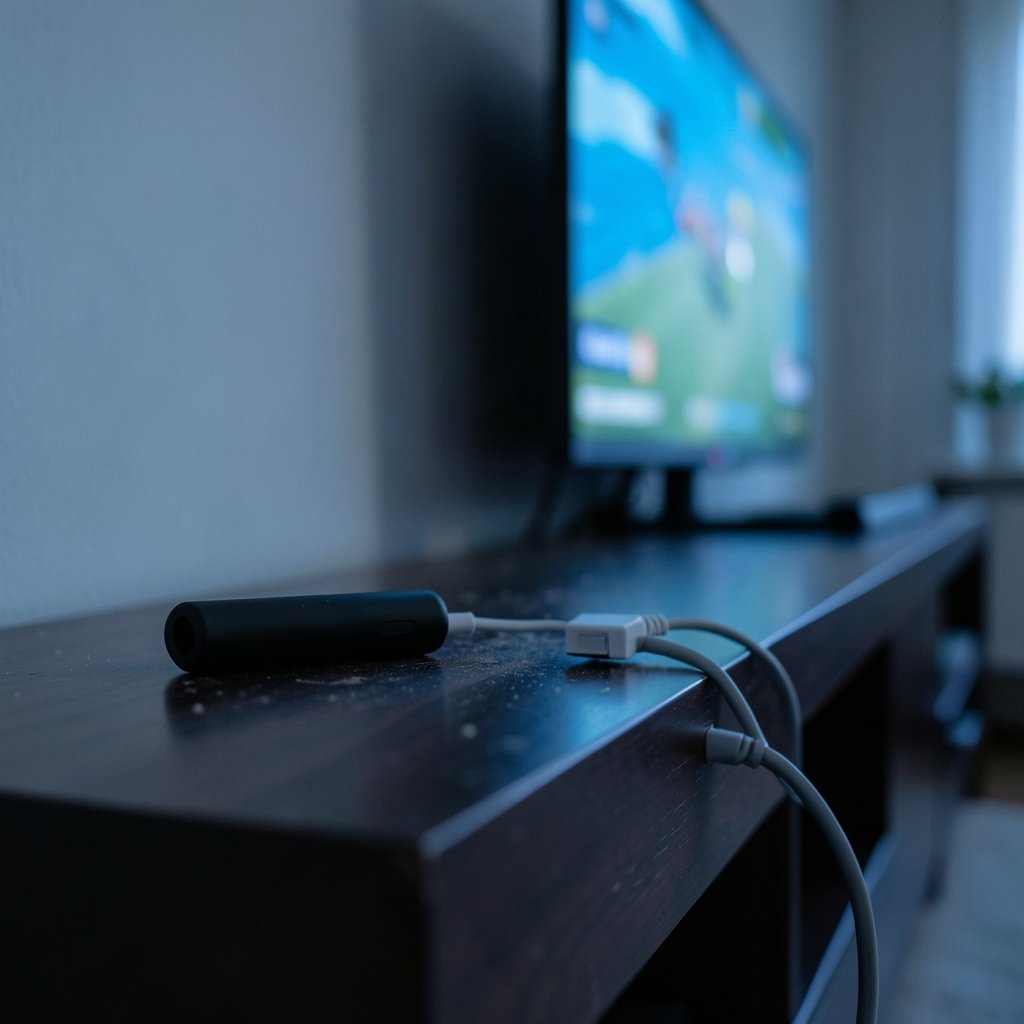
Does your streaming box stutter during the big game even though you pay for gigabit internet? The culprit is often Wi-Fi, not your provider. A wired connection can fix it, but only if your device actually supports an Ethernet adapter. That “only if” is where most people get burned.
The market is full of USB-to-Ethernet dongles that promise plug-and-play simplicity. In reality, compatibility depends on the device, the operating system, and sometimes the exact model year. Some streamers have a built-in port. Some accept only a first-party adapter. Others have no wired path at all. This guide breaks down what works, what doesn’t, and how to avoid wasting money on an adapter your device will ignore.
Why Ethernet Still Matters for Streaming
Wi-Fi has improved dramatically, but it remains a shared, interference-prone medium. Walls, microwaves, neighbors’ routers, and crowded channels all chip away at stability. A wired connection removes most of that variability.
The practical benefits show up in three places:
- Consistency. Wired links rarely drop frames during peak household usage.
- Latency. Competitive cloud gaming and live sports benefit from lower, steadier ping.
- Throughput headroom. High-bitrate 4K HDR streams need sustained bandwidth, rather than only a fast speed test.
That said, Ethernet is not magic. If your router is the bottleneck or your cable is ancient, a wired link won’t save you. If you are upgrading your setup, it helps to know which Ethernet cable actually suits gaming and streaming before you start drilling holes in walls. (Ethernet)
The Core Compatibility Rule Nobody Tells You
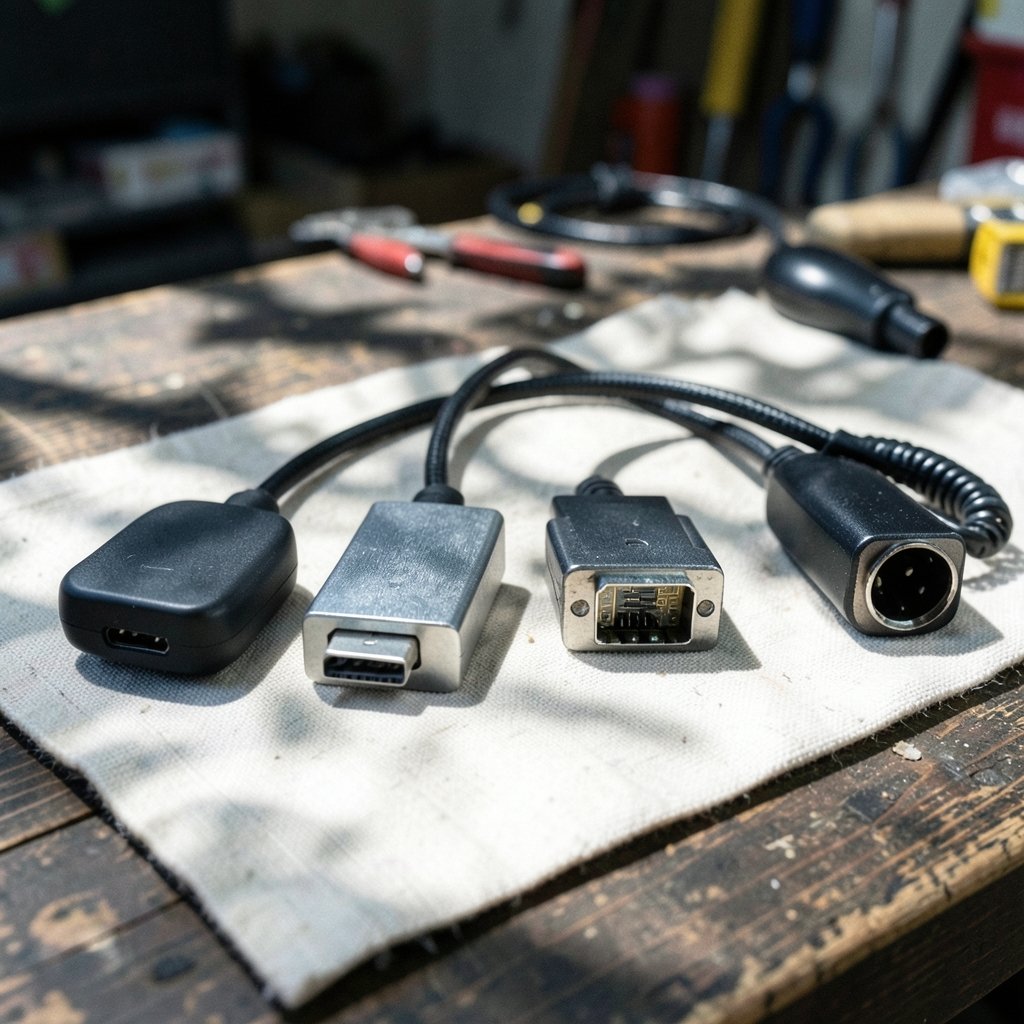
Here is the fact that saves the most frustration: a USB Ethernet adapter only works if the device’s operating system includes a driver for its chipset. Plugging a random dongle into a streaming stick is not like plugging a mouse into a laptop. There is no universal driver library waiting to recognize it.
Most adapters use one of a handful of chipsets, such as the ASIX AX88179 or the Realtek RTL8153. Whether those chips work depends entirely on the manufacturer’s firmware. Some Android TV boxes include broad driver support. Others include none. Roku’s operating system does not support third-party USB Ethernet adapters at all, which is why Roku sells its own branded adapter for select models.
This is the single biggest source of returned adapters. Buy for your specific device, not for the connector type.
Device-by-Device Compatibility Breakdown
The table below summarizes the practical situation across the most common streaming platforms. Treat it as a starting point and confirm against your exact model, since manufacturers revise hardware quietly.
| Device / Platform | Built-in Ethernet | USB Adapter Support | Practical Notes |
|---|---|---|---|
| Roku players | Only on select models | First-party Roku adapter only, select models with USB | Third-party dongles are ignored by Roku OS |
| Amazon Fire TV | Fire TV Cube has a port | Amazon-branded adapter on supported models | Third-party adapters not officially supported |
| Apple TV 4K | Ethernet variant only | None | No USB data port exists on any model |
| Chromecast with Google TV | No | No official support | Wi-Fi only per Google’s documentation |
| Nvidia Shield TV | Yes on most models | Built-in port on 2015, 2017, 2019 Pro | The 2019 tube model has no port and no official adapter path |
Roku: First-Party or Nothing
Roku’s approach is the most restrictive and the most misunderstood. The company sells a small Ethernet adapter that plugs into the USB port on certain Roku players. It works because Roku built support for that specific accessory into its operating system. A generic adapter with identical connectors will typically do nothing.
Before buying, check two things: whether your Roku model has a USB port, and whether Roku lists it as compatible with the adapter. Entry-level sticks usually have neither. If you are weighing a Roku against other hardware, a broader look at the best streaming devices for every TV can help you pick a model that already includes a port.
Amazon Fire TV: Branded Adapter, Model Dependent
Fire TV follows a similar pattern. The Fire TV Cube includes a built-in Ethernet port, which makes it the simplest wired option in Amazon’s lineup. Other models, including some Stick variants, support Amazon’s own Ethernet adapter through a powered accessory setup.
Third-party adapters are not officially supported. In practice, some users report mixed results depending on firmware, but relying on that is a gamble. If wired stability is a priority, the Cube removes the question entirely.
Apple TV: Buy the Right Model Once
Apple keeps this simple. There is no USB data port on any Apple TV, so adapters are irrelevant. The only wired option is to buy the Apple TV 4K variant that includes a built-in Ethernet port. If you already own a Wi-Fi-only model, no accessory will change that.
For people who stream a lot of high-bitrate content, this is worth deciding at purchase time rather than after.
Chromecast and Google TV: Wi-Fi Only
Google’s Chromecast with Google TV has no Ethernet port and no official adapter support. Google’s documentation points users to Wi-Fi. In households with strong routers and modest distances, that is fine. In dense apartments or homes with thick walls, it can be a genuine limitation.
Nvidia Shield: The Enthusiast Exception
The Shield TV line is the friendliest to wired setups. The 2015 and 2017 models and the 2019 Pro all include a built-in Ethernet port. The 2019 non-Pro “tube” model does not, and Nvidia does not officially support adding one.
The Shield is also a favorite among people running emulation frontends, where wired stability matters for game streaming. If that is your use case, a comparison of EmuDeck 2.7 versus ES-DE 3.5 versus RetroDeck by device in 2026 is worth reading alongside your networking decisions, since frontend performance and network stability often get tangled together.
Power and Port Constraints Most People Miss
Even when a device supports an adapter, the physical setup can trip you up.
Streaming sticks often have a single micro-USB port used for power. Adding an Ethernet adapter means you need a powered hub or an adapter with pass-through charging. That introduces two risks:
- Power budget. The device may not supply enough current, causing random reboots or dropped connections.
- Port negotiation. Cheap hubs can fail to pass data through reliably, especially under load.
The practical fix is to use the manufacturer’s own adapter or a powered hub rated above the device’s requirement. Avoid unpowered splitters. They work until they don’t, usually during the most important stream of the month.
How to Check Compatibility Before You Buy
A five-minute check saves a return shipping label. Follow this order:
- Identify your exact model number, rather than only the product family. “Fire TV Stick 4K Max” and “Fire TV Stick” behave differently.
- Visit the manufacturer’s support page for that model and search for “Ethernet.”
- Confirm the adapter is first-party or explicitly listed as compatible.
- Check the port type and whether power pass-through is required.
- Read recent reviews mentioning your model, filtering for the last few months, since firmware changes can break or fix support.
The most common mistake is trusting a retailer listing that says “compatible with all streaming devices.” That phrase usually means “has a USB plug.” It says nothing about drivers.
Wi-Fi Fixes Worth Trying Before You Buy Hardware
Sometimes the honest answer is that Ethernet isn’t necessary. Before spending money, try these:
- Move the router or the device. A few feet and one wall can change everything.
- Switch to the 5 GHz band. Less crowded, though shorter range.
- Use a mesh node near the TV. Often cheaper than rewiring a room.
- Check for interference. Cordless phones and baby monitors love the same frequencies.
If you are also troubleshooting connectivity problems in general, knowing how to find your IP address on any device helps you confirm whether the device is actually reaching the network or just failing silently.
For regional streaming libraries, some households route traffic through a VPN, which adds its own overhead. If that is part of your setup, review the best VPNs for streaming in 2026 to make sure the encryption isn’t quietly capping your throughput. And if you are comparing services rather than hardware, a breakdown of the best media streaming services compared can help you decide where your bandwidth budget matters most.
Common Mistakes That Waste Money
A short list of traps, drawn from the patterns that show up again and again in support forums:
- Buying a generic USB-C adapter for a device with a micro-USB power port. The connector doesn’t fit, and even with an adapter, the driver almost certainly isn’t there.
- Assuming Android TV means universal driver support. It doesn’t. Android TV is a platform, not a guarantee.
- Ignoring the power requirement. A rebooting stick is often a starved stick.
- Expecting an adapter to add a port that doesn’t exist. No accessory turns a Wi-Fi-only Apple TV into a wired one.
- Trusting a single old forum post. Firmware updates change behavior in both directions.
Conclusion
Ethernet adapter compatibility on streaming devices comes down to one uncomfortable truth: the connector is the easy part, and the software is the hard part. Roku and Amazon restrict wired access to their own accessories on select models. Apple builds the port into specific hardware and offers no adapter path. Google’s Chromecast stays wireless. Nvidia’s Shield is the outlier that mostly just works.
The winning strategy is boring but effective. Identify your exact model, check the manufacturer’s own documentation, and buy only what is explicitly supported. If your device has no supported path, a better router placement or a mesh node will do more than any dongle ever could. Wired is excellent when it’s available. The trick is knowing, before checkout, whether it’s available to you.
Frequently Asked Questions
Can I use any USB Ethernet adapter on a Roku?
No. Roku’s operating system does not support third-party USB Ethernet adapters. The company sells its own branded adapter that works only on select Roku models with a compatible USB port. A generic adapter with the same connector will typically be ignored. (About USB-IF)
Does the Apple TV support an Ethernet adapter?
No Apple TV model has a USB data port, so adapters cannot be used. The only way to get a wired connection is to buy the Apple TV 4K variant that includes a built-in Ethernet port. Wi-Fi-only models cannot be converted.
Why does my Ethernet adapter work on one streaming device but not another?
USB Ethernet adapters depend on drivers built into the device’s operating system. Two devices can look identical on the outside while running firmware with completely different driver support. The chipset inside the adapter also matters, since support varies by model and firmware version.
Is Ethernet actually faster than Wi-Fi for streaming?
Not always in raw speed, but usually more consistent. Modern Wi-Fi can hit high throughput, yet it is shared and prone to interference. Wired connections offer steadier latency and fewer dropouts, which matters most for live sports, cloud gaming, and high-bitrate 4K content.
Do I need a powered hub to use an Ethernet adapter with a streaming stick?
Often, yes. Many streaming sticks have a single port used for power, so adding an adapter requires pass-through charging or a powered hub. Without adequate power, the device may reboot randomly or drop the connection under load.
How can I confirm compatibility before buying an adapter?
Find your exact model number, then check the manufacturer’s support page for that model and search for Ethernet. Confirm the adapter is first-party or explicitly listed as compatible, verify the port type, and read recent reviews that mention your specific model.



