The easiest way to choose is to start with the games you want to play and how much setup you are willing to do. In the U.S., your gaming experience depends on whether you want Nintendo’s plug-and-play games or a flexible PC library. DLSS is an image-upscaling technique that reconstructs a higher-resolution image from a lower-resolution render.
Portability, TV play, battery life, and game choice all shape how much use you get from either handheld. One can make a long trip easier; the other may fit better with the games you already own. Your time and comfort with setup matter as much as the hardware.
Key Takeaways
- Choose Switch 2 for Nintendo exclusives and simple play at home or on the go.
- Choose Steam Deck OLED for a flexible Steam PC game library.
- Switch 2 is lighter to carry, while the Deck has a larger body and built-in grips.
- Both systems’ battery life and game performance depend on the title and settings.
- Switch 2 bundles can save money when you want the included game.
- Check each game’s platform, handheld mode, and multiplayer features before buying.
A player who wants Mario Kart World without PC settings should start with Switch 2, while someone invested in Steam should compare the Deck’s flexibility against its higher entry cost.
Switch 2 vs Steam Deck: Which Handheld Fits You?
For most shoppers who want Nintendo games and an easy TV-to-handheld switch, Switch 2 is the better fit; Steam Deck OLED wins for PC-library flexibility. The choice turns on what you play: Mario Kart World is a Nintendo exclusive, while the Deck runs a SteamOS-based PC game library.
Switch 2 favors simple console play; Steam Deck OLED gives you more room to choose and adjust PC games. The systems have different trade-offs, even though both let you play games away from a TV.
| System | Strongest fit | Key trade-off | Ideal play style |
|---|---|---|---|
| Switch 2 | Nintendo exclusives | Closed console library | Handheld and TV play |
| Steam Deck OLED 512 GB | Steam games and OLED contrast | More setup choices | PC games on the go |
| Steam Deck OLED 1 TB | Steam games and more storage | Higher entry cost | Large local game collection |
Choose Switch 2 for Nintendo exclusives and straightforward TV play. Choose Steam Deck OLED when PC-library choice matters more.
Your choice can also depend on how much time you want to spend setting up a game. The Deck may suit shoppers comparing other portable systems, including the Steam Deck alternatives for 2026.
Quick picks:
- Nintendo exclusives: Switch 2.
- A large Steam library: Steam Deck OLED.
- Plug-and-play travel: Switch 2.
Choose based on the games and setup you will use most, not on the systems’ overlapping handheld shape.

How Much Does Each Handheld Cost in the U.S.?
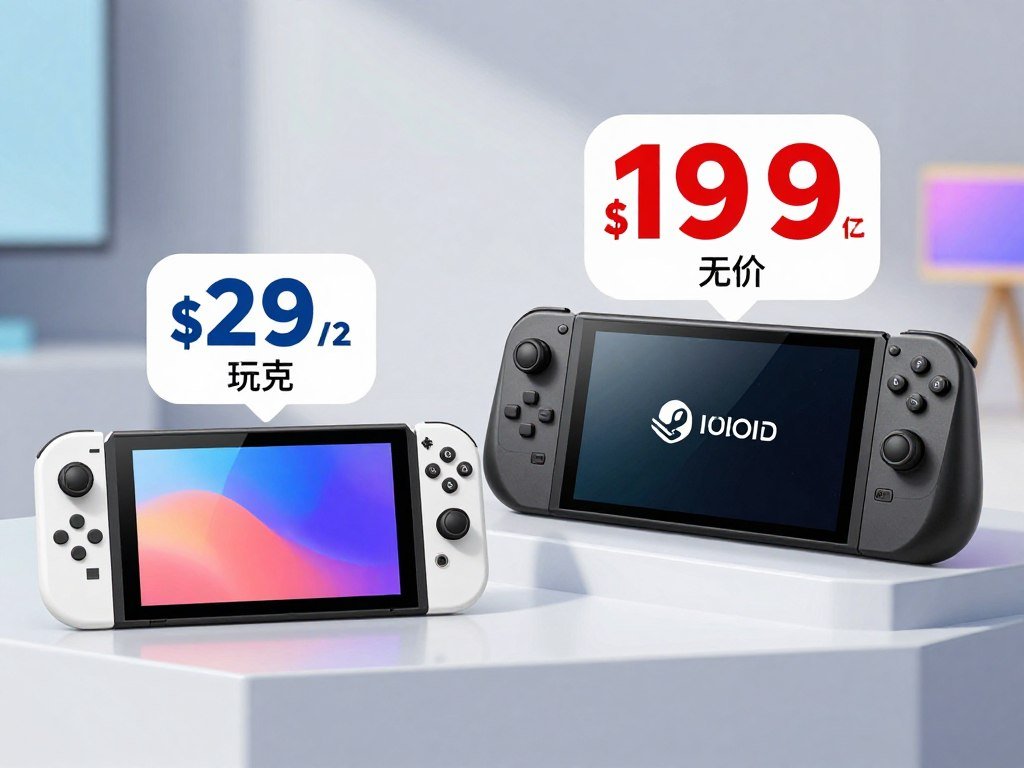
A new Switch 2 costs $499.99 in the United States as of October 27, 2026, below either listed Steam Deck OLED model. The Switch 2 is the less expensive new standalone system in this comparison.
The difference matters if you are choosing a first handheld. The Steam Deck OLED price depends on which storage model you buy, so compare the same kind of purchase.
Current standalone prices
| Model | Current U.S. price | Buyer takeaway |
|---|---|---|
| Switch 2 | $499.99 | Lowest listed starting price |
| Steam Deck OLED 512 GB | $789 | Lower-cost OLED Deck model |
| Steam Deck OLED 1 TB | $949 | More storage, higher price |
The Steam Deck OLED is available with either 512 GB or 1 TB of storage. Those prices give you a clearer comparison than treating every Deck as one model.
How the price gap changed
Switch 2 launched in the United States on June 5, 2025, with a $449.99 MSRP. Nintendo’s U.S. standalone price rose to $499.99 on September 1, 2026.
The current $499.99 Switch 2 price makes the console cheaper than either listed Deck model. Valve’s Steam Deck OLED prices were $789 for 512 GB and $949 for 1 TB on September 8, 2026.
The price you see for a particular model can also shape which storage tier makes sense. Compare the exact model you intend to buy, since a Deck’s storage tier changes its starting price.
Are Switch 2 Bundles and Accessories Worth It?
A Switch 2 bundle makes financial sense only if you actually want the game it includes. The savings are real, but they matter only when the included game fits your plans.
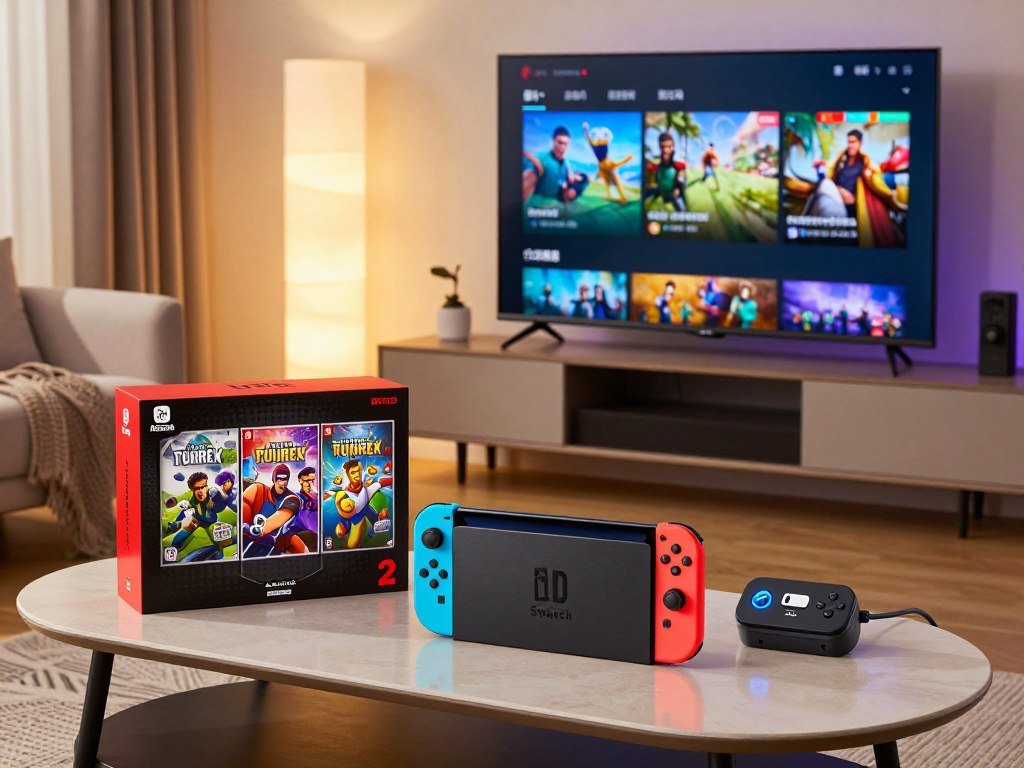
The Switch 2 + Mario Kart World Bundle costs $549.99 and saves $37.98 compared with buying its included items separately. The Switch 2 + Nintendo Switch Sports Resort Bundle costs $529.99 and saves $27.98 that way.
A bundle is a better deal only when you would buy its included game anyway. Steam Deck TV play has a separate accessory cost: its dock cost $79 on September 8, 2026.
Check these points before choosing:
- Do you want the game included in the bundle?
- Does the bundle discount beat buying the console and game separately?
- Is a Steam Deck dock part of your planned TV setup?
The dock is a separate Steam Deck expense, not part of either Nintendo bundle’s savings. If you will play on a TV, include that accessory in your Deck setup budget.
Before paying for a bundle, check that its included game is one you would have bought anyway.
Which Handheld Has the Better Screen?
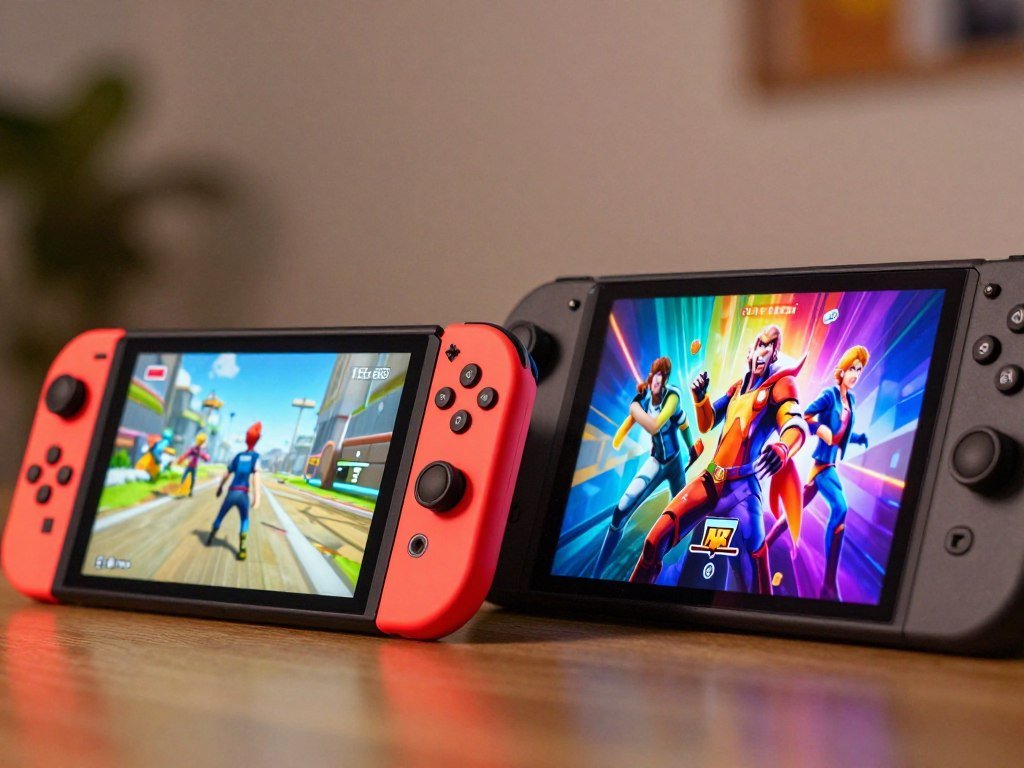
Switch 2 is the sharper handheld screen on resolution, while Steam Deck OLED offers the deeper blacks of OLED. Switch 2 leads on resolution and refresh rate; the Deck OLED leads on contrast.
Switch 2 uses a 7.9-inch LCD touchscreen at 1920 × 1080, with HDR10 and VRR up to 120 Hz. Its 7.9-inch LCD display gives you more pixels than the Steam Deck OLED screen.
| Model | Panel | Resolution | Refresh rate |
|---|---|---|---|
| Switch 2 | LCD | 1920 × 1080 | Up to 120 Hz |
| Steam Deck OLED | OLED | 1280 × 800 | Up to 90 Hz |
| Original Steam Deck | LCD | 1280 × 800 | Up to 60 Hz |
The Deck OLED has a 7.4-inch OLED panel at 1280 × 800, with refresh up to 90 Hz. OLED pixels can switch off for dark areas, giving the screen its contrast edge.
The original Steam Deck LCD is useful context if you are comparing older models. It does not match the OLED Deck’s panel type or refresh rate.
Higher resolution can help fine details look sharper, while OLED contrast can make dark scenes stand out. Pick the screen character you prefer, because higher resolution and OLED contrast are different strengths.
Which One Is Easier to Carry?
Switch 2 is the easier system to pack light, while Steam Deck OLED favors a larger, more substantial grip. For bag weight, the lighter console has the edge.
Switch 2 weighs about 0.88 lb without Joy-Con 2 and about 1.18 lb with them attached. Steam Deck OLED weighs about 640 g, or roughly 1.41 lb.
Switch 2 weighs less, but the Deck’s larger body and grips can feel more substantial in your hands. Weight and hand comfort are different parts of portability.
Joy-Con 2 detach from Switch 2, while the Deck keeps its controls built in. A small bag may fit either system, but the attached controllers and case also take up room.
During a long gaming session, the Deck’s larger shape may suit players who prefer a fuller grip. Switch 2 is the lighter handheld to carry, though some players may prefer the Deck’s size in their hands.
Think about where you will carry the system, not only how it feels at home. If a device will ride in a small day bag, consider its attached controllers and protective case as well as the console body.
How Long Does the Battery Last?
Nintendo estimates 2-6.5 hours for Switch 2, while the Hogwarts Legacy test shows how a demanding title can produce a shorter session. Battery life depends on the game, so a single test is not a promise for every trip.
Switch 2 has a 5220 mAh lithium-ion battery. Nintendo’s estimated range spans a wide set of play conditions and titles.
In one Hogwarts Legacy test at full brightness, Switch 2 lasted 2 hours and 45 minutes. Steam Deck lasted about 4 hours in that same demanding-game scenario.
Those results describe one game and one brightness setting, not a standard runtime for all games. A less demanding title can give you a different session length, while full brightness can use more battery.
Battery life can shape how you use a handheld on a flight or long drive. For that full-brightness Hogwarts Legacy test, the Deck lasted longer, but other games can change the comparison.
For a long trip, charge before leaving and carry a compatible power bank rather than planning around a single test.
How Does Game Performance Compare in Handheld Mode?
There is no single handheld winner in every game: the tested results change with the title, settings, and mode. Game-by-game results matter more than a single hardware figure.
Switch 2 has handheld GPU performance around 1.71 TFLOPS and 12 GB of unified memory. Steam Deck has a 1.6 TFLOPS GPU and 16 GB of memory.
Similar GPU-compute figures do not guarantee the same frame rate or image quality in a game. Switch 2’s eight-core CPU normally clocks at 1.1 GHz; the Deck’s four-core CPU can clock up to 3.5 GHz.
Hogwarts Legacy’s visual and frame-rate trade-offs
Digital Foundry found Switch 2 held mostly stable 30 fps in its Hogwarts Legacy comparison. Steam Deck showed better resolution, textures, and lighting, while Switch 2 had better image clarity.
The Hogwarts Legacy comparison shows why one performance label cannot tell the whole story. Frame rate, image detail, and clarity do not always favor the same device.
Persona 3 Reload’s handheld modes
In a handheld test, Steam Deck held 60 fps with minimal 1-2 fps fluctuations at native 720p. The test used 100% rendering scale, High shadow quality, a 60 fps limit, and reflections off.
Switch 2’s Persona 3 Reload ran at a locked 30 fps and 1080p in handheld mode. Its 60 fps Performance Mode is available only when docked.
| Game and mode | Measured result | Visual or settings caveat |
|---|---|---|
| Hogwarts Legacy handheld | Switch 2 mostly stable at 30 fps | Deck had better detail; Switch 2 had clearer image |
| Persona 3 Reload on Steam Deck | 60 fps at native 720p | 100% scale, High shadows, reflections off |
| Persona 3 Reload on Switch 2 | Locked 30 fps at 1080p handheld | 60 fps Performance Mode is docked-only |
Switch 2 Patch 1.03, released in December 2025, fixed launch instability and added Performance Mode. The Switch 2 version omits ray-traced reflections and uses reduced-resolution shadows.
Check the exact game’s handheld mode before buying, since a 60 fps docked option does not mean 60 fps handheld.
What Changes When You Play on a TV?
Switch 2 has the clearer plug-in-and-play advantage for TV use, with a docked output ceiling that reaches 4K at 60 fps. That output limit does not mean every game renders at 4K.
In TV mode, Switch 2 supports up to 3840 × 2160 at 60 fps. It can also support up to 120 fps at 1920 × 1080 or 2560 × 1440.
Actual game results depend on each title and its mode. Switch 2 can draw up to 3.7 TFLOPS of compute power when docked, but that figure alone does not set a game’s frame rate.
Digital Foundry found higher resolution and frame rates on docked Switch 2 than Steam Deck in its comparison. The docked VRR report also notes that game developers need to add support for docked VRR.
Steam Deck can connect to a TV, but connecting it does not give the handheld a docked performance boost. It remains a PC handheld connected to a larger screen.
Valve’s Steam Deck developer page describes how the system and its docking station connect with TVs and monitors. Your TV’s ports and the game’s settings still shape the result.
Match the console’s output ceiling to your TV, but check the individual game’s mode before expecting a particular frame rate.
Which Game Library Fits You Better?
Choose Switch 2 if Nintendo exclusives are essential; choose Steam Deck if you want access to the Steam PC catalog. The games you care about should decide which library has more value for you.
Switch 2’s game library centers on Nintendo’s own releases and games made for its system. Steam Deck offers a much wider range of PC genres and independent games.
Nintendo exclusives and family favorites
Mario Kart World, Pokémon, and Donkey Kong Bananza are examples of Switch 2 exclusives. They can make the console a clear pick if you want Nintendo games that are not part of the Steam PC catalog.
For households weighing shared play and game choices, family-friendly console picks can help frame what fits different players. A favorite series may matter more than the number of games on a store page.
Steam’s PC catalog and variety
Steam Deck plays compatible titles from the Steam PC catalog, which includes action, strategy, puzzle, and indie games. Not every Steam game works perfectly on the Deck, so the platform’s size is not a guarantee of smooth play.
For more independent games, browse indie games on Steam by genre and play style. It is an easy way to find games for short sessions or longer nights.
Street Fighter 6 is available in Switch 2 and Steam versions. Check each edition on its own because modes and performance can differ by platform.
Before buying a game, check:
- Exact edition.
- Platform availability.
- Online features.
- Local multiplayer support.
Confirm the exact edition and its features on your preferred platform before paying.
Can You Play Games You Already Own?
Steam Deck is the more direct choice for bringing an existing Steam collection to handheld play, while Switch 2 carries forward compatible Nintendo Switch titles. Neither system guarantees that every game you own will run as expected.
Switch 2 plays compatible physical and digital Nintendo Switch games. Compatibility is title-specific, so an older game may not behave like a new Switch 2 release.
Your Steam account can bring eligible games from your library to Steam Deck, subject to game compatibility. Steam Deck Verified is a label for games assessed for playability.
Before counting on a favorite game, check:
- Whether the exact title is compatible.
- Whether your account owns the game.
- Whether your desired edition is included.
The Verified label can help you judge a game, but it is not a promise that every feature will suit your needs. A game you own on one platform does not automatically transfer to the other.
Verify each must-play game individually, because neither a library account nor a compatibility label guarantees every title behaves the same.
How Much Setup and Customization Do They Need?
Switch 2 asks less of you after setup, while Steam Deck gives you more control and more PC-style choices. Simple play favors Nintendo; hands-on control favors the Deck.
Switch 2 is a closed Nintendo console system with Joy-Con 2 controllers. Its Wi-Fi 6 and Bluetooth support help it connect without turning the device into a desktop PC.
Switch 2’s curated console approach
Switch 2 gives you a focused console experience instead of a desktop-style operating system. You can start a compatible game without weighing as many settings or PC options.
That simplicity suits players who want to spend less time adjusting a game. Joy-Con 2 also gives you detachable controls, while Steam Deck uses built-in controls.
Steam Deck’s PC flexibility
SteamOS is Linux-based and includes Gaming Mode and Desktop Mode. Gaming Mode centers on games, while Desktop Mode gives you access to a PC-style environment.
The Deck’s dual trackpads and back buttons add control options beyond standard sticks and buttons. You can adjust game settings, though a game may take extra work when it does not behave as expected.
A Switch 2 Lite rumor check can help separate confirmed console details from unconfirmed hardware talk. For either system, decide how much control you want before you buy.
Use this setup checklist:
- Comfort with changing game settings.
- Need for desktop apps.
- Controller preferences.
- Willingness to troubleshoot a PC game.
Choose the Deck’s extra flexibility only if you are comfortable spending some play time on setup when a game needs it.
How Much Storage Do You Get, and Can You Expand It?
Switch 2 gives you 256 GB of internal UFS storage, but some of that capacity is reserved for the system. Game storage expansion requires a microSD Express card.
Switch 2 supports microSD Express cards up to 2 TB for storage expansion. An ordinary microSD card cannot add space for Switch 2 games.
Older microSD cards have a different use: they can copy screenshots and videos from the original Nintendo Switch. They do not expand Switch 2 game storage.
The 256 GB figure is not all free space for downloads, since some storage serves system use. Large game collections may need an expansion card sooner than the full capacity suggests.
IGN’s guide to microSD Express cards for Switch 2 compares card options for game storage. Check the card type before buying storage, because an ordinary microSD card cannot expand Switch 2 game storage.
Which System Is Better for Multiplayer?
Switch 2 is the more natural choice for quick local multiplayer, while Steam Deck can join a TV session with extra setup. Shared play is easier when controllers are ready to hand.
Joy-Con 2 detach from Switch 2 for local play, and games such as Mario Kart World suit quick group sessions. The console’s handheld-to-TV format also fits a shared screen at home.
Switch 2 makes local play easier to start; Steam Deck needs a TV connection and external controllers for the same setup.
Steam Deck can connect to a TV and work with external controllers. That setup can support a group, but you need the extra gear and time to connect it.
Both systems support online play, but online features depend on the game. Cross-play also varies by title, so players on different systems may not always join the same match.
Households comparing consoles for family play may want to weigh player ages and favorite games alongside hardware. A game’s own player limit matters more than the console’s shape.
Confirm that a specific game supports the number of local players and controller arrangement you need.
Which Handheld Matches Your Gaming Habits?
Switch 2 fits Nintendo-first players who want a lighter, simpler hybrid; Steam Deck OLED fits players who want their PC games and settings on the go. Pick the system that fits your regular play, not a feature you may rarely use.
Steam Deck OLED’s premium can be worthwhile if you will use its PC flexibility and existing Steam library. Switch 2 is the simpler fit for Nintendo-first buyers.
Match your habits to these five profiles:
- Nintendo exclusives: Switch 2 is the winner.
- An existing Steam library: Steam Deck OLED is the winner.
- Frequent TV play: Switch 2 is the simpler pick.
- Lightweight travel: Switch 2 is easier to carry.
- PC customization: Steam Deck OLED gives you more control.
Neither system has fixed battery life or performance across every game. A demanding title can change how long you play and how smoothly it runs on either handheld.
Give the most weight to the games you will actually play, since a feature you rarely use cannot justify its trade-off.
Which System Offers Better Long-Term Game Value?
Steam Deck can offer better long-term game value for buyers who use sales or already own compatible Steam games. Existing ownership can make the Deck’s game costs easier to manage.
Steam has recurring game sales that can cut the cost of older PC titles. That can help if your list includes games you are happy to buy when discounts appear.
Steam value depends on the games you want and whether they work well on Steam Deck. An existing account helps only when your owned games are compatible and playable.
Nintendo first-party games tend to receive smaller, less frequent discounts. Mario Kart World was priced at $79 on September 8, 2026, which gives a dated example rather than a promise about future prices.
Count the games you will buy and play, not every title listed in a store.
A long catalog has little value if it does not match your taste or play time. Estimate value from the games you plan to buy over the next year, not from the size of a catalog you may never play.
Conclusion
There is no need to force these systems into a single winner: the best buy is the one that matches your game library and play style. Choose Switch 2 for Nintendo exclusives, lighter travel, and easy TV play.
Choose Steam Deck OLED for PC-library access, OLED contrast, and customization. Its extra options make more sense when you already own Steam games or enjoy changing settings.
Before buying, write down your three must-play games and confirm that each is available and suitable on the system you choose.
FAQ
Is Switch 2 or Steam Deck OLED better for a long flight?
Steam Deck OLED lasted longer in the tested Hogwarts Legacy session, but neither system guarantees a full flight on one charge. Nintendo estimates 2-6.5 hours for Switch 2, and the test at full brightness ran 2 hours and 45 minutes on Switch 2 versus about 4 hours on Steam Deck. Demanding games and bright screens use more power, so charge before boarding.
Will my original Nintendo Switch games work on Switch 2?
Yes, compatible physical and digital Nintendo Switch games can carry over to Switch 2. Compatibility depends on the specific title, so do not assume every game will work in the same way. Check your must-play games individually, especially if you rely on a certain mode or feature. A physical game still needs its original game card when you play.
Can I install Steam games on Switch 2?
No, Switch 2 does not install Steam games. It uses Nintendo’s game ecosystem, so buying a game on Steam does not give you a Switch 2 copy. You would need to buy the Nintendo version separately if that game is available for the console. Your Steam purchases stay tied to your Steam account and compatible devices.
Is Switch 2 worth buying if I already own a Steam Deck?
Yes, Switch 2 can be worth buying if you want Nintendo exclusives or an easier TV setup. Your Steam Deck already gives you access to eligible Steam games, so the second system makes the most sense when it adds games or play options you want. Compare your must-play Nintendo titles with how often you use your Deck before adding another handheld.
Can I use an ordinary microSD card to install Switch 2 games?
No, Switch 2 game storage expansion requires a microSD Express card. Ordinary microSD cards cannot store Switch 2 game downloads. Older cards can copy screenshots and videos from the original Nintendo Switch, but that is a separate use. Check the card label carefully before buying one for game storage.
Can a Steam Deck play offline on a trip?
Yes, many Steam Deck games can play offline after setup, but some titles need an internet check. Online games and games that rely on a launcher may have different limits. Start the specific game and test its offline mode before you travel. That quick check can help avoid finding out mid-flight that a game needs a connection.
Which handheld is easier for someone new to PC gaming?
Switch 2 is easier for someone new to PC gaming because it offers a more plug-and-play console experience. Steam Deck gives you more settings and PC options, which can take extra setup or troubleshooting. The Deck suits players who want that control, while Switch 2 is a better fit when you want to start playing with fewer choices to manage.



