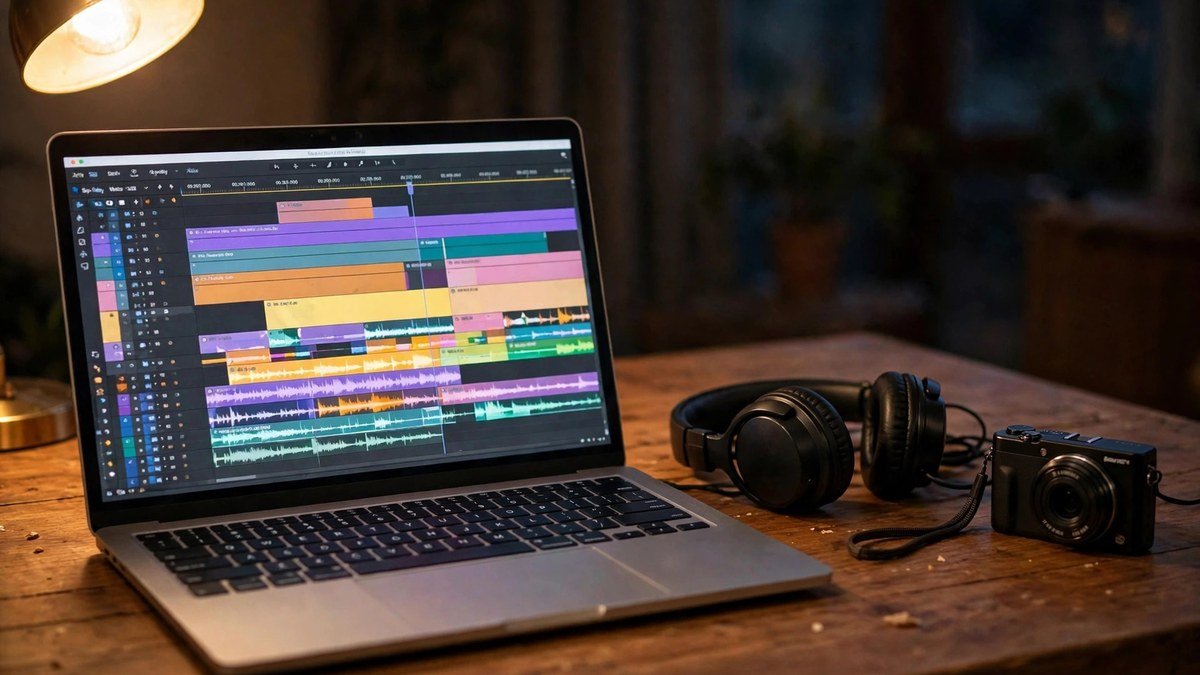
Video editing used to be the slowest part of making a video. A ten-minute video could take a full day to cut, caption, and clean up. In 2027, AI editing tools handle the repetitive parts — cutting silences, adding captions, and pulling out short clips — in minutes rather than hours.
The market is crowded, though, and the tools are not interchangeable. Some suit creators who publish daily, some suit teams that need brand control, and some suit beginners who want a finished video without learning a timeline. Picking the wrong one means paying for features you never use.
This guide compares the AI video editing tools creators, marketers, and small teams are actually using in 2027 — what each does well, where it falls short, and who it fits best.
Key takeaways
- AI now does the boring half of editing — silence removal, captions, clip selection — while humans decide the story and pacing.
- Text-based editing is the biggest time saver for talking-head video, and it is now standard rather than a novelty.
- Short-form clip tools pay for themselves for daily posters, but they are a poor substitute for a full editor.
- Free plans are useful for testing, but export limits and watermarks push most regular users to a paid plan within weeks.
- The right tool depends on the format you make most: talking-head, short clips, marketing, or long-form.
What the best AI video editing tools actually do in 2027
The strongest tools share one idea: the editor should spend time on decisions, not on scrubbing through footage. They transcribe the video, let you cut by deleting words from a transcript, and generate captions and short clips automatically. The differences are in how far the automation goes.
Descript remains the reference point for text-based editing. You edit the transcript and the video follows, which makes cutting a rambling interview feel like editing a document. Studio Sound cleans up echoey room audio, and Overdub can fix a flubbed word without a re-record. It suits podcasters and YouTubers, but it is weaker on visual effects and colour work.
Adobe Premiere Pro is the professional standard, and its AI features are now practical rather than decorative. Speech to Text generates captions, Text-Based Editing lets you cut by transcript, and Firefly tools can extend a shot or remove an object. It is the right choice for precise colour and finishing — and the wrong one if you edit a video a month, given the cost and learning curve.
CapCut is the tool most short-form creators reach for first. It is fast, runs well on a phone, and its auto-captions, background removal, and templates are built for TikTok, Reels, and Shorts. Its weakness is depth: complex projects get awkward quickly, and some of its best features sit behind a paid plan.
Runway is the most experimental of the leading tools. Its Gen models generate video from text or images, and its inpainting tools can change a scene without reshooting it. It is not a replacement for an editor, though — generation is slow, results vary, and costs add up per second of footage.
DaVinci Resolve pairs an unusually generous free version with a Neural Engine that handles smart reframing, object removal, and voice isolation. Its colour tools are the best in this group by a clear margin, and Studio is a one-off purchase, not a subscription. The cost is the learning curve: beginners can feel lost for the first few weeks.
Opus Clip does one job and does it well: it watches a long video and cuts out the moments most likely to work as short clips, complete with captions and a hook. For podcasters who need a week of Shorts from one recording, it saves hours. It is a companion tool, not a full editor, and its choices still need a human check.
Wondershare Filmora sits in the middle ground: easier than Premiere Pro, more capable than CapCut, with AI silence detection, auto-reframing, and caption tools built in. It is a sensible pick for small businesses and hobbyists who want polished videos without a steep learning curve.
Pictory takes a different approach: it turns scripts, blog posts, and long videos into finished short videos with stock footage, voiceover, and captions. It is popular with marketers who need a steady stream of social video without filming anything, though the output can feel generic. For a wider view, the comparison of top AI tools for marketing in 2027 shows where video tools sit alongside writing and design assistants.
How AI editing works, and why it matters in 2027

The core trick is transcription. The software turns speech into text, lines the words up with the video frames, and lets you work with the words. Delete a sentence from the transcript and the video cuts itself — removing the most tedious part of editing.
Captions are the second big shift. Short-form platforms play most videos on mute, so captions are no longer optional, and AI now generates them with word-level timing in seconds.
The third shift is clip finding. Tools like Opus Clip scan a long recording for hooks, then reframe the shot vertically and add captions. The results are not perfect, but as a first pass it turns one recording into a week of posts.
Why it matters in 2027 is that the volume of video has outrun the number of editors. Businesses, educators, and solo creators all need more video than they can cut by hand. AI tools close that gap for routine work, but they do not remove judgement. A similar pattern shows up in audio, where the best AI tools for podcast editing in 2027 handle the same transcription and cleanup jobs for spoken-word shows.
There is also a practical cost: AI features run on servers, and vendors charge for that compute, so heavy users of generative video or voice cloning can see bills climb quickly. Before committing, run a real project through a trial and check the export quality and the monthly cost.
The human context: who edits video now, and how the work has changed
Five years ago, video editing was a specialist job. Today it is a normal part of running a small business or a YouTube channel, and the person editing is often the same person who filmed and published the video. That is why ease of use matters as much as power: a tool that takes a weekend to learn will not get used by someone who edits for two hours a week.
For professional editors, AI has changed the shape of a working day rather than removing the job. The first pass — syncing audio, cutting silences, adding captions — is now done by software, and the editor spends the saved time on pacing, colour, and sound design.
For creators, the change is about consistency. A channel that publishes three times a week cannot afford a six-hour edit per video, and AI tools make that schedule realistic for one person. The risk is sameness: when every creator uses the same caption style and clip-finding tool, videos start to look alike. The creators who stand out use AI for routine work and keep a human hand on the opening hook.
Teams face a different problem: brand control. When five people edit video, captions, colours, and title styles drift unless the tool enforces templates. The tools aimed at teams — Premiere Pro with shared libraries, Descript with brand kits — matter here, and the cheapest tool is rarely the right one. The same discipline applies to the rest of the workflow, covered in the roundup of the top productivity apps for remote workers in 2027 covers the planning and file-sharing tools that usually sit alongside an editor.
The caveats that matter
AI editing tools are genuinely useful, but they have limits sales pages rarely mention. The table below collects the ones that most often surprise new users.
| Detail | What is known |
|---|---|
| Transcription accuracy | Strong for clear English, weaker for accents; proofread captions first. |
| Generative video quality | Useful for short shots, but faces and hands in generated clips are still unreliable. |
| Free plan limits | Most free plans cap export minutes or add watermarks. |
| Cloud processing | Many AI features upload footage to vendor servers; check privacy terms first. |
| Export quality | Some tools compress exports more than desktop editors; check one full-quality export first. |
| Learning curve | CapCut and Filmora are quick to learn; Premiere Pro and DaVinci take weeks. |
| Subscription costs | Monthly prices look small, but AI credits and team seats add up. |
| Vendor lock-in | Projects do not move between editors easily. |
Checklist: choosing an AI video editor honestly
- List the formats you actually make — talking-head, short clips, marketing, long-form — and rank tools by that list.
- Run one real project through the free trial, from import to export, and time it before you pay.
- Check caption accuracy on your own voice and accent, not the vendor demo, and budget time for corrections.
- Add up the full monthly cost, including AI credits and team seats, not just the headline price.
- Confirm the tool exports at the resolution your channels need, without a watermark, on the plan you would buy.
- Ask who owns your footage once uploaded for cloud AI features, and whether client material is safe.
Frequently asked questions
What is the best AI video editing tool for beginners in 2027?
CapCut is the easiest starting point for short-form video, and Filmora is the best beginner option for longer videos. DaVinci Resolve is worth the learning curve because the free version is so capable.
Can AI edit a video completely on its own?
No, not well. AI handles the first pass — cutting silences, adding captions, suggesting clips — but a human still needs to check the story and set the pace. Fully automated edits feel generic and often cut the wrong moments.
Is Descript better than Premiere Pro?
They serve different jobs. Descript is faster for talking-head video, where the words carry the content. Premiere Pro is better for visual storytelling and precise finishing. Many creators use both: Descript for the rough cut, Premiere Pro for the finish.
How much do AI video editing tools cost in 2027?
Most paid plans run from around $12 to $30 a month, with professional tools at the higher end. Generative video and voice cloning often cost extra in credits.
Do AI video editors work on a phone?
Yes. CapCut is the strongest phone editor, and Descript also runs on mobile. Phone editing suits short-form video well, but long projects are still easier on a desktop.
Will AI replace human video editors?
It is replacing the routine parts of the job, not the judgement. Editors who use AI to clear the boring work and spend time on story, pacing, and sound are in demand. Editors who only cut silences and add captions are the ones most easily automated.
The bottom line
For most creators in 2027, the sensible setup is one main editor plus one clip tool: Descript or Filmora for the main edit, Opus Clip for short-form, and CapCut on the phone. Professionals should keep Premiere Pro or DaVinci Resolve at the centre.
The deciding factor is not the longest feature list, but which tool fits the videos you make, the time you have, and the budget you can sustain. Run a real project through a trial, check the export quality and the true monthly cost, and choose the tool with the least friction.
Note: Prices, plan limits, and AI features change frequently. Check the current plan page before buying, and test a free trial with your own footage.