

Quick Answer: What is vulnerability scanning?
Vulnerability scanning is the automated process of probing systems, networks, and applications to find known weaknesses, misconfigurations, and missing patches. In plain language, it is a scheduled checkup that compares what is running on your machines against databases of known flaws, and you can act on the results by patching, reconfiguring, or isolating affected assets.
It is not the same as penetration testing, which relies on human-driven exploitation to chain weaknesses together. Scanners report what looks vulnerable; testers try to prove it.
Before you buy or schedule a scanner, compare coverage of assets, scan frequency, severity scoring method, false positive rate, reporting quality, compliance templates, and remediation workflow.
Have you ever left a window unlatched without realizing it? Most people have, and most companies have done the same thing digitally. A server missing a patch, a database exposed to the open internet, an outdated plugin on a public website: each one is an open window. Vulnerability scanning is the routine of walking around the building and checking every latch before someone else does.
It sounds simple, and in principle it is. In practice, scanning is one of the most misunderstood parts of a security program. Teams either over-trust it and treat a clean report as proof of safety, or under-use it because the reports feel noisy and overwhelming. Neither reaction helps. This article breaks down what scanning actually does, where it fits next to other security work, and how to run it without drowning in alerts. (Best photo scanning services)
The Core Definition, Minus the Jargon
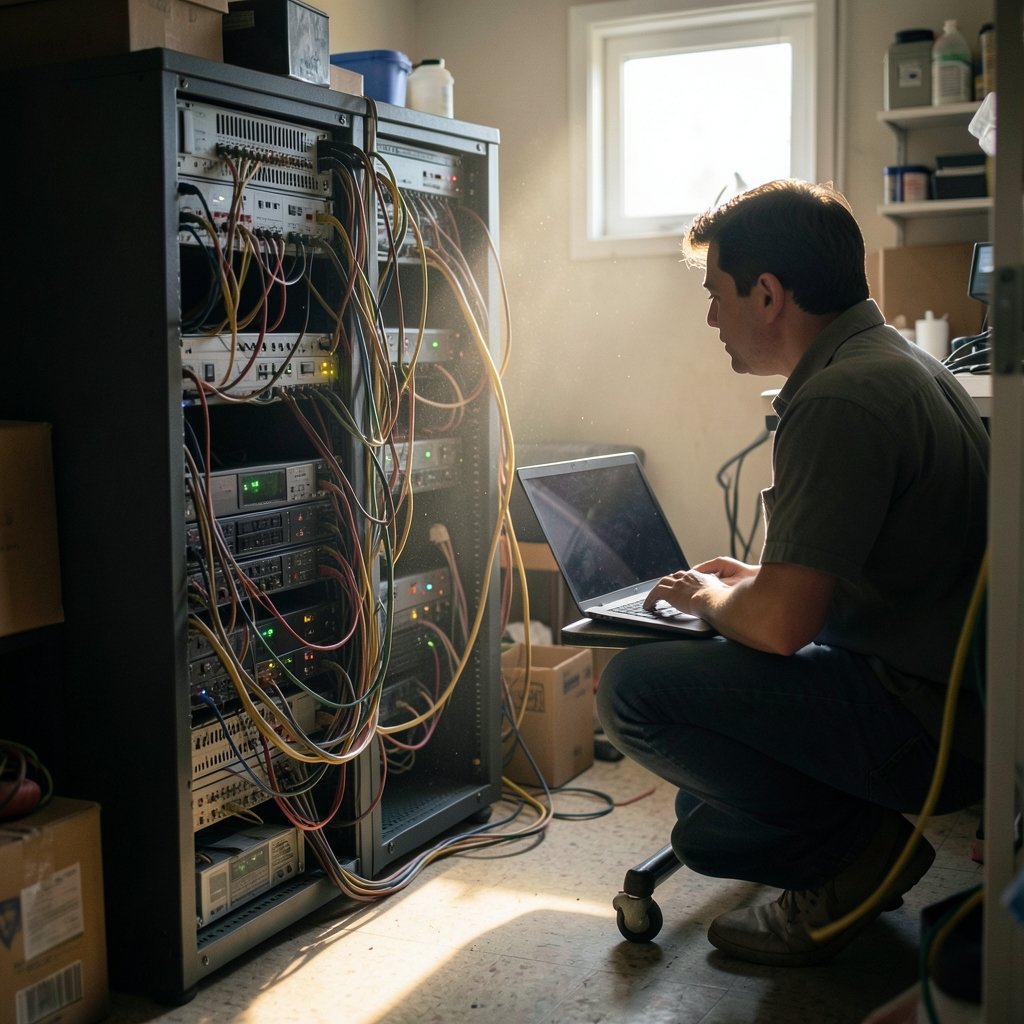
At its heart, vulnerability scanning is automated probing. A scanner sends carefully crafted requests to systems, networks, or applications and compares what it finds against databases of known weaknesses, misconfigurations, and missing patches. The output is a list of findings, usually ranked by severity.
That definition matters because it separates scanning from adjacent activities. Scanning is broad and repeatable. It runs on a schedule, covers hundreds or thousands of assets, and produces machine-readable output. It is not a one-time heroic effort. It is a habit.
The practice sits inside a wider discipline called vulnerability management, which covers discovering assets, scanning them, prioritizing findings, fixing them, and verifying the fix. Scanning is one step in that loop, not the whole loop.
How Vulnerability Scanning Actually Works
Most scanners follow a similar pipeline, even if the underlying engines differ.
- Discovery. The scanner maps which hosts, ports, and services are alive. Some tools do this with ping sweeps and port scans; others pull asset inventories from cloud APIs and endpoint agents.
- Fingerprinting. For each live service, the scanner identifies the product and version. A web server that reports itself as a specific release of Apache or nginx is compared against known issues for that release.
- Detection. The engine matches fingerprints and responses against a vulnerability database. It may also run safe, non-destructive checks that confirm a flaw exists without exploiting it.
- Scoring. Findings are ranked, often using the Common Vulnerability Scoring System (CVSS), a 0 to 10 severity scale maintained by FIRST. The CVSS v3.0 specification was published in June 2015, and v4.0 followed in November 2023.
- Reporting and routing. Results land in a dashboard, a ticket queue, or a SIEM. This is where most operational friction appears, and where good programs invest real effort.
The identification layer depends on shared naming. The CVE program, launched in 1999 and now run by MITRE with U.S. government sponsorship, gives publicly disclosed vulnerabilities a common identifier so a scanner, a vendor advisory, and a patch note all refer to the same flaw. Without that shared vocabulary, comparing findings across tools would be chaos. NIST’s National Vulnerability Database enriches many CVE records with scores and product data, though enrichment coverage has been publicly reported as uneven at times, so treat any single database as a starting point rather than gospel.
Scanning vs. Penetration Testing vs. Other Security Checks
People mix these up constantly, and the confusion causes real budget mistakes. Here is how the main activities differ.
| Activity | Who or what does the work | Goal | Frequency | Typical output |
|---|---|---|---|---|
| Vulnerability scanning | Automated tool | Find known weaknesses at scale | Continuous or weekly/monthly | Ranked findings list |
| Penetration testing | Skilled human testers | Prove exploitability and business impact | Quarterly, annually, or after major change | Narrative report with attack paths |
| Configuration review | Tools plus analysts | Verify hardening baselines | Ongoing | Drift and compliance gaps |
| Patch management | IT operations | Apply fixes | Per vendor cadence | Deployment records |
A useful way to think about it: scanning finds the cracks, and penetration testing shows whether someone can actually climb through them. A scanner might flag a service as outdated; a tester might chain that with weak credentials and a misconfigured permission to reach customer data. The tester’s report is more convincing to executives, but it costs far more per asset and cannot run nightly.
There is also a common mistake worth naming. Some teams skip scanning entirely because they already pay for annual penetration tests. That logic inverts the economics. A test is a snapshot; the attack surface changes every time someone deploys code or spins up a cloud instance.
Where Scanning Fits in Compliance and Standards
Compliance is often what gets a scanning program funded in the first place, and that is fine. Whatever the motivation, the practice has real grounding in standards.
NIST Special Publication 800-115, published in September 2008, describes scanning as one phase of a broader technical security assessment. NIST SP 800-40 covers patch and vulnerability management at the enterprise level, with Revision 4 published in 2023. For organizations handling payment card data, PCI DSS requires regular vulnerability scans performed by an Approved Scanning Vendor. PCI DSS v4.0 was released in March 2022, and its future-dated requirements became mandatory on 31 March 2025, which pushed many merchants to tighten their scanning cadence. (What is a zero day vulnerability) (Vulnerability scanner)
On the U.S. federal side, CISA’s Binding Operational Directive 19-02, issued in April 2019, required agencies to remediate critical vulnerabilities within 15 days and high-severity ones within 30 days. CISA later established the Known Exploited Vulnerabilities catalog through BOD 22-01 in November 2021, listing flaws with confirmed exploitation in the wild. That catalog changed the conversation: severity scores alone stopped being enough.
ISO/IEC 27001, in its 2022 edition, and ISO/IEC 27002 both treat vulnerability management as a control area, though teams should confirm exact clause references against the current published text before citing them in an audit response.
Reading a Scan Report Without Panicking
The first scan on a mature network is almost always ugly. A single report can produce thousands of findings, and a newcomer’s instinct is to forward the whole thing to IT and hope. That approach fails because it treats every finding as equally urgent. (Cyber Threats and Advisories)
Prioritize by exploitability rather than score alone. A CVSS 9.8 flaw in a service that is not reachable from untrusted networks is less pressing than a CVSS 7.5 flaw that is actively exploited and internet-facing. Cross-reference findings against the CISA KEV catalog and against whether the asset is exposed. In practice, this single step cuts most remediation backlogs down to something a team can actually finish.
Distinguish authenticated from unauthenticated scans. Credentialed scans log into hosts and see installed software directly, which produces far fewer false positives than blind network probing. If a scanner supports credentials, use them on servers you control.
Tune out the noise deliberately. Accepted risks, compensating controls, and false positives should be documented and suppressed with a review date, not silently ignored. The risk of ignoring them is that real findings get lost in the same list.
Scan the right scope. A common mistake is scanning only production. Development and staging environments often hold copies of real data and run older, unpatched software. Another is forgetting cloud accounts spun up by individual teams. Asset discovery is genuinely half the battle, and it is closely related to the kind of blind-spot thinking that makes a zero day vulnerability so dangerous: you cannot protect what you have not inventoried.
Practical Tips That Actually Work
A few habits separate programs that improve from programs that just generate reports.
- Start with a baseline and a cadence. Weekly external scans and authenticated internal scans are a reasonable default for many mid-sized organizations. Continuous scanning suits fast-moving cloud environments.
- Set service-level targets by severity. For example, critical findings in 15 days, high in 30, medium in 90. Written targets create accountability that “please fix these” never does.
- Close the loop with verification rescans. A ticket marked resolved is a claim; a clean rescan is evidence.
- Report in business language. Executives respond to “this exposes customer payment data” far better than to a CVE identifier and a decimal score.
- Keep an exception register. Every accepted risk needs an owner and an expiry date, or it becomes permanent by accident.
One more practical note: scanning is not only for servers. Web application scanners test for injection flaws and broken access control, container scanners check image layers, and cloud posture tools check identity and storage settings. Different asset types need different tools, and buying one scanner expecting it to cover everything is a frequent and expensive misstep.
Common Misconceptions Worth Retiring
“A clean scan means we are secure.” No scanner finds everything. Zero-day flaws are unknown to databases by definition, logic errors in custom code often escape automated checks, and social engineering is invisible to a network probe. Scanning reduces known risk; it does not eliminate unknown risk.
“Scanning is intrusive and will break things.” Modern scanners offer safe-check modes, and scheduled scans during maintenance windows are standard. The bigger operational risk is scanning production aggressively during peak hours without warning the operations team.
“More findings means a better scanner.” Often the opposite. A tool that floods you with duplicates and low-confidence guesses is worse than a quieter one that is right. Evaluate false positive rates during any trial.
“It is only an IT problem.” Remediation usually lands on IT, but prioritization requires business context: which systems handle money, health data, or safety functions. That judgment lives outside the server room.
Conclusion
Vulnerability scanning is best understood as a discipline of looking, not a product you install and forget. It finds known weaknesses at scale, cheaply and repeatedly, and it feeds everything downstream: patching, penetration testing, compliance evidence, and risk reporting. The teams that get value from it are rarely the ones with the most expensive scanner. They are the ones with a clear asset inventory, a sensible cadence, severity targets people actually meet, and the discipline to verify fixes instead of trusting tickets. Start small, scan what you own, fix what matters most, and repeat. That loop, run consistently, does more for real security than any single tool ever will.
Frequently Asked Questions
How often should vulnerability scans run?
Most organizations do well with weekly external scans and weekly or monthly authenticated internal scans, plus a scan after any significant infrastructure change. Regulated environments may require more frequent external scanning to satisfy PCI DSS obligations. Continuous scanning is worth considering for cloud environments where assets appear and disappear daily.
Does vulnerability scanning slow down a network?
It can, especially during full port sweeps or aggressive web application checks. Most scanners let you throttle request rates, exclude fragile devices such as medical or industrial equipment, and schedule scans outside business hours. The slowdown is usually brief and predictable, which is why change calendars exist.
What is the difference between a vulnerability scan and a vulnerability assessment?
A scan is the automated detection step. An assessment is the broader analytical process that includes scanning plus manual review, business context, risk ranking, and a remediation plan. Think of the scan as raw data and the assessment as the judgment layered on top of it.
Can vulnerability scanning replace penetration testing?
No. Scanners are broad and repeatable but shallow, while penetration tests are narrow, human-driven, and deep. Regulators and customers often expect both. The practical pattern is to scan continuously and bring in testers periodically or after major architectural changes.
What should a small business do first?
Inventory the assets that face the internet, run an external scan, and fix critical findings on exposed systems first. Free and low-cost scanners exist for basic coverage. The priority is establishing the habit and knowing what you own before investing in enterprise tooling.
Are scan reports sensitive documents?
Yes. A full findings list is essentially a map of your weaknesses, and it is valuable to attackers. Restrict access, avoid emailing raw reports broadly, and treat exported data with the same care as other sensitive internal records.



