

What Is AI Threat Detection?
AI threat detection is the use of artificial intelligence to spot signs of a cyberattack — often before any damage is done. Instead of relying only on fixed lists of known malware or attack patterns, AI systems learn what normal activity looks like on a network, then flag behaviour that does not fit. A login at 3 a.m. from a new country, a sudden rush of data leaving a server, or a program behaving in a way it never has before can all trigger an alert in seconds.
That speed matters because modern attacks move fast. A human analyst can only watch so many alerts, and a traditional security tool only catches what it has been told to look for. AI threat detection fills both gaps: it sifts through huge volumes of logs and traffic, connects events that look harmless on their own, and ranks the findings so analysts start with the most serious ones.
This explainer covers what AI threat detection is, how it works, the main types you will come across, and where it helps — and where it falls short. It also looks at real-world uses and how it compares with older security tools. No technical background is needed.
Key takeaways
- AI threat detection learns what normal looks like, then flags behaviour that does not fit.
- It catches new and unusual attacks that fixed rule lists miss, and it works at machine speed.
- It ranks alerts by risk, so analysts investigate the serious ones first instead of drowning in noise.
- It is not perfect: false alarms, biased training data, and attacks aimed at the AI itself are real limits.
- The best setups pair AI detection with human analysts who check, confirm, and act on what it finds.
| Part | What it does | Why it matters |
|---|---|---|
| Data collection | Gathers logs, traffic, and user activity | More context means better judgements |
| Baselining | Learns normal patterns for users and devices | Unusual behaviour stands out clearly |
| Detection | Scores events and flags the odd ones | New attacks are caught, not just known ones |
| Triage | Ranks alerts by likely risk | Analysts start with what matters most |
| Response | Suggests or takes containment steps | Damage is limited while humans confirm |
What AI Threat Detection Means
At its simplest, AI threat detection is software that watches a computer system and raises the alarm when something looks like an attack. The “AI” part is usually machine learning: models trained on large amounts of past data, both benign and malicious, so they can recognise patterns a fixed set of rules would miss. A traditional antivirus, for example, checks files against a list of known threats. An AI system also asks whether a file behaves like malware, even if it has never been seen before.
Security teams have used statistical models and anomaly detection for years. What changed is scale: networks now produce far more logs than any team can read, and attacks themselves use automation. AI threat detection is the answer to that volume problem — a way to watch everything and surface the small number of events worth a human look. If you are new to the field, what is cybersecurity gives the wider picture this kind of detection fits into.
How AI Threat Detection Works
The process starts with data. The system collects logs from servers, laptops, and cloud services, along with network traffic, login records, and email activity. It then builds a baseline: a picture of normal behaviour for each user, device, and application. One employee might usually log in from one city during working hours and open the same ten files; another might travel constantly and work late. A good baseline is personal, not one-size-fits-all, and it keeps updating as habits change.
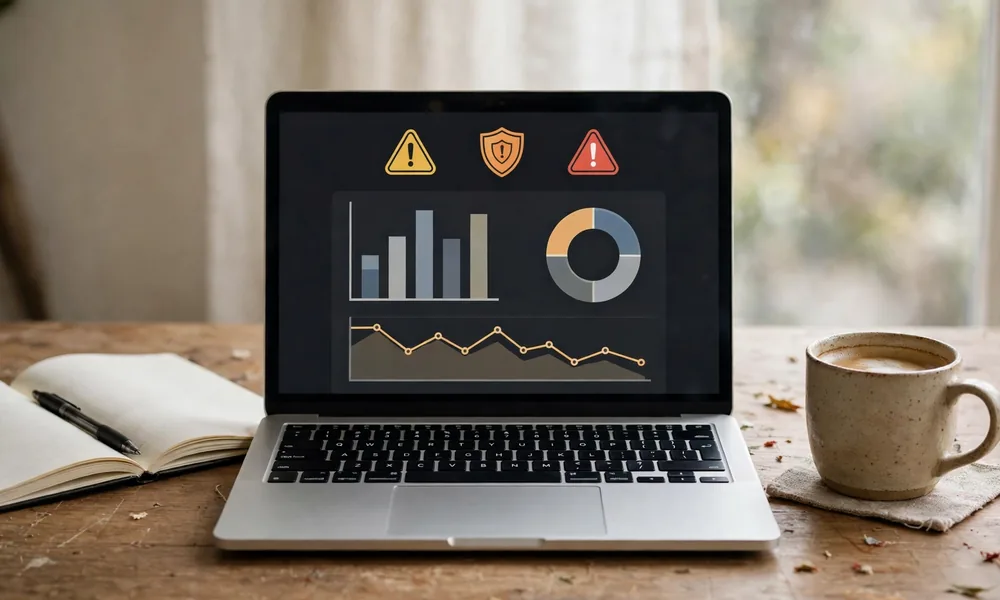
Against that baseline, the system scores new events. Most score low and pass unnoticed. A few score high — an unusual login followed by a large download, for example — and become alerts, ranked by risk and grouped with related events so the analyst sees a story, not a pile of disconnected warnings. Many systems then suggest a next step, such as isolating a device. The analyst still makes the final call on anything serious: the AI narrows the search, and a person decides what it means.
Types of AI Threat Detection
There are several kinds, and most real products combine more than one. Supervised models are trained on labelled examples of attacks and clean activity, so they are good at recognising threats similar to ones seen before. Unsupervised models need no labels: they learn what normal looks like and flag anything that drifts away from it, which makes them useful for brand-new attacks. Behavioural analysis focuses on people and devices, watching for changes such as an account suddenly accessing files it never touched before.
Other types work at different layers. Network detection watches traffic between machines for signs of scanning or data theft. Endpoint detection watches laptops and servers for suspicious processes. Email and identity detection look for phishing and stolen credentials. The labels matter less than the coverage: a system that only watches the network will miss an attack that starts with a stolen password.
Benefits and Risks
The main benefit is speed at scale. AI can review millions of events a day, spot a slow attack spread over weeks, and connect clues across email, network, and endpoints that a person would never link by hand. It also cuts alert fatigue: by ranking findings, it lets a small team focus on the handful of incidents that could actually hurt the business. Over time, a well-tuned system gets better, because every confirmed incident becomes new training data.
The risks are real too. False positives are the most common complaint: a system that cries wolf too often trains people to ignore it. Training data can carry biases, so a model may underperform on the systems it saw least during training. Attackers also adapt, probing AI defences to learn what slips through. And there is a quieter risk — over-trust. A team that stops questioning the AI’s scores will miss the attack the model was never trained to see.
Real-World Uses
In a typical company, AI threat detection sits behind the scenes in the security operations centre, where analysts start their shift by reviewing the overnight alerts it ranked highest. It is used to catch phishing campaigns that slip past email filters, to spot ransomware early by noticing unusual file encryption, and to find insider risks — not necessarily malicious, but a careless employee copying sensitive files to a personal drive. Cloud teams use it to watch for misconfigured storage and stolen API keys, which are among the most common ways attackers get in today.
Smaller organisations benefit too, often through managed services that bundle AI detection with human analysts for a monthly fee. A small business cannot hire a round-the-clock security team, but it can buy a service that watches its systems overnight and calls when something looks wrong. The same ideas protect supply chains: what is AI supply chain security explains how attackers target the weakest link in a chain of suppliers. Whatever the size, the pattern is the same: the AI watches, the humans decide.
AI Threat Detection vs Traditional Security Tools
Traditional tools work from rules and signatures: if a file matches a known piece of malware, block it; if traffic matches a known attack pattern, raise an alert. That approach is fast, predictable, and very good at stopping yesterday’s attacks. Its weakness is novelty. A brand-new piece of malware, or an attacker using legitimate tools in an unusual way, sails straight past a signature list, because there is nothing to match against.
AI detection trades some of that predictability for adaptability. It can flag the never-seen-before, but it can also be wrong, and its reasoning is often hard to explain. That is why most teams use both: signatures and rules for the known threats, AI for the unknown ones, and humans to sort out the difference. A related risk worth understanding is what is AI voice fraud, where attackers use AI itself to impersonate people.
Your AI Threat Detection Checklist
- Know what normal looks like: check the system has enough clean data to build a fair baseline.
- Cover more than one layer: network, endpoints, email, and identity, not just one of them.
- Ask how alerts are ranked, and who reviews the top ones — every day, not occasionally.
- Track false positives and tune the system, so alerts stay worth acting on.
- Keep a human in the loop for any serious action, such as isolating a device.
- Review the system’s misses regularly, and feed confirmed incidents back as training data.
Frequently Asked Questions
Is AI threat detection the same as antivirus?
No. Antivirus mainly checks files against known threats, while AI threat detection watches behaviour across a whole system — logins, traffic, file access, and more — to spot attacks that no signature list contains. Many modern security products include both, but they are different layers doing different jobs.
Can AI threat detection stop an attack on its own?
Sometimes, for low-risk steps such as blocking a suspicious login or quarantining a file. For anything serious, a human should confirm first. Automatic responses are useful for speed, but a wrong automatic action can lock out real users or shut down a working system.
How accurate is AI threat detection?
It varies a lot by product, data quality, and tuning. Well-run systems catch attacks that older tools miss, but every system produces some false alarms, and accuracy drops when the baseline is thin or outdated. Test the system in your own environment before trusting it.
Does AI threat detection work for small businesses?
Yes, usually through a managed security service rather than a product bought outright. The service runs the AI detection and provides analysts to review alerts, giving a small business round-the-clock cover without hiring a full team.
What data does AI threat detection need?
Logs from servers, devices, and cloud services, plus network traffic, login records, and email activity. The more complete the picture, the better the judgements. But more data also means more responsibility: check where the data is stored, who can see it, and how long it is kept.
Can attackers fool AI threat detection?
Yes. Attackers can probe a system to learn what it flags, move slowly to stay under the radar, or use legitimate tools in ways that look normal. That is why detection is only one layer: it works best alongside good passwords, updates, backups, and trained staff who question anything odd.
The Bottom Line
AI threat detection is a powerful addition to modern security, not a magic shield. It watches at a scale no human team can match, learns what normal looks like, and flags the unusual fast enough to matter. Used well — with good data, careful tuning, and analysts who check its work — it catches attacks that older tools miss and frees people to focus on the incidents that count.
The honest test for any system is simple: does it help your team find real threats faster, with fewer false alarms, than before? If the answer is yes, and a human still makes the serious calls, AI threat detection is earning its place. If the answer is no, the problem is usually the setup, the data, or the tuning — and those are fixable, one alert at a time.


