
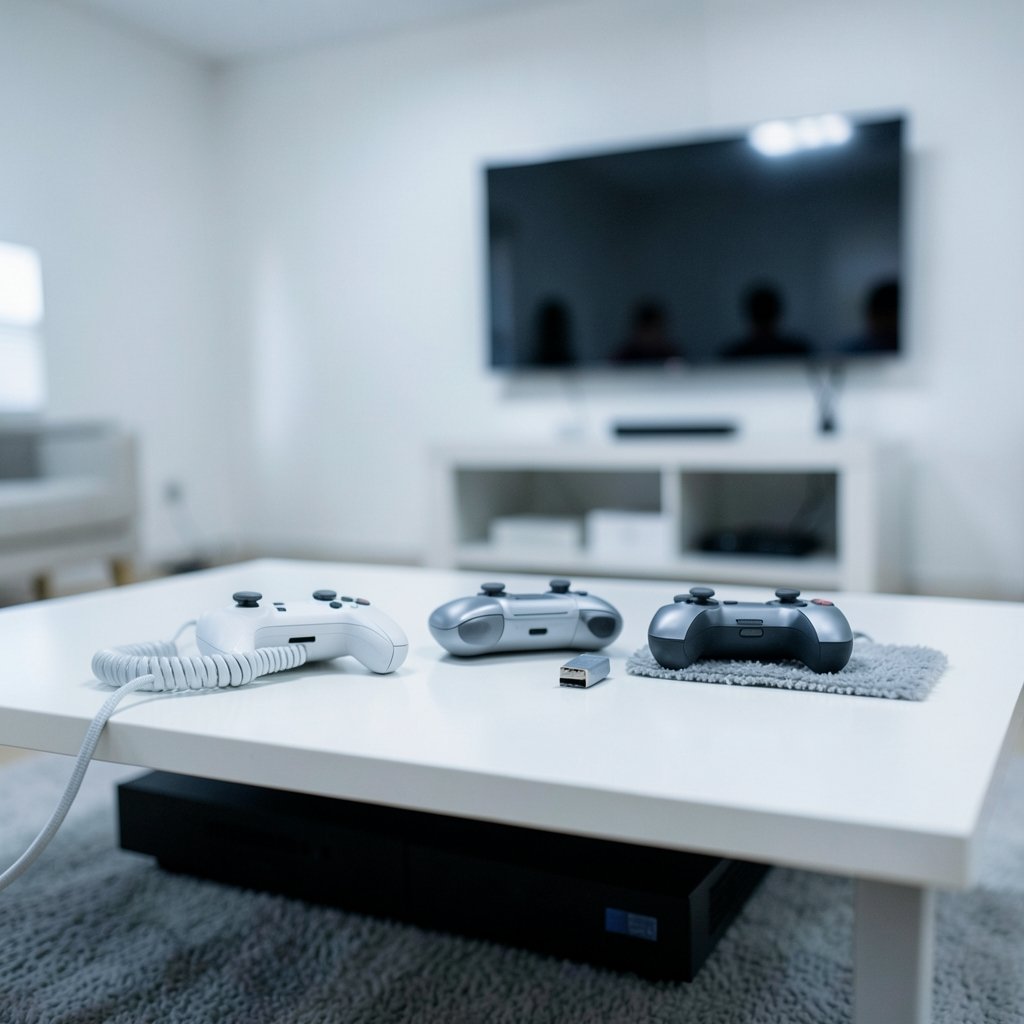
Quick Answer: Which budget gaming controllers are worth buying?
The budget controllers worth buying are the ones that match your console or PC, use hall-effect sticks, and come from a brand with a real warranty and firmware support. In practice, that means shopping wired first, checking the official compatibility list for your platform, and reading independent latency tests instead of trusting the box.
Wireless budget pads can work well, but most rely on a 2.4 GHz dongle rather than Bluetooth, which is more reliable but ties you to that dongle. Some cheap third-party controllers work fine wired on PC yet fail wirelessly on consoles, so platform licensing matters more than any spec sheet.
Before buying, compare connection type, hall-effect sensor confirmation, platform licensing, polling and measured latency, repairability and parts availability, firmware update support, and the retailer’s return window.
Why Budget Controllers Are a Minefield
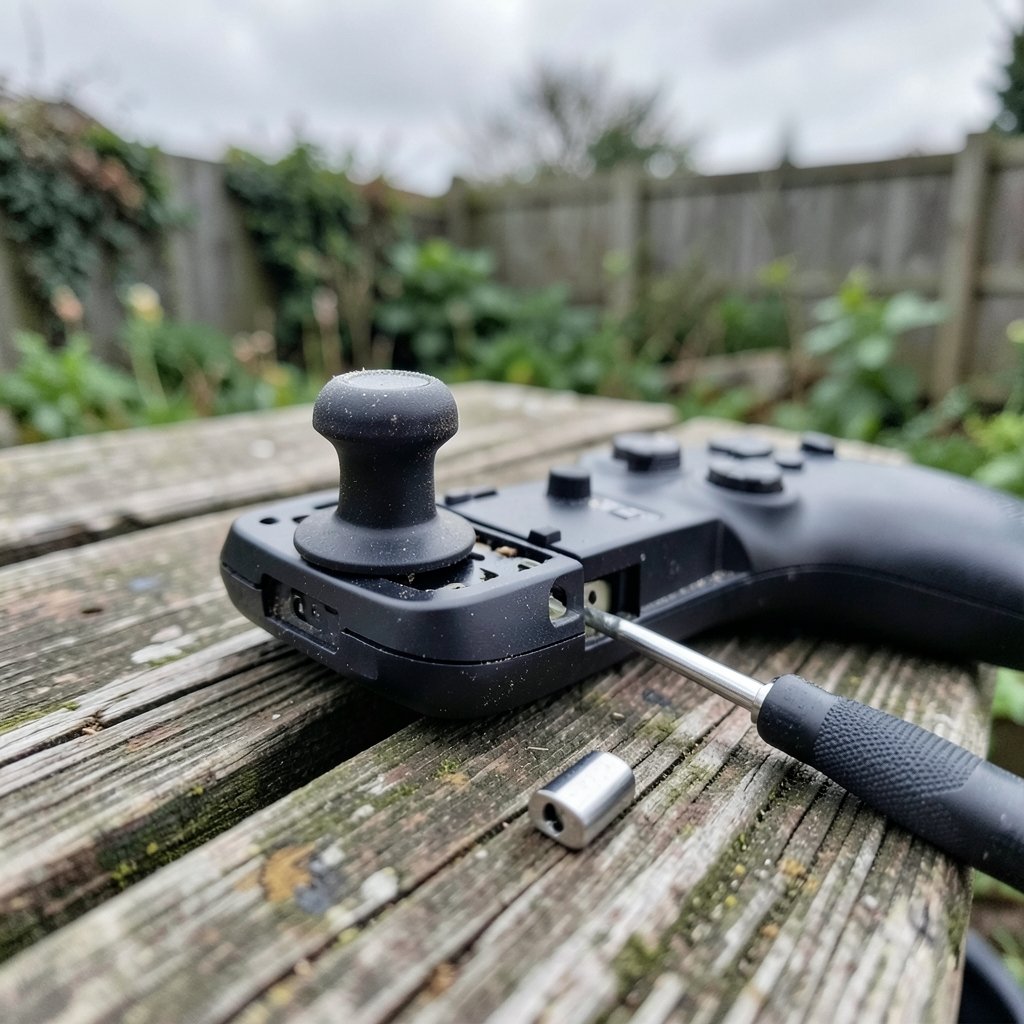
Ever bought a cheap controller, loved it for three months, then watched the left stick drift your character into a wall? That story is so common it has become a running joke in gaming communities. The frustrating part is that the joke hides a real problem: at low prices, the difference between a great buy and a waste of money usually comes down to two or three details that manufacturers never put on the box.
The good news is that budget controllers have genuinely improved. Magnetic hall-effect sticks, which resist the wear that causes drift, have been moving down from premium models into cheaper ones since roughly 2023. The bad news is that “budget” covers everything from a solid $30 wired pad to a $25 wireless gadget that stops pairing after a firmware update. Knowing which is which takes about ten minutes of checking before you click buy.
This guide walks through what actually matters, where buyers go wrong, and how to compare options without drowning in spec sheets. If you are also weighing a screen upgrade for your setup, the same logic of matching specs to real use applies to a gaming monitor worth buying for beginners in everyday use.
The One Feature That Separates Good Budget Pads From Bad Ones
If you remember one thing from this article, make it this: hall-effect sticks are the single biggest upgrade in the budget tier.
Traditional analog sticks use carbon-film potentiometers. Every time you push the stick, a wiper scrapes across a resistive surface, and that surface wears down. Over months, the resting position drifts, and your character starts walking on their own. Hall-effect sensors replace that physical contact with a magnetic field, so there is nothing to scrape away. Drift becomes far less likely.
There is a catch, though. “Hall-effect” has become a marketing phrase, and some sellers use it loosely. The reliable way to confirm it is to look for teardown coverage or independent reviews that name the specific sensor. If a listing claims hall-effect sticks but no reviewer has opened the controller, treat the claim as unproven.
The second catch is that hall-effect sticks do not fix everything. A pad with great sticks and a mushy d-pad or laggy triggers is still a bad buy. Sensors solve one failure mode, not all of them.
Wired or Wireless: The Budget Decision Most People Get Wrong
At low prices, wired is usually the safer choice. Here is why.
Wired controllers skip Bluetooth pairing headaches, avoid wireless latency, and typically cost less for the same build quality. There is no battery to degrade, no dongle to lose, and no interference from a crowded 2.4 GHz band in a apartment full of routers.
Budget wireless pads mostly use a 2.4 GHz dongle rather than Bluetooth. That is often a good thing, since a dedicated dongle tends to be more stable than Bluetooth for gaming. But it also means you are tied to that dongle. Lose it, and the controller may become a paperweight.
| Factor | Wired budget pad | Wireless budget pad |
|---|---|---|
| Typical latency | Low and consistent | Varies by connection type |
| Cost for same build | Lower | Higher |
| Failure points | Cable, port | Battery, dongle, pairing |
| Convenience | Tethered | Free movement |
| Best for | PC, long sessions | Couch play, consoles |
A simple rule: if you play at a desk, buy wired and spend the savings on build quality. If you play from a couch, check whether the wireless model uses a dongle or Bluetooth, and confirm it is licensed for your console before anything else.
Platform Compatibility Is Where Most Buyers Lose Money
This is the most common and most expensive mistake in the budget category. Consoles require licensed controllers for wireless play. Xbox, PlayStation, and Switch each have their own licensing rules, and cheap third-party pads frequently work wired on PC but fail wirelessly on consoles.
The fix is boring but effective: check the official compatibility list for your specific console before buying. Not the seller’s compatibility chart, which is often optimistic, but the platform holder’s own accessory page. A controller that lists “works with Xbox” in a marketplace listing may only work wired, or only for certain games.
A few practical notes:
- Xbox is the strictest about wireless licensing. Assume any unlicensed pad is wired-only until proven otherwise.
- PlayStation controllers use their own authentication, so third-party wireless pads need explicit licensing.
- Switch is comparatively open, but features like motion controls and amiibo support vary wildly between third-party pads.
- PC is the most forgiving platform. Almost anything wired will work, though XInput support is worth confirming.
If you are building a setup around a console rather than a PC, it is worth reading up on which hardware actually fits your habits, the way a handheld gaming console guide for 2026 helps buyers avoid paying for features they will never use.
Polling Rate and Latency: What the Spec Sheet Won’t Tell You
Budget controllers love to advertise 1000 Hz polling. On paper, that means the controller reports its position a thousand times per second. In practice, polling rate is not the same as latency, and the gap between the two is where marketing lives.
Measured latency depends on the connection (wired, Bluetooth, or 2.4 GHz dongle), the firmware, and the quality of the internal components. A pad that polls at 1000 Hz over a dongle can still feel slower than a well-tuned wired controller polling at a lower rate. Independent latency testing databases are a far better guide than the box, because they measure end-to-end response rather than one link in the chain.
The practical takeaway for budget buyers: do not pay extra for a polling number. Pay for a connection type that suits your setup and a model that independent testers have actually measured. If no one has tested it, you are the test.
Firmware, Repairability, and the Things That Decide Longevity
Two less glamorous factors separate a controller that lasts three years from one that lasts three months.
Firmware support. Some budget brands ship a desktop updater and push fixes for dead-zone and latency issues. Others ship nothing, which means a controller with a known bug stays buggy forever. Before buying, check whether the manufacturer offers firmware updates and whether the model has received any. A pad with no update path is a gamble.
Repairability and parts. Replaceable stick modules and widely available replacement parts extend life significantly. This matters more at budget prices, because cheap pads fail more often and a $5 part can save a $40 controller. Teardown guides are the fastest way to see whether a model is built to be opened or glued shut.
Warranty and returns. Budget controllers have higher failure rates, so the retailer matters as much as the product. A clear return window is worth more than a small spec advantage. If two pads are close, buy the one from the store that will take it back without an argument.
How to Compare Budget Controllers Before You Buy
Here is a practical sequence that takes about fifteen minutes and saves a lot of regret.
- Confirm platform licensing. Check the console maker’s official accessory list for wireless use. If it is not listed, assume wired-only.
- Verify hall-effect sticks. Look for teardown coverage or independent reviews that name the sensor, rather than only the marketing copy.
- Check independent latency data. Prefer measured results over advertised polling rates.
- Decide wired or wireless based on where you play. Desk play favors wired; couch play justifies a dongle.
- Look for firmware updates and replacement parts. A support page with real downloads is a good sign.
- Read the return policy. A generous window is part of the product’s value.
- Try it in your hands if you can. Weight, grip shape, and trigger travel are subjective and cannot be judged from a spec sheet.
That last point deserves emphasis. Ergonomics are personal. A controller that reviewers call comfortable may cramp your hands, and vice versa. Hands-on reviews that describe grip and button feel are more useful than any comparison table.
Common Mistakes That Cost Budget Buyers Money
A few patterns show up again and again.
Buying wireless without checking licensing. The single most common error. The controller arrives, pairs with nothing, and the return shipping costs more than the savings.
Trusting the polling rate headline. A big number on the box says nothing about end-to-end latency. Measured data or nothing.
Ignoring the return window. Budget pads fail more often, so the retailer’s policy is part of the value. A slightly better spec from a store with no returns is a worse deal.
Skipping firmware checks. A model with no update path can be stuck with dead-zone or latency issues that were fixed in later hardware revisions.
Overpaying for features you will not use. Back paddles, turbo modes, and RGB lighting add cost without improving the basics. At budget prices, spend on sticks, buttons, and build quality first.
Assuming one brand’s budget line matches its premium line. Quality varies enormously within a single brand’s lineup. Judge the specific model, not the logo.
If your budget stretches beyond a controller and you are weighing a bigger purchase, the same discipline applies to a budget gaming laptop that actually fits your spending limit and to a tablet worth buying for beginners in everyday use. Matching specs to real habits beats chasing numbers every time.
Who Should Buy What
Different buyers need different things, and the right budget controller depends on the setup.
Desk-based PC players should buy wired, prioritize hall-effect sticks, and confirm XInput support. This is the easiest group to satisfy at a low price.
Console players should start with the platform holder’s compatibility list and work backward. If wireless is essential, expect to pay more or accept a licensed mid-tier pad.
Couch players on a tight budget should look at 2.4 GHz dongle models from brands with firmware support, and keep the dongle somewhere it will not vanish.
Tinkerers should favor models with replaceable stick modules and available parts, even if the upfront price is slightly higher.
Casual players who mostly play single-player games can safely prioritize comfort and price over latency. Competitive players should weight measured latency and stick quality much more heavily.
Conclusion
Budget gaming controllers are worth buying, but only when you buy the right one. The formula is not complicated: match the controller to your platform, confirm hall-effect sticks with real evidence, choose wired unless you genuinely need wireless, check independent latency data instead of advertised polling rates, and buy from a retailer with a return window you trust.
The budget tier has improved a lot, and a well-chosen $30 to $50 pad can now last years and feel good doing it. What separates a smart buy from a frustrating one is rarely the price. It is the ten minutes of checking before checkout. Do that, and the cheap controller stops being a gamble and starts being a genuinely good deal.
FAQ
Do hall-effect sticks really prevent stick drift?
They greatly reduce the most common cause of it. Traditional sticks wear down a carbon-film surface through friction, and that wear produces drift. Hall-effect sensors use a magnetic field with no physical contact, so there is nothing to scrape away. That said, drift can still come from other sources, such as spring wear or a loose stick module, so hall-effect sticks are a strong improvement rather than a permanent guarantee.
Is a wired controller really better than wireless at budget prices?
For most buyers, yes. Wired pads avoid pairing issues, skip wireless latency, and usually cost less for the same build quality. They also have no battery to degrade and no dongle to lose. Wireless makes sense if you play from a couch or across a room, but at low prices you should expect a 2.4 GHz dongle rather than Bluetooth, and you should confirm console licensing first.
Why doesn’t my cheap controller work wirelessly on my console?
Because consoles require licensed controllers for wireless play, and most budget third-party pads are not licensed. They often work fine when plugged in, which is why sellers describe them as compatible. The fix is to check the console maker’s official accessory list before buying. If a pad is not on that list, assume wired-only until you have proof otherwise.
Does a higher polling rate mean lower latency?
Not necessarily. Polling rate describes how often the controller reports its position, while latency is the total delay from your input to the action on screen. Connection type, firmware, and internal components all affect it. Advertised polling numbers are frequently disconnected from measured performance, so independent latency testing is a much better guide than the spec sheet.
How long should a budget controller last?
It depends heavily on build quality and how hard you play. A well-chosen wired pad with hall-effect sticks and replacement parts available can last several years, while a cheap wireless model with no firmware support may develop problems within months. Buying from a retailer with a clear return window is the best protection, since it lets you catch early failures without losing your money.
What should I check first before buying a budget controller?
Start with platform licensing, because it decides whether the controller will even connect the way you need. Then confirm hall-effect sticks through teardown coverage, check independent latency data, decide whether you need wireless at all, and read the return policy. Ergonomics matter too, so hands-on reviews describing grip and button feel are worth more than any spec comparison.



