
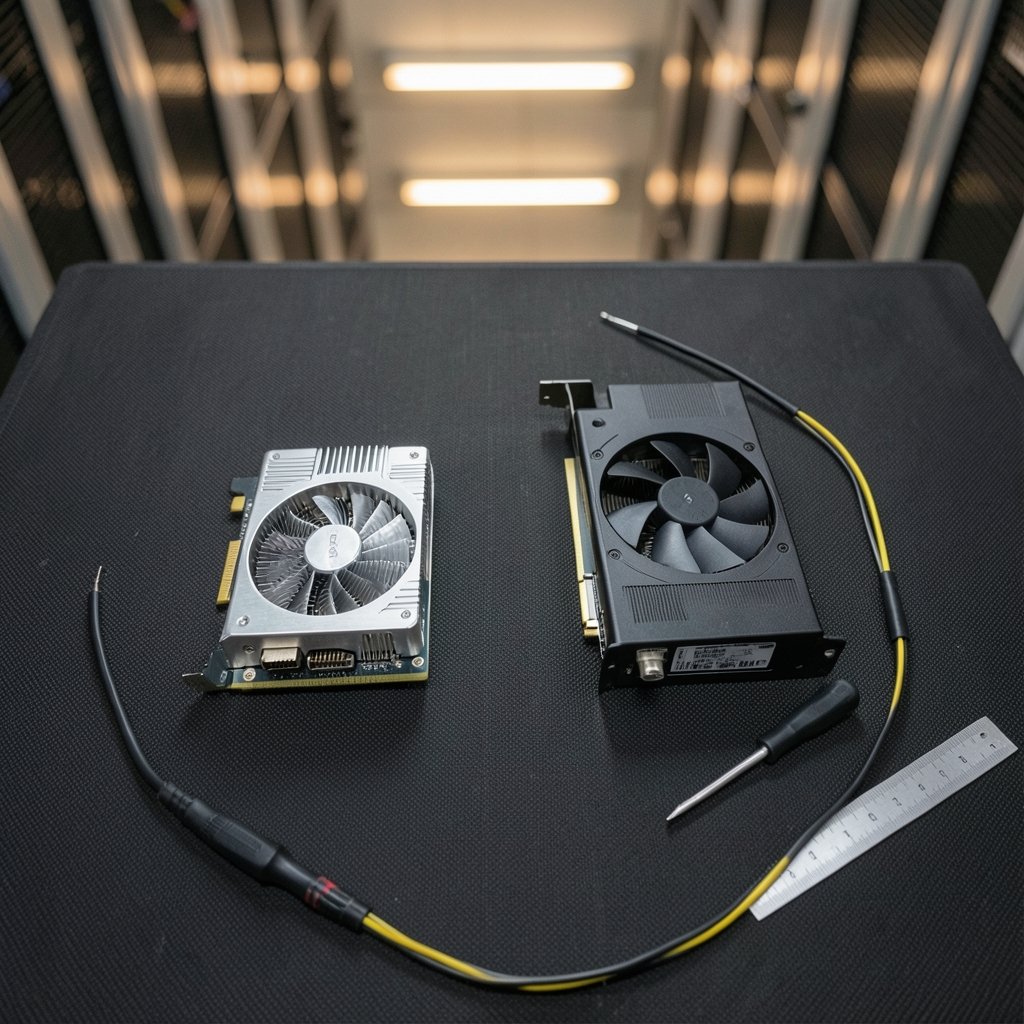
Quick Answer: Which budget gaming graphics cards are worth buying?
The cards worth buying are the ones that hit your target frame rate at 1080p without running out of video memory, and that fit your power supply and case. In practice, that means shopping the entry tier from the current and previous generation, comparing VRAM capacity, memory bus width, board power, upscaling support, and driver support length before you look at the price tag.
Cards with 8 GB of VRAM can still work well at 1080p, but they age faster at 1440p or with ray tracing switched on. Previous-generation mid-range cards often beat brand-new entry cards on price-to-performance, though they come with a shorter warranty and a shorter driver-support horizon.
Check the following before buying: resolution and refresh rate, VRAM, power connectors and PSU wattage, PCIe lane width, upscaling support, warranty length, and local street price rather than launch MSRP.
Does a $200 graphics card still make sense in 2026, or is that money better spent elsewhere? It is the question almost every first-time builder hits right after they pick a case and realize the GPU eats half the budget. The honest answer is that budget cards are worth buying, but only specific ones, and only if you match them to your screen. A card that feels brilliant on a 1080p 75 Hz panel can feel like a mistake on a 1440p 165 Hz monitor, and the spec sheet rarely tells you that up front.
This guide walks through what actually separates a good budget card from a bad one, where the traps are, and how to compare options without drowning in benchmark charts.
What “budget” really means for a graphics card

Entry-level discrete GPUs have generally landed somewhere around $150 to $300 at launch, though street prices swing hard with supply, import duties, and regional taxes. That gap matters. Launch MSRP and the price on the shelf are often very different numbers, so treat any MSRP you read as a starting reference, not a promise.
There is also a quiet distinction people miss: cheap new card versus cheap used card. A previous-generation mid-range model frequently outperforms a current entry-level model for the same money. The trade-off is warranty coverage, driver support length, and the small risk that comes with buying secondhand hardware.
If you are building around a fixed number, it helps to work backward from your total budget rather than fixating on one component. A sensible split between CPU, GPU, and monitor usually produces a better machine than pouring everything into the graphics card.
The specs that actually decide whether a card is worth it
VRAM capacity is the longevity lever
8 GB is the common figure at this tier, and it is workable at 1080p with sensible texture settings. Push into 1440p, or switch on ray tracing, and 8 GB starts showing texture pop-in and uneven frame times in demanding titles. Reviewers disagree on how severe this is, and the honest position is that it depends on the game and the settings. If you plan to keep the card for four or five years, more VRAM is cheap insurance.
Memory bus width and bandwidth
Capacity gets the headlines, but bandwidth decides how smoothly data moves. A card with a narrow bus can struggle at higher resolutions even with plenty of VRAM. When comparing two cards at the same price, check both numbers rather than the larger number alone.
Board power and connectors
People often make this mistake: assuming every budget card runs without auxiliary power. Some entry models need a single 8-pin connector and a 500 W or better power supply. Others draw entirely from the slot. Check the specific board’s spec sheet rather than the GPU chip alone, because manufacturers vary power delivery between models of the same card.
PCIe lane width
Some low-end cards only use eight PCIe lanes instead of sixteen. On an older PCIe 3.0 motherboard, that can cost real performance in some games. It is not a dealbreaker, but it is worth knowing before you pair a modern card with a five-year-old platform.
Upscaling support
DLSS, FSR, and XeSS let a budget card render at a lower internal resolution and scale up, which is often the difference between 45 fps and a comfortable 70 fps. Support varies by game and by card generation, so check that the titles you actually play support the technology your card offers.
How to match a card to your monitor
The screen decides more than the card does. A 1080p panel at 60 to 144 Hz is the sweet spot for this tier. At 1440p, this class of card generally needs upscaling and reduced settings to stay smooth, and VRAM pressure grows.
| Target setup | Realistic expectation | What to prioritize |
|---|---|---|
| 1080p, 60 Hz | High settings, comfortable frames | 8 GB VRAM, modest PSU |
| 1080p, 144 Hz | Medium to high, upscaling on | Bandwidth, upscaling support |
| 1440p, 60 Hz | Medium settings, upscaling on | 12 GB VRAM if possible |
| 1440p, 144 Hz | Not this tier’s job | Step up a class |
If you are still choosing a display, it is worth reading a practical guide to a gaming monitor worth buying for beginners before you commit, because the monitor will outlive two graphics cards. For everyday mixed use, this breakdown of a gaming monitor worth buying for beginners and everyday use covers the panel types and refresh rates that actually matter.
New entry-level versus previous-generation mid-range
This is the central decision at this price point, and it rarely gets a straight answer.
A new entry card gives you a full warranty, current drivers, the latest upscaling features, and lower power draw. A previous-generation mid-range card often gives you more raw performance per dollar, sometimes more VRAM, and a beefier cooler. What you give up is warranty length and the number of years left before driver support winds down.
Neither choice is wrong. If you upgrade every two years, the used or previous-gen route usually wins on value. If you want to plug it in and forget about it for five years, the new card with a long support window is the safer bet.
The same logic applies across the whole build. If the total machine budget is tight, it is worth reading up on how to choose a graphics card that fits your PC budget so the GPU does not crowd out the power supply or storage you actually need. First-time builders often find a broader walkthrough of a graphics card worth buying for beginners and everyday use helpful for translating spec sheets into plain expectations.
Common mistakes that make a budget card feel bad
Buying on VRAM alone. Capacity is one number among several, and a wide bus with 8 GB can beat a narrow bus with 12 GB in some titles.
Ignoring the power supply. A card that needs an 8-pin connector will not run on a 350 W unit with no spare cable. Check before you order, not after.
Skipping the 1% low numbers. Average frame rate hides stutter. Frame-time consistency is what your eyes actually notice, and it is the metric budget buyers should care about most.
Assuming upscaling is free performance. It looks great in most games, but it adds a little latency and can soften fine detail. It is a tool, not a magic wand.
Forgetting the case. Budget cards are usually short, but some partner models are surprisingly long and thick. Measure the clearance.
Overlooking the used market’s risks. No warranty, unknown mining history, and possible fan wear. If you go used, buy from a seller with a return window.
Where a budget card stops making sense
There is a ceiling to what this tier can do, and pretending otherwise wastes money. If you want high-refresh 1440p gaming, ray tracing at high settings, or comfortable 4K, a budget card will disappoint no matter how well you tune it.
There is also a floor. Extremely cheap cards with tiny VRAM buffers and ancient architectures can be worse value than a slightly more expensive model, because they will need replacing in two years. The middle of the budget band is usually where the sensible buys live.
Laptops follow a different set of rules entirely, since the GPU is soldered in and thermally limited. If portability matters more than upgradeability, a guide to the best gaming laptops under 1000 that actually fit a budget is a more useful starting point than any desktop card comparison.
A practical buying checklist
- Write down your monitor’s resolution and refresh rate.
- Set a hard ceiling for the card, then subtract 10% for tax and shipping.
- Shortlist three cards: one current entry model, one previous-gen mid-range, one used option.
- Check VRAM, bus width, board power, and connector type for each specific board.
- Confirm your power supply wattage and available cables.
- Verify upscaling support in the games you play most.
- Read frame-time and 1% low data rather than average fps alone.
- Compare local street prices, not launch MSRP.
- Check the warranty length and driver support policy.
- Measure case clearance before checkout.
That process takes twenty minutes and saves a lot of regret.
Conclusion
Budget gaming graphics cards are worth buying, but the category rewards careful shopping far more than the premium tier does. The winners are cards with enough VRAM for your resolution, a wide enough memory bus to feed it, modest power demands your supply can meet, and upscaling support that stretches the frame rate when a game gets heavy.
Buy for the screen you own, not the screen you might buy someday. Weigh a previous-generation mid-range card against a new entry model honestly, including warranty and driver support. And always compare street prices, because the number on the box and the number at checkout rarely match.
Get those basics right and a modest card will happily carry you through years of 1080p gaming. Get them wrong and even a good card will feel like a bad purchase.
FAQ
Is 8 GB of VRAM enough for gaming in 2026?
At 1080p with sensible texture settings, 8 GB remains workable for most titles. At 1440p or with ray tracing enabled, demanding games can exceed it and cause stutter or texture pop-in. If you plan to keep the card for many years, more VRAM is the safer choice.
Should I buy a used graphics card instead of a new budget one?
Often yes, if you accept the trade-offs. A previous-generation mid-range card usually delivers more performance per dollar, but you lose warranty coverage and get an unknown history. Buy from sellers offering a return window and inspect the fans and connectors.
Does the brand of the card matter, or just the GPU chip?
Both matter. Two cards with the same GPU can differ in cooler size, power connectors, clock speeds, and noise. Always check the specific board’s spec sheet rather than assuming every model of a given chip behaves the same.
How many watts does a budget graphics card need?
It varies widely. Some entry cards draw all their power from the motherboard slot, while others need a single 8-pin connector and a 500 W or better supply. Check the manufacturer’s spec sheet for the exact model before buying.
Will a budget card bottleneck my CPU?
Usually the opposite happens: a budget GPU limits performance before a modern mid-range CPU does. On older platforms, though, a card restricted to eight PCIe lanes on a PCIe 3.0 board can lose some performance. Match the generation of your motherboard and card where possible.
Is upscaling cheating, or is it genuinely useful?
It is genuinely useful. DLSS, FSR, and XeSS render at a lower internal resolution and scale up, which often turns an uncomfortable frame rate into a smooth one. It adds slight latency and can soften detail, so use it as a tool rather than a default.



