
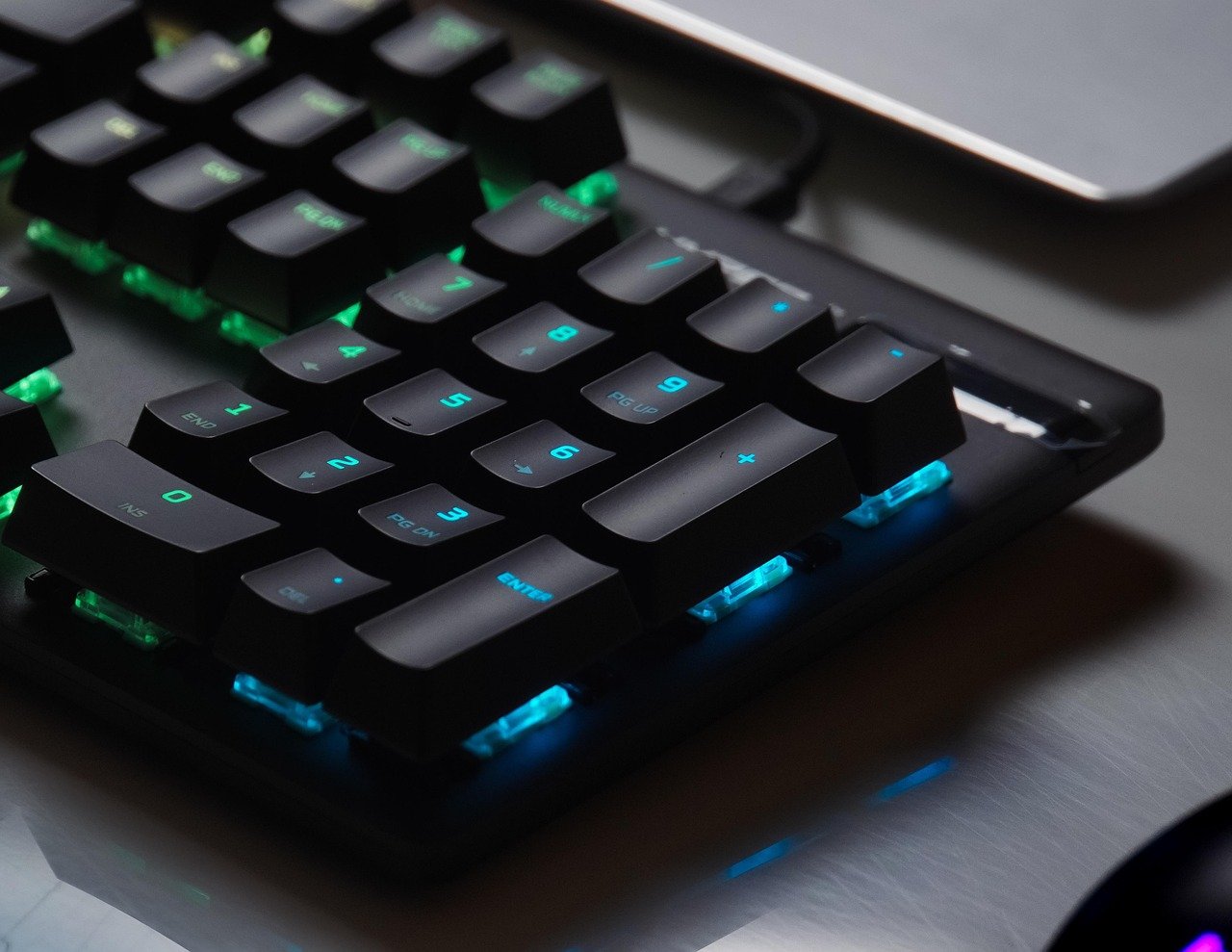
Quick Answer: Which budget gaming keyboards are worth buying?
A budget gaming keyboard is worth buying when it puts money into the parts you touch and skips the parts you don’t. In practice, that means shopping for a hot-swappable mechanical board with PBT keycaps, a wired connection, and a layout that fits your desk, then comparing prices across major retailers and direct-from-manufacturer stores before you commit.
Membrane boards still cost less and run quieter, while compact 60–75% layouts save desk space but drop the number pad. Wireless models add freedom but often cut polling rate at this price tier.
Before buying, check switch type, hot-swap socket compatibility, keycap material, layout size, polling rate, software support, and warranty terms.
Why the Cheap Keyboard Aisle Is a Minefield
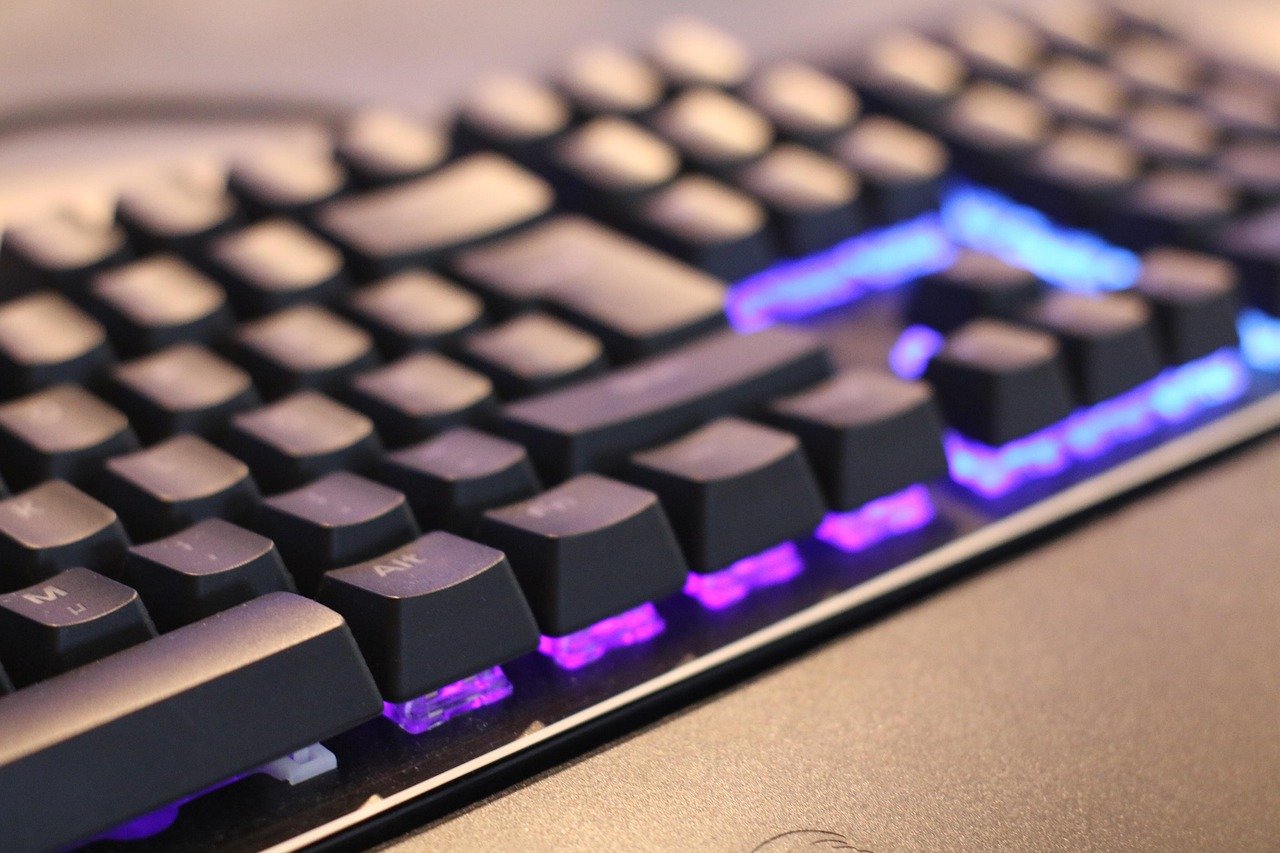
Ever bought a keyboard that felt great in the store and turned mushy three months later? The budget gaming keyboard market is crowded with boards that look identical on a product page and behave completely differently after a few months of real use.
Here is the good news. The cheap end of the market has improved dramatically. Switch patents that once locked up the mechanical market expired around 2014, which opened the door to low-cost clone switches from brands like Gateron, Kailh, and Outemu. Those clones now power most budget mechanical boards, and many of them feel genuinely good. The catch is that “budget” covers everything from a $25 membrane slab to a $70 mechanical board with hot-swap sockets and PBT caps. Knowing which corners get cut, and which ones actually matter, is the whole game.
The Features That Actually Matter at This Price
Switch type is the first fork in the road
Mechanical switches use a discrete spring-loaded mechanism per key. They last longer, feel more consistent, and can be repaired. Membrane keyboards use a rubber dome sheet under all the keys. They are cheaper and quieter, but when one key wears out, the whole board is usually done.
Within mechanical, you get three flavors: linear (smooth, no bump), tactile (a bump you feel but don’t hear), and clicky (a bump plus an audible click). For gaming, linear switches are the popular pick because they actuate cleanly. For typing, tactile switches tend to win. Clicky switches are fun until you share a room with someone.
Hot-swap sockets are the single best budget feature
A hot-swappable board lets you pull switches out and push new ones in without a soldering iron. This matters enormously at budget prices, because the switches are usually the first thing to fail or the first thing you want to change. Buy a hot-swap board and a $20 set of replacement switches, and you have effectively extended the keyboard’s life by years.
One trap: sockets come in 3-pin and 5-pin versions. Five-pin sockets accept both; three-pin sockets only accept three-pin switches unless you clip the extra plastic legs. Check this before you buy a switch set, because it is the most common compatibility mistake budget buyers make.
Keycaps: PBT beats ABS, every time
ABS keycaps are smooth and shiny out of the box, but they develop a greasy shine on the most-used keys within months. PBT keycaps are textured, denser, and resist shine far better. Budget boards increasingly ship with PBT, but not all of them do, and marketing pages are not always honest about it. If the listing does not say PBT, assume ABS.
Wired versus wireless
At budget prices, wired is the safer bet. Budget wireless boards typically run Bluetooth or a 2.4 GHz dongle, and polling rates and latency vary widely between models. Competitive players generally prefer wired connections at this tier because a 1000 Hz wired board is predictable, while a cheap wireless one may not be. Wireless makes sense for couch setups and clean desks, not for ranked matches.
Layout and size
| Layout | Keys | Best for | Budget note |
|---|---|---|---|
| Full-size | ~104 | Spreadsheets, data entry | Most switches and caps, highest cost |
| TKL (tenkeyless) | ~87 | Gaming with mouse room | Common sweet spot |
| 75% | ~82 | Compact desks, arrow keys kept | Popular budget format |
| 60% | ~61 | Maximum desk space | Cheapest, but layers required |
Compact boards often cost less simply because they use fewer switches and keycaps. That is a real saving, but only if you can live without a number pad and dedicated function row.
Software and firmware
Budget boards sometimes ship with basic software that offers little per-key RGB control or macro depth. QMK and VIA are open-source firmware options that let you remap everything and carry your layout between boards, but full support is rarer at the lowest price tiers. If programmability matters to you, check for it explicitly rather than assuming.
How to Judge Reviews Without Getting Fooled
Review sites are not all equal. Standardized testing protocols, the kind that measure latency, typing feel, and durability the same way across every board, are far more useful than a five-minute unboxing. When you read a review, look for whether the tester states how they measured things. If a reviewer says a board “feels fast” with no numbers, that is a vibe, not data.
The other thing to watch is timing. Budget recommendations go stale fast. A board that was a steal eighteen months ago may now be outclassed by something cheaper, and prices swing constantly. Treat any “best budget keyboard” list as a snapshot, not a permanent verdict.
Practical tip: search for the specific model plus “problems” or “after six months” before buying. Long-term owner threads surface issues that launch reviews miss, like keycap shine, stabilizer rattle, or a failing USB port.
Common Mistakes Budget Buyers Make
The first mistake is chasing RGB over build quality. A light show does not fix a flexy case or a wobbly space bar. The second is buying a non-hot-swap board to save fifteen dollars, then discovering a dead switch a year later means replacing the whole thing. The third is ignoring stabilizers, the little mechanisms under the long keys. Rattly stabilizers make an otherwise good board sound cheap, and they are the first thing enthusiasts mod.
The fourth mistake is buying wireless for a desktop. If the board never leaves the desk, a cable costs nothing and removes an entire category of problems. The fifth is skipping the return window test. Type on it for a week within the return period, because feel is personal and no review can tell you whether a switch suits your fingers.
If you are building out a whole budget setup, the same logic applies elsewhere. A gaming monitor worth buying for beginners rewards the same discipline of spending on the parts you actually interact with, and a mechanical keyboard worth buying for beginners guide can help you sanity-check specs before checkout.
Matching the Board to How You Actually Play
A keyboard is a tool, and the right tool depends on the job. Someone who plays shooters for two hours a night has different needs from someone who writes for a living and games on weekends.
For competitive shooters, prioritize a wired connection, linear switches, and a compact layout that leaves room for wide mouse swings. A TKL or 75% board is usually the sweet spot. For MMO and strategy players who lean on macros, software depth and a full-size layout matter more than switch snobbery. For mixed work-and-play setups, tactile switches and a full-size board with PBT caps will keep you happier across an eight-hour day.
Students and dorm dwellers should think about noise. Clicky switches carry through thin walls, and a roommate situation turns that click into a diplomatic incident. Linear or tactile switches with sound-dampening foam are the friendlier choice.
Where to Buy and What to Expect to Pay
Budget mechanical boards now cluster in a wide band, with hot-swap and PBT features appearing well below where they sat a few years ago. Prices shift constantly, so treat any specific figure as a starting point rather than a rule.
Buy from retailers with clear return policies. Direct-from-manufacturer stores sometimes undercut retail, but shipping times and warranty support can be shaky. Big marketplaces offer easy returns but mixed seller quality. The safest path for a first budget board is a retailer where you can return it in person or by prepaid label within thirty days.
Warranty terms deserve a look too. A one-year warranty on a hot-swap board is reasonable; a ninety-day warranty on a soldered board is a warning sign.
Accessories Worth Budgeting For
A few small purchases make a budget board feel expensive. A set of PBT replacement keycaps transforms a shiny ABS board. A tube of switch lube and a cheap puller kit let you smooth out scratchy switches. A coiled cable is cosmetic but improves desk tidiness. None of these are mandatory, and all of them are cheaper than upgrading the whole board.
If your budget stretches across multiple devices, it pays to think holistically. A tablet worth buying for everyday use plus a compact keyboard can replace a laptop for light work, and a webcam worth buying for everyday use rounds out a streaming setup without blowing the budget. Gamers weighing a console purchase should also read up on whether a Nintendo Switch 2 is worth buying for everyday use before allocating funds.
Conclusion
A budget gaming keyboard is worth buying when it spends your money on switches, sockets, and keycaps instead of packaging and light shows. The formula is not complicated: pick a hot-swappable mechanical board, confirm the socket pin count, insist on PBT keycaps, choose wired unless you genuinely need wireless, and match the layout to your desk and your games. Test it inside the return window, read long-term owner reports rather than launch-day hype, and treat every price you see as temporary.
Do that, and a board that costs less than a night out will outlast and outperform plenty of expensive ones. The budget tier is no longer where good keyboards go to die. It is where smart buyers start.
Frequently Asked Questions
Is a mechanical keyboard actually better than a membrane one for gaming?
For most players, yes, mainly because of durability and repairability. Mechanical switches are individual components, so a hot-swap board can be fixed switch by switch. Membrane boards are a single sealed sheet, so one worn key usually means a new keyboard. Mechanical also gives you a consistent feel across every key, which matters more in fast games than raw speed claims.
How much should a beginner spend on a budget gaming keyboard?
Enough to get hot-swap sockets and PBT keycaps, and not much more. Those two features do the most work for long-term satisfaction. Spending beyond that mostly buys aesthetics, metal cases, or brand names. Set a firm ceiling, compare three or four models at that ceiling, and put the savings toward replacement switches or a keycap set later.
Are hot-swappable keyboards reliable?
Generally yes, and the sockets are usually rated for many insertion cycles. The real risk is user error: bending a pin while inserting a switch, or forcing a five-pin switch into a three-pin socket. Insert switches straight down, support the socket from behind, and never force anything. Done carefully, hot-swap is one of the most reliable budget features available.
Do I need a 1000 Hz polling rate for gaming?
Not strictly, but it helps in fast-paced games. Polling rate is how often the keyboard reports to the computer, and higher rates mean less input delay. At budget prices, wired boards more reliably hit high polling rates than wireless ones. If you play competitively, favor wired and check the stated polling rate rather than assuming it.
Why do my keycaps look greasy after a few months?
That is keycap shine, and it is normal on ABS plastic. Skin oils and friction polish the textured surface until it reflects light. PBT keycaps resist this far better because of their denser, more textured surface. If shine bothers you, replacement PBT caps are a cheap fix and will outlast the originals.
Should I buy a compact 60% keyboard as my first mechanical board?
Only if you are comfortable with layers, where holding a key changes what other keys do. A 60% board drops the arrow keys, function row, and number pad, which frustrates people who need them daily. A 75% or TKL layout keeps the essentials and still frees up desk space, making it the safer first pick for most buyers.



