
Quick Answer: Which budget streaming webcams are worth paying for?
The budget webcams worth paying for are the ones that deliver a clean 1080p picture at 30 frames per second from a decent sensor, use USB Video Class so they work without driver downloads, and skip the fake “4K” claims printed on the box. Buyers can find these in the roughly $30 to $60 band from established brands, and they will outperform a $25 no-name unit on almost every stream.
The main distinctions come down to fixed focus versus autofocus, sensor size, and whether the built-in microphone is usable or needs replacing with a separate mic. A cheap camera paired with good lighting often beats an expensive camera in a dim room.
Before buying, compare native resolution, sensor size, frame rate at 1080p, focus type, field of view, mounting options, microphone quality, and privacy shutter.
Why the Budget Webcam Market Is a Minefield
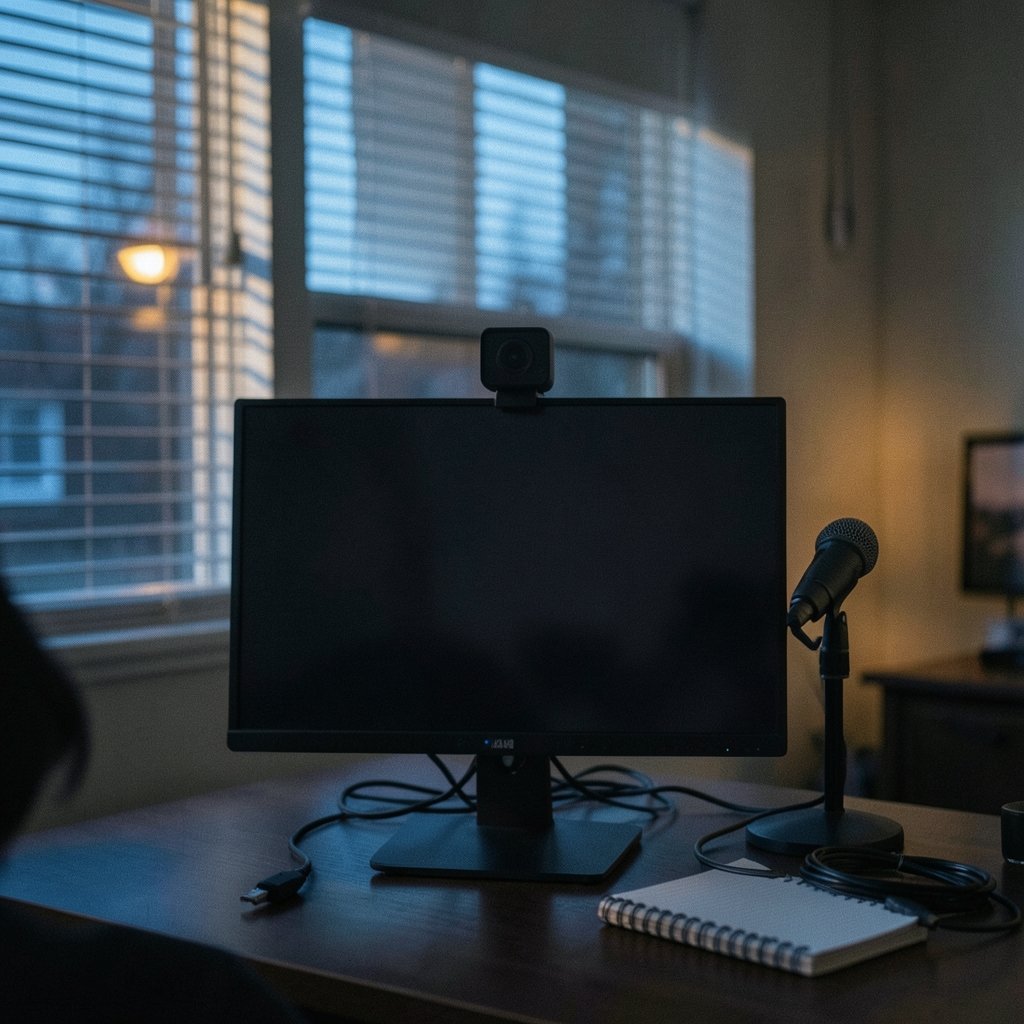
Walk into any electronics aisle and the packaging practically shouts at you. “4K Ultra HD.” “Studio quality.” “Crystal clear.” Then you plug the thing in, open your streaming software, and discover a grainy, soft image that looks like it was filmed through a bathroom window.
Here is the uncomfortable truth about budget webcams: the spec sheet is marketing, not engineering. Many cheap “4K” cameras upscale a much smaller sensor. The USB Video Class (UVC) standard, which has governed webcam behavior since 2006, lets a camera report a resolution it does not natively capture. Your computer believes the number. Your eyes do not.
That does not mean every budget webcam is junk. Far from it. Some sub-$60 cameras are genuinely excellent for streaming, and a few are better value than models costing twice as much. The trick is knowing which numbers actually matter and which are decoration.
This guide walks through what separates a keeper from a return, with practical checks anyone can run before spending money.
The Specs That Actually Matter for Streaming
Most buyers fixate on megapixels. That is the wrong instinct. A webcam’s job is to move video frames quickly and cleanly, not to take still photographs.
Native resolution and frame rate
1080p at 30 fps is the realistic budget baseline. Almost every webcam under $60 advertises it, and most deliver it. What is rare below roughly $100 is 1080p at 60 fps. If smooth motion matters for gaming streams, expect to pay more or accept 30 fps.
The word “native” is doing heavy lifting here. A camera that natively captures 1080p and upscales to 4K will look worse than a camera that natively captures 1080p and stops there. Check reviews that show raw footage, not manufacturer renders.
Sensor size beats megapixels
This is the single most misunderstood spec. A 1/2.9-inch sensor generally beats a higher-megapixel 1/4-inch sensor in low light, because each pixel has more physical area to collect photons. Megapixel counts on tiny sensors are often achieved by cramming pixels closer together, which produces noise.
If a listing brags about megapixels but hides the sensor size, that is a warning sign. Reputable brands publish it.
Fixed focus versus autofocus
Here is where budget cameras make their biggest compromise. Many cheap models use fixed focus set somewhere around 50 cm to 1 m from the lens. Sit closer or farther and you go soft. Autofocus models cost more but handle movement and posture changes gracefully.
For a locked-off streaming setup where the presenter sits in one spot, fixed focus is workable if you measure your distance once. For anyone who leans in, gestures, or shows objects to camera, autofocus earns its premium.
Field of view
A wider field of view fits more of your room, which is great for showing a workspace and terrible for showing your ceiling. Some cameras offer adjustable fields of view in software. On budget models, this is often a digital crop rather than a true optical change, which softens the image slightly.
The microphone reality check
Budget webcam microphones are typically omnidirectional and pick up room echo, keyboard clatter, and the neighbor’s dog. This is normal, not a defect. A separate microphone or a headset usually improves audio more than a camera upgrade improves video, and it costs less.
If audio quality matters for your stream, budget for a mic first and a camera second.
A Practical Comparison of Budget Webcam Tiers
| Tier | Typical Price Band | What You Get | Main Compromise |
|---|---|---|---|
| Entry budget | Under $30 | 1080p30, fixed focus, basic mic | Small sensor, noisy low light, flimsy mount |
| Sweet spot | $30 to $60 | 1080p30, better sensor, privacy shutter | Fixed focus on most models |
| Upper budget | $60 to $100 | 1080p30 or 1080p60, autofocus options | Price creeps toward premium territory |
| Fake premium | Any price | “4K” labels, interpolated video | Upscaled sensor, misleading specs |
The sweet spot is where most streamers should shop. Below it, quality falls off a cliff. Above it, you are paying for features that a well-lit room makes less important.
What Actually Works in Practice
Specs only tell part of the story. Real-world performance depends on how the camera behaves once it is clipped to a monitor.
Lighting outperforms hardware
Review consensus is consistent on this point: small sensors struggle in dim rooms, and no budget camera escapes that physics. A ring light or a seat near a window often improves a cheap webcam’s image more than spending another $50 on the camera itself. Buyers who stream in a dark corner should fix the light before upgrading the lens.
UVC compatibility saves headaches
Cameras that follow USB Video Class work without vendor drivers on Windows, macOS, and Linux. That matters for budget buyers because cheap brands often abandon driver support within a year or two. A UVC camera keeps working long after the manufacturer stops caring. Plug it in, and the operating system handles the rest.
Privacy shutters are now standard
Most budget models since roughly 2020 include a physical lens cover. It is a small feature that matters more than people expect, especially for cameras mounted in bedrooms or shared offices. If a model lacks one, a slip-on cover costs almost nothing.
Mounts and cable length
Cheap webcams often ship with weak clips that sag under their own weight. Check whether the mount grips a thick monitor bezel and whether the cable reaches your USB port without a extension. These small frustrations add up.
Mistakes Buyers Make Again and Again
The same errors show up in return queues and forum threads.
Trusting the box over the footage. Buyers read “4K” and stop thinking. Always find sample footage from a real reviewer before purchasing.
Ignoring the sensor size. A high megapixel count on a tiny sensor is a red flag, not a feature.
Overpaying for resolution while neglecting light. A $40 camera by a window beats a $90 camera in a cave.
Skipping the microphone question. Many people upgrade cameras when their audio was the real problem.
Assuming prices are stable. Budget webcam pricing swung sharply during the 2020 to 2021 supply shortages and has since fallen. Any price quoted here is a snapshot, so check current listings before deciding.
Forgetting about software. Some budget cameras rely on companion apps for basic settings. If the app is bloated or the company folds, those settings vanish. UVC cameras with on-camera controls age better.
How to Test a Webcam Before the Return Window Closes
Buying online means you have a short window to judge. Use it deliberately.
- Record a five-minute clip in your actual streaming spot at your actual lighting, not in a bright kitchen at noon.
- Play it back at full size and look at the edges of your face and hair for mushiness.
- Test the microphone from your normal seating distance and listen for echo.
- Move closer and farther to see how fixed focus behaves at your real distance.
- Check that the mount holds on your monitor without drooping.
- Confirm the camera appears in your streaming software without installing anything extra.
If it fails two or more of these, return it. A camera that fights you every session is not a bargain at any price.
Where Budget Webcams Fit in a Bigger Setup
A webcam rarely lives alone. Streamers pair it with lighting, a microphone, and often a second screen or a dedicated keyboard. Budget-minded builders who are weighing peripheral purchases might find the same value logic applies elsewhere. The same reasoning that separates a good $45 webcam from a bad $45 webcam shows up in budget 75 percent keyboard comparisons, where switch quality and build matter more than the feature list. Coin collectors chasing value face a similar question when they ask which quarters are worth money in the real world, and the answer there also comes down to verified details rather than hype. Even software spending follows the pattern, as anyone weighing whether WordPress is worth paying for discovers when free tiers and paid tiers diverge.
The common thread is simple: know what you are actually buying, and ignore the label.
When Paying More Than Budget Makes Sense
Budget cameras have limits, and it is worth naming them honestly.
If you stream professionally, record for clients, or appear on camera for hours daily, a camera with a larger sensor and true 1080p60 output will pay for itself in perceived quality. If you present products close to the lens, autofocus is not optional. If you stream in a room with uncontrollable lighting, sensor size stops being a nice-to-have.
For everyone else, a well-chosen budget camera plus decent light plus a separate microphone covers 90 percent of the gap at a fraction of the cost. The remaining 10 percent is where premium pricing lives, and most viewers will never notice the difference.
Conclusion
The budget webcams worth paying for share a short list of traits: native 1080p at 30 fps, a sensor that is honestly described, UVC compliance for driver-free operation, a mount that holds, and a price that reflects engineering rather than marketing. Cameras in the $30 to $60 range from established brands hit that mark most reliably. Anything advertising “4K” for pocket change is almost certainly upscaling a smaller sensor.
Buyers who fix their lighting first, budget for audio second, and treat the camera as the third priority end up happier than those who chase resolution numbers. Test within the return window, read footage rather than spec sheets, and remember that a camera is a tool, not a trophy. The best budget webcam is the one that disappears into your setup and lets you get on with the stream.
A note on refurbished and used options. One overlooked path to better hardware is buying last-generation models refurbished or used from a reputable seller. A two-year-old mid-range camera with a larger sensor often costs less than a new entry-level unit and outperforms it on video quality. Check the return policy and confirm the privacy shutter and mount are included, since accessories go missing. For buyers comfortable with that trade-off, refurbished stock stretches a budget further than any new purchase in the same price band. Just avoid unknown-marketplace listings with no warranty, where “refurbished” can mean “wiped down and resold.”
With that, the picture is complete. Budget webcams are not a compromise you have to apologize for; they are a category where careful buying beats careless spending every time. Set your lighting, pick a UVC-compliant 1080p model in the sweet-spot range, test it hard before the return window shuts, and put the savings toward a microphone that makes you sound as good as you look.



