
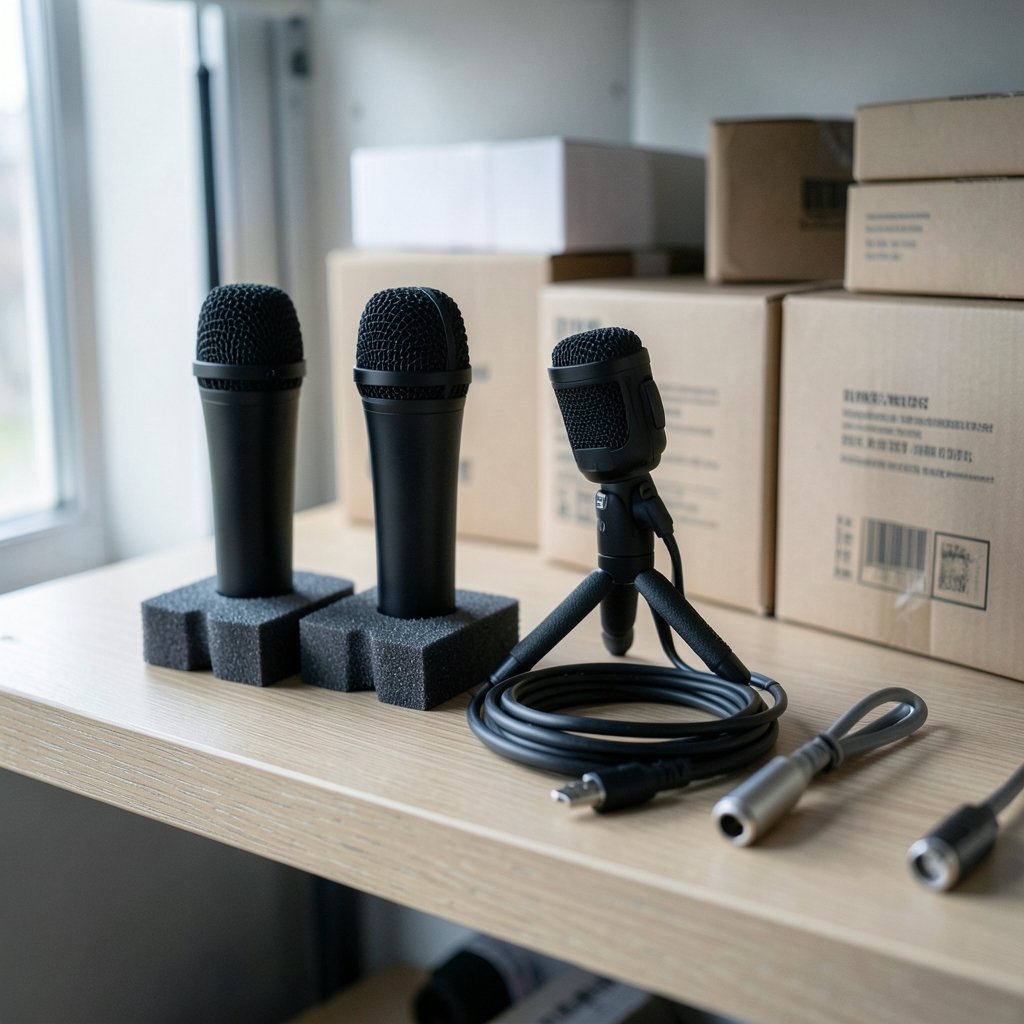
Quick Answer: Which budget streaming microphones are worth paying for?
The budget streaming microphones worth paying for are mostly dynamic USB/XLR hybrids like the Samson Q2U and the Audio-Technica ATR2100x-USB, plus a few well-reviewed USB condensers such as the Blue Yeti when the room is treated. These mics plug straight into a computer, forgive imperfect rooms, and cost far less than an interface-plus-XLR setup. Condenser mics sound more “studio” but pick up keyboards, fans, and room echo, so they suit quiet spaces better. Before buying, compare the connection type (USB or XLR), the polar pattern, whether the mic is dynamic or condenser, your room’s noise level, and whether you need a boom arm or shock mount.
Why the Cheap Mic Rabbit Hole Swallows So Many Streamers
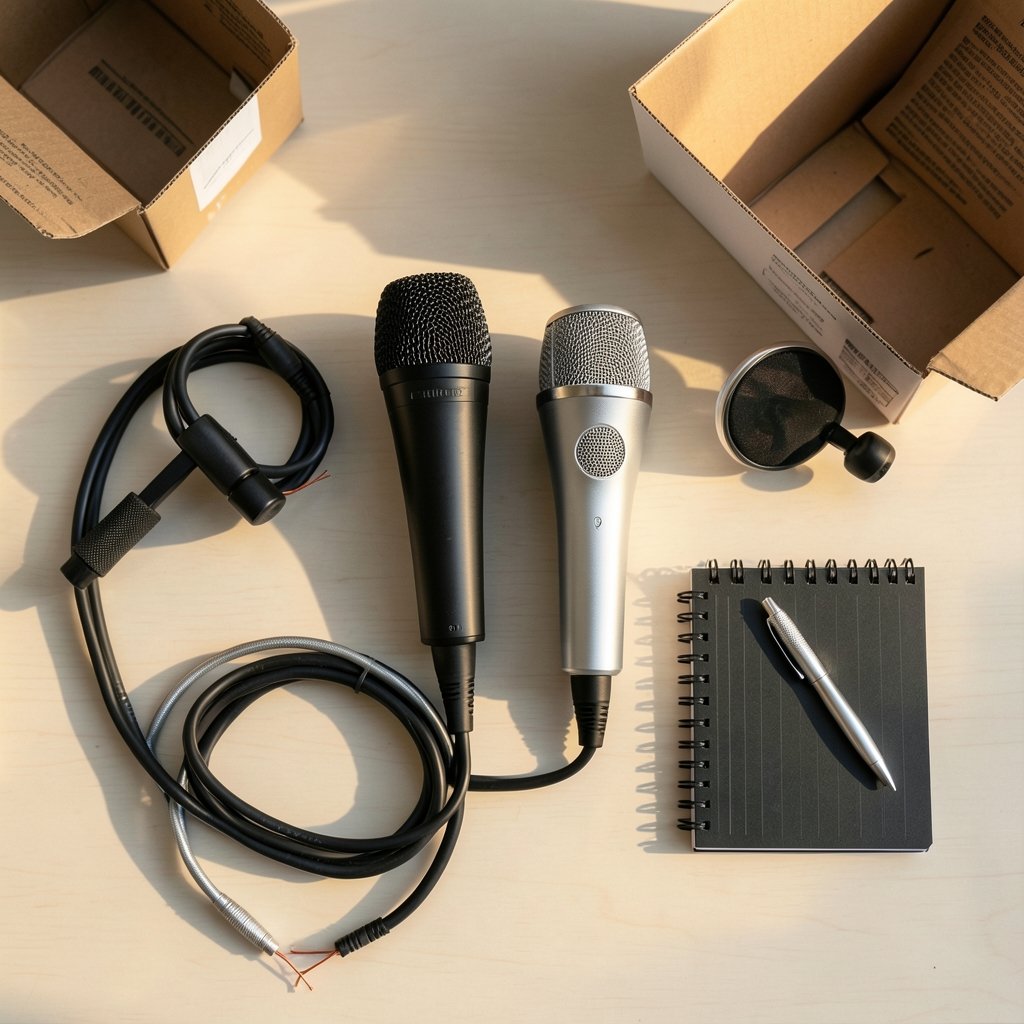
Ever watched a streamer with a $150 microphone who sounds worse than someone with a $60 one? It happens constantly, and it is rarely the microphone’s fault.
The budget microphone market is a minefield of marketing numbers. Packaging screams about 24-bit/96kHz recording, RGB lighting, and “studio quality” without defining what any of it means. Meanwhile, the two things that actually shape how a voice sounds on stream, the mic capsule and the polar pattern, get a single line in the fine print.
Here is the good news: a genuinely good streaming microphone does not require a second mortgage. What it requires is matching the mic to the room, the setup, and the way the streamer actually works. That is the entire game. This guide walks through which budget mics earn their price, which ones are traps, and the practical mistakes that make even decent mics sound bad.
USB or XLR? Settle This Before Anything Else
The first fork in the road is the connection type, and it decides the total budget.
USB microphones plug directly into a computer with a single cable. No interface, no mixer, no extra spending. For a solo streamer on a tight budget, this is almost always the right starting point.
XLR microphones need an audio interface or mixer to convert the analog signal into something a computer can read. That interface typically costs as much as the microphone itself, sometimes more. XLR wins on upgradability and long-term flexibility, but it is not a budget-first choice.
A small group of microphones do both. These USB/XLR hybrids are the sweet spot for beginners: start on USB, move to XLR later when an interface enters the budget, and keep the same microphone the whole way.
| Setup | Upfront Cost | Flexibility | Best For |
|---|---|---|---|
| USB only | Lowest | Limited | Solo streamers, first mic |
| USB/XLR hybrid | Low to moderate | High | Beginners planning to upgrade |
| XLR plus interface | Highest | Highest | Multi-mic or audio-focused setups |
The Dynamic Advantage Nobody Explains Properly
Most budget microphones are condensers: sensitive, detailed, and wonderful in a treated studio. In a bedroom with a humming PC, a mechanical keyboard, and bare walls, that sensitivity becomes a liability. Condensers hear everything, including the room.
Dynamic microphones are less sensitive by design. That sounds like a downside until the first stream where a passing truck, a clicking keyboard, or a reverberant wall does not ruin the audio. Dynamics reject room noise better, which makes them the smarter pick for untreated spaces, which describes most streamers’ rooms.
This is why the Samson Q2U and the Audio-Technica ATR2100x-USB keep appearing on recommendation lists year after year. Both are dynamic, both offer USB and XLR connections, and both are forgiving of imperfect rooms. They are not glamorous. They simply work.
The Blue Yeti sits on the other side of that line. It is a condenser, it has been a default budget streamer mic for years, and it sounds genuinely good in a quiet, soft-furnished room. Put it next to a noisy PC tower with hard floors, though, and it will faithfully broadcast every flaw. A boom arm and shock mount help by getting the mic off the desk and away from vibration, but they cannot fix an echoey room.
Budget Mics Worth the Money, and the Ones to Skip
Worth paying for
Samson Q2U. The default answer for a reason. Dynamic capsule, USB and XLR outputs, and a price that leaves room in the budget for a stand. It handles untreated rooms gracefully and gives a clear upgrade path.
Audio-Technica ATR2100x-USB. The Q2U’s closest rival and successor to the long-running ATR2100. Same hybrid philosophy: dynamic, dual-output, beginner-friendly. Buy whichever is cheaper or in stock.
Blue Yeti (with conditions). A solid condenser for quiet rooms. Budget for a boom arm and shock mount, because desk vibration and keyboard clatter are its natural enemies.
Fifine models, carefully. Fifine makes very low-cost USB mics that show up in budget roundups constantly. Quality varies noticeably between models, so a model-specific review matters far more than the brand name. Never buy a Fifine on brand reputation alone.
Skip or delay
Any mic marketed mainly by its sample rate. Streaming platforms compress audio heavily, so 24-bit/96kHz claims mean almost nothing for a live stream. Capsule quality, polar pattern, and placement matter far more.
Omnidirectional budget mics. An omni pattern picks up the whole room. For solo streaming, cardioid (front-only) is the pattern to want.
Ultra-cheap no-name bundles. A mic, arm, and pop filter for pocket change usually means a noisy capsule and a flimsy arm that sags mid-stream.
What Actually Makes a Budget Mic Sound Expensive
Placement beats price, almost every time. A few habits separate clean stream audio from muddy audio, and none of them cost anything.
- Get the mic close. Roughly a fist’s width from the mouth, slightly off-axis so plosives miss the capsule. Distance is the single biggest factor in how full a voice sounds.
- Speak across the mic, not into it. Angling the capsule slightly past the mouth reduces breath noise and pops without losing warmth.
- Kill the first reflection. A blanket, curtains, or a shelf of books behind the mic position does more than most software.
- Isolate the desk. A boom arm or shock mount stops keyboard thumps from traveling through the stand.
- Set gain properly. Aim for peaks around -12 dB to -6 dB. Too hot a signal clips; too quiet a signal amplifies hiss when boosted later.
- Skip heavy processing at first. Noise suppression and EQ are useful, but they cannot rescue a badly placed mic, and aggressive settings make voices sound robotic.
The most common mistake is buying a better microphone to fix a room problem. The second most common is buying an expensive mic and plugging it into the same untreated corner. Fix placement and room first; the upgrade will actually be audible.
Where the Money Goes Beyond the Microphone
A budget mic budget is not just a mic budget. Realistically, a streamer needs a stand or arm, a pop filter, and possibly a shock mount. Those add-ons often cost a third to half of the mic price again, and cheap arms are a false economy because they sag, squeak, and drift.
It helps to think about value the way people do with other budget purchases. The logic behind which quarters are worth money in a real-world guide to value applies here too: the headline price tells you little, and the real question is what you actually get for it. A $60 mic on a stable arm outperforms a $100 mic rattling on a $15 stand.
The same patience pays off when hunting for deals. Collectors chasing state quarters worth money and which ones actually hold value learn to check condition and specifics rather than trusting a label. Mic shopping rewards the same habit: check the model number, the connector, and dated reviews, not the badge on the box.
The Upgrade Path: When Budget Stops Being Enough
Eventually, many streamers outgrow the entry tier. The usual destination is a dynamic USB/XLR mic one step up, such as the Shure MV7, which keeps the plug-and-play convenience while improving capsule quality and onboard controls. The classic Shure SM7B is the reference dynamic mic for streaming, but it is XLR-only and needs a strong preamp or an inline booster, so it is not a budget purchase by any definition.
The key insight is that the hybrid mics recommended above do not become wasted money. They become a backup mic, a travel mic, or a second-mic option for a guest. That is why buying a USB/XLR hybrid first is such a sound move: the upgrade path never strands the original purchase.
Budget tech decisions follow this pattern everywhere. People weigh whether Firefox costs nothing to download but Mozilla is worth paying for, and the answer depends on what the free tier actually delivers versus what the paid tier adds. Microphones work the same way: the cheapest option rarely delivers the outcome, and the most expensive option rarely delivers proportional value.
How to Judge Reviews Without Getting Fooled
Budget mic recommendations age fast. Models get discontinued, prices swing, and last year’s bargain becomes this year’s overpriced leftover. Any “best budget mic” list older than about a year deserves a fresh check before buying.
Practically, that means looking for reviews with recorded audio samples in a normal room, not a treated studio. A review that only quotes specs tells a buyer almost nothing. A review with a raw voice clip through the actual mic tells them nearly everything.
It also means ignoring brand reputation in favor of model reputation. Fifine is the clearest example: some models are genuinely good value, others are not, and the brand name does not predict which is which. The same caution applies to accessories and software bundles, where the same discipline of checking specifics pays off, much like the thinking behind which quarters are worth money in a collector’s guide to real value.
Conclusion
The budget streaming microphones worth paying for are the ones that match the room and the workflow, not the ones with the loudest packaging. For most people, that means a dynamic USB/XLR hybrid such as the Samson Q2U or the Audio-Technica ATR2100x-USB: forgiving of noisy rooms, simple to set up, and ready to grow into an XLR setup later. A condenser like the Blue Yeti earns its place in a quiet, soft-furnished space, provided a boom arm and shock mount join the budget.
Spend the leftover money on placement and room treatment before spending it on a fancier capsule. Get the mic close, angle it properly, tame the first reflection, and set gain sensibly. Do that with a $60 dynamic mic and the stream will sound better than a neglected $200 one. That is the whole secret, and it costs nothing to apply.
Frequently Asked Questions
Is a $50 microphone good enough for streaming?
For most solo streamers, yes. A well-placed budget dynamic mic like the Samson Q2U captures clear speech that listeners will happily accept. The limits show up in noisy rooms and in how much processing the signal tolerates, not in basic intelligibility.
Do I need an audio interface to use an XLR microphone?
Yes. XLR mics output an analog signal that a computer cannot read directly, so an interface or mixer is required. That extra cost is why USB and USB/XLR hybrid mics dominate the budget tier.
Is a condenser or dynamic mic better for a noisy room?
A dynamic mic is generally the better choice for a noisy or untreated room. Its lower sensitivity rejects room reflections, fans, and keyboard noise that a condenser would pick up in detail.
Does 24-bit/96kHz audio matter for streaming?
Very little. Streaming platforms compress audio heavily, so the practical benefit of high sample rates and bit depth is minimal. Capsule quality, polar pattern, and mic placement shape the sound far more.
Can a cheap microphone sound professional with the right setup?
Often, yes. Close placement, a cardioid pattern, some soft furnishings to absorb reflections, and sensible gain settings do more for audio quality than upgrading the mic itself. Setup beats price in most budget scenarios.
How often should I re-check budget mic recommendations?
Roughly once a year, or any time a purchase is imminent. Models get discontinued and prices shift quickly, so lists older than about twelve months should be verified against current listings and recent reviews with recorded audio samples.



