
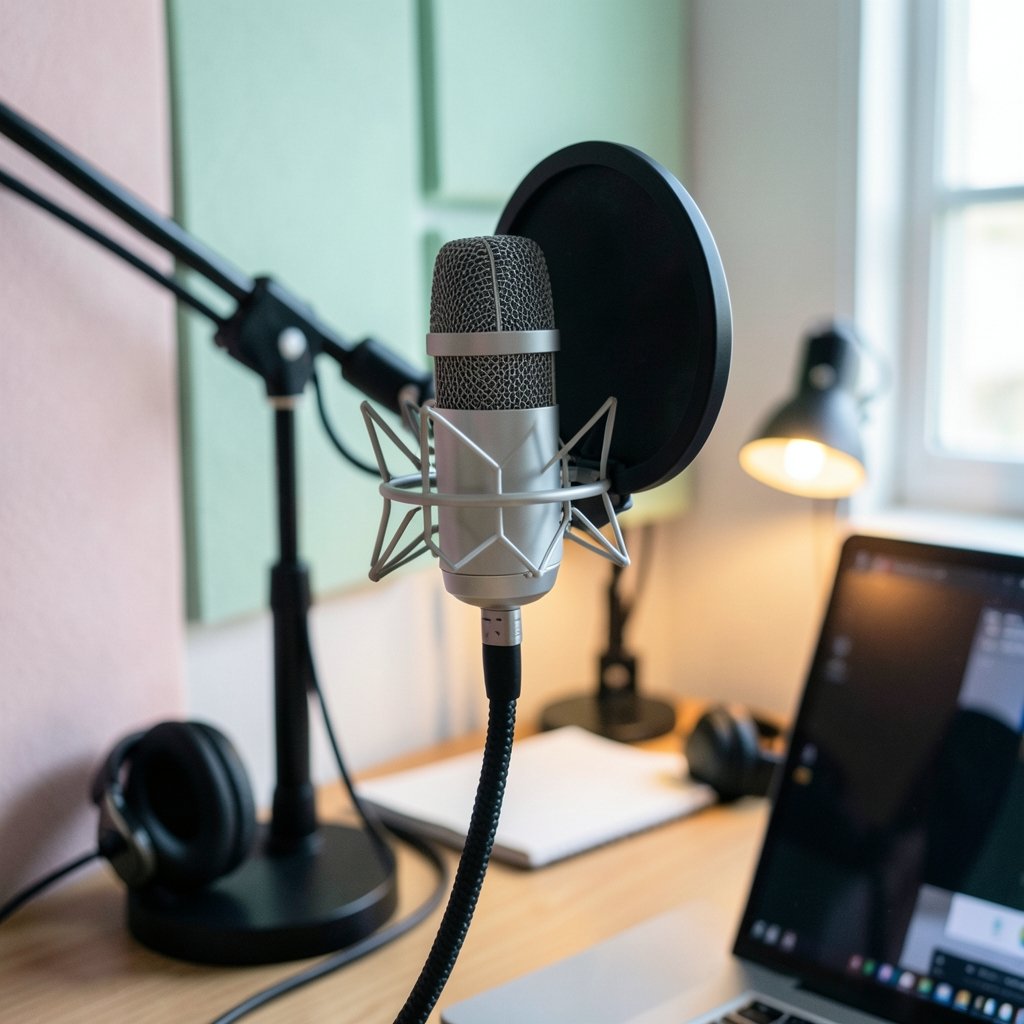
Quick Answer: Which streaming microphones work well with OBS?
Any USB microphone works well with OBS because the operating system recognizes it as a standard audio device, so OBS can select it as an audio input capture source without extra drivers. XLR microphones also work well, but only after they pass through an audio interface or mixer that converts the analog signal into a digital device OBS can see. The practical difference between the two paths comes down to cost, setup time, and how much control the streamer wants over gain, noise, and tone. Before buying, compare connection type, sample rate support, built-in monitoring, driver requirements, platform compatibility, and whether the microphone needs vendor software that may not exist for every operating system.
A microphone that “works with OBS” is rarely a formal certification. It is simply a device that shows up cleanly in the audio settings and stays stable during a long stream. That distinction matters, because two microphones with identical specs can behave very differently once OBS, a game, and a chat app are all fighting for the same audio device. The guidance below focuses on what actually holds up in practice, including the mistakes that trip up new streamers most often.
Why OBS Compatibility Is Simpler Than It Sounds
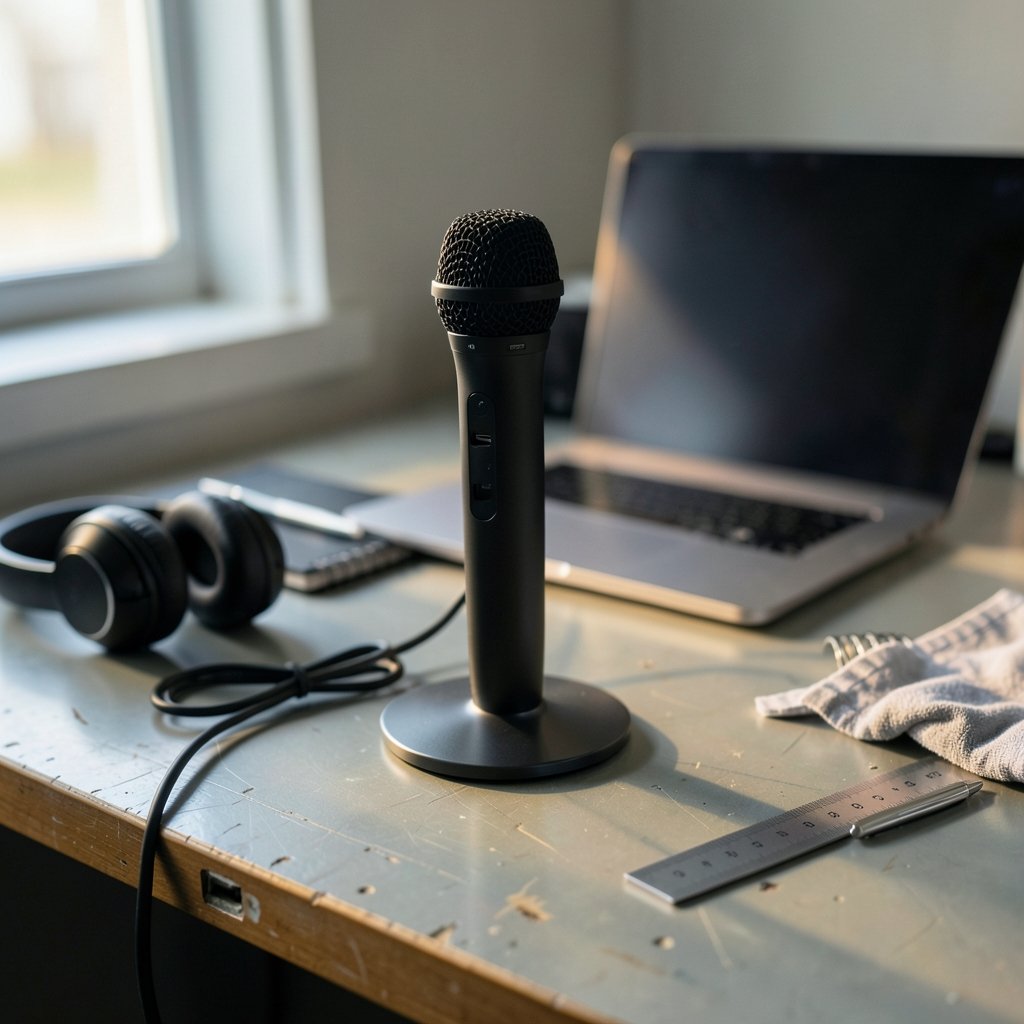
OBS Studio is free, open-source software that runs on Windows, macOS, and Linux, and it captures microphones through its audio input capture sources. On Windows it can also use system-level application audio capture and desktop audio, though the exact set of audio source types has shifted across versions, so version-specific documentation matters.
The key insight for microphone shopping is that OBS does not care about brand names. It cares about whether the operating system exposes the microphone as a standard audio device. USB microphones generally do, which is the main reason they are the default recommendation for streamers. Plug one in, open the audio settings, pick it from the list, and start talking.
There is one important caveat. No major microphone vendor publishes an official “OBS-compatible” list, and compatibility claims usually come from reviewers or community reports rather than manufacturers. Treat any “works with OBS” badge as a marketing statement until the device proves itself on a real stream.
USB Microphones: The Path of Least Resistance
USB microphones are the safest starting point for most people. They combine a capsule, preamp, and analog-to-digital converter in one body, so there is no interface to buy, no cable standard to learn, and no gain-staging puzzle to solve before the first broadcast.
What makes a USB microphone work well with OBS in practice comes down to a few traits:
- Standard device class support. The microphone appears as a normal recording device without proprietary drivers.
- A physical gain knob. Adjusting level at the microphone beats fighting OBS sliders later.
- Headphone monitoring with zero-latency playback. Hearing yourself in real time prevents the shout-then-whisper problem.
- A stable sample rate. Devices that lock cleanly to 48 kHz cause fewer headaches.
- Mute control within reach. A hardware mute button saves you from a hot mic moment.
The common mistake here is buying a USB microphone with heavy built-in processing and then stacking OBS filters on top. Two noise suppressors fighting each other produce choppy, robotic audio. Pick one place to clean up the sound and leave the other alone.
A second frequent error involves USB hubs. A microphone plugged into a busy unpowered hub can drop out mid-stream. Direct connection to the machine, or a powered hub, is the safer habit.
XLR Microphones: More Control, More Homework
XLR microphones need an audio interface or mixer before OBS can see them, because XLR is an analog balanced connection and OBS only ingests digital audio devices. That extra box is not a formality. It is the converter that turns the microphone’s electrical signal into something the computer understands.
This path rewards people who want upgrade flexibility. A good interface outlives several microphones, and XLR setups handle gain staging, monitoring, and multi-microphone arrangements far more gracefully than a single USB port.
The tradeoffs are real, though. Budget for the interface, an XLR cable, and often a stand or boom arm. Learn where to set gain so the loudest laugh does not clip and the quietest aside does not vanish. And accept that troubleshooting now involves two devices instead of one.
On Windows, OBS can use either the default Windows audio stack or, in some configurations, ASIO for low-latency multi-channel interfaces. ASIO support in OBS has historically been limited or plugin-based, so anyone chasing ultra-low latency should verify current behavior rather than assume it. The Audio Stream Input/Output standard itself is a Steinberg specification dating from the 1990s, and it remains the reference point for low-latency audio on Windows.
The Comparison That Actually Matters
| Factor | USB Microphone | XLR Microphone + Interface |
|---|---|---|
| Setup time | Minutes | An afternoon of learning |
| Extra hardware | None | Interface, cable, often a stand |
| Upgrade path | Replace the whole unit | Swap microphones freely |
| Gain control | On the microphone | On the interface |
| Multi-mic setups | Awkward | Straightforward |
| Typical failure point | USB hub or cable | Sample rate or gain mismatch |
| Best for | Solo streamers starting out | Growing setups and purists |
Neither column is “better.” The right choice depends on whether the streamer wants to spend time on audio engineering or on the stream itself.
Matching Sample Rates and Fixing Crackle
Sample rate mismatches between the microphone or interface and OBS are a common cause of crackling or pitch-shifted audio. Matching device and OBS sample rates, commonly 48 kHz, is standard advice for a reason: it eliminates an entire category of mysterious noise.
The practical routine is short. Set the microphone or interface to 48 kHz in the operating system’s sound settings, then confirm OBS is set to the same rate. If crackling persists, check the cable, try a different USB port, and close any other application that has claimed exclusive access to the device.
This is also where a lot of streamers discover that their capture setup and their audio setup interact. Anyone comparing recording tools will find the same lessons apply across the board, as covered in this breakdown of OBS vs ShadowPlay vs Xbox Game Bar and which capture tool wins. Audio problems rarely announce themselves as audio problems; they show up as “the stream sounds weird” twenty minutes in.
Filters Do More Than Hardware for Most People
OBS’s audio filters include noise suppression, noise gate, compressor, and gain, and they let a modest microphone sound cleaner without external hardware. These filters have existed in OBS for years, and they are the cheapest upgrade available.
A workable starting order looks like this:
- Set gain so normal speech peaks around minus 12 to minus 6 dB.
- Add a noise gate to silence room hum between sentences, but keep the threshold gentle.
- Apply noise suppression for steady background noise like fans or keyboards.
- Add a compressor to even out volume swings.
- Listen on headphones, not speakers, while tuning.
The classic mistake is over-gating. Set too aggressively, a noise gate clips the first syllable of every sentence, which sounds worse than the background noise it removed. Another is compressing an already-compressed USB microphone signal, which flattens the voice into mush.
Streamers who also record or edit video should think about how their audio chain interacts with other software. The same principles show up in this look at OBS Studio costs nothing you actually pay stream well, where the hidden costs of a “free” setup tend to be audio-related.
Platform Quirks Worth Knowing Before You Buy
Linux users may need PipeWire or PulseAudio configuration for OBS to see certain USB microphones, and some microphones with built-in DSP require vendor software that is Windows and macOS only. PipeWire has been the default audio server on several major distributions since roughly 2022 to 2023, though exact timing varies by distribution. Anyone streaming on Linux should check community reports for the specific model before ordering.
macOS users face a different wrinkle. Some microphones rely on vendor control panels for features like mute or pattern switching, and those panels may lag behind operating system updates. The microphone still works as a basic input, but the extras can disappear.
Windows users have the widest device support but also the most competition for audio devices. Chat apps, voice changers, and game overlays all want a slice of the audio stack. Keeping the microphone on its own device and avoiding “exclusive mode” conflicts prevents most of it.
For streamers building a broader production stack, the same device-management thinking applies to other tools. This comparison of BlueStacks vs GameLoop vs MEmu OBS streaming workflows 2027 covers how emulators and capture software share resources, and audio devices are just one more resource in that queue.
What Actually Works in Practice
A few habits separate streamers with clean audio from streamers who apologize for their sound every week.
Buy the stand before the upgrade. A cheap microphone on a proper boom arm, positioned close to the mouth, beats an expensive microphone across the desk picking up room echo.
Treat the room before the gear. Soft furnishings, a rug, and a bookshelf do more for a harsh room than any filter.
Test with a recording, not a live stream. Record two minutes, listen back on headphones, and fix what you hear. Live troubleshooting in front of an audience is stressful and unreliable.
Keep a known-good configuration. Once the audio sounds right, write down the gain setting, filter order, and sample rate. Future-you will be grateful.
Do not chase perfection. Viewers forgive a little room tone. They do not forgive clipping, dropouts, or a microphone that dies mid-sentence.
Streamers who also manage a content calendar will recognize the pattern: the tool matters less than the routine built around it. The same is true of the productivity side of streaming, as this comparison of Asana vs Trello vs Monday and which work tool fits your team shows. Consistent process beats premium gear every time. (Best calendar apps 2026 which one actually fits you work)
Conclusion
The honest answer to which streaming microphones work well with OBS is that almost all of them do, provided the connection type matches the rest of the setup. USB microphones win on simplicity and are the right call for most people starting out. XLR microphones plus an interface win on flexibility and control, at the cost of money, time, and a steeper learning curve.
What separates a good experience from a frustrating one is rarely the microphone itself. It is whether the sample rates match, whether the gain is set sensibly, whether the filters are doing one job instead of three, and whether the device stays connected through a four-hour stream. Get those basics right and a mid-range microphone will sound better than a premium one set up carelessly.
Buy for the setup you will actually maintain, not the one you imagine. Then spend the saved time learning your filters, because that is where the real improvement lives.
Frequently Asked Questions
Do I need a special microphone labeled for OBS?
No. OBS works with standard audio devices the operating system recognizes, so any USB microphone should appear in the audio input list. There is no official certification program, and “OBS-ready” labels are marketing rather than a technical standard.
Can I use a microphone with OBS on a laptop’s built-in jack?
Sometimes, but it is unreliable. Combination headset jacks often deliver weak or noisy input, and some laptops apply their own processing. A USB microphone bypasses the laptop’s audio hardware entirely and is far more predictable.
Why does my microphone sound fine in other apps but bad in OBS?
The usual culprits are a sample rate mismatch, a filter stacking problem, or another application holding exclusive access to the device. Check that OBS and the microphone both run at 48 kHz, then disable filters one at a time to isolate the cause.
Is a condenser or moving-coil microphone better for streaming?
Moving-coil microphones tend to pick up less room noise and work well close to the mouth, so they suit untreated rooms. Condenser microphones capture more detail and more room sound, so they usually need acoustic treatment to perform well.
How much should I spend on a first streaming microphone?
A modest USB microphone with a stand and a pop filter covers most beginners well. Spending more only pays off once the room, the positioning, and the filter settings are already sorted, since those factors shape the sound more than the price tag does.
Can two microphones run in OBS at the same time?
Yes, by adding a second audio input capture source, though each device needs its own source and its own gain staging. Running two USB microphones can cause device conflicts, so an interface with multiple inputs is the more reliable route for co-streams.



