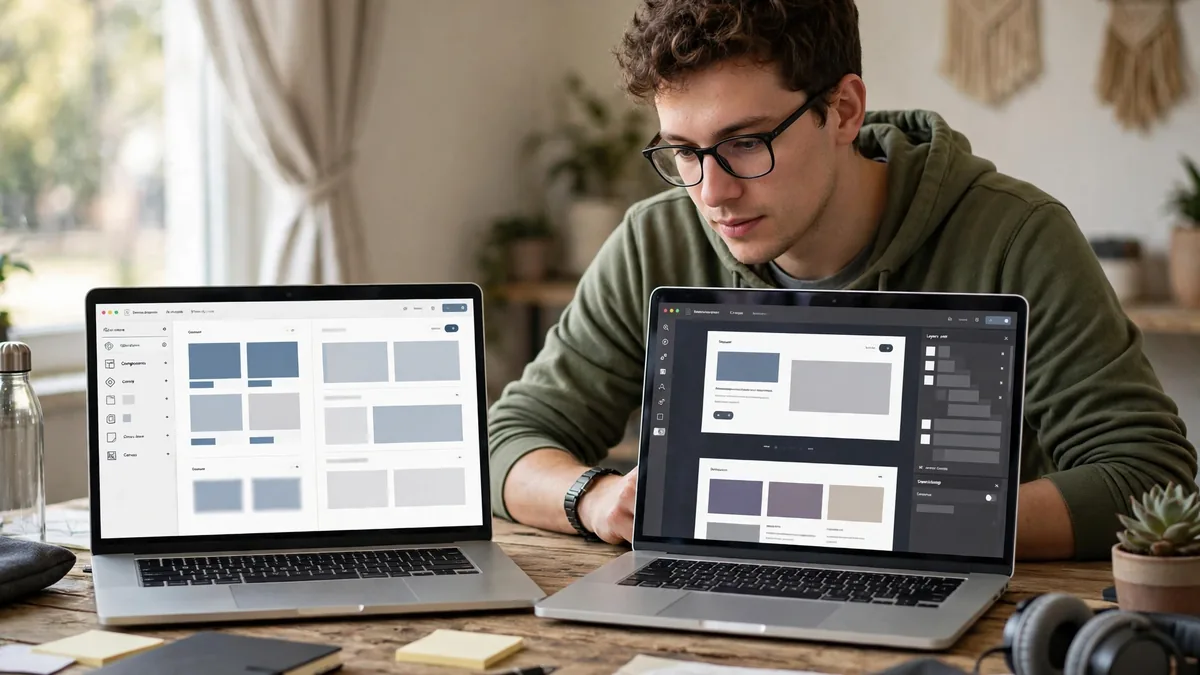
WordPress vs Webflow for AI websites is one of the most common questions for anyone building a site in 2027, and one of the most misunderstood. Both platforms now lean heavily on AI, both can produce a good-looking site quickly, and both are used by serious businesses. The real difference is not which one is better in general, but which fits the way you want to build, manage, and grow a site.
WordPress has spent two decades becoming the most flexible website platform on the internet, and its AI story is built on that foundation: AI plugins and themes that draft content, generate layouts, and automate the routine work of running a site. Webflow took the opposite path: a visual, design-first platform where AI helps you generate layouts and copy inside a precise design canvas, with hosting and content management included.
This comparison looks at the two platforms side by side for AI-powered websites: how each one uses AI, how easy each is to learn, what design freedom you really get, what they cost over a year, and where each one falls short. By the end, you should know which platform suits your project, whether it is a business site, a portfolio, a blog, or an online store.
Key Takeaways
- WordPress wins on flexibility, plugin choice, and long-term ownership.
- Webflow wins on visual design control and a cleaner, all-in-one experience.
- WordPress AI comes from plugins and themes; Webflow AI is built in.
- WordPress is cheaper to start but costs more in time and maintenance.
- Webflow suits designers and small teams; WordPress suits content-heavy sites and complex needs.
WordPress vs Webflow at a Glance
The table below compares the two platforms on the points that matter most for an AI-powered website.
| Factor | WordPress | Webflow |
|---|---|---|
| AI approach | Plugins and themes add generation, writing, and automation | Built-in AI generates layouts, copy, and site structure |
| Ease of use | Easy to start, more to manage over time | Steeper first learning curve, smoother day-to-day |
| Design freedom | Very high with themes and page builders | Very high, with precise visual control |
| Content and blogging | Excellent, built for publishing at scale | Good, but the CMS has tighter limits |
| Ecommerce | WooCommerce handles large, complex stores | Clean for small stores, limited at scale |
| Ownership | You own the site and can move hosts freely | Hosted only on Webflow, harder to leave |
| Typical cost | Low to start, plugins and hosting add up | One monthly plan, higher as traffic grows |
WordPress: The Flexible Giant
WordPress powers an enormous share of the web, and that scale is its greatest strength. Whatever your site needs, there is almost certainly a plugin or theme for it, and in 2027 many of the best ones are AI-powered: AI builders generate a full site from a brief, AI writing tools draft posts, and AI SEO plugins suggest titles and links. Because WordPress is open, you can mix and match these tools rather than accepting one company’s idea of how AI should work.
That openness also means you own everything: your content, database, and design files live on hosting you control, and you can move them to another host whenever you like. For a business planning hundreds of articles or a large WooCommerce store, that control matters. WordPress is also the stronger choice for blogging at scale, with publishing tools and an unmatched SEO plugin ecosystem.
The price of that freedom is maintenance: you handle updates, backups, security, and the occasional plugin conflict, or you pay a managed host to do it. The AI experience is also less polished than Webflow’s, because it comes from many different tools rather than one coherent system. A beginner can still get a good site live quickly with an AI theme.
Strengths:
- Huge plugin and theme ecosystem, including many AI tools
- Best-in-class blogging and content publishing
Weaknesses:
- You handle updates, security, and backups
Webflow: The Design-Led Challenger

Webflow is the platform for people who care deeply about how a site looks and feels. Its visual editor gives you direct control over layout, spacing, animation, and responsive behaviour, down to the pixel, without writing code. In 2027 its built-in AI can generate a first version of a site from a description, write and localise copy, and suggest layouts, all inside the same canvas.
Because Webflow includes hosting, security, and its content management system in one plan, day-to-day life is simpler: no plugins to update, no server to maintain, and sites that are typically fast and clean. For a design studio, a startup landing page, or a portfolio, that combination is hard to beat.
The trade-offs are real, though. Webflow’s learning curve is steeper than WordPress at first, because the editor exposes professional design concepts beginners have to learn. Its CMS and ecommerce features have limits large sites will eventually hit, and leaving is difficult: you cannot simply export a full Webflow site and host it elsewhere.
Strengths:
- Precise visual design control without code
- Built-in AI for layouts, copy, and site structure
Weaknesses:
- Steeper learning curve for complete beginners
- CMS and ecommerce limits suit smaller sites best
Head-to-Head: The Key Differences
On AI, the difference is integration versus choice. Webflow’s AI is part of the product, so generating a site, rewriting copy, and localising pages all happen in one place. WordPress AI is a marketplace: you can pick the best tool for each job, but the experience is less seamless. If you want one polished AI workflow, Webflow wins; if you want the freedom to choose the best tool for each task, WordPress wins.
On design, both are strong in different ways. Webflow gives a designer direct control over every element, which is why so many award-winning marketing sites are built on it. WordPress can match that look with a good theme or page builder, yet it takes more effort and depends heavily on the theme you choose. Where design is the product, Webflow has the edge.
On cost, WordPress usually starts cheaper: budget hosting and a free theme can get a site live for very little, though premium plugins, AI tools, and managed hosting add up over a year. Webflow charges a single monthly plan covering hosting and the CMS, which is simpler to budget but harder to keep low as the site grows. Over three years, a small business site often costs a similar amount on either platform.
On publishing and ecommerce, WordPress is the safer bet. Its blogging tools, scheduling, and SEO plugins suit sites that publish often, and WooCommerce can grow from a handful of products to a large store without changing platforms. Webflow’s CMS and store suit small catalogues, but a fast-growing business may outgrow them. For a wider comparison, a Webflow vs Wix comparison for small teams shows how Webflow stacks up against another hosted rival, and the Webflow vs Squarespace comparison covers the other popular design-led option.
The Verdict
For most AI websites in 2027, the choice comes down to one question: do you want control, or do you want convenience? Choose WordPress if you publish a lot of content, need a large or complex store, want to own your site outright, or expect your needs to change. Its AI ecosystem is broader and its ceiling is higher, even if it asks more of you in return.
Choose Webflow if design quality is your top priority, your team is small, and you want hosting, CMS, and AI in one tidy package. It produces beautiful sites faster, with less maintenance. Just go in with your eyes open about the cost curve and the difficulty of leaving later.
How to Choose Between WordPress and Webflow
Start by listing what the site must do in its first year, not what it might do one day. A blog publishing three times a week, a store with two hundred products, and a portfolio of twenty projects are three different sites, and the platform that suits one may frustrate the others. A long or growing list favours WordPress; a short, design-led one favours Webflow.
Then be honest about who will run the site. A team with a designer and a developer will get more from Webflow’s visual editor, while a team of writers will be happier in WordPress. If nobody wants to handle updates and security, Webflow’s managed hosting is a genuine advantage; if someone enjoys tinkering, WordPress rewards that time.
Finally, check the exit. Before committing, confirm how you would move the site, the content, and the domain if you ever needed to. WordPress makes this easy, and that portability is a real asset for a business site. Webflow makes it hard, which is fine if you are confident you will stay, but worth knowing before you build a year’s worth of content on it. The guide to the best AI website builders for startups is a useful next read, since it covers the wider field beyond these two platforms.
Quick Checklist Before You Decide
- Write down the site’s must-have features for year one.
- Try the AI generator on both platforms with the same brief.
- Check the monthly cost at your expected traffic.
- Confirm who will handle updates and security on WordPress.
- Test the editor yourself with one real page on each platform.
- Ask how you would export the site if you ever needed to move.
Frequently Asked Questions
Is WordPress or Webflow better for AI websites in 2027?
It depends on what you value most. Webflow has the more polished built-in AI, with site generation, copywriting, and localisation in one place, while WordPress has the broader AI ecosystem, with a plugin for almost every task. For a design-led site, Webflow’s AI feels better; for a content-heavy site, WordPress’s choice goes further.
Can I use AI to build a whole website on WordPress?
Yes. Several AI themes and builders can generate a complete WordPress site from a short description, which you then edit in the normal editor. The quality varies between tools, so generate the same brief in two of them and keep the better result.
Is Webflow good for blogging?
Webflow is good for blogging at a modest scale: its CMS handles posts, categories, and authors cleanly, and the design control makes blog pages look excellent. For a publication that posts daily or manages hundreds of articles, WordPress is the stronger choice.
Which is cheaper, WordPress or Webflow?
WordPress is usually cheaper to start, since budget hosting and free themes keep the first-year cost low, but premium plugins, AI tools, and managed hosting can close the gap. Webflow charges a single monthly plan that includes hosting, which rises with traffic and CMS usage.
Can I move my site from Webflow to WordPress later?
Moving is possible but not simple. You can export your content from Webflow, but the design and much of the site structure will need rebuilding in WordPress. Treat the platform choice as a long-term decision and pick the one you expect to stay with.
Which platform is better for SEO?
Both can rank well, and the difference comes down to execution. WordPress has the deeper SEO plugin ecosystem, while Webflow produces clean, fast code with good control over meta tags and redirects. Whichever you choose, publishing useful content regularly matters more than the platform itself.
The Bottom Line
WordPress vs Webflow for AI websites is not a contest with one winner. WordPress is the flexible, owner-controlled platform with the broadest AI ecosystem and the best tools for publishing at scale, and it suits businesses that plan to grow and change. Webflow is the design-led, all-in-one platform with the most polished built-in AI, suiting small teams that want a beautiful site without the maintenance.
Pick WordPress when content volume, store size, or long-term ownership drive the decision, and Webflow when design quality and simplicity drive it. Either way, use the AI to generate the first draft, then spend your time on the parts no AI can do for you: the message, the offer, and the content that makes the site worth visiting.