

Does it feel like your e-reader loses power just sitting on the nightstand? You charge it, leave it alone for a week, and pick it up to find the battery down to 60 percent. Nothing was on the screen. Nobody turned a page. So where did the charge go?
It is a common frustration, and it is also one of the most misunderstood parts of owning a device like a Kindle, Kobo, or Nook. E-ink screens are famous for sipping power, so a draining battery feels like a betrayal. The good news is that standby drain is rarely random. It usually comes down to a handful of predictable causes, and most of them are fixable in a few minutes.
How E-Reader Batteries Actually Work in Sleep Mode
E-readers do not really turn off when the screen goes dark. They enter a low-power state. The screen holds its image without using electricity, which is the whole magic of E Ink technology. But the rest of the device is still alive in the background.
That background activity is where the trouble starts. A sleeping e-reader may still be running an internal clock, checking for updates, syncing your library, indexing new books, or waiting for a wireless signal. Each of these tasks draws a small amount of current. Added together over days, they explain why a device that lasts weeks during reading can still lose a noticeable chunk of charge while idle.
The key idea is that standby drain is normal to a point. A healthy e-reader typically loses a few percent per day in sleep mode, not per hour. If yours is losing 10 percent or more each day, something specific is going on.
The Usual Suspects Behind Standby Drain
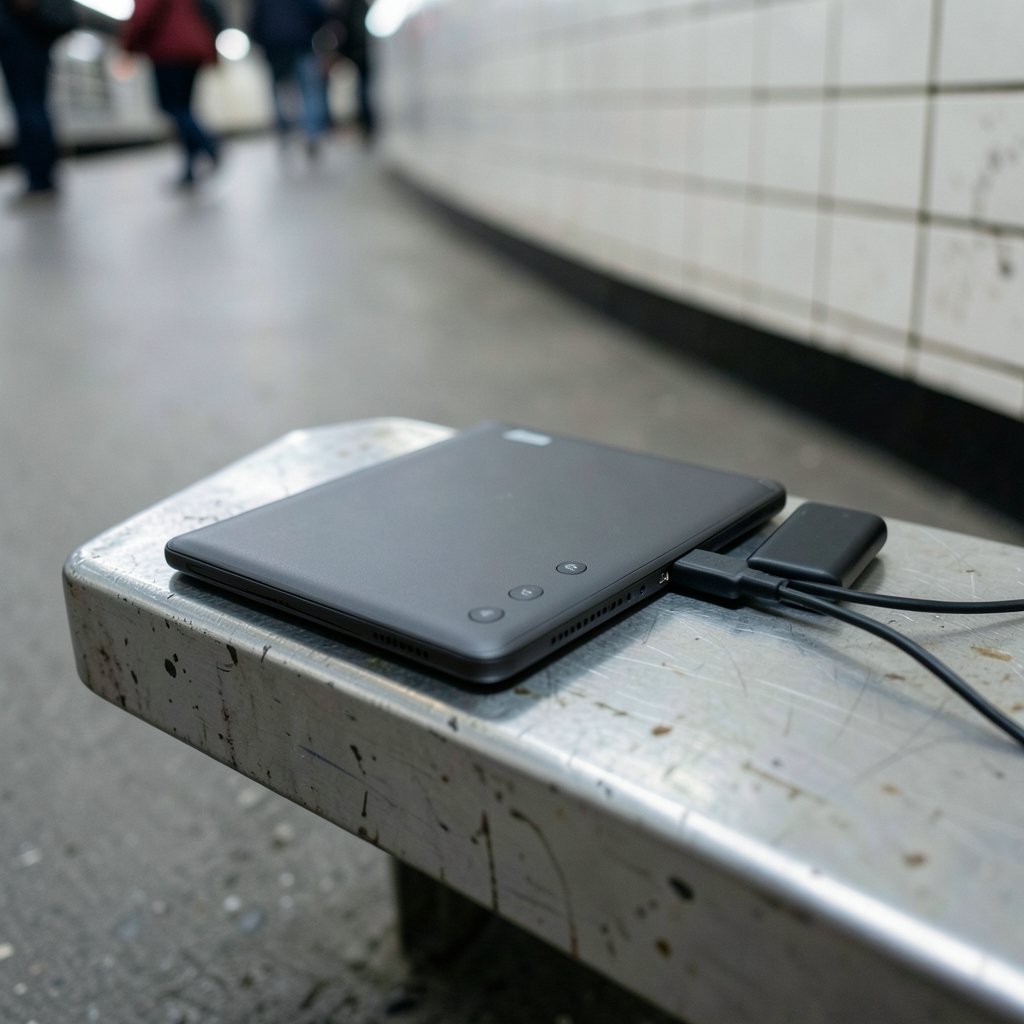
Wi-Fi and cellular radios left on
This is the single biggest cause for most people. A device that keeps a wireless connection alive stays partly awake, listening for sync requests and notifications. Amazon’s Whispernet and Kobo’s sync service are convenient, but they cost power. A reader left in airplane mode will almost always outlast an identical reader with Wi-Fi on. (E-reader)
Indexing after a big book upload
When you load new books, the device builds an index so search and dictionary lookups work. That process can run for hours, sometimes longer if you added a large library at once. It often happens while the device is “asleep,” which makes it look like standby is draining the battery when the real culprit is indexing.
Background sync and cover generation
Many readers regenerate book covers, sync reading positions, and pull down store content in the background. These jobs are small on their own but add up, especially on older models with slower processors that take longer to finish each task.
The frontlight and sleep settings
Some devices keep a faint glow or a status indicator active in sleep mode. Others have a “page refresh” setting that forces a full screen redraw. Neither is a huge drain on its own, but combined with a radio connection, they shorten standby time.
Battery age and chemistry
Here is the part people forget. Lithium-ion batteries lose capacity over time, and they also self-discharge slowly even when disconnected. A four-year-old Kindle that dies in a week is often showing normal battery aging, not a software bug. If the device is old and the drain started gradually, age is a likely explanation.
Quick Comparison: What Drains What
| Cause | Typical impact on standby | Easy to fix? |
|---|---|---|
| Wi-Fi or cellular on | High | Yes, use airplane mode |
| Indexing new books | High but temporary | Yes, let it finish |
| Background sync | Moderate | Yes, disable auto-sync |
| Frontlight or indicator | Low | Yes, adjust settings |
| Battery age | Grows over time | No, needs replacement |
| Firmware behavior | Varies by model | Partly, check settings |
The table makes the priority clear. Before you suspect a hardware fault, rule out the wireless connection and any recent book uploads. Those two account for most complaints.
How to Tell Normal Drain From a Real Problem
A simple test separates the two. Charge the device fully, switch on airplane mode, and leave it untouched for 48 hours. Then check the battery level.
- If it dropped only a few percent, the device is fine and the original drain was caused by radios, sync, or indexing.
- If it dropped 15 percent or more with everything off, something is wrong. That could be a stuck background process, a failing battery, or a firmware issue.
This test costs nothing and gives you a clear answer. It is far more useful than guessing from forum posts about other people’s devices.
Settings That Actually Reduce Standby Drain
Turn on airplane mode when you are not syncing
This is the highest-value change most people can make. Switch wireless off unless you are downloading books or syncing progress. You lose instant sync between devices, but you gain days or weeks of standby time.
Disable automatic sync and store connections
Look in the settings menu for options like auto-sync, store updates, or “sync my reading position.” Turning these off stops the device from waking to phone home.
Let indexing finish before you judge the battery
After a big upload, plug the device in and leave it alone for a few hours. Indexing uses more power than normal reading, so a temporary drop is expected. Judging battery life during indexing is a common mistake.
Lower the frontlight and shorten sleep timers
A shorter auto-sleep timer and a dimmer light reduce active drain, which leaves more headroom overall. These settings will not fix a standby problem on their own, but they help.
Keep firmware updated, then recheck
Updates sometimes change how aggressively a device syncs or indexes. Install the update, run the 48-hour test again, and see whether behavior improved. If a specific update made things worse, check the manufacturer’s support pages for that model before assuming the battery is dying.
When the Battery Itself Is the Problem
If the drain started slowly over years rather than appearing overnight, the battery is probably aging. Lithium-ion cells lose capacity with every full charge cycle, and e-readers are often charged irregularly, which is not ideal for long-term health. Signs that the battery is the issue include:
- The device shuts down suddenly at 20 or 30 percent.
- The case feels slightly swollen or the back panel bulges.
- Charging takes much longer than it used to.
- Standby time has shrunk steadily over many months.
A swollen battery is a safety issue. Stop using the device and have it serviced or replaced. Do not keep charging a device with a bulging case.
Common Mistakes People Make
A few habits make standby drain look worse than it is. Charging to 100 percent every single day, for example, adds unnecessary cycles. Leaving Wi-Fi on “just in case” keeps the radio active for no benefit. And judging battery life right after a large library upload almost always produces a false alarm.
Another frequent mistake is assuming all e-readers behave the same. A budget model with a slower processor may take longer to index and sync, so it appears to drain faster in standby. Comparing your device to a friend’s newer model is not a fair test. Compare it to its own past behavior instead.
There is also a broader lesson here about how people evaluate gadgets. Readers often judge a device by one bad week, the same way they might dismiss a product after a single poor experience. The same pattern shows up in other buying decisions, whether someone is weighing a Redmi note 17 nigeria 10000mah battery launch 2026 phone or picking a new tablet. One data point is rarely the whole story. Give any device a fair test under controlled conditions before you decide.
What to Do If Nothing Works
If you have tried airplane mode, disabled sync, waited out indexing, and updated the firmware, and the device still drains fast, the next step is a factory reset. Back up your books and reading positions first. A reset clears stuck background processes and corrupted settings that can keep a device awake.
If the drain continues after a reset, contact the manufacturer’s support team with your test results. Telling them “it lost 20 percent in 48 hours in airplane mode” is far more useful than “the battery is bad.” Specific data gets specific help.
A Note on Reading Habits and Device Longevity
Standby drain is an annoyance, and it changes how people use their devices. A reader who worries about the battery may read less, charge more often, and eventually replace a device that was working fine. Knowing the causes puts you back in control.
The same principle applies to other hobbies where gear quality matters. Someone choosing a best keyboard stand for stage performance learns to check specs and real-world reviews rather than trusting a single complaint. E-reader owners benefit from the same discipline: test, adjust settings, and only then conclude the hardware is failing.
And if you are looking for something to read while your device charges, a good best fantasy book series list is a fine place to start. A well-chosen series makes the wait feel short.
Conclusion
E-reader battery drain in standby is usually not a mystery. In most cases, the device is doing something useful in the background: holding a wireless connection, syncing your library, or indexing new books. A few percent per day is normal. Ten percent or more per day points to a cause you can usually find and fix.
Start with the simplest change: turn on airplane mode and run a 48-hour test. If the drain stops, you have your answer. If it continues with everything off, look at battery age, firmware, and stuck processes. A factory reset resolves most remaining cases, and a professional battery replacement handles the rest.
The takeaway is reassuring. Your e-reader is probably fine. It just needs a little less to do while it sleeps.
Frequently Asked Questions
How much battery should an e-reader lose per day in standby?
A healthy device typically loses a few percent per day in sleep mode. Anything above roughly 10 percent per day with wireless off is worth investigating. Exact figures vary by model, firmware, and battery age.
Does airplane mode really stop standby drain?
It stops most of it. Airplane mode cuts the wireless radio, which is the largest standby consumer for most people. Some background indexing and clock activity continues, but the drain drops sharply.
Why did my e-reader suddenly start draining fast?
Sudden changes usually point to a recent event: a large book upload that triggered indexing, a firmware update that changed sync behavior, or a setting that got switched on. Gradual changes over months are more likely battery aging.
Can I replace the battery in my e-reader?
On many models, yes, though it varies. Some devices are designed for easy replacement, while others require professional service. Check your manufacturer’s support pages for your specific model before attempting it yourself.
Is it bad to leave my e-reader plugged in all the time?
It is not ideal. Constant topping up adds charge cycles and can stress the battery over years. For most people, charging when the battery drops below about 20 percent and unplugging at full is a better habit.
Does the frontlight drain the battery in sleep mode?
Usually very little, since most devices turn the light off when sleeping. The bigger standby factors are wireless connections and background tasks. If your model keeps an indicator light on, check the settings to disable it.



