

What if the best technology for older adults is the kind you barely notice? The kind that quietly catches a scam call, reads a pill bottle label out loud, or reminds you about a doctor’s visit without asking you to learn a new operating system. That is the promise of AI tools built for seniors heading into 2027.
The market is crowded and noisy. Many products marketed to older adults are repackaged versions of mainstream apps with larger fonts and a higher price. Others are genuinely thoughtful. This guide cuts through the noise. It focuses on ten categories of AI tools that address real daily problems, explains what to look for, and flags the mistakes that cost people money and peace of mind.
Why 2027 Is a Turning Point for Senior Tech
Two forces are pushing AI tools into the lives of older adults. First, voice interfaces have matured. Talking to a device is now reliable enough that people who never liked touchscreens can use it comfortably. Second, the demographic math is impossible to ignore. Adults over 65 are the fastest-growing share of the population in many countries, and technology companies have noticed.
The result is a wave of products designed around accessibility first rather than bolted on afterward. That shift matters. A tool built for a senior from the start usually has fewer steps, clearer language, and better fallback options than a mainstream app with a “senior mode” toggle.
Still, the category has a trust problem. Promotional claims about AI are often vague, and accessibility features are rarely tested by independent reviewers. Readers should treat any product promising to “keep you safe” as a starting point for questions, not a conclusion.
What Actually Makes an AI Tool Useful for Older Adults
Before looking at specific categories, it helps to know what separates a genuinely useful tool from a frustrating one. In practice, five traits matter most.
| Trait | What It Looks Like | Why It Matters |
|---|---|---|
| Few steps | A task finishes in one or two taps or one spoken sentence | Long menus cause abandonment |
| Clear language | Plain words, no jargon, no tiny gray text | Reduces confusion and errors |
| Reliable fallback | A human or phone option when AI fails | Prevents dead ends |
| Privacy clarity | Plain explanation of what data is collected | Protects against misuse |
| Independent testing | Accessibility reviewed by outside groups | Separates claims from reality |
A common mistake is buying a device because it has the most features. In practice, the tools that stick are the ones with the fewest steps. A senior who uses a simple reminder tool every day gets more value than one who owns a powerful device they find intimidating.
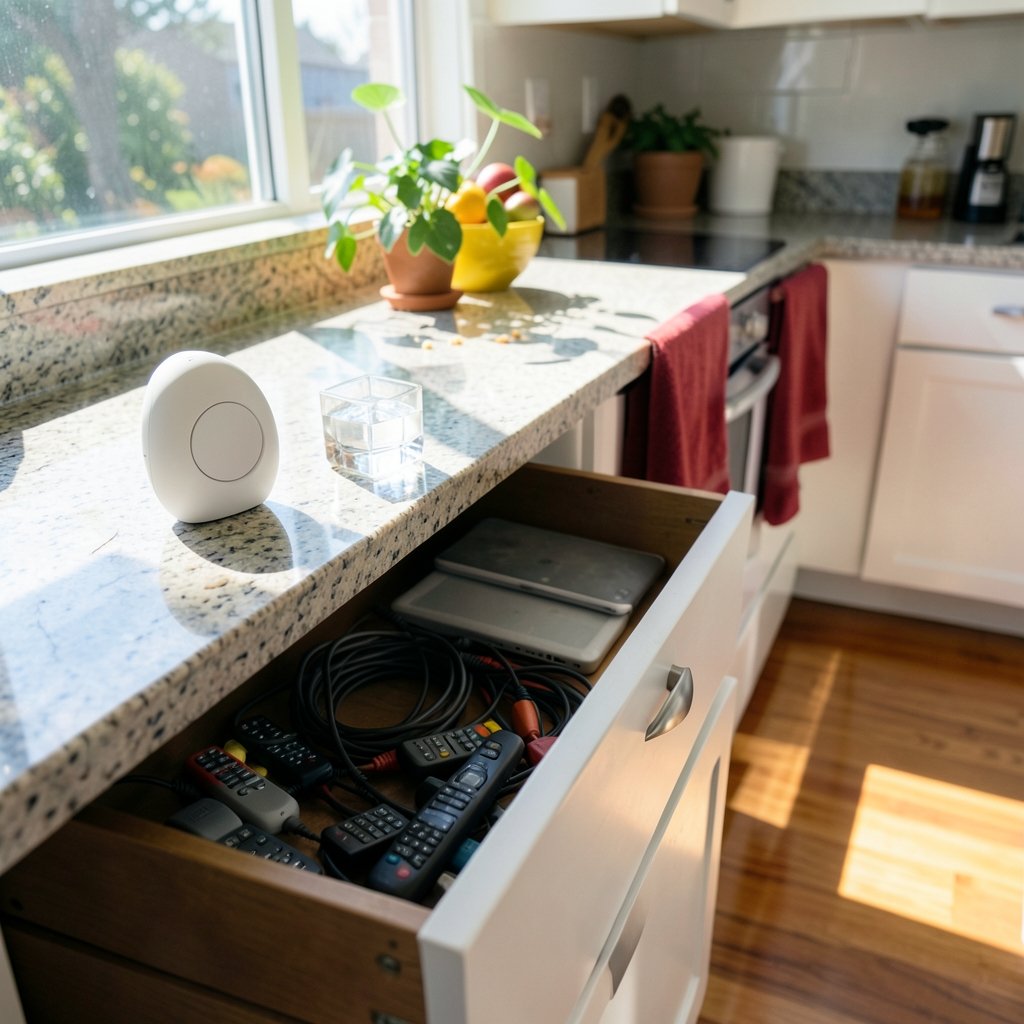
Another mistake: assuming a family member will handle setup. Setup is exactly where most tools fail. A tool that requires a smartphone app, an account, and a Wi-Fi password before it does anything useful will often sit in a drawer. Look for products that work out of the box or that a family member can configure once and then leave alone.
The Ten Categories Worth Knowing
Rather than ranking specific brands, which change quickly, here are ten categories of AI tools that solve real problems for older adults. Each entry explains what the tool does, what to check before buying, and where it tends to fall short.
1. Scam and Fraud Detection
AI filters that flag suspicious calls, texts, and emails are among the most valuable tools available. They analyze patterns, caller behavior, and known scam signatures to warn users before money changes hands. What to check: whether the tool blocks calls outright or just labels them, and whether it works on a landline. Many products only protect mobile phones, which leaves a gap for people who still use a home phone.
2. Voice Assistants Tuned for Older Ears
Mainstream voice assistants work well, but a growing set of devices is tuned for slower speech, hearing aids, and regional accents. These tools handle reminders, timers, calls, and simple questions. What to check: whether the device requires a subscription for basic features and how it handles misunderstood commands. A good assistant asks a clarifying question instead of guessing.
3. Medication Reminders With Vision
Pill reminders are old technology. Newer tools use a camera to read a label and confirm the right medication, then log the dose. This reduces double-dosing and missed doses. What to check: whether the tool stores photos of labels, where that data goes, and whether it works without a smartphone.
4. Reading and Magnification Helpers
AI-powered reading tools can enlarge text, read documents aloud, and describe images. For people with low vision, this can make reading more accessible. What to check: whether the tool works on paper mail and books as well as screens, and how natural the synthesized voice sounds over long periods.
5. Health Check-In Companions
Some tools use conversational AI to ask about symptoms, track mood, and flag changes worth mentioning to a doctor. These are not diagnostic tools and should never replace medical care. What to check: whether the tool clearly states its limits and whether it shares data with insurers or advertisers. A responsible product is explicit about both.
6. Fall Detection and Home Monitoring
Wearables and home sensors can detect falls and unusual inactivity, then alert a contact. AI improves accuracy by reducing false alarms. What to check: response time, whether alerts go to a monitored service or just a family member, and what happens when the internet goes down.
7. Translation and Captioning Tools
For grandparents video-calling family abroad, live captioning and translation tools remove a real barrier. What to check: accuracy in the languages you actually need and whether captions work on the platforms your family uses.
8. Financial Watchdog Apps
These tools monitor accounts for unusual activity and explain charges in plain language. What to check: read-only access, clear privacy terms, and whether the tool requires sharing bank credentials. A trustworthy product never asks for a password it does not need.
9. Smart Home Assistants for Daily Living
Lights, thermostats, and doorbells controlled by voice or simple automation reduce physical strain. What to check: whether the system works without an internet connection for basic functions and how hard it is to undo a mistaken setting.
10. Learning and Hobby Companions
AI tutors can teach a language, explain a news article, or help with a hobby at a comfortable pace. These tools combat isolation and keep minds active. What to check: whether the tool adapts to the learner’s pace and whether it is genuinely conversational rather than a quiz in disguise.
How AI Tools Fit Into a Wider Security Stack
Seniors are not the only ones facing automated threats. Small organizations and families managing shared devices face the same risks, and the tooling overlaps. Anyone comparing protective software will find useful context in this breakdown of how Wazuh, Security Onion, and CrowdSec each protect different layers. The same principle applies at home: layered protection beats a single app.
Families often discover, too late, that a compromised account or an unpatched device was the real weak point. Regular vulnerability scanning in real-world tools shows what they actually find and why routine checks catch problems before scammers do. For households on a budget, the same logic that drives cloud cost management tools that actually cut your bill applies to subscriptions: audit what you pay for and cancel what you do not use.
What to Check Before You Buy
Price is the least important variable. These checks matter more.
- Test the setup. Ask whether the device works without a smartphone, an account, or a subscription. If setup requires three apps, expect frustration.
- Confirm regional availability. Many senior-focused products launch in one country first. Check that support, service, and warranty exist where you live.
- Read the privacy terms in plain language. If the policy is unreadable, that is a signal. Look for what data is collected, who it is shared with, and how to delete it.
- Check independent accessibility reviews. Manufacturer claims are marketing. Look for reviews from consumer groups, disability organizations, or university research centers.
- Ask about the fallback. What happens when the AI is wrong? A phone number, a human agent, or a simple reset button makes all the difference.
- Start with one tool. Buying five devices at once guarantees that none gets learned properly.
A frequent mistake is buying a product that solves a problem the person does not have. A senior who manages medications fine does not need a smart pill dispenser. Match the tool to the actual friction in someone’s day, not to a brochure.
The Honest Limits of AI for Seniors
AI tools are helpful, but they are not caregivers. They mishear, misread, and occasionally fail at exactly the moment you need them. Voice recognition struggles with some accents and with speech affected by stroke or Parkinson’s. Fall detection produces false alarms. Health companions can sound confident while being wrong.
The practical response is to treat these tools as assistants, not authorities. Keep human contacts in the loop. Test devices during calm moments so they are familiar during stressful ones. And be skeptical of any product that promises to replace human attention entirely.
There is also a broader caution worth repeating. The “AI for seniors” label is a marketing category, and listicles in this space are especially prone to promotional claims. Distinguish products that have shipped from those merely announced. Note whether accessibility features have been independently tested. Check regional availability and data-privacy terms. Those details are what readers actually need, and they are the ones most often missing from glowing reviews.
Conclusion
The best AI tools for seniors in 2027 will not be the flashiest or the most expensive. They will be the ones that disappear into daily life: a call filter that blocks a scam, a reminder that reads a label aloud, a caption that lets a grandparent join a family video call. Choose tools that fit an actual need, verify the privacy terms, insist on a human fallback, and start with one device rather than five. Technology works best for older adults when it asks less of them, not more.
Frequently Asked Questions
Are AI tools for seniors safe to use?
Most are safe when chosen carefully. The main risks are unclear data practices and products that overpromise. Check what data a tool collects, who it shares data with, and whether independent reviewers have tested it. Avoid any product that requires unnecessary passwords or bank credentials.
Do seniors need a smartphone to use these tools?
Not always. Several categories, including voice assistants, medication reminders, and home monitoring, offer devices that work without a smartphone. Setup may still require a family member. Ask before buying whether the device functions independently after configuration.
How much should AI senior tools cost?
There is no standard price. Basic reminder and reading tools are often inexpensive or free, while monitored fall detection and health services usually carry monthly fees. Compare the subscription cost over a year as well as the purchase price, and cancel tools that go unused.
Can AI replace a caregiver or family check-in?
No. AI tools can remind, alert, and assist, but they mishear commands, misread labels, and produce false alarms. They work best as a supplement to human contact, not a replacement. Keep a phone number and a human fallback available for every device.
What is the biggest mistake people make when buying these tools?
Buying too many at once, or buying for a problem the person does not have. Setup is where most tools fail, so start with one device that addresses a real daily friction. Add more only after the first is used comfortably.
How can families tell whether a product’s claims are trustworthy?
Look for independent accessibility reviews from consumer groups, disability organizations, or university research centers. Distinguish shipped products from announced ones, confirm regional availability, and read the privacy policy in plain language. Vague claims about safety are a warning sign.



