
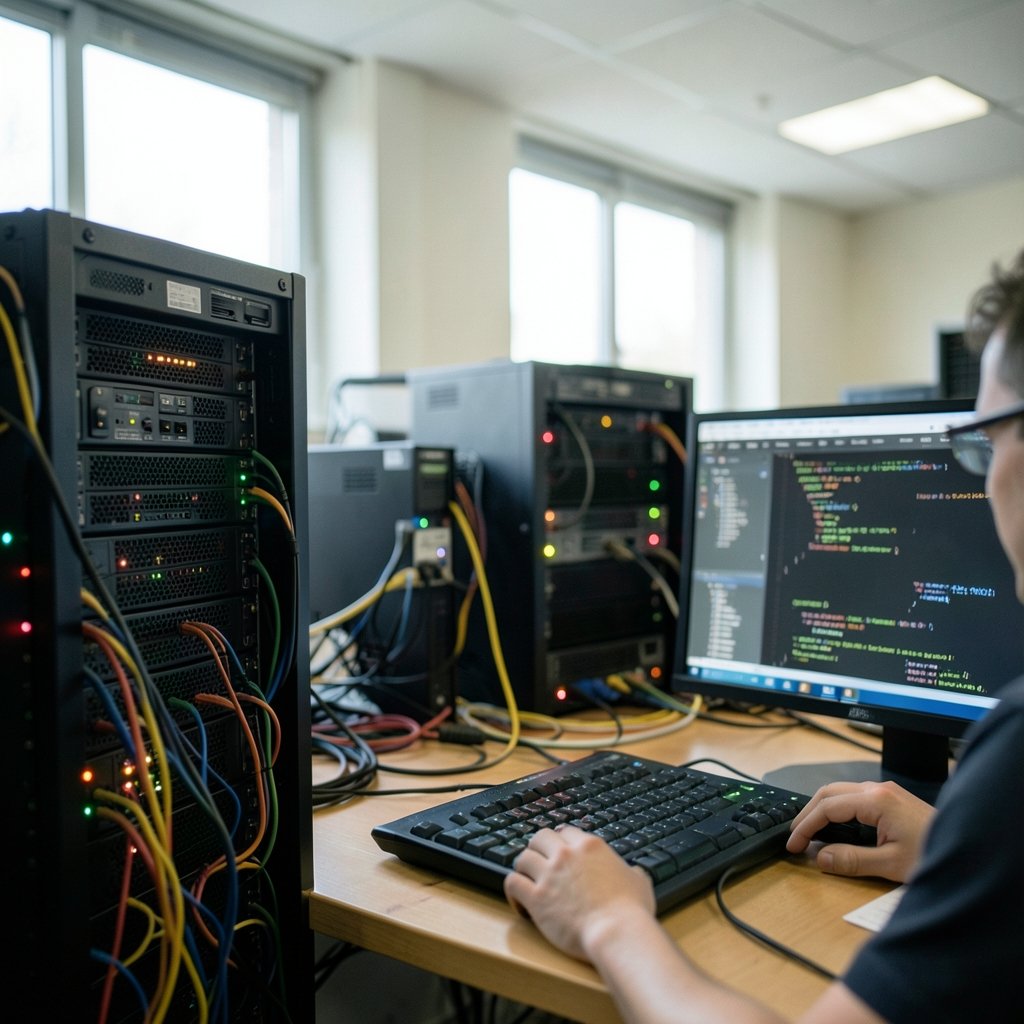
What does a vulnerability scanner actually see when it looks at your network? Most people picture a vague “security check” that spits out a pass or fail. The reality is far more specific. A scanner fingerprints an operating system, enumerates open ports, matches software versions against thousands of known flaws, and hands back a list with severity scores attached. This article walks through concrete vulnerability scanning examples, the tools behind them, and what each one is genuinely good at catching. By the end, the abstract phrase “we run scans” should mean something concrete.
Why Concrete Examples Matter More Than Definitions
A definition of vulnerability scanning fits in one sentence: it is the automated process of inspecting systems for weaknesses that an attacker could exploit. That sentence tells a security team almost nothing about how to run a program.
Examples do the heavy lifting. They show what a scan looks like in practice, which tool fits which job, and where each approach quietly fails. That last part matters most. Plenty of organizations scan diligently and still get breached, because they scanned the wrong layer or never acted on the results. The examples below are organized by what they inspect, since that is the single most useful way to divide the field.
Example 1: Network and Service Discovery with Nmap

Nmap is the tool most practitioners reach for first, and it is not strictly a vulnerability scanner. It maps what is alive on a network and which services are listening. That inventory is the foundation everything else depends on.
Its scripting engine, NSE, includes a category of scripts written specifically to check for known weaknesses. A scan can reveal, for instance, that a server is exposing an outdated service that should never face the internet. The value here is breadth: one sweep can cover hundreds of hosts and surface the forgotten devices nobody documented.
A common mistake is treating an Nmap sweep as a complete security assessment. It is not. It finds exposed surfaces, not logic flaws or missing patches that require authentication to see. Teams that stop here usually end up surprised later.
Example 2: Full Infrastructure Scanning with OpenVAS and Greenbone
OpenVAS, now stewarded under the Greenbone umbrella as Greenbone Vulnerability Management, is the reference open-source infrastructure scanner. It maintains a feed of network tests and runs both authenticated and unauthenticated checks against hosts.
The distinction between those two modes is where most real-world scanning programs live or die. An unauthenticated scan sees your systems the way an outsider does: exposed ports, banner versions, visible misconfigurations. An authenticated (credentialed) scan logs in and inspects installed packages, registry settings, and patch levels directly.
Credentialed scans consistently find more, and the guidance is unambiguous about preferring them. The CIS Controls framework places continuous vulnerability management among its core safeguards, and credentialed scanning is the standard way to satisfy that intent. Skipping credentials because they are “complicated to set up” is the single most common self-inflicted wound in this field.
Example 3: Commercial Plugin Scanning with Nessus and Tenable
Nessus popularized the plugin model: a large library of individual checks, each targeting a specific flaw, updated continuously as new issues emerge. Its commercial successors at Tenable carry that model into enterprise vulnerability management platforms.
The reporting layer is what makes this example instructive. A mature commercial scanner lists findings, then deduplicates them across hosts, maps them to severity scores, and tracks whether each finding is new, recurring, or resolved. That lifecycle view turns a scan into a program.
The practical trap: plugin counts are a marketing number, not a quality metric. A scanner with 200,000 checks that produces 40,000 unprioritized findings per week is less useful than one with tighter coverage and clean deduplication. Teams drown in output long before they run out of tools.
Example 4: Web Application Scanning with OWASP ZAP
Web applications need a different lens entirely. Infrastructure scanners look at ports and packages; web apps fail through input handling, authentication logic, and session management. OWASP ZAP is the standard open-source answer, and it works in two distinct modes.
Passive scanning analyzes traffic that already flows through the proxy without sending anything new. It flags missing security headers, exposed comments, and cookie weaknesses. It is safe enough to run against production.
Active scanning sends attack payloads, probing for injection flaws and cross-site scripting. It is powerful and it is disruptive. Running active scans against a live production site is a classic beginner error that can corrupt data or trigger alerts. Point active scans at staging environments.
For anyone building a testing practice, the OWASP ZAP project documents both modes in detail and is worth reading before the first scan.
Example 5: Commercial Web Testing with Burp Suite
Burp Suite, from PortSwigger, is the commercial counterpart to ZAP and the tool most professional penetration testers use daily. Its free Community edition covers manual interception and exploration. Automated scanning sits in the paid tiers.
This example highlights an honest truth about the field: manual testing and automated scanning solve different problems. A scanner finds the flaws it has signatures for. A skilled tester finds the business logic flaw where a user can approve their own expense report. Neither replaces the other, and programs that rely purely on automation leave that entire category of risk untouched.
Example 6: Web Server Checks with Nikto
Nikto is narrow and old and still useful. It checks web servers for dangerous files, outdated server software, and known misconfigurations. It is fast, noisy, and easy to run.
Its best use is as a quick sanity check on a newly deployed server: are there backup files sitting in the web root, is the server banner advertising an ancient version, are default admin paths exposed? Nikto answers those questions in minutes. It is not a vulnerability management platform, and treating it as one leads to a false sense of coverage.
Example 7: Web Application Firewall and Runtime Detection
Not every scanning example is a scheduled crawl. Modern web application firewalls and runtime agents continuously inspect live traffic for exploit attempts. This is detection rather than scanning, but the two feed each other: a WAF alert about a probe against a specific endpoint tells you exactly where to point your next scan.
The same logic applies to zero day vulnerabilities, which by definition have no scanner signature yet. When a zero day drops, the response is not “run the scanner.” It is a combination of runtime detection, rapid inventory lookup to find exposed instances, and emergency patching. Understanding what a zero day vulnerability is clarifies why scanning alone cannot close that gap.
Comparing the Examples Side by Side
The table below summarizes where each approach fits. No single row is sufficient on its own, which is exactly the point.
| Tool / Approach | What It Scans | Open Source | Best For |
|---|---|---|---|
| Nmap + NSE | Hosts, ports, services | Yes | Asset inventory, exposure mapping |
| OpenVAS / Greenbone | Full infrastructure | Yes | Credentialed patch auditing |
| Nessus / Tenable | Infrastructure, plugins | No | Enterprise lifecycle tracking |
| OWASP ZAP | Web applications | Yes | App testing, CI integration |
| Burp Suite | Web applications | Partly | Manual testing plus scanning |
| Nikto | Web servers | Yes | Fast misconfiguration checks |
| WAF / runtime agents | Live traffic | Varies | Detecting active exploitation |
What Scanners Actually Report: CVE and CVSS in Practice
Every example above produces output mapped to two shared standards. CVE identifiers, run by MITRE, give each publicly known flaw a unique name. CVSS scores, maintained by FIRST, rate severity on a 0 to 10 scale. The FIRST CVSS specification defines how those scores are calculated.
Here is the practical warning. A CVSS 9.8 in a library nobody imports is less urgent than a CVSS 6.5 on an internet-facing login page. Severity is not priority. Effective teams combine the score with exploitability, exposure, and business context before deciding what to fix first.
Scanners do not make that judgment. People do. This is where the human layer of a security program earns its keep, and it connects directly to how AI agents and applications are now being used to triage alert floods that would overwhelm a small team.
Common Mistakes That Undermine a Scanning Program
Experience across many programs surfaces the same recurring errors. These are worth checking against your own setup.
- Scanning only from the outside. External scans miss patched-state detail entirely. Run credentialed internal scans too.
- Never tuning the scanner. Default profiles generate enormous noise. Tune them, then tune them again.
- Chasing finding counts. A dashboard showing 50,000 open findings is not a security posture. It is a backlog nobody will clear.
- Skipping remediation tracking. A finding that reappears every month for two years is not being managed. It is being ignored with extra steps.
- Scanning once a quarter. New flaws appear constantly. The NIST patch management guidance treats scanning as an ongoing activity, not an annual event.
- Forgetting asset discovery. You cannot scan what you do not know exists. Shadow IT is the blind spot that scanners never report because they never see it.
The pattern behind all six: scanning is easy to buy and hard to operate. Tooling is roughly 20 percent of the work.
Building a Scanning Program That Fits a Real Budget
A small team does not need a six-figure platform to start. A workable sequence looks like this.
- Inventory assets first, using Nmap sweeps and whatever the cloud provider already reports.
- Deploy credentialed infrastructure scanning with an open-source scanner and fix the critical findings it surfaces.
- Add web application scanning in the deployment pipeline, running active scans against staging rather than production.
- Set a remediation clock. Critical findings get days, not quarters.
- Review results weekly and retire noisy rules that produce no actionable work.
That sequence costs mostly time rather than licenses, and it produces the audit trail that frameworks ask for. Organizations also documenting paper records alongside digital systems often pair this work with photo scanning services for archive digitization, which is an entirely different kind of scanning but a useful reminder that the word covers a lot of ground.
Conclusion
The best vulnerability scanning examples share one trait: each is honest about its own blind spots. Nmap maps exposure but not patch state. ZAP finds injection flaws but not the logic error that lets a user approve their own refund. Nikto checks a server’s front door and nothing behind it.
A real program layers several of these together, runs credentialed scans wherever possible, and treats severity scores as input rather than verdict. The tools are well documented and mostly free to start. The discipline of acting on what they find is the part that actually reduces risk, and no scanner can supply that on its own.
Frequently Asked Questions
What is the difference between vulnerability scanning and penetration testing?
Scanning is automated and broad, checking systems against a library of known issues. Penetration testing is manual and deep, with a human chaining weaknesses together the way an attacker would. Scanning finds the ingredients; testing shows what a determined person can cook with them. (NIST SP 800-115 Technical Guide to Security Testing)
How often should vulnerability scans run?
Continuous or weekly for internet-facing systems, and at least monthly for internal infrastructure, is a common baseline. The right cadence also depends on change rate: environments deploying daily need scanning wired into the pipeline rather than scheduled around it.
Do I need credentialed scans, or is unauthenticated enough?
Credentialed scans find substantially more, because they can read installed package versions and patch levels directly. Unauthenticated scans show only what an outsider sees. Most mature programs run both, weighting heavily toward credentialed coverage.
Can vulnerability scanning break my systems?
It can. Active web scans send real attack payloads and can corrupt data or trigger alerts. Infrastructure scans can overwhelm fragile legacy devices. Test active scanning against staging first, and schedule intrusive scans during maintenance windows.
What do CVE and CVSS mean in scan results?
CVE is a unique identifier for a publicly known flaw, and CVSS is a 0 to 10 severity score for it. Together they let different tools describe the same weakness consistently. Neither tells you whether that flaw matters to your specific environment.
Is open-source scanning software good enough for a real program?
For many organizations, yes. OpenVAS, ZAP, Nmap, and Nikto cover infrastructure, web applications, and servers at no license cost. What they lack is polished reporting and support, which matters more as a program scales. Start open source, and pay for workflow when the workflow becomes the bottleneck.



