
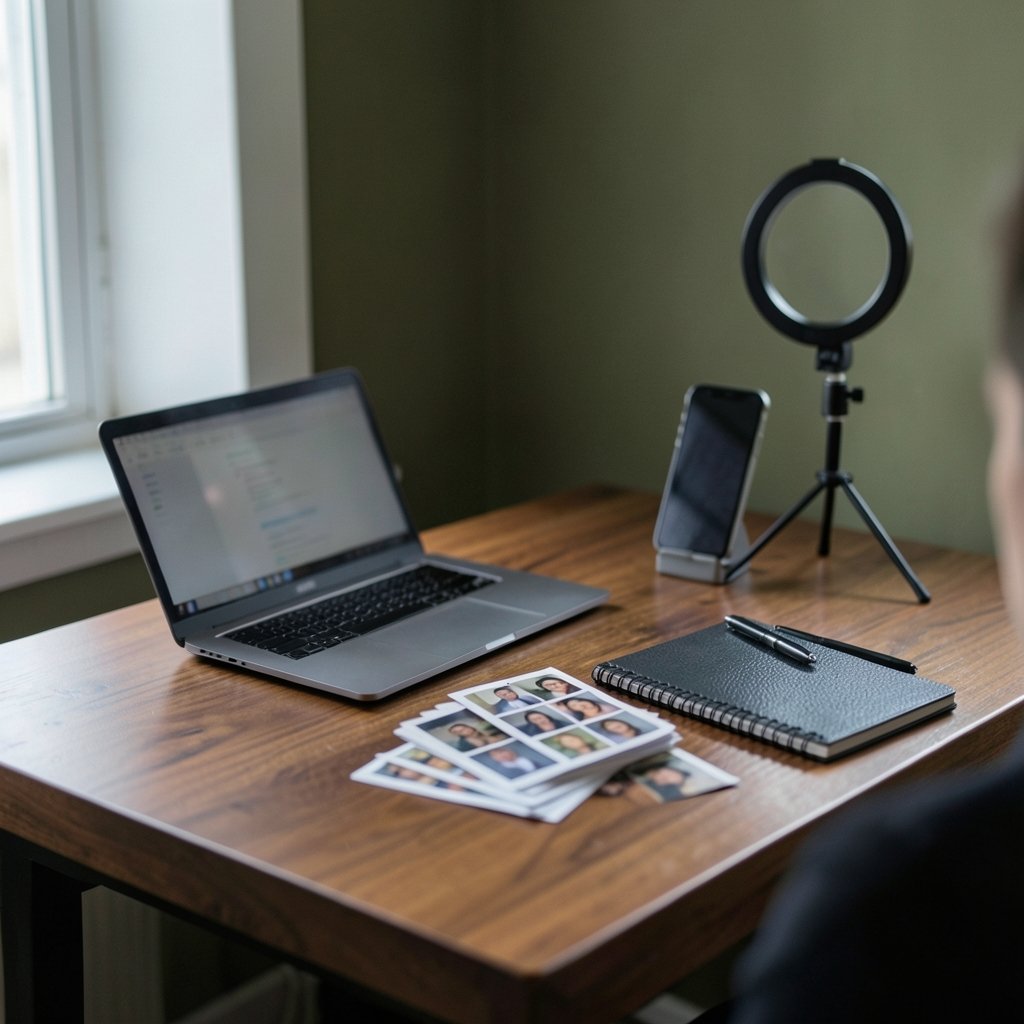
Can a selfie really become a professional headshot in the time it takes to brew coffee? That is the promise every AI headshot tool makes in 2027, and the gap between the promise and the result is wider than most listicles admit. Some tools hand back photos that look like you on a good day. Others produce a smooth stranger with your hair color. This guide walks through what separates the two, how to judge output before you pay, and which categories of generator suit which job.
Why Headshot Quality Is Harder Than It Looks
A headshot is a face plus framing, lighting, posture, and a background that does not compete for attention. Passport-style geometry is standardized internationally, and professional portraits follow the same rules: head size, eye position, and margins matter. Generators that ignore framing rules produce images that look wrong even when the viewer cannot name the reason.
The second problem is identity drift. Diffusion-based portrait models generate in seconds to a few minutes per image, but keeping the same face across twenty variations is where tools diverge. A generator that nails one image and loses the jawline on the next is useless for a profile photo you will keep for two years.
The third problem is bias. Face recognition research has documented accuracy disparities across demographics, and generators trained on skewed data can reproduce those gaps. If a tool consistently lightens skin tone or narrows features, that is not a stylistic choice. It is a data problem, and it is a reason to test before committing.
What Actually Matters When You Compare Tools

Most comparisons obsess over price and speed. Those matter, but they are not what makes a headshot usable. Here is the checklist that separates serious tools from novelty apps.
| Criterion | Why it matters | What to test |
|---|---|---|
| Identity fidelity | The photo must read as you | Upload a selfie, compare 10 outputs side by side |
| Framing accuracy | Cropping must suit LinkedIn’s circle | Check head size and shoulder position |
| Lighting realism | Flat light looks synthetic | Look for catchlights and shadow falloff |
| Background control | Office, studio, outdoor options | Confirm you can pick from the options instead of only receiving one result |
| Output resolution | Retina screens expose softness | Demand at least 1000px on the short edge |
| Turnaround | “Minutes” claims vary wildly | Time the actual delivery |
| Data handling | Your face is biometric-adjacent data | Read the deletion policy before uploading |
That last row deserves emphasis. In some US jurisdictions, collecting face geometry requires written consent, and photo apps have faced major litigation over it. In the EU, a plain headshot is ordinary personal data, but a template used to identify a person becomes special-category data with stricter rules. A tool that keeps your uploads indefinitely is a liability, not a convenience.
The Ten Categories Worth Your Attention in 2027
Rather than pretend a single ranking fits everyone, here is how the market actually divides. Each entry describes a type of generator, what it does well, and where it fails.
1. The Dedicated Professional Headshot Service
These tools do one thing: take 10 to 20 selfies and return a batch of studio-style portraits. They tend to have the strongest framing logic because headshots are the entire product. Expect business attire presets, neutral backgrounds, and consistent lighting. The trade-off is cost per batch and limited creative range. If you need one great photo for a job search, start here. If you want to see how these services stack up on real output, this breakdown of the best AI headshot generators that actually deliver usable photos is a useful reality check.
2. The General Image Generator With Portrait Presets
Large multimodal models now ship portrait modes. They are cheap, fast, and improving, but they are generalists. You get more control over pose and setting, less consistency across a batch. These are ideal for experimenting with a look before paying for a dedicated service. For a broader sense of which engines handle portraits well, the roundup of best AI generators covers the landscape.
3. The Corporate Team Tool
Built for HR departments, these generators enforce consistent backgrounds, lighting, and crop across an entire staff. The value is uniformity, not artistry. Small businesses often overlook them, then waste hours matching tones manually.
4. The Resume-and-LinkedIn Hybrid
Some tools output both a square profile crop and a print-ready resume photo from one upload. Handy if you are job hunting across formats. Check that the print version meets the size rules your target country expects, because a square crop will not fit a formal application.
5. The Style-Transfer Studio
These lean artistic: cinematic lighting, editorial poses, dramatic backdrops. Great for creatives, risky for finance or law. A moody portrait can read as evasive in conservative industries.
6. The Mobile-First App
Phone apps win on convenience and lose on resolution. Many cap output below what a retina display exposes. Use them for quick tests, not final assets.
7. The Open-Model Workflow
Running an open image model locally gives full control and no upload risk, but requires a decent GPU and patience. The upside: nothing leaves your machine, which sidesteps the consent question entirely.
8. The Retoucher-Assisted Service
A hybrid where AI generates and a human cleans up. Slower, pricier, and often the best result for senior roles where the photo will be scrutinized.
9. The Background-Replacement Specialist
Some tools skip full generation and simply relight and reframe an existing photo. Less risk of identity drift, less transformation. Underrated for people who already have a decent photo.
10. The Verification-Friendly Generator
A small but growing category ships provenance metadata with outputs, so a viewer can confirm an image was AI-generated. That transparency matters more each year, and it is worth checking whether a tool signs its files.
How to Judge Output Before You Pay
Most services show samples. Samples are marketing. Here is a practical test sequence that takes about fifteen minutes.
- Upload a selfie with flat, even lighting and no filters.
- Request the smallest paid batch available.
- Compare outputs at 100 percent zoom, not thumbnail size.
- Check the ears, hairline, and teeth, which are where generators break first.
- Ask a colleague to pick your photo out of a lineup of five.
- Read the deletion policy and confirm you can remove your data.
If step five fails, the tool has an identity problem no amount of retouching will fix.
The Rules People Forget
Two constraints trip up almost everyone. First, platform policy. Professional networks prohibit fake identities and misleading impersonation, so an AI photo that misrepresents who you are can breach the terms even if it looks great. An enhanced version of your real face is fine. A fabricated persona is not.
Second, copyright. Purely AI-generated material is not copyrightable in the US because human authorship is required. If you plan to license your image or use it in marketing, that distinction matters. A photo you cannot own is a photo you cannot fully control.
There is also the detection question. Deepfake detection research shows accuracy drops sharply under compression and on unfamiliar manipulation methods. In practice, that means nobody can reliably tell you whether a given headshot will be flagged. The safer path is transparency: use a photo that is recognizably you, and do not claim it was shot in a studio.
Practical Tips That Change Results
Lighting beats everything. A selfie taken facing a window will outperform a studio-lit upload taken in a dim room, because the model has more signal to work with. Avoid backlighting and heavy shadows.
Variety helps the model. Ten near-identical selfies teach it less than ten shots at slightly different angles. Include one straight-on frame, one slight turn, and one with a neutral expression.
Dress for the job you want in the source photos. Generators extrapolate from what you give them, and a t-shirt tends to produce more t-shirts.
Watch the background. Busy source backgrounds leak into outputs as odd artifacts. Plain walls are your friend.
Do not over-edit afterward. Heavy retouching on top of generation compounds errors and pushes the image further from your actual face.
Where the Market Is Heading
Two trends are reshaping the category. Provenance tooling is spreading, with content credentials being signed into more camera and editing pipelines, which should eventually let viewers verify how an image was made. And regulation is tightening: the EU AI Act adds obligations for biometric systems, with staged application that began in 2025. Tools that ignore consent and retention will get expensive to run.
The practical upshot for buyers is simple. Ask three questions of any generator: what do you do with my uploads, can you prove the output came from AI, and will the face still look like me in five years. The tools that answer all three clearly are the ones worth your money. For a deeper look at how modern engines handle portrait fidelity and instruction-following, this comparison of Gemini vs ChatGPT output quality is worth reading alongside any headshot purchase.
Conclusion
The best AI headshot generator in 2027 is not the one with the flashiest samples. It is the one that preserves your face, respects your data, and delivers a file sharp enough to survive a retina screen. Dedicated headshot services win on consistency, general generators win on flexibility, and mobile apps win only on speed. Test with the smallest batch, compare at full zoom, check the deletion policy, and keep the result honest. A headshot is a small promise that the person on the screen is the person who shows up. Choose the tool that keeps that promise.
Frequently Asked Questions
How long does an AI headshot generator actually take?
Most diffusion-based portrait tools return a batch within minutes to a few hours, depending on queue load and how many images you request. Vendor claims of “minutes” are plausible but should be treated as marketing until you time a real order. Dedicated services with human retouching typically take a day or more.
Are AI headshots allowed on LinkedIn?
An enhanced or generated image of your real face is generally acceptable, but fabricated identities and misleading impersonation are prohibited under professional network policies. The safe approach is a photo that is recognizably you, without claiming it was professionally shot.
Do AI headshot tools keep my photos?
It depends entirely on the tool. Some delete uploads after processing; others retain them for model training. Because face images can qualify as biometric data under some laws, always read the deletion and retention policy before uploading, and prefer tools that let you request removal.
Can people tell if my headshot is AI-generated?
Sometimes. Detection research shows accuracy drops sharply under compression and on unfamiliar generation methods, so results are inconsistent. Artifacts around ears, hairlines, and teeth are the usual giveaways. Better lighting in your source photos reduces visible flaws.
Do I own the copyright to an AI-generated headshot?
In the US, purely AI-generated material is not copyrightable because human authorship is required. If you edit or composite the image substantially, your contributions may be protectable. For commercial use, check the tool’s license terms as well as copyright law.
Is it worth paying for a dedicated service over a free generator?
If the photo will represent you for a year or more, yes. Free tools are fine for testing a look, but dedicated services tend to hold identity and framing more consistently across a batch. Start with the smallest paid tier and compare at full resolution before committing to a larger package.



