
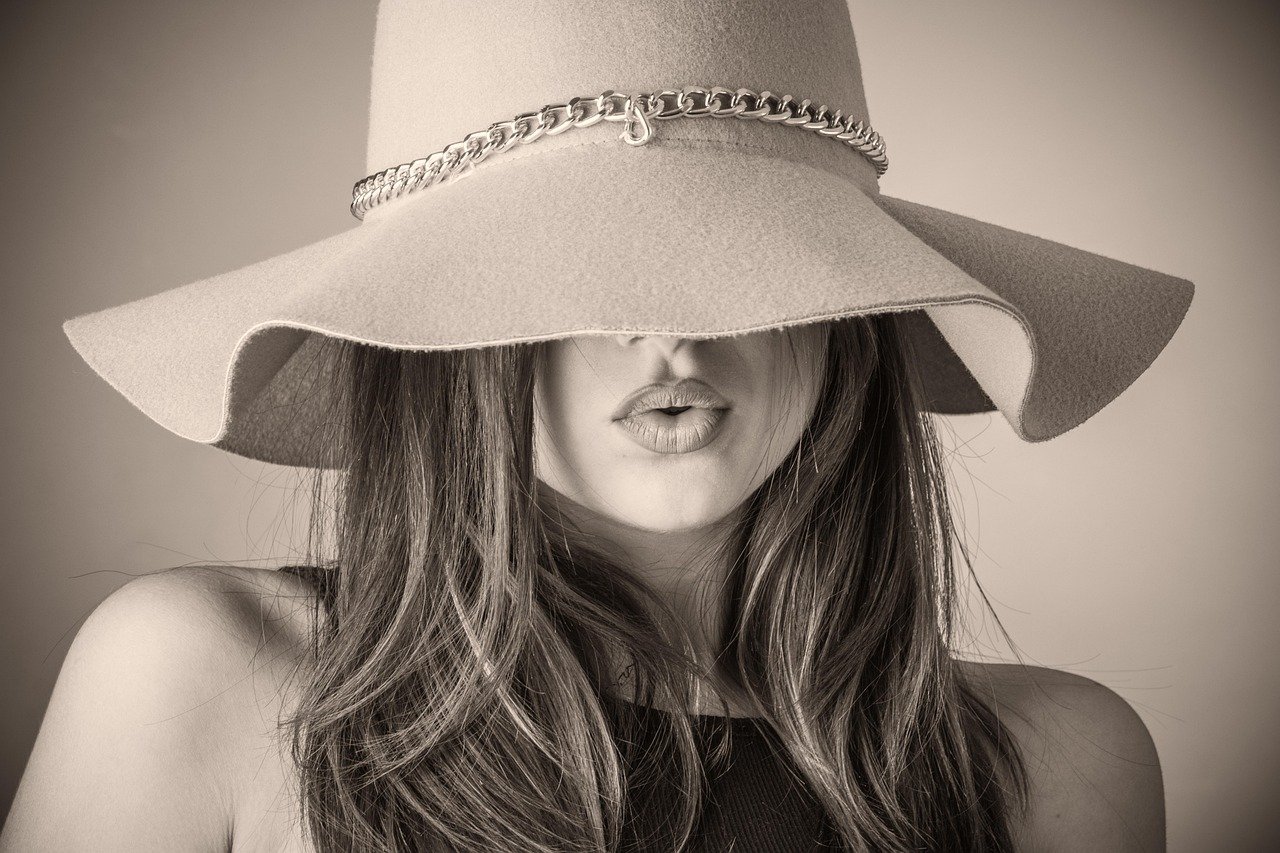
What if you could get a professional headshot without booking a studio, hiring a photographer, or ironing a shirt? That is the promise behind every AI headshot generator on the market, and it is a promise that gets tested hard by anyone who has uploaded twenty selfies and waited nervously for the results. Some tools return portraits that look like you on your best day. Others return a stranger with your hair color.
This guide cuts through the marketing. It explains how these tools work, what separates a good result from a bad one, where the technology still stumbles, and how to judge a generator before you hand over your money and your face.
How AI Headshot Generators Actually Work
Most services follow the same basic pipeline. You upload a batch of selfies, usually somewhere between 10 and 30, taken at different angles and in different lighting. The service uses those images to fine-tune a generative model, often built on top of Stable Diffusion or a similar image model. Then it renders a set of headshots, typically 50 to 300, in studio-style lighting with corporate backdrops. Turnaround ranges from about 20 minutes to a few hours depending on queue and plan.
The important detail is that this is not a filter. A filter adjusts the photo you gave it. A generator builds a new image based on patterns it learned from your face. That difference explains both the magic and the failures: the model is guessing at details it never clearly saw.
What you are really paying for is the quality of that fine-tuning and the amount of human review layered on top. Cheap tools automate the whole pipeline. Better tools add retouching, background variety, and a redo policy when a batch misses.
What Separates a Good Generator From a Bad One
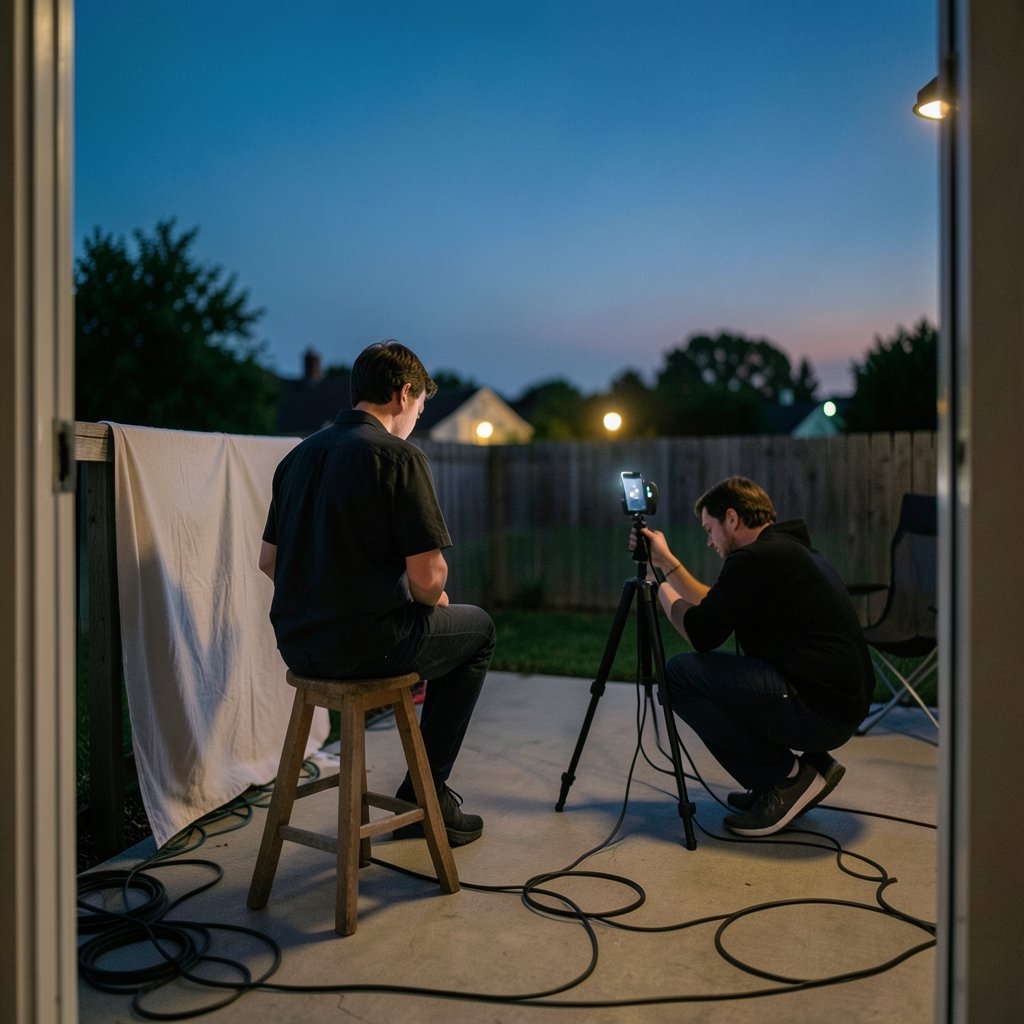
After comparing how these tools behave in practice, a few factors matter far more than the flashy landing pages suggest.
Likeness accuracy
The single biggest complaint across review threads is likeness drift — the output looks vaguely like the user but not convincingly. Glasses get straightened or removed. Hairlines shift. Moles vanish. A good generator preserves the small asymmetries that make a face recognizable. A bad one smooths them into a generic professional.
Skin and texture realism
Over-smoothing is the tell that gives AI portraits away. Real skin has pores, uneven tone, and fine lines. When a tool produces waxy, plastic-looking faces, the headshot reads as fake at a glance, which defeats the purpose entirely.
Handling of real-world variation
Tools that work well on young, light-skinned, clean-shaven faces sometimes fall apart on darker skin tones, curly or coily hair, beards, head coverings, and non-frontal poses. This is a well-documented weakness in generative image systems generally, and it shows up sharply in headshot tools. Testimonials featuring a diverse range of faces are a better signal than a polished demo grid.
Background and wardrobe control
Corporate headshots need context. Look for options like neutral studio gray, office blur, and outdoor light. Wardrobe control matters too: some tools let you specify a suit, a blazer, or a plain shirt, and the good ones keep the clothing consistent across the batch. (Artificial intelligence)
Redo and refund policy
Batches miss. A tool that offers a free regeneration or a refund when the results are unusable is signaling confidence. One that hides behind a no-refund clause is telling you something too.
A Practical Comparison Framework
Rather than pretend there is one universal winner, here is how to score the leading options against your own needs. Prices shift constantly, so treat any figure as a starting point and confirm it on the product page before buying.
| Factor | What to look for | Why it matters |
|---|---|---|
| Input requirements | 10 to 30 varied selfies, clear guidance | Fewer, better inputs beat a huge messy upload |
| Turnaround | Under a few hours | Long waits usually mean batch queueing |
| Output volume | 50 to 300 images, multiple looks | More variety raises the odds of a usable shot |
| Background options | Studio, office, outdoor | Different jobs need different contexts |
| Team pricing | Per-person bulk rates | Solo pricing gets expensive at scale |
| Redo policy | Free regeneration or refund | Protects you when a batch misses |
| Data handling | Clear retention and deletion terms | Your face is sensitive biometric-adjacent data |
If you are also weighing tools for other visual work, the same evaluation logic applies across the wider market of best ai generators, where output consistency and licensing terms separate the serious platforms from the experiments.
Where These Tools Genuinely Shine
AI headshots are not a replacement for a photographer in every situation. They are excellent in a few specific ones.
Updating a stale profile photo. If your LinkedIn photo is five years old, a generated headshot is a fast, cheap fix that looks current without a studio session.
Team pages and directories. Companies with dozens of employees rarely get consistent photography. A bulk AI pass can unify lighting and framing across a whole team page in an afternoon.
Multiple marketplaces. Freelancers on several platforms often want slightly different looks for each. Generating a batch gives options without repeat shoots.
Testing a personal brand direction. Want to see how you look in a blazer versus a crew neck? A batch answers that question for the price of lunch.
For adjacent use cases, such as generating polished portraits for social or marketing, the same principles of consistency and realistic texture carry over from the best ai image generators for realistic photos.
Where They Still Fall Short
Honesty matters here, because overselling this category leads to disappointed buyers.
Very short hair, bald heads, and heavy beards are common failure points. The model has less structure to anchor on and tends to invent detail.
Glasses remain a coin flip. Frames bend, reflections appear where none should be, and lenses sometimes go opaque.
Distinctive features like scars, birthmarks, or a strong asymmetry can get quietly erased in the pursuit of a “clean” look. That is a problem if the point is to look like yourself.
Extreme angles and poor lighting in the source photos translate into weak outputs. Garbage in, glossy garbage out.
Formal attire requests sometimes produce collars that do not quite connect or lapels that melt into the shirt.
None of these are dealbreakers for a casual profile refresh. They matter a great deal for anyone whose face is their business.
A Step-by-Step Workflow That Gets Better Results
The difference between a great batch and a wasted purchase usually comes down to the upload. Follow this sequence.
- Shoot fresh selfies in daylight. Face a window. Avoid overhead indoor light, which casts shadows under the eyes.
- Vary the angles. Include straight-on, slight left, slight right, and a mild three-quarter turn. Skip extreme profiles.
- Keep the expression neutral to mildly warm. A full grin in every shot limits how the model generalizes.
- Remove hats, sunglasses, and heavy filters. Let the model see your actual face.
- Include at least one shot with glasses if you wear them daily. Consistency matters more than perfection.
- Upload the maximum the tool allows. More varied input generally improves likeness.
- Review the full batch before judging. One bad image means nothing; a pattern of drift means everything.
- Use the redo policy immediately if the batch misses. Most services have a window for this.
A common mistake is uploading a handful of near-identical photos taken in the same spot. The model learns one lighting setup and one angle, then produces a monotonous batch. Variety in the input is what buys variety in the output.
The Legal and Ethical Questions Worth Asking
This part rarely appears in affiliate listicles, and it should.
Training data provenance is a live issue across generative image tools. Some services have faced scrutiny over whether their underlying models were trained on images used without consent. Buyers who care about this should read the terms of service rather than the marketing page.
Disclosure norms are still forming. Some platforms and professional contexts expect you to note when a profile image is synthetic. Policies vary and change, so check the current rules for whichever platform hosts your photo before uploading a generated image as your identity.
Data retention deserves a close look. You are uploading images of your face. A reputable service states clearly how long it keeps them and how to request deletion. If that information is missing or buried, treat it as a red flag.
Misuse risk is real. The same technology that produces a polished headshot can produce a convincing fake of someone else. Responsible providers include safeguards, and users should think carefully about consent when generating images of other people.
Matching the Tool to the Job
Not every buyer needs the same thing, and picking based on your actual use case saves money. (Privacy and Security)
| Your situation | Priority | What to avoid |
|---|---|---|
| Solo job seeker | Likeness accuracy and a redo policy | Overpaying for team features |
| Small business owner | Multiple backgrounds and wardrobe looks | Tools with only one studio style |
| HR or marketing team | Bulk per-person pricing and consistency | Per-seat plans that scale badly |
| Freelancer on many platforms | Output volume and variety | Single-batch, single-look tools |
| Privacy-sensitive user | Clear deletion terms | Vague or missing data policies |
For anyone building a broader visual identity, from profile photos to brand assets, it helps to see how the same tools perform across categories. Comparisons like this ai image generators compared breakdown make the trade-offs between realism, speed, and cost much clearer.
Common Mistakes That Waste Your Money
A few patterns show up again and again among disappointed buyers.
Buying the cheapest tier and expecting studio quality. Entry tiers often cap output volume and skip retouching. If the headshot matters, the mid tier is usually the real product.
Judging by the demo gallery. Demo grids are curated. Look for independent reviews with unedited before-and-after pairs.
Ignoring the refund window. Many services require you to request a redo within a set number of days. Miss it and you are stuck.
Using the output everywhere without checking platform rules. Some professional networks and job boards have policies on synthetic profile images. Verify before you swap.
Expecting the tool to fix a bad source set. No generator rescues blurry, shadowed, low-resolution selfies.
Conclusion
The best AI headshot generator is not the one with the loudest landing page. It is the one that preserves your likeness, renders skin that looks human, handles your specific features without inventing new ones, and stands behind its output with a redo policy. Start with fresh, varied, well-lit selfies, judge the full batch rather than a single image, and read the data terms before you upload your face. Used with realistic expectations, these tools deliver a genuinely useful professional photo for the price of a couple of coffees. Used carelessly, they produce a glossy stranger. The difference is mostly in how you prepare and how carefully you choose.
Frequently Asked Questions
How much do AI headshot generators usually cost?
Most services price a single batch somewhere in the range of roughly $19 to $60, with cheaper tiers offering fewer images and less retouching. Team and bulk plans are priced per person and often drop well below the solo rate. Prices change frequently, so confirm on the product page before buying.
How many selfies do I need to upload?
Most tools ask for 10 to 30 photos. The quality and variety of those photos matter more than the raw count. A set of 15 well-lit shots from different angles will usually outperform 30 near-identical ones taken in the same spot.
How long does it take to get results?
Turnaround typically ranges from about 20 minutes to a few hours. Queue depth and plan tier affect timing. If a service quotes days rather than hours, that is unusual for this category and worth questioning.
Will the headshots actually look like me?
It depends heavily on the tool and your input photos. Likeness drift is the most common complaint, especially with glasses, very short hair, and distinctive features. Choosing a service with a redo or refund policy is the safest protection against a batch that misses.
Can I use an AI headshot on LinkedIn?
Many people do, but platform policies on synthetic or heavily edited profile images vary and change over time. Check the current rules for any platform before uploading a generated image as your professional identity, and consider whether disclosure is appropriate in your context.
What should I do if my first batch looks wrong?
Use the redo policy right away, and change your inputs rather than just resubmitting. Add more varied angles, improve the lighting, and include clearer shots of any feature the model got wrong. If the second batch still misses, request a refund if the terms allow it.



