

What if the tattoo you’ve been sketching on napkins for years could be refined into a clean, placement-ready design before you ever sit in the chair? That’s the promise of AI design generators, and by 2027 the category has grown from a novelty into a genuinely useful set of tools for tattoo artists, illustrators, and curious beginners alike. (Money rose tattoo design really means get it right)
The catch is that “AI tattoo generator” means very different things depending on the tool. Some are built for flash-sheet brainstorming. Others are general-purpose image generators that happen to handle linework well. A few are serious art tools with layer control and style consistency. This guide breaks down the eight strongest options, what each one actually does well, and where the limits sit.
How These Tools Fit Into a Real Tattoo Workflow
Before comparing names, it helps to understand what AI can and cannot do in this space. A generator produces a reference image. It does not produce a stencil that a tattoo machine can follow without cleanup. Experienced artists consistently describe the same workflow: generate a batch of rough directions, pick the one with the right composition, then redraw it by hand at the correct scale for the body part.
That hand-redraw step is not optional. AI output often contains small errors in symmetry, line weight, and fine detail that look fine on a phone screen but fall apart at tattoo scale. A design that reads well at 400 pixels wide may collapse into mush when stretched across a forearm.
Practical tips that hold up across every tool below:
- Generate at the highest resolution the tool allows, then zoom in before judging.
- Ask for black-line or stencil-style output when you want tattoo-ready references.
- Test the design at actual size. Print it, cut it out, and hold it against the skin.
- Expect to redraw. Treat every generation as a sketch, not a final.
- Keep a record of prompts that worked so you can reproduce a style later.
A common mistake is prompting for “tattoo” and accepting whatever comes back. Better results come from describing the style, the line weight, the shading approach, and the body placement in the prompt itself.
The 8 Best AI Tattoo and Art Design Generators
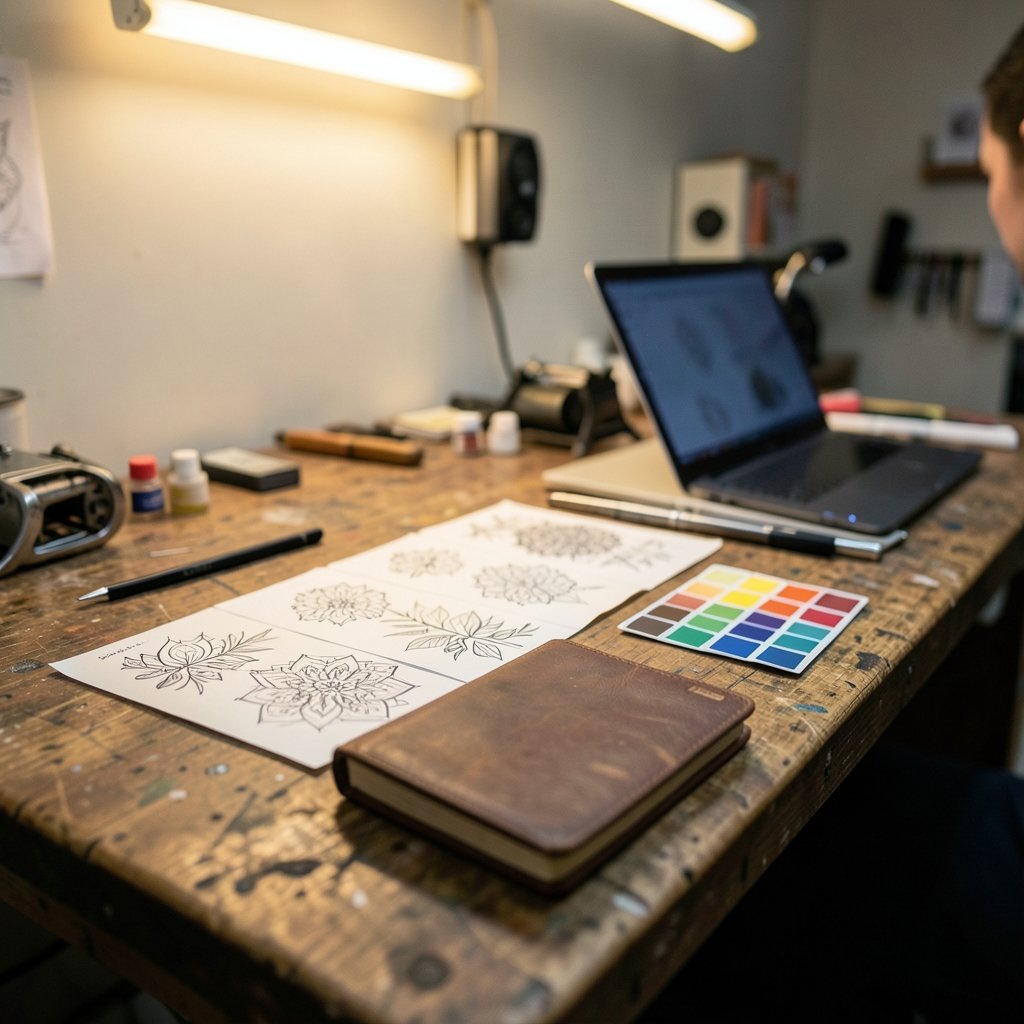
The ranking below weighs output quality for linework, style control, ease of use, and how well each tool supports the reference-then-redraw workflow.
| Tool | Best For | Standout Strength | Main Limitation |
|---|---|---|---|
| Midjourney | Artistic flash and stylized concepts | Strong aesthetic coherence across a set | Weak at precise text and fine linework |
| DALL·E | Beginners and prompt clarity | Follows detailed prompts closely | Less stylistically distinctive |
| Stable Diffusion | Artists who want full control | Custom models and fine-tuning | Steep learning curve |
| Adobe Firefly | Commercial and client work | Trained on licensed content | More conservative output |
| Leonardo AI | Tattoo-style model presets | Purpose-built style models | Credits run out fast |
| Ideogram | Designs with lettering | Handles text and script well | Weaker on dense illustration |
| Krea | Real-time iteration | Live canvas feedback | Needs a strong machine or connection |
| Recraft | Vector and scalable output | True vector export | Limited painterly shading |
1. Midjourney
Midjourney remains the tool most artists reach for when they want a striking concept fast. Its strength is aesthetic coherence: generate one strong image, and the variations tend to hold the same mood and palette. For flash-sheet brainstorming, that consistency saves hours.
The weakness is precision. Fine linework, symmetrical mandalas, and small text are where it struggles. Artists typically use it for the big idea and then tighten everything by hand.
2. DALL·E
DALL·E’s edge is prompt comprehension. Describe a “fine-line botanical sleeve with soft grey shading and no color” and it tends to deliver something close to the brief. That makes it the friendliest starting point for people who have never written an image prompt.
It trades some stylistic flair for reliability. Outputs can feel a little safe, but for beginners that predictability matters more than edge.
3. Stable Diffusion
Stable Diffusion is the power user’s choice. Because it runs on open models, artists can load community-trained styles, fine-tune on their own portfolio, and control the output at a level the hosted tools don’t allow. Tattoo-specific model variants exist, and they produce noticeably better linework than generic models.
The trade-off is real: setup, hardware, and a learning curve. It rewards patience. If you’ve ever wanted to understand how these systems work under the hood, it’s the most transparent option available.
4. Adobe Firefly
Firefly’s differentiator is provenance. It was built on licensed and public-domain content, which matters enormously for anyone doing client work or planning to sell designs. For commercial tattoo studios, that reduces legal exposure compared with tools trained on scraped images.
Output leans conservative, and highly stylized requests sometimes come back softened. But for professional use, the peace of mind is often worth the trade.
5. Leonardo AI
Leonardo ships with a library of style models, including several tuned for tattoo aesthetics, ink illustration, and traditional flash. That means less prompt wrestling to get into the right visual territory.
The credit system is the friction point. Heavy iteration burns through allowances quickly, so plan your generations rather than spamming the button.
6. Ideogram
Ideogram handles lettering better than most competitors, which makes it the pick for script tattoos, name designs, and anything with typography baked in. Getting clean text out of an image generator has historically been painful, and Ideogram narrows that gap.
Dense illustration is not its strength. Use it for type-forward concepts and pair it with another tool for the artwork around the words.
7. Krea
Krea’s real-time canvas changes how iteration feels. You sketch, and the model responds live, so you can steer a design instead of waiting for a batch and hoping. For artists who think visually and want to explore composition quickly, that feedback loop is genuinely different from prompting blind.
It needs a solid machine and a stable connection. On weaker hardware, the responsiveness that makes it special disappears.
8. Recraft
Recraft’s headline feature is vector output. Tattoo designs that need to scale cleanly, from a small wrist piece to a full back piece, benefit from true vector export rather than a raster image that blurs when enlarged. For anyone producing designs for print or licensing, that’s a meaningful advantage.
Painterly shading is not its strong suit, so it suits bold linework and graphic styles better than soft realism.
Where AI Fits for Different Kinds of Artists
The right tool depends heavily on what you’re making. A hobbyist sketching ideas for a first tattoo has different needs from a working artist building a client book.
Beginners should start with DALL·E or Ideogram. Clear prompt adherence and decent text handling remove the frustration of learning two skills at once.
Working tattoo artists tend to gravitate toward Stable Diffusion or Leonardo, where style control and repeatable outputs matter more than a pretty first result.
Commercial designers selling artwork or licensing designs should look hard at Firefly and Recraft, where provenance and scalable output reduce downstream risk.
Illustrators exploring style often find Midjourney and Krea the most inspiring, because both reward loose, exploratory input.
The same logic applies across creative disciplines. Designers choosing a layout tool face a similar trade-off between control and convenience, which is why guides on how beginners pick the right design tool tend to emphasize workflow fit over feature lists. Tattoo design is no exception.
Common Mistakes and What Actually Works
The biggest mistake is expecting a finished tattoo from a single prompt. It doesn’t happen. The second biggest is ignoring scale. A design generated at low resolution will not survive being enlarged to fit a thigh.
What works in practice is a loop: generate wide, filter hard, redraw by hand, test at size, adjust. Artists who internalize that loop get useful results within an afternoon. Those who treat the generator as a vending machine end up disappointed.
Another trap is style drift. Ask for the same concept five times and you’ll get five different visual languages. Pinning a style early, either through a reference image or a saved style model, keeps a set coherent.
Finally, be honest about what you’re generating. AI references are a starting point for a conversation with your artist, not a substitute for their skill. Most tattoo artists welcome a clear reference; almost none welcome a demand to copy a generated image exactly.
The Legal and Ethical Questions Worth Knowing
Copyright around AI-generated images remains unsettled in most jurisdictions. In the United States, the copyright office has taken the position that works lacking human authorship are not protected, which means a purely AI-generated design may be difficult to claim as your own. Human contribution, such as substantial redrawing or composition, tends to strengthen any claim.
Ethically, the bigger issue is style mimicry. Prompting for the style of a specific living artist raises questions that most professional communities treat as off-limits. Generating in a general aesthetic, like American traditional or fine-line botanical, is different from naming a person.
For client work, provenance matters. Tools trained on licensed content reduce the risk of accidentally reproducing someone else’s protected work. That’s a practical reason Firefly keeps appearing in professional recommendations.
Related Design Tools Worth Exploring
The same generative techniques that power tattoo concepting show up across other creative fields, and the lessons transfer. Designers working on physical products rely on an AI mockup generator for product design to visualize ideas before production, and the workflow of generate, refine, and validate is nearly identical.
Architects and interior designers face the same control-versus-convenience trade-off. Those comparing AI architecture generators for building designs quickly learn that the tool matters less than the review process around it. The same holds for room concepts, where an AI interior design generator for room ideas is only as good as the human editing that follows.
Even niche art forms follow the pattern. Pixel artists use an AI pixel art generator for game assets, and landscape illustrators use an AI landscape generator for digital art, but in every case the output is a draft. Tattoo design is simply another domain where the generator starts the conversation.
Conclusion
The best AI tattoo generator in 2027 is the one that fits your workflow, not the one with the longest feature list. Beginners get the most from DALL·E and Ideogram. Working artists get the most control from Stable Diffusion and Leonardo. Commercial users get the most peace of mind from Firefly and Recraft. Midjourney and Krea remain the most inspiring for exploration.
Whatever you choose, treat the output as raw material. Generate widely, filter ruthlessly, redraw by hand, and test at real size. That loop, not the tool, is what turns a prompt into a tattoo worth wearing.
What is the best AI tattoo generator for beginners?
DALL·E and Ideogram are the most forgiving starting points. Both follow detailed prompts closely and produce predictable results, which matters when you’re still learning how to describe what you want. Neither requires setup or technical knowledge.
Can AI-generated tattoo designs be copyrighted?
Generally, a design created entirely by an AI system without meaningful human contribution is difficult to protect under copyright in the United States and several other countries. Substantial human redrawing, composition, or modification strengthens any claim. Rules vary by jurisdiction, so check local guidance for commercial work.
Are AI tattoo generators accurate enough to use as stencils?
No. Output typically contains small errors in symmetry, line weight, and fine detail that break down at tattoo scale. Artists use generated images as references and redraw them by hand into proper stencils before any needle touches skin.
Do professional tattoo artists accept AI-generated references?
Many do, provided the reference is clear and treated as a starting point rather than a demand for an exact copy. Artists generally prefer references that show composition and placement over heavily filtered images that hide the underlying structure.
Is it ethical to generate a design in a specific artist’s style?
Prompting for the style of a named living artist is widely considered off-limits in professional creative communities. Generating within a broad aesthetic category, such as American traditional or fine-line botanical, is generally treated as acceptable.
Which AI design tool produces scalable vector output?
Recraft is the strongest option for vector export, which matters when a design needs to scale from a small piece to a large one without losing sharpness. It suits bold linework and graphic styles better than soft, painterly shading.



