

Your DLP console shows green across the board. Policies are deployed, agents are reporting in, and the dashboard looks calm. So why did a spreadsheet full of customer records leave the building last Tuesday without a single alert? If that scenario sounds familiar, you are dealing with one of the most frustrating problems in security operations: data loss prevention troubleshooting where the tool is running fine but the protection is not.
DLP failures rarely announce themselves. They hide in policy modes, inspection gaps, and retention settings. This guide walks through the practical side of finding and fixing those gaps, based on how DLP engines actually behave in production environments.
Start With the Sensor, Not the Policy
The first instinct when an alert does not fire is to rewrite the policy. That is usually the wrong move. Before touching rules, ask a simpler question: which sensor should have seen this event?
DLP is not one product. It is a collection of sensors that watch different channels:
| Sensor type | What it sees | What it misses |
|---|---|---|
| Endpoint agent | Files copied to USB, printed, or dragged to cloud sync folders | Traffic from unmanaged or personal devices |
| Network DLP | Email, web uploads, and file transfers crossing the perimeter | Encrypted traffic without TLS inspection |
| Cloud DLP | Data inside a specific platform such as a mail or collaboration suite | Anything outside that platform |
| CASB or proxy | SaaS uploads and downloads | Local activity that never touches the network |
A missed event on a personal laptop, for example, is not a policy failure at all. The endpoint agent was never installed there. Similarly, a file uploaded over an encrypted channel that bypasses inspection will never reach the network DLP engine. Mapping the event to the correct sensor eliminates a huge share of false troubleshooting leads.
The Policy Mode Trap
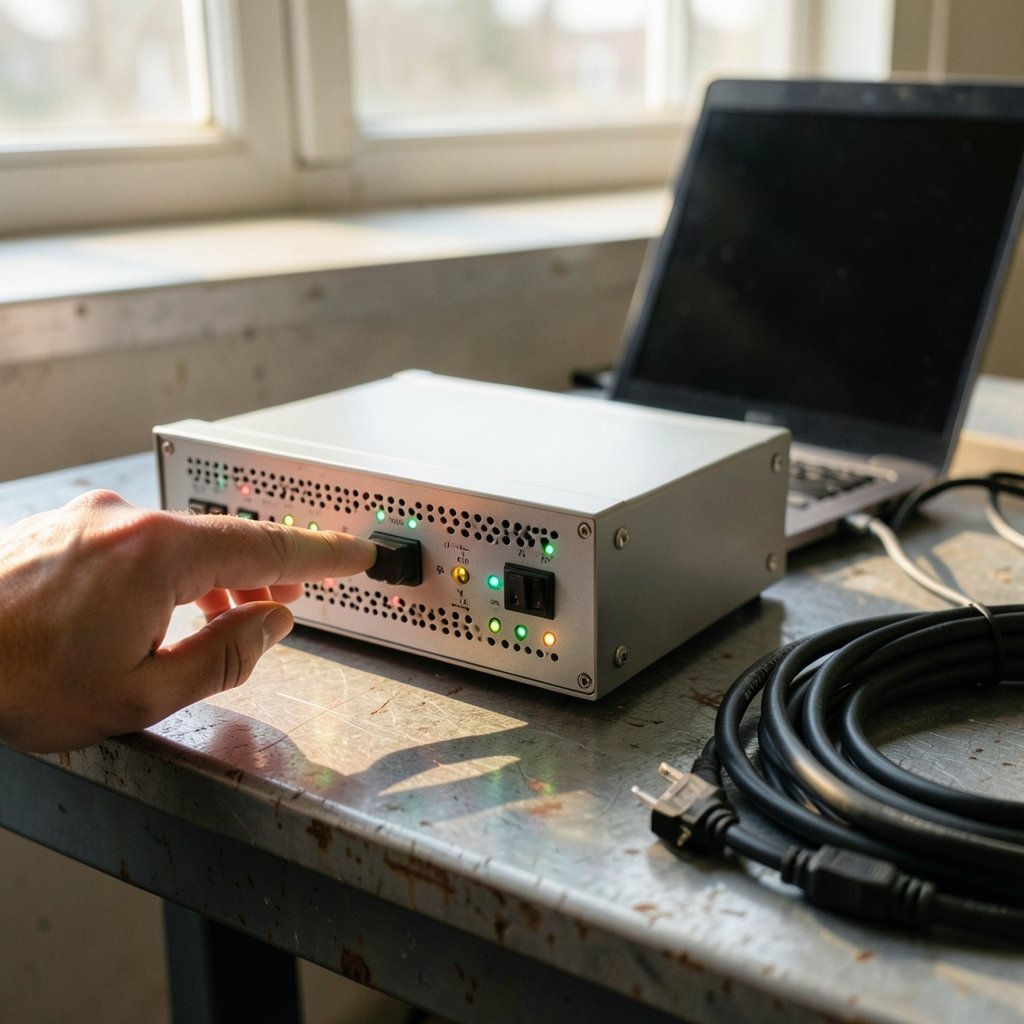
Many DLP platforms run policies in a test or simulation mode before enforcement. This is a sensible rollout practice, but it creates a classic silent failure: the policy is technically active, matches are being recorded, and yet no block or alert reaches the user or the security team.
When investigating, check three things in the admin console:
- Policy state. Is the rule in test, audit, or enforce mode?
- Rule conditions. A rule needs both a sensitive information type and a matching condition. A rule with a template but no condition can sit there doing nothing.
- Policy scope. Is the rule scoped to all users and locations, or just a pilot group that excludes the affected department?
Microsoft publishes detailed guidance on policy configuration and activity review in its Microsoft Purview documentation, which is worth checking against your own setup. The activity explorer and audit log are often the fastest way to prove whether a match happened at all.
Encrypted Traffic and the Inspection Blind Spot
Here is a scenario that trips up even experienced teams. Network DLP depends on seeing payloads. If TLS inspection is disabled for a category, an application, or a whole destination, the DLP engine sees only encrypted streams. It cannot match a credit card pattern inside a stream of ciphertext.
Common causes of this gap include:
- TLS bypass lists that exclude high-traffic SaaS apps for performance reasons
- Certificate pinning in mobile apps that breaks inspection
- Guest or IoT network segments that route around the inspection appliance
- Direct-to-internet paths from branch offices that skip the central proxy
Practical tip: test with a known file containing a dummy sensitive pattern and send it through each egress path your organization uses. If the alert fires on one path and not another, you have found your blind spot without guessing.
When Logs Make Incidents Vanish
Sometimes the alert did fire. It just is not there anymore. Retention settings on incident logs, audit records, and SIEM ingestion can age out evidence faster than investigators look for it. A DLP incident from three weeks ago may simply have expired.
Two habits prevent this:
- Confirm the retention window on DLP incident storage and audit logs, and compare it to your investigation timeline.
- Forward DLP events to a central log platform so a vendor-side retention limit does not erase your only record.
This matters beyond DLP. Understanding what a data breach involves and what to do about it becomes much harder when the logs that would prove or disprove exfiltration have already rolled off.
False Positives and False Negatives Need Opposite Fixes
Troubleshooting goes sideways when teams treat every problem the same way. A flood of noisy alerts and a total absence of alerts are opposite failures with opposite remedies.
| Symptom | Likely cause | Fix direction |
|---|---|---|
| Too many alerts on harmless files | Loose pattern matching, no fingerprinting | Tighten thresholds, add exact data matching, whitelist approved senders |
| No alerts on real sensitive data | Coverage gap, policy mode, inspection bypass | Fix sensor coverage and scope, verify enforcement |
| Alerts on some users but not others | Scope or group membership error | Audit policy assignment and directory sync |
| Alerts stop after an upgrade | Agent or connector change | Review change log, re-verify policy binding |
For false positives, the fix is detection tuning: exact data match fingerprints, document fingerprints, keyword proximity, and confidence thresholds. For false negatives, the fix is coverage: connectors, agents, inspection rules, and policy scope. Mixing the two wastes weeks.
Encrypted archives and password-protected files deserve a special mention. Many DLP engines cannot inspect inside them, so a ZIP file full of records can sail through untouched. If your organization exchanges encrypted archives regularly, decide deliberately whether to block uninspectable files or accept the risk.
Change Management: The Quiet Culprit
A striking number of DLP incidents trace back to a change nobody flagged as security-relevant. An agent upgrade altered which channels were monitored. A connector was reconfigured during a migration. A policy was cloned and the original disabled.
Practical steps that actually work:
- Keep a change log specifically for DLP policy, agent, and connector changes, separate from general IT changes.
- After every upgrade, run a small set of canary tests with dummy sensitive data across email, endpoint, and web channels.
- Review policy diffs before deployment, not after an incident.
- Assign one owner per policy so changes have accountability.
This discipline echoes broader data governance practice. Teams already thinking about how AI is used for data analysis should extend the same rigor to the systems that classify and protect that data, because AI-assisted classification is only as reliable as the policies feeding it.
Cloud DLP Has Its Own Rules
Cloud platforms add a layer of complexity because the DLP engine lives inside the platform, not on your network. Troubleshooting cloud DLP usually means checking:
- Whether the policy applies to the right workloads, such as mail, file sharing, or chat
- Whether sensitivity labels are published and applied to the content
- Whether the user account or group is licensed for the feature
- Whether third-party connectors are authorized to scan the data
A frequent oversight is assuming that a label applied on an endpoint automatically protects the file once it lands in the cloud. Label propagation depends on client support and configuration. If a file arrives unlabeled, the cloud DLP policy may have nothing to match against.
Insider Risk and the Limits of DLP
DLP catches patterns. It struggles with intent. A user who prints one page a day for a month may never trip a threshold, even though the cumulative behavior is suspicious. This is why DLP troubleshooting increasingly overlaps with insider risk programs that correlate DLP events with HR signals, access anomalies, and departure dates.
The same logic applies to third-party exposure. High-profile incidents such as the EY breach affecting Goldman Sachs and Man Group data show that sensitive data often leaves through vendor relationships rather than direct exfiltration. DLP policies that only watch employees miss that entire channel. (NIST Cybersecurity Framework)
Building a Troubleshooting Runbook That Works
The teams that resolve DLP problems fastest follow a repeatable sequence rather than chasing symptoms. A workable runbook looks like this:
- Confirm the event. Check the source system, the file, the user, and the timestamp.
- Identify the expected sensor. Endpoint, network, cloud, or proxy.
- Verify sensor health. Agent version, connectivity, last check-in time.
- Check policy state and scope. Mode, conditions, assignment, licensing.
- Check inspection. TLS coverage, encrypted archives, bypass lists.
- Check logs. Retention, forwarding, SIEM ingestion.
- Reproduce with a canary. Send dummy sensitive data through the same path.
- Document and tune. Record the root cause and update the runbook.
Step seven is the one teams skip most often, and it is the one that saves the most time. A controlled test tells you definitively whether the gap is in detection, coverage, or visibility.
Where DLP Fits in the Bigger Picture
DLP does not operate in isolation. It sits alongside encryption, access control, and monitoring, and its effectiveness depends on the infrastructure underneath. Organizations running large-scale AI data centers face the same questions at greater scale, where data moves between systems faster than manual review can follow. Environmental and operational pressures, including the backlash over Google’s data center plans in India, also shape how and where sensitive data is stored and protected. (Data loss prevention software)
The practical takeaway is that DLP troubleshooting is really data flow troubleshooting. If you cannot trace where data goes, you cannot protect it, and no policy will compensate for that gap.
Conclusion
Data loss prevention troubleshooting is less about exotic bugs and more about disciplined verification. Most silent DLP failures trace back to a handful of causes: a policy stuck in test mode, a sensor that never saw the traffic, an inspection bypass, a scope error, or a log that aged out before anyone looked.
The fix is a runbook, not a rewrite. Confirm the event, identify the sensor, verify policy state, check inspection and retention, then reproduce with a canary test. Do that consistently, keep a change log, and treat false positives and false negatives as the opposite problems they are. DLP will never be perfect, but a well-tuned deployment catches the events that matter and tells you clearly when it cannot.
Frequently Asked Questions
Why is my DLP policy not triggering any alerts?
The most common reasons are a policy running in test or audit mode, a rule missing a matching condition, or a scope that excludes the affected users. Check the policy state, conditions, and assignment in the admin console before changing any detection logic.
How do I tell the difference between a false positive and a coverage gap?
A false positive is an alert on data that is not actually sensitive. A coverage gap is sensitive data that produces no alert at all. Tune detection settings such as fingerprints and thresholds for the first, and fix sensor coverage, scope, or inspection for the second.
Why does network DLP miss files sent over HTTPS?
Network DLP can only inspect payloads it can see. If TLS inspection is disabled for an application, category, or network segment, the engine sees only encrypted traffic and cannot match sensitive patterns. Test each egress path with a dummy file to find the bypass.
Do DLP incidents disappear from the console over time?
They can. Incident and audit logs have retention limits, and events older than the configured window may be aged out. Forward DLP events to a central logging platform so investigations are not limited by vendor-side retention.
Why did alerts stop after an agent or connector upgrade?
Upgrades can change which channels are monitored, reset policy bindings, or alter connector permissions. Review the change log, confirm the agent is checking in, and rerun canary tests across email, endpoint, and web channels after every upgrade.
Can DLP inspect password-protected archives?
Usually not. Many engines cannot open encrypted archives, so sensitive files inside them pass through uninspected. Decide deliberately whether to block uninspectable files or accept the risk, and document that decision in your policy set.



