

Quick Answer: Does a vpn hide you from your isp?
Yes. A VPN hides the websites you visit and the contents of your traffic from your internet service provider by encrypting data between your device and the VPN server. Your ISP can still see that you are using a VPN, along with your IP address, timing, and data volume. (Data Security)
It does not make you anonymous. The VPN company can see what your ISP no longer can, and the sites you visit still see your traffic arriving from the VPN server. Anyone comparing a VPN to a proxy should note that a proxy usually skips the encryption entirely.
Before choosing a provider, compare its logging policy, encryption standard, leak protection, server locations, speed, price, and jurisdiction.
A strange thing happens the moment you switch on a VPN. Your internet provider, the company that routes every packet of your traffic, suddenly goes half-blind. It knows you are online. It knows you are sending and receiving data. But the actual destinations, the pages, the searches, the streams, become a blur of encrypted noise. That shift is real, and it is one of the main reasons people pay for VPNs in the first place. It is also widely misunderstood, often oversold, and occasionally flat-out misrepresented by marketing pages promising “total anonymity.”
The truth sits somewhere in the middle, and it is worth pinning down precisely, because the difference between “my ISP can’t see my browsing” and “nobody can see my browsing” is the difference between a useful privacy tool and a false sense of security.
What Your ISP Can Actually See Without a VPN
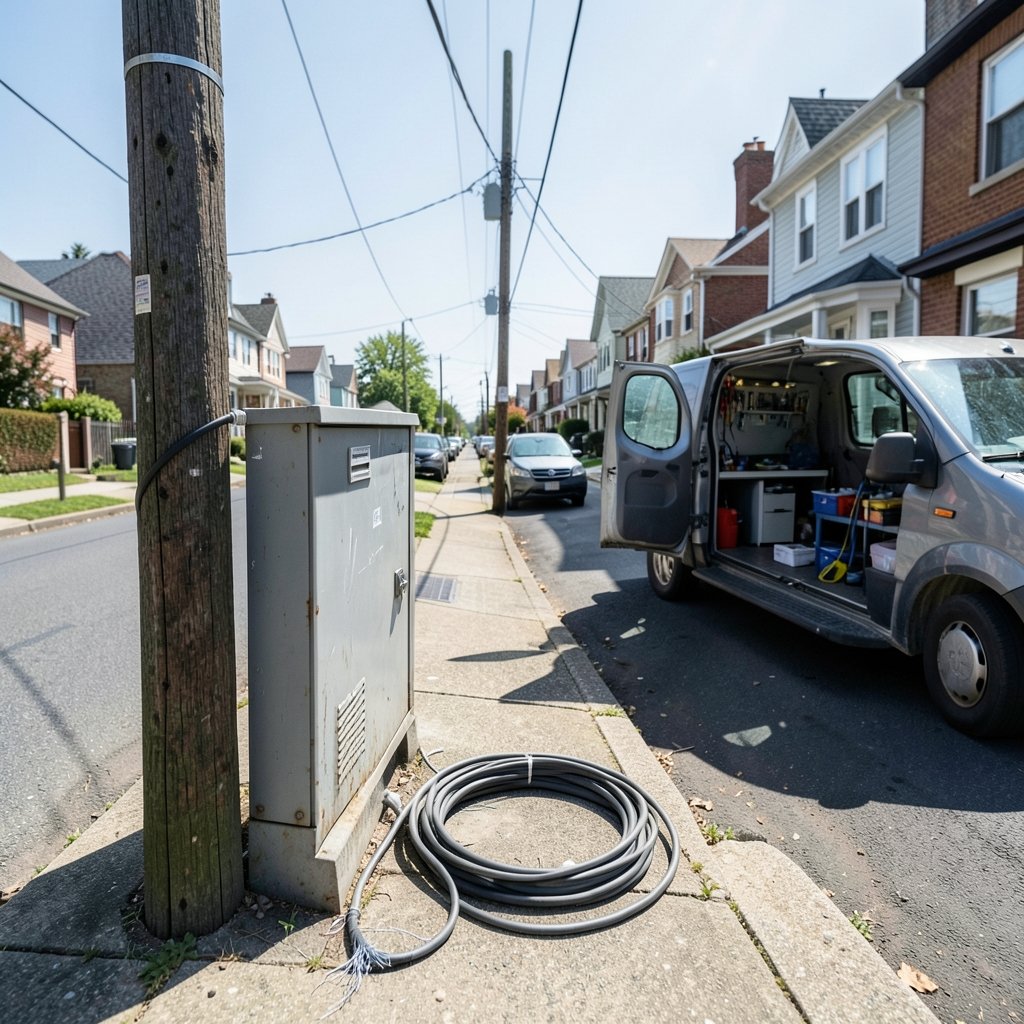
To understand what a VPN changes, it helps to know what your ISP sees by default. When traffic leaves your home unencrypted, your provider sits in the middle of every connection. It can observe which domains you visit, when you visit them, how long you stay, and how much data moves. Even with HTTPS, which encrypts page contents, the domain names and IP addresses remain visible through DNS lookups and connection metadata.
That metadata is valuable. In the United States, Congress voted in 2017 to repeal broadband privacy rules that would have restricted how ISPs could use and sell customer browsing data, a decision documented in the FCC’s official record. The practical result is that in many jurisdictions, browsing history is a commodity that providers may legally monetize, subject to whatever rules currently apply where you live.
This is the gap a VPN is designed to close.
How a VPN Changes What Your ISP Sees
A VPN builds an encrypted tunnel between your device and a server operated by the VPN company. Everything you send travels through that tunnel, wrapped in encryption, before it reaches the open internet. From your ISP’s vantage point, the picture changes dramatically.
| What the ISP observes | Without a VPN | With a VPN |
|---|---|---|
| Websites you visit | Visible via DNS and IP metadata | Hidden inside the encrypted tunnel |
| Page contents | Mostly encrypted by HTTPS | Encrypted twice |
| That you use a VPN | Not applicable | Visible |
| Your public IP address | Visible | Visible, but it is your real one |
| Volume and timing of traffic | Visible | Visible |
| Destination VPN server | Not applicable | Visible |
The technical mechanics are well documented. NIST’s Guide to IPsec VPNs describes how tunneling protocols encrypt and authenticate traffic between endpoints, which is the same core principle consumer VPNs rely on. The encryption is what does the hiding. Your ISP sees a stream of ciphertext flowing to a single server address, and nothing more about where it goes next.
That is the honest version of the claim. A VPN hides what you access. It does not hide that you are using a VPN, and it never hides you from the VPN company itself.
The Part Marketing Pages Skip: Your VPN Provider Sees Everything
VPN privacy involves an uncomfortable trade. The trust does not disappear when you switch on a tunnel. It moves. Your ISP stops watching your destinations, and your VPN provider starts watching them instead. Someone still handles the traffic, and on the provider’s side, the tunnel is decrypted before the data continues to its destination.
What that provider does with the information depends entirely on its logging policy. A provider that keeps no logs has little to hand over and little to leak. A provider that records connection timestamps, IP addresses, and bandwidth usage holds a detailed profile of your online life. The FTC’s consumer guidance on VPNs makes this point plainly: VPNs do not make you anonymous, and the provider’s data practices matter as much as the encryption itself.
In practice, this is where most buyers make their first mistake. They compare providers on price and server count, then skim past the privacy policy, which is the only document that actually answers the question they care about. A cheap VPN with vague logging language is a worse privacy choice than a slightly pricier one with a published, audited no-logs policy. If you are weighing options, a comparison of the best vpn services is a reasonable starting point, but read the policy before the feature list.
Leaks: When the Tunnel Fails Quietly
A VPN only hides what stays inside the tunnel. When traffic escapes, your ISP sees it again, and you may never notice. Three failure modes matter most.
DNS leaks happen when your device sends domain lookups outside the tunnel. Your ISP then sees every site you resolve, even though the page content itself stays encrypted. This is one of the most common real-world failures, and it is invisible without testing.
WebRTC leaks can expose your real IP address through browser features that bypass the tunnel, particularly in video calling tools.
IPv6 leaks occur when a VPN handles IPv4 traffic but your device still routes IPv6 traffic directly, sidestepping the tunnel entirely.
The fix is unglamorous but effective: after connecting, run a DNS leak test and an IP check, then repeat the test after any app update or network change. Reputable providers build leak protection into their clients, but verifying it takes two minutes and catches problems that no marketing page will mention. If you are new to the category, a guide to the best vpn 2025 will usually flag which providers ship kill switches and DNS protection by default.
VPN vs Proxy: A Distinction That Matters Here
People often use “VPN” and “proxy” interchangeably, and that confusion leads directly to broken privacy expectations. A proxy forwards your traffic through another server, but it typically does not encrypt it. Your ISP can still observe the contents of what passes through, and the proxy operator sees everything in the clear.
A VPN encrypts the tunnel, which is precisely the property that blinds your ISP. If the goal is hiding destinations from your provider, a proxy is the wrong tool. The vpn vs proxy comparison lays out the differences in detail, but the short version is this: encryption is the whole point, and proxies generally lack it.
What a VPN Does Not Hide
Honesty about limits is what separates useful privacy advice from hype. A VPN does not hide the following.
The fact that you use a VPN. Your ISP sees encrypted traffic flowing to a known VPN endpoint. In some regions, that alone draws attention.
Your identity from the VPN provider. If the provider keeps logs, or is compelled to, your activity is knowable.
Your activity from websites. Sites see the VPN server’s IP address, and cookies, logins, and browser fingerprints still identify you.
You from legal obligations. A VPN changes what your ISP can observe, not what the law requires of you.
The CISA guidance on using VPNs securely frames VPNs primarily as a confidentiality tool for remote access, which is a useful corrective to consumer marketing. VPNs protect traffic in transit. They are not invisibility cloaks.
Practical Habits That Actually Work
First-hand experience in privacy setups points to a handful of habits that deliver more real protection than any single product feature.
- Choose on policy, not speed claims. A published no-logs policy with third-party audits beats a flashy server count every time.
- Test for leaks after every change. New router, new app version, new network: test again.
- Enable the kill switch. If the tunnel drops, traffic should stop rather than fall back to your unprotected connection.
- Use HTTPS everywhere. The padlock protects page contents even when the tunnel fails.
- Separate identities. A VPN paired with logged-out browsing and a privacy-respecting browser does far more than a VPN alone.
The most common mistake is treating a VPN as a complete solution and then browsing exactly as before. The second most common is buying a free service without asking how it funds itself. Free providers have to make money somehow, and the best free vpn options are the ones transparent about their limits. For anyone in a specific region, checking best vpn for australia style local guides helps, since server proximity affects both speed and legal context.
Does a VPN Hide You From Your ISP in Every Case?
No, and the exceptions are worth knowing. If the tunnel leaks through DNS or IPv6, your ISP regains partial visibility. If the VPN connection drops without a kill switch, traffic reverts to the open connection. If you log into accounts while connected, the destination sites know exactly who you are regardless of the tunnel.
There is also a legal dimension. Rules on what ISPs may collect and sell vary by country, and they change. The 2017 US repeal mentioned earlier is one example; other jurisdictions have moved in different directions. A VPN reduces what your provider can observe in practice, but it does not rewrite the rules governing what providers may do. For a broader look at how providers compare on these points, the best vpn services 2025 roundup covers current logging policies and audit status.
Conclusion
A VPN genuinely hides your browsing destinations from your ISP. That is not marketing fluff; it is the direct result of encryption, and it is the reason the tool exists. What a VPN does not do is make you anonymous. Your provider still sees that a tunnel exists, your VPN company takes over the role of observer, and the sites you visit still know who is knocking.
The practical takeaway is refreshingly simple. Pick a provider with a clear, audited no-logs policy. Verify that leaks are plugged. Keep the kill switch on. Use HTTPS. And treat the VPN as one layer in a stack, not a magic curtain. People who understand exactly what their ISP can and cannot see tend to make better choices than people who were promised everything.
Frequently Asked Questions
Can my ISP tell I am using a VPN?
Yes. Your provider sees encrypted traffic flowing to a known VPN server address, along with the timing and volume of that traffic. It cannot see the destinations inside the tunnel, but the tunnel itself is visible.
Does a VPN hide my IP address from my ISP?
Your ISP already knows your real IP address because it assigns it. A VPN hides your IP from the websites you visit, which see the VPN server’s address instead. The distinction matters: the ISP knows who you are, just not where you go.
Is a VPN enough to stay anonymous online?
No. A VPN shifts trust from your ISP to your VPN provider and does not hide you from websites, advertisers, or browser fingerprinting. Anonymity requires combining a VPN with logged-out browsing, a privacy-focused browser, and careful habits.
What happens if my VPN connection drops?
Without a kill switch, your device falls back to the unprotected connection and your ISP regains full visibility. With a kill switch enabled, traffic stops until the tunnel is restored, which is the safer default.
Do free VPNs hide me from my ISP as well as paid ones?
The encryption works the same way in principle, but free providers often have weaker leak protection, fewer servers, and less transparent business models. The hiding may work; the trust question is where free services usually fall short.
Can my employer or school see my traffic if I use a VPN?
If you are on their network, they control the connection and may block VPN traffic entirely. On your own connection, a VPN hides destinations from the network operator, but devices managed by an employer can still monitor activity through software installed on them. (Virtual private network)



