The right choice depends on what you need most: reliable streaming, stronger privacy, or a low-cost way to cover your devices. Your internet habits, budget, and devices can all shape that choice. This roundup uses 2026 ratings and plan details, despite the title year. Those details do not describe 2025 plans or testing.
Some readers need a free plan for light use; others want an Android app, a larger server network, or better value. A VPN can help with some privacy and access needs, but each provider has different features and limits. Comparing those trade-offs can help you find a service that fits your routine without treating one provider as right for everyone.
Key Takeaways
- Match your choice to streaming, privacy, free access, Android, or value.
- Ratings and plan details in this article describe 2026 information.
- Compare service limits as well as headline features.
- A VPN protects some parts of a connection, not all online activity.
- Check device support and renewal terms before paying.
Start by deciding which one of those priorities matters most to you.
What can a VPN protect, and what can’t it?
A VPN encrypts the connection between your device and its server, but it does not make everything you do online invisible. An encrypted tunnel is an encrypted connection that carries data between your device and a VPN server. It can help protect traffic on public Wi-Fi, where other people on the same network might try to inspect it.
A VPN masks your IP address from destination services, but the provider handles traffic leaving its server. The provider becomes another party you must trust with your connection. The Electronic Frontier Foundation explains these limits in its VPN privacy guide.

- It encrypts traffic between your device and the VPN server.
- It masks the visible IP address that destination services receive.
- It does not stop phishing by itself or make a malicious link safe.
- It does not hide activity from every account or website you use.
- It does not make illegal activity lawful.
A VPN can reduce what people on a local network see, but it cannot make you fully anonymous.
Websites may still connect your activity to an account you sign into. Your browser, apps, and online habits can also reveal details about you. HTTPS protects much web traffic even without a VPN, though it does not replace every reason to use one.
Keep a separate security tool for threats such as phishing, since an encrypted connection does not make a malicious link safe.
Which VPN features matter most before you subscribe?
Compare privacy safeguards first, then check whether the service can keep up with your usual connection and devices. A clear no-logs policy explains what a provider collects, why it collects it, and how long it keeps it. Independent audits offer useful evidence, not a guarantee that every claim will always hold.
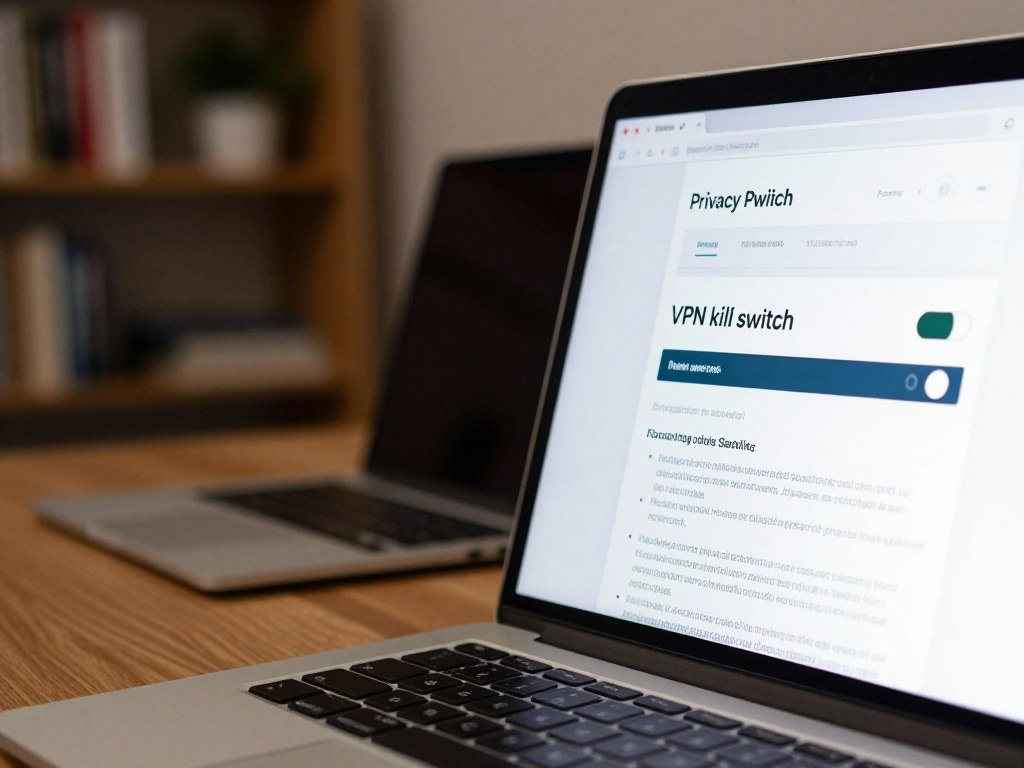
Privacy evidence and connection safeguards
Look for an independent audit that names its scope and date. Read the privacy policy for details about account, payment, and connection records. A kill switch blocks internet traffic if the VPN connection drops, which can prevent traffic from switching to an unprotected route.
Leak protection helps guard against your real IP address or DNS requests escaping the VPN connection. OpenVPN and WireGuard are established VPN protocol names. A service may offer both, but the best choice depends on its app and your needs.
Speed, locations, and device limits
A large server network can give you more location choices, though the number alone does not prove good performance. Nearby servers often offer a better starting point for speed than distant ones. Streaming may depend on whether the service can reach the country or platform you need.
Check the number of simultaneous connections, meaning devices connected at the same time. Split tunneling routes selected apps or traffic outside the VPN connection, which can help when one app needs your normal route.
- Read the logging policy and check the scope of any audit.
- Confirm the app has a kill switch.
- Look for IP and DNS leak protection.
- Test performance on a nearby server.
- Check the device limit against your household’s needs.
Confirm the device limit before subscribing if several people will share the account.
Which Best VPN Services 2025 Suit Different Needs?
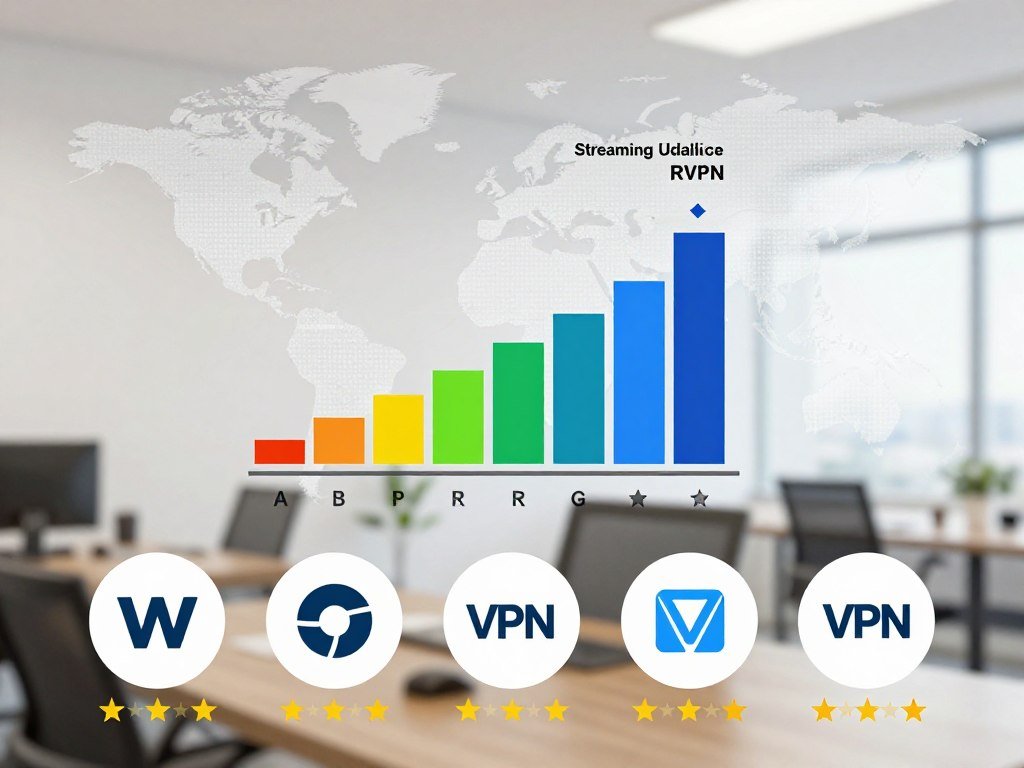
Windscribe led CNET’s 2026 overall ratings, while other picks stand out for streaming, privacy, features, or value. The best VPN for you depends on the job you need it to do, not only its score. These ratings are 2026 results, not tests or plans from 2025.
| Provider | 2026 CNET score | Named strength | Reader whose priority matches |
|---|---|---|---|
| Windscribe | 9.2/10 | First overall | Broad all-round comparison |
| Surfshark | 8.6/10 | Innovative features | Feature-focused users |
| NordVPN | 8.4/10 | Bundling with other services | Users wanting extras |
| Mullvad | 8.2/10 | Privacy | Privacy-first users |
| ExpressVPN | 8.0/10 | Streaming and fastest tested | Streamers |
CNET named Proton VPN its best value in 2026, with an 8.0/10 score. The ratings offer a quick way to compare services, but each result reflects a specific set of tests and needs. A high score does not mean every app, server, or plan fits your situation.
For a top 10, consider this non-ranked list: Windscribe, Surfshark, NordVPN, Mullvad, ExpressVPN, Proton VPN, Private Internet Access, IPVanish, hide.me, and Hotspot Shield. These VPN services offer different combinations of servers, features, and privacy tools.
Not every candidate fits every use. A service that suits streaming may not be your first choice for low-information signup, while a free plan may limit device access or server locations. Use the shortlist to identify a few providers whose strengths match your priorities.
Treat the shortlist as a starting point and choose by the task you need the service to handle.
Is NordVPN the right all-purpose choice?
NordVPN suits people who want a broad security package, but its privacy evidence and subscription terms deserve separate checks. Its no-logs policy has been verified by PwC and Deloitte, and the most recent audit mentioned was in 2023. That policy does not mean NordVPN keeps no customer information at all.
NordVPN temporarily retains connection timestamps for 15 minutes after a session. That is connection metadata, not the same thing as a record of browsing activity. The difference matters if you are deciding how much temporary information you are comfortable leaving with a provider.
For a fuller look at its audit history, Tom’s Guide reports on a later assessment commissioned in 2025 and conducted by Deloitte Lithuania. The report on NordVPN’s audit describes its timing and scope.
The app brings security tools into one place, which may suit you if you want more than a basic encrypted connection. Higher tiers add extras, so compare the included tools with what you would use. A larger package is less useful if those added features stay switched off.
NordVPN may be a poor fit if you want a low renewal cost or do not want temporary timestamps retained. Monthly plan renewal can cost much more than introductory long-term pricing. Short introductory offers can make the later bill easy to overlook.
Check the renewal terms and audit date before choosing a long commitment.
When is ExpressVPN the better pick?
ExpressVPN is the clearest match for readers who put streaming access and tested speed first. CNET named it the best VPN for streaming and the fastest VPN it tested in 2026, with an 8.0/10 score. Those test results do not guarantee uninterrupted access to every service or library.

This distinction may matter if you travel and want to reach region-specific libraries. Server locations give you options, while connection speed can affect video quality and loading time. The 2026 result makes ExpressVPN a strong candidate when those two needs lead your list.
A simple app can also make it easier to connect without changing many settings. Broad device support helps if you watch on more than a phone or laptop. Still, support for one device does not mean every platform will work from every country.
Streaming services can block VPN servers, and access may change as services update their systems. A provider’s strong test result describes performance at a point in time, not a promise for every viewing session. Consider what you watch and where you use it before choosing.
Check that the app supports the device you plan to use before committing.
Is Surfshark a good fit for a multi-device household?
Surfshark’s unlimited simultaneous connections make it a natural option for households that need one account across many devices. CNET scored it 8.6/10 in 2026 and named it best for innovative features. Unlimited connections can be useful when phones, computers, and TVs all need protection.
That limit removes the need to choose which family devices connect at a given time. It can also help if you use several devices yourself, such as a laptop, phone, and streaming box. The feature is practical only if the household can use the rest of the service well.
Compare server coverage and streaming reliability for the places and platforms you care about. Also check which features come with the plan you intend to buy. A feature-rich app may suit an experienced user, while a busy settings screen can slow down a beginner.
Connection count alone does not show how easily each person can use the app. If relatives share an account, consider whether everyone can find the basic controls without help. A clear app can matter as much as a long feature list in daily use.
List the devices you expect to connect before deciding whether the feature is useful to you.
Is Proton VPN worth paying for?
Proton VPN is worth considering as a paid service if you want privacy tools alongside a full-featured VPN app. Its apps are open-source and independently audited, allowing outside review of their code and security. Those checks provide evidence, not a promise of anonymity.
Secure Core sends traffic through multiple servers, adding a privacy layer beyond ordinary VPN routing through one server. This multi-hop approach can make the route harder to trace from one point alone. It can also add distance and processing, which may reduce speed.
CNET named Proton VPN best value in 2026, with a score of 8.0/10. That title can make it worth comparing if you want privacy features without paying for tools you do not need. The right plan still depends on how often you connect and which options matter in your routine.
Paid access may make sense when you want broader use and extra privacy tools in one service. It does not change the basic limit that a VPN provider handles traffic as it leaves its server. Your accounts and online behavior can still identify you to sites you use.
Choose Secure Core only when its added routing is worth the possible speed trade-off for your use.
Is Mullvad the strongest option for privacy-first users?
Mullvad is a strong fit for privacy-first users who prefer an account number over an email-based login. The random account number replaces an email address during signup, reducing one identifying detail tied to the account. CNET named it best for privacy in 2026 and scored it 8.2/10.
Mullvad accepts cash and cryptocurrency as payment options. Its flat rate was listed at 5 euros, about $6, per month in 2026. That pricing avoids a long introductory rate followed by a higher renewal, though it may not fit every budget.
External reviews can help you assess how a provider handles privacy claims and app features. EXPERTE.com’s Mullvad review describes its account-number signup and payment choices. An external review adds context, but it cannot settle whether the service meets your own needs.
Using fewer account details does not make you fully anonymous. Websites can still identify you through accounts you sign into, and a VPN provider may hold some customer information. The account approach is one part of a privacy choice, not a shield from every kind of tracking.
Decide whether its low-information signup matters more to you than extra app features.
What makes Windscribe stand out?
Windscribe combines a broad server spread with a built-in blocker and unlimited device connections. It operates servers in 60 countries and 110 cities, giving you a wide range of locations. Its R.O.B.E.R.T. feature blocks ads, trackers, and malware.
Those features address different needs. The server network gives you location choices, while the blocker filters some unwanted content and threats. Unlimited connections can also suit a household that uses several phones, computers, and TVs.
Windscribe has both free and paid plans, but the two are not interchangeable. The free plan has its own limits, which can shape whether it suits streaming, large downloads, or regular use. Check the plan details rather than assuming every paid feature comes with free access.
A broad server list is useful only when the locations you need are available and perform well. Likewise, a blocker matters most if you want it and know how to manage its settings. Think about how each feature would fit into your normal internet use.
Check which of those features you would actually use before choosing a plan.
Which free VPNs are worth considering?
Proton VPN is the strongest free starting point for unlimited data, while Windscribe and other free plans suit different needs. Proton VPN ranked first among 150 free VPNs tested in 2026, with a 6.3/10 rating. Free plans differ in data, locations, streaming, and account limits.
| Provider | Free data allowance | Server locations or countries | Notable limit or feature |
|---|---|---|---|
| Proton VPN | Unlimited | 10 locations | One connection, no torrenting |
| Windscribe | 10GB per month | 10 countries | Unlimited simultaneous connections |
| hide.me | Unlimited | 7 locations | Torrenting support |
| TunnelBear | 2GB per month | 47 locations | Unlimited simultaneous connections |
| PrivadoVPN | 10GB per month | 13 locations | One connection |
Proton VPN’s free plan offers 2,000 servers across 10 countries, one simultaneous connection, and unlimited data. That server count is different from the table’s 10-location listing. The plan worked with Netflix US, Disney+, and Crunchyroll in October 2026 tests, but not other Netflix regions, Prime Video, or Hulu.
Proton VPN’s free plan does not allow torrenting. Windscribe’s free plan unblocked five Netflix regions in 2026 tests, but not US Netflix. Its 10GB monthly allowance may suit lighter use better than long video sessions.
Hotspot Shield’s free plan offers unlimited data, servers in five locations, no signup requirement, and torrenting support. It also shows ads and logs some anonymized usage. Speedify’s free plan has a 2GB monthly limit, servers in 37 locations, and no signup requirement.
- Check the monthly data cap against your usual use.
- Compare available server locations with the places you need.
- Test whether your streaming platforms work with the free plan.
- Read the rules for torrenting and file sharing.
- Check signup, advertising, and privacy requirements.
A free VPN can suit light use, but a small allowance can run out quickly during video streaming. Privacy policies matter just as much on a free plan as on a paid one. A service may fund free access through ads or other limits, so learn how it handles your data.
Avoid entering sensitive information through a free service until you have checked its privacy policy and limits.
Which VPNs perform well on Android?
Proton VPN is a strong free Android pick, while NordVPN and Surfshark lead different Android categories. Security.org ranked NordVPN first for privacy features, Surfshark second for app performance, and Proton VPN third as the best free Android VPN. Measured speed depends on the phone, network, and test setup.
Security.org used an Android 11 phone on a 250 Mbps fiber-optic network and averaged five tests per VPN. The results below describe that setup, not a promise of the same speed on every phone or network.
| Provider | Average download speed | Android distinction | Test condition |
|---|---|---|---|
| NordVPN | 219 Mbps | First for privacy features | Android 11, 250 Mbps fiber |
| Surfshark | 216 Mbps | Second for app performance | Android 11, 250 Mbps fiber |
| Proton VPN | 213 Mbps | Third, best free Android VPN | Android 11, 250 Mbps fiber |
| IPVanish | 229 Mbps | Speed result | Android 11, 250 Mbps fiber |
| Private Internet Access | 223 Mbps | Speed result | Android 11, 250 Mbps fiber |
ExpressVPN averaged 214 Mbps in the same setup. A high result can help you compare services, but it may not predict performance on a crowded Wi-Fi network or older phone. The fastest test result and the easiest app are different measures.
PCMag named Proton VPN its best overall Android VPN in 2026 and gave it a 5.0, its top rating category. PCMag named NordVPN its fastest Android VPN with a 4.5 rating. It named Surfshark best for unlimited simultaneous connections, also with a 4.5 rating.
These distinctions may help you narrow your choices. A free plan can matter if you want to test an app without paying, while privacy features may be more important than speed for another user. Consider the tools you will use every day, not only the award name.
Compare the app features you need with your own phone and network, not just the speed ranking.
What should PC users check before choosing a VPN?
PC users should start by confirming operating-system support and checking that the desktop app includes a working kill switch. The best VPN services 2025 for PC depend on your operating system and safeguards. A desktop app, kill switch, and tested connection performance are core checks.
Windows and macOS app essentials
Check that the app supports your version of Windows or macOS. A kill switch should stop internet traffic if the VPN connection drops. Startup behavior also matters: you may want the app to open when your computer starts.
Look for leak protection and split tunneling where available. Split tunneling can route selected apps outside the VPN, which may help with local services. OpenVPN and WireGuard are common protocols, but app options and settings vary by operating system.
Linux, routers, and streaming devices
Linux support can mean a full app, command-line setup, or a router configuration. Check what the provider offers for your specific system before relying on it. Router support can cover more devices, but setup may take more work than installing an app.
Private Internet Access offers apps for Windows, macOS, and Linux, along with browser and streaming-device options. That makes it one desktop candidate, not an automatic fit for every device. Check whether the exact platform and features you need are available.
A streaming device may need a different setup than a laptop. Some users install the VPN app directly, while others configure a compatible router. Install the VPN on the device you use most before extending it to a router or other hardware.
Which VPN is best for Netflix and travel?
ExpressVPN is the strongest streaming pick in the 2026 ratings, but a VPN cannot guarantee that every Netflix server will work. CNET named it best for streaming and fastest tested, with an 8.0/10 score. A platform can block VPN servers even when the service performed well in tests.
Streaming access and server changes
A server that worked yesterday may trigger a streaming error today. If Netflix shows an error with NordVPN, trying another server in the same country may help. Frequently switching regions on one Netflix profile can lock the visible region.
Use a few simple checks before changing your account settings or repeatedly moving between countries:
- Reconnect to a server in the same country.
- Avoid repeated region changes on one Netflix profile.
- Confirm the selected country in the VPN app.
- Retry the Netflix app after reconnecting.
What changes when you travel in the EU
EU travel can affect the catalog you see. Setting a location outside the EU may lead Netflix to show duplicate content as if you were in your home country. That effect can last for a limited time.
Regional access can depend on the streaming service, server, and location you select. A result from one country does not guarantee the same access elsewhere. Travel plans may also put you on hotel or public Wi-Fi, where connection quality can change.
If the content region changes unexpectedly while you are in the EU, check whether the home-country catalog is being shown temporarily.
Can a VPN make you anonymous or stop government access?
A VPN can reduce what some observers see, but it cannot promise anonymity or prevent every form of government access. The VPN provider handles your connection and may retain billing information. US VPN use is legal, but it does not make unlawful conduct legal.
What a VPN provider can still know
A VPN can hide traffic from some local observers, such as people sharing a public network. The provider still handles traffic as it leaves its server. It may also keep records needed to manage an account or process payment.
- Account details, such as an email address or account name.
- Billing records linked to a payment method.
- Connection data, including limited technical records.
- Device or account activity held by services you use.
No VPN can promise that every record disappears. Investigators may also seek information from websites, payment services, or other parties. A privacy choice should account for those other records, not only the VPN connection.
Section 702 and government access
The 2024 Reforming Intelligence and Securing America Act made modest reforms to Section 702 backdoor searches. It did not end warrantless government access to Americans’ private communications. In March 2026, the FISA Court found that filtering tools used to query Americans’ information remained an issue across the intelligence community.
Significant FISA Court opinions under Section 702 must be declassified and released publicly within 180 days, with necessary redactions. The deadline for releasing the March 2026 opinion passed in September 2026 without public release. These rules concern government access, not a promise that a VPN can block it.
Treat a VPN as one privacy measure, not a way to prevent every kind of government access.
For broader guidance on VPN privacy and provider records, the Electronic Frontier Foundation’s guide explains what a VPN can and cannot protect.
Treat a VPN as one privacy measure, not a substitute for lawful conduct or careful account security.
How much do VPN services cost, and which plan makes sense?
Long-term introductory prices can look much lower than monthly plans, so compare the amount billed and the renewal price. VPN plans commonly range from about $3 to $15 per month, depending on contract length and bundled features. The first advertised monthly figure may not be the later renewal rate.
| Provider | Monthly plan | Introductory long-term option | Renewal or term detail |
|---|---|---|---|
| Windscribe | $9 monthly | $69 annually, or Build a Plan from $3 monthly | Build a Plan conditions apply |
| Surfshark | $19 monthly | $45 first year, or $67 first two years | Then $79 annually |
| NordVPN | $15 monthly | $66 first year, or $94 first 27 months | Then $139 annually |
| ExpressVPN | $15 monthly | $75 first year, or $84 first two years | Then $100 annually after first-year option |
| Proton VPN | Not listed | $2.99 per month for two years | Two-year term |
Compare the total charge with the monthly rate shown in an offer. A two-year plan may lower the cost per month, but it asks you to pay for a longer term. The monthly plan can cost more while giving you a shorter commitment.
- Check the total billed upfront.
- Read the renewal rate and when it starts.
- Confirm the contract length.
- Review refund terms and any money-back guarantee.
Prices can be easier to compare when you calculate the full term rather than looking only at a monthly equivalent. A low introductory rate may lead to a much higher renewal bill. The checkout page should make the amount and term clear.
Read the checkout total and renewal terms before you confirm a subscription.
Conclusion
The best fit is the service that handles your main task while meeting your privacy and budget requirements. Choose based on the way you use your devices, whether that means streaming, account privacy, or broad household coverage.
A free plan can help you test whether an app and its locations suit you, but it is a limited trial, not a universal replacement for paid service. Free access can come with caps on data, servers, or features.
Shortlist two providers, then compare device support, renewal terms, and each privacy policy before paying. For selected product updates, reviews, and checked deals by email, you can sign up for the newsletter.
Before subscribing, compare two finalists against your own device and usage checklist.
FAQ
Why avoid NordVPN?
NordVPN may not suit you if you want the lowest renewal cost or do not want temporary connection timestamps retained for 15 minutes. Its monthly renewal can be much higher than introductory long-term pricing. The policy has been verified by PwC and Deloitte, which is useful evidence, but the most recent audit mentioned was in 2023.
Can the FBI see through VPNs?
A VPN does not make you invisible to the FBI or other investigators. They may obtain information from websites, payment services, or other records linked to your activity. A VPN provider may retain billing details or limited connection information. The records a provider holds depend on its policies, account setup, and payment method.
What are the top 10 best VPN services?
A non-ranked shortlist includes Windscribe, Surfshark, NordVPN, Mullvad, ExpressVPN, Proton VPN, Private Internet Access, IPVanish, hide.me, and Hotspot Shield. Windscribe offers broad all-round features, while Surfshark suits households with many devices. ExpressVPN fits streaming needs, Mullvad favors low-information signup, and Proton VPN offers privacy tools and a free plan.
What is the most reputable VPN service?
Proton VPN offers open-source apps and independent audits, making it a strong choice if you value privacy transparency. NordVPN’s no-logs policy has also been verified by PwC and Deloitte, with its most recent mentioned audit in 2023. Reputation alone cannot tell you whether a service fits your devices, budget, or privacy needs.
Is there a downside to using a VPN?
Yes, a VPN can reduce connection speed and add a subscription cost. The provider handles traffic as it leaves its server, so you must consider its privacy policy. Streaming platforms may block some VPN servers, and access can change without warning. A VPN also does not stop phishing or protect every account you use.
Is there a better VPN than NordVPN?
ExpressVPN can be a better fit if streaming and tested speed matter most. Surfshark suits a household that wants unlimited simultaneous connections, while Proton VPN may appeal if you want free access and privacy tools. NordVPN can still suit people seeking a broad security package, so the better choice depends on your main use.
Does Netflix ban NordVPN?
No, a server error does not mean Netflix has imposed a blanket ban on NordVPN. Netflix may block a particular VPN server, and another NordVPN server in the same country may work. Avoid changing regions repeatedly on one profile, since frequent switches can affect the region Netflix shows.
What are the top 3 best free VPNs?
Proton VPN, Windscribe, and hide.me are three free options with different strengths. Proton VPN offers unlimited data, while Windscribe unblocked five Netflix regions in 2026 tests but not US Netflix. hide.me offers unlimited data and torrenting support. Compare server locations, account limits, and privacy terms before choosing.



