

Quick Answer: What is split tunneling on a vpn?
Split tunneling is a VPN setting that sends only some of a device’s internet traffic through the encrypted tunnel while the rest travels directly over the normal connection. You can usually switch it on inside a VPN app’s settings, by choosing specific apps or websites to route through the tunnel, or by letting a company’s VPN gateway decide which traffic stays private.
It is different from a full tunnel, which pushes every bit of traffic through the VPN, and from a proxy, which redirects traffic for a single app rather than the whole device. Before enabling it, check which apps and addresses you are excluding, how much privacy you are willing to trade, whether your device and operating system support the feature, and whether your employer’s security policy allows it at all.
Roughly half of companies that run remote-access VPNs let at least some staff use split tunneling, according to surveys of IT administrators cited in NIST’s guide to IPsec VPNs. That number says something important: this is not a fringe setting. It is a mainstream networking choice that millions of people toggle on without fully understanding what happens next. The idea itself is simple. Your traffic takes two roads at once. Some of it goes through a private, encrypted tunnel. The rest goes straight out to the open internet, unencrypted by the VPN, using your regular connection. Whether that is clever engineering or a quiet security hole depends entirely on how it is set up.
How split tunneling actually works
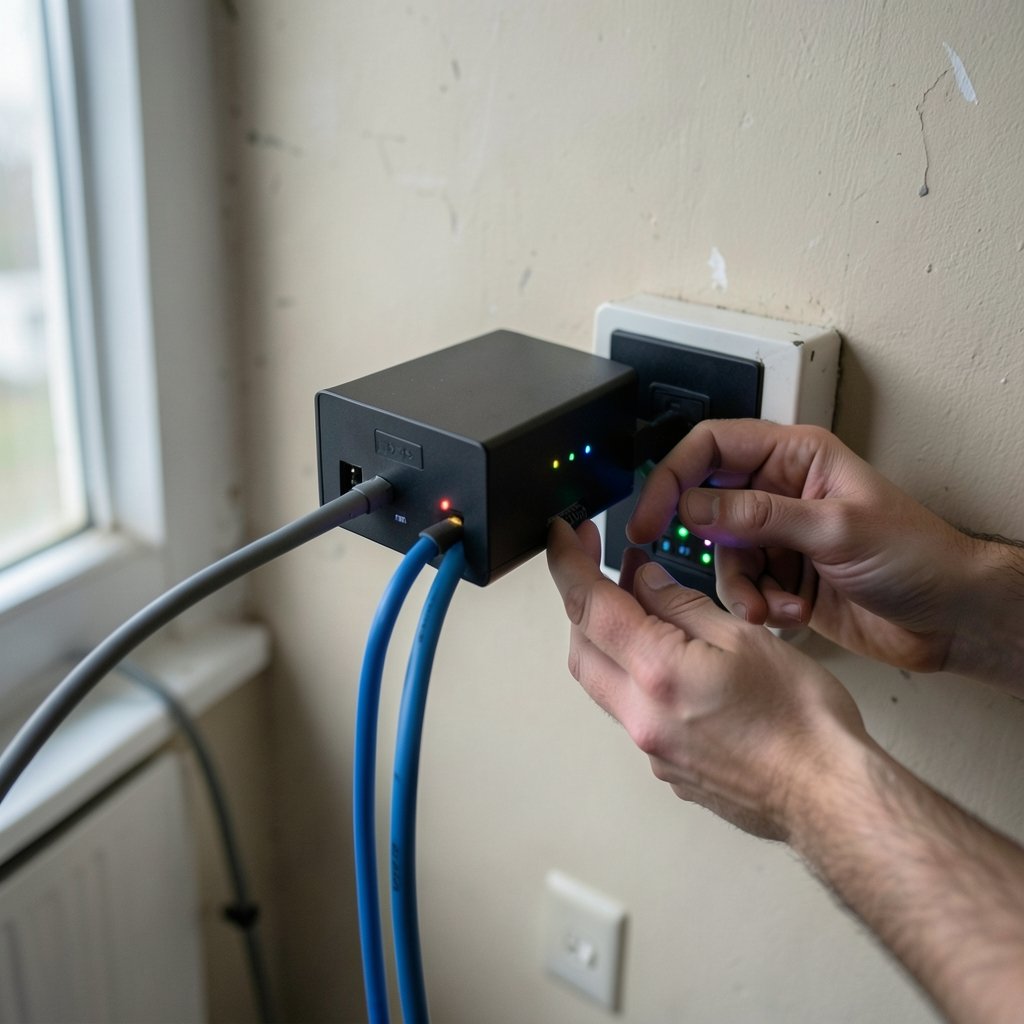
A VPN normally works by changing your device’s routing table so that all outbound traffic points at a virtual network adapter, which encrypts it and forwards it to a VPN server. Split tunneling edits that routing table. Instead of one catch-all rule, the VPN client installs selective rules: traffic to these addresses goes through the tunnel, everything else goes out the normal way.
There are three common ways to draw that line:
- By destination. Only traffic headed to a specific subnet, such as a company’s internal file server, uses the tunnel. This is the classic enterprise setup.
- By application. The VPN client watches which program is sending data and tunnels only the ones you pick. Many consumer VPNs offer this per-app mode.
- By exclusion. Everything is tunneled except a list of addresses, which is useful for keeping a local printer or smart TV reachable.
The mechanics sit in the routing and tunneling standards defined by the IETF’s IPsec architecture, which is where the include/exclude route concept originates. In practice, you rarely touch any of this directly. You flip a switch or tick a checkbox, and the client rewrites the rules for you.
The practical upside: speed, access, and lower costs
The case for split tunneling is mostly about efficiency. When a remote worker’s video call and music streaming run through a corporate VPN, they consume the company’s bandwidth and add latency for no security benefit. Routing only business traffic through the tunnel frees up capacity and keeps calls crisp.
The second big win is local access. Connect to a full-tunnel VPN and your laptop often loses sight of the printer down the hall or the network-attached drive in the next room. Split tunneling keeps those local devices reachable while still protecting the sensitive traffic.
The third is cost. VPN concentrators are expensive, and every gigabyte pushed through them has a price. Organizations that tunnel only what needs protecting can serve more people with the same hardware. If you are weighing general providers, guides like this roundup of the best vpn services usually flag split tunneling as a feature worth checking before you commit.
The risks you are actually taking
Here is the part that deserves a slow read. When you exclude traffic from the tunnel, that traffic is not protected by the VPN. It leaves your device over your local network and your internet provider’s pipes, visible to anyone who can watch that path. Your real IP address is exposed for those connections.
That matters more than it sounds. Imagine you are on hotel Wi-Fi with the corporate VPN connected and split tunneling on. Your work email is encrypted. Your personal browsing is not, and it is riding the same untrusted network. A malicious hotspot sees one protected stream and one open book.
There is a second, subtler problem: the bridge effect. A laptop with one foot in the corporate network and one foot on public Wi-Fi can, in theory, be used to move between them. An attacker who compromises the device could pivot from the unprotected side into the protected one. This is precisely why many security teams ban split tunneling outright, and why CISA’s remote access guidance treats endpoint posture as a core part of VPN design rather than an afterthought.
Split tunneling versus full tunnel versus proxy
It helps to see the three options side by side, because people mix them up constantly.
| Feature | Split tunneling | Full tunnel | Proxy |
|---|---|---|---|
| Traffic covered | Selected apps or addresses | Everything | Usually one app or browser |
| Speed impact | Low to moderate | Often noticeable | Minimal |
| Privacy protection | Partial | Complete | Limited to the proxied app |
| Local device access | Usually preserved | Often blocked | Unaffected |
| Typical user | Remote workers, gamers | Privacy-focused users | Casual geo-unblocking |
A proxy is the lightest option: it reroutes traffic for a single application, often just a browser, and typically encrypts nothing. Full tunneling is the heaviest and safest. Split tunneling sits between them, which is exactly why it suits people who need both convenience and a degree of protection. If the distinction still feels fuzzy, this explanation of vpn vs proxy what is the difference walks through it with concrete examples.
Setting it up without creating a mess
Most consumer VPN apps bury split tunneling in an advanced or settings menu, and the exact steps vary by provider and platform. The general pattern looks like this:
- Open the VPN app and find the settings or preferences area.
- Look for a label such as “split tunneling,” “selective routing,” or “per-app settings.”
- Choose your mode: route selected apps through the VPN, or exclude selected apps from it.
- Add the apps or addresses you want on each side of the line.
- Save, reconnect the VPN, and test that the excluded apps still work and the included ones still show the VPN’s IP address.
Two mistakes show up again and again in practice. The first is forgetting what you excluded. People add a streaming app to bypass a geo-block, then months later wonder why that app shows their real location. Keep a short list of what is on each side. The second is assuming mobile works the same way. Some mobile operating systems restrict per-app tunneling or handle it differently from desktop, so an exclusion that works on a laptop may behave oddly on a phone.
A third, less obvious trap: excluding a domain is not the same as excluding an IP address. Many large sites use dozens of addresses and change them constantly, so a domain-based exclusion can leak traffic you meant to protect. When precision matters, exclusion by app is usually more predictable than exclusion by address.
Who should use it, and who should not
Split tunneling is a good fit for remote workers who need fast access to local devices, gamers and streamers who want low latency on one app while keeping another private, and IT teams trying to stretch limited VPN capacity. It is a poor fit for anyone on public Wi-Fi handling sensitive data, for regulated environments where every packet must be accounted for, and for travelers whose main goal is hiding their location from every service they touch.
If your priority is maximum privacy, a full tunnel with a reputable provider is the simpler answer. Reviews of the best vpn 2025 options tend to rank always-on, full-tunnel protection above convenience features for exactly this reason. If you want to experiment without paying, some of the best free vpn tools include basic split tunneling, though free tiers often limit which apps you can route. (Use Strong Passwords)
For readers in specific regions, feature availability varies more than you might expect. Anyone comparing providers down under will find that guides to the best vpn for australia often note which services support per-app routing on both desktop and mobile.
Common myths worth clearing up
Split tunneling does not automatically make you less secure. It reduces the protection on the traffic you exclude, but the tunneled traffic stays fully encrypted. The risk is proportional to what you leave outside, not to the feature itself.
It is not the same as turning the VPN off. With split tunneling, the tunnel is still up and still protecting the apps you chose. A full disconnect protects nothing at all.
It does not hide your real IP for excluded traffic. If a website is on the outside of the tunnel, it sees the address your internet provider gave you. That is the whole point, and also the whole trade-off.
Conclusion
Split tunneling is a routing decision dressed up as a checkbox. It lets a VPN protect the traffic that matters while leaving the rest to travel normally, which buys speed, local access, and lower costs. The price is partial exposure: whatever sits outside the tunnel is visible to your network and your provider, and a device straddling two networks can become a bridge between them. Used deliberately, with a clear list of what is inside and outside, it is a genuinely useful tool. Used carelessly, it quietly undoes much of what you bought a VPN for. The setting itself is neutral. The judgment you apply to it is not.
Frequently asked questions
Does split tunneling slow down a VPN?
Not usually. In most cases it speeds things up, because less traffic has to pass through the encrypted tunnel and the VPN server. The apps you exclude run at your normal connection speed, while the tunneled apps may still see a small overhead from encryption.
Is split tunneling safe for online banking?
It depends on which side of the tunnel your banking app sits. If you route it through the VPN, it gets the same encryption as everything else in the tunnel. If you exclude it, your bank traffic travels unprotected by the VPN. The safer habit is to keep financial apps inside the tunnel and exclude only low-risk, high-bandwidth services.
Can my employer see my browsing with split tunneling on?
Generally no, for traffic that stays outside the tunnel. Traffic routed through the company VPN passes through company infrastructure and may be logged. Traffic that bypasses the tunnel goes straight to the internet and is not visible to the employer’s VPN, though it may still be visible to your internet provider.
Why does split tunneling sometimes break local devices?
Because routing rules and local network discovery can conflict. When a VPN takes over the routing table, it may stop your device from finding printers or file shares on the local network. Split tunneling usually fixes this by keeping local addresses outside the tunnel, but misconfigured rules can produce the opposite effect.
Do all VPNs offer split tunneling?
No. It is common on desktop apps from major providers but inconsistent on mobile, where some operating systems limit per-app routing. Free tiers frequently restrict it to a small number of apps or omit it entirely, so check the feature list before subscribing.
Is split tunneling allowed on work laptops?
That is a policy question, not a technical one. Many organizations permit it with restrictions, while others prohibit it because of the bridge risk between untrusted and corporate networks. Check with your IT team before enabling it on a managed device.



