
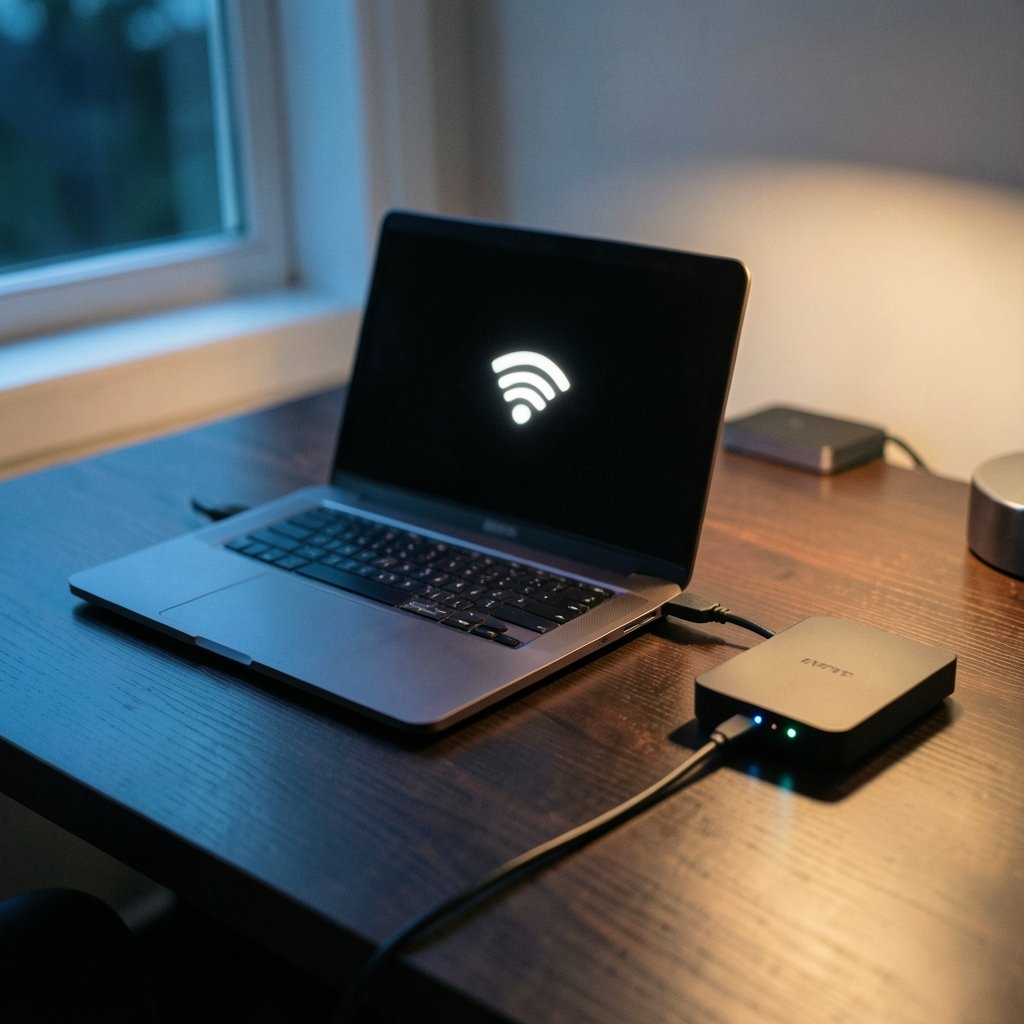
Quick Answer: What is a vpn kill switch?
A VPN kill switch is a safety feature that cuts off your internet access the moment your encrypted VPN tunnel fails, so your real IP address and browsing data never leak onto the open web. You will usually find it as a toggle inside your VPN app’s settings, and on some providers it is switched on by default.
The feature is not the same as a firewall, though it often borrows firewall rules to work. It also differs from split tunneling, which decides which apps use the tunnel rather than whether traffic is blocked entirely.
Before you rely on one, check the default state, the block-all versus drop-only behavior, LAN and split-tunneling exceptions, platform support, and how the app behaves after sleep or a Wi-Fi switch.
Every time a VPN connection drops, there is a brief window where your device is online without protection. A kill switch exists to close that window. Without one, your traffic simply reverts to your normal internet connection, and everything you thought was private travels in the clear.
That gap is not theoretical. Connections drop for mundane reasons all the time: a laptop lid closes, a phone hops from Wi-Fi to cellular, a router reboots, or a VPN server gets overloaded. Each of those moments is a chance for your real IP address to appear in someone’s server logs.
How a kill switch works under the hood
Most kill switches are not magic. They are firewall rules that the VPN client installs on your operating system. When the tunnel is up, traffic is allowed through the encrypted interface. When the tunnel goes down, the rules block everything else until the VPN reconnects or you deliberately turn protection off.
On Windows, that typically means interacting with the built-in filtering platform. On macOS and Linux, it usually means packet filter or iptables rules. Some apps take a different route entirely and bind specific applications to the tunnel interface, so those apps physically cannot send traffic outside it.
The practical difference matters. A firewall-based kill switch protects the whole device. An app-binding approach protects only the programs you have configured, which is more flexible but easier to misconfigure.
Block-all versus drop-only: the distinction that trips people up
Vendors use the same phrase for two different behaviors, and this is where a lot of confusion starts. Some kill switches block all internet traffic whenever the VPN is not connected. Others only engage when an active tunnel unexpectedly collapses.
| Mode | When traffic is blocked | Best for | Trade-off |
|---|---|---|---|
| Always-on (block all) | Any time the VPN is off | Privacy-first users, public Wi-Fi | No internet if the VPN fails to start |
| Drop-only (auto-engage) | Only when a live tunnel drops | Casual users who need uptime | Brief exposure if VPN never connected |
| App-level binding | Only for selected apps | Split workflows, torrenting | Other apps stay unprotected |
Neither mode is universally better. Always-on is stricter and safer, but it will strand you at a hotel captive portal until you disable it. Drop-only is friendlier, but it assumes you remembered to connect in the first place. Reading the fine print before trusting the label is genuinely worth the five minutes.
The leaks a kill switch is designed to stop
A kill switch targets a specific family of failures. The most common is an IP leak during reconnection, where your device briefly routes traffic through your internet service provider instead of the tunnel. The second is a DNS leak, where domain lookups escape to a local resolver even while other traffic is encrypted.
Sleep and wake cycles are a classic trigger. A laptop that suspends for an hour often resumes with a stale tunnel, and the operating system may restore the network before the VPN client notices. Network changes are another: switching from office Wi-Fi to a phone hotspot forces a full renegotiation, and that handshake takes time. (Virtual private network)
Less obvious is the startup problem. If your VPN client launches after your browser, there is a window where the browser is already fetching pages unprotected. Kill switches that load as a system service rather than a user app close that gap; ones that launch with your desktop session may not.
Where the feature fits in a broader privacy setup
A kill switch is one layer, not a complete solution. It does nothing about websites that fingerprint your browser, and it does nothing about accounts that identify you by login. It also cannot help if the VPN provider itself keeps detailed logs.
It is worth understanding how it relates to adjacent tools. A VPN versus a proxy comparison makes the point clearly: a proxy reroutes traffic for specific apps but rarely offers a kill switch at all, because it has no persistent tunnel to protect. That single architectural difference explains why proxies are fine for unblocking a region-locked page and poor for protecting a laptop on airport Wi-Fi.
The feature also pairs naturally with DNS leak protection and IPv6 handling. Some apps block IPv6 entirely rather than tunnel it, which prevents a whole category of leaks that a kill switch alone would miss.
Practical setup tips that actually make a difference
Turning the toggle on is the easy part. These are the habits that separate a kill switch that works from one that gives false confidence.
- Enable it before you need it. Configure the kill switch at home, on a stable connection, not for the first time in a café.
- Test the failure. Connect the VPN, then force a drop by disconnecting your Wi-Fi and reconnecting. Watch whether pages load. If they do, something is misconfigured.
- Check DNS separately. Use a DNS leak testing site while connected and confirm the resolver belongs to your VPN, not your ISP.
- Decide on LAN exceptions deliberately. Allowing local network access is convenient for printers and file shares, but it widens the hole.
- Review after OS updates. Major system updates occasionally reset firewall rules or change how services start. Re-test afterward.
- Know the off switch. Always-on mode will block you at a captive portal. Learn how to pause protection before you are stuck.
A common mistake is assuming the feature is on because the vendor advertises it. Many providers ship it disabled by default, especially on mobile, where aggressive traffic blocking can interfere with calls and push notifications.
Another mistake is conflating the kill switch with the VPN being connected. They are independent states. The kill switch can be active while the VPN is off, which is exactly the point of always-on mode, and it can be inactive while the VPN is on if you never enabled it.
Platform differences worth knowing
Desktop and mobile behave differently enough that the same provider can feel like two products.
On Windows and macOS, kill switches are usually robust because the operating system exposes firewall APIs that apps can program against. Linux support varies widely; some providers offer it only through command-line configuration or specific network managers.
On iOS, the situation is more constrained. Apple’s network extension framework limits what a VPN app can do, so iOS kill switches tend to be narrower in scope than their desktop counterparts. Android sits somewhere in the middle, with always-on VPN and “block connections without VPN” settings built into the operating system itself, independent of any app.
That last point is underrated. Android’s built-in always-on VPN with blocking is arguably a stronger guarantee than many third-party kill switches, because the operating system enforces it rather than the app.
Common myths and what the evidence suggests
The biggest myth is that a kill switch hides your activity. It does not. It prevents unprotected traffic; it does not anonymize the traffic that flows through the tunnel. If your VPN provider logs, the kill switch is irrelevant to that exposure.
A second myth is that a kill switch replaces the need to check for leaks. It reduces one class of failure but does not eliminate misconfiguration, and it cannot detect a server-side logging policy.
A third is that the feature is binary. In practice it is a spectrum: how fast it engages, whether it survives reboots, whether it covers DNS and IPv6, and whether it applies system-wide or per-app. Two providers can both tick the “kill switch” box and deliver very different protection.
For readers comparing hardware and services more broadly, the same principle applies elsewhere in tech: marketing labels compress a lot of nuance. The Switch 2 versus Steam Deck debate is a good parallel, since both devices get described in shorthand that hides real differences in specs and use cases. (Use Strong Passwords)
When a kill switch matters most
Some situations make the feature close to essential. Public Wi-Fi tops the list, because untrusted networks are exactly where a dropped tunnel is most damaging. Travel is second: hotel and airport networks frequently force reconnections, and roaming between countries means constant network changes.
Torrenting and other long-running transfers also benefit, since a multi-hour download has many opportunities to fail. Remote workers on sensitive calls or file transfers should treat it as baseline hygiene rather than an optional extra.
For casual browsing at home on a trusted connection, the risk is lower. The kill switch is still worth enabling, but the cost of a brief leak is smaller than it is on an open network in a departure lounge.
How to evaluate a provider’s implementation
Ask specific questions rather than accepting the checkbox. Does the kill switch survive a reboot? Does it cover DNS and IPv6, or only IPv4? Is it system-wide or per-app? Can it be configured to allow local network traffic? Does it work on every platform the provider supports, or only on desktop?
Also check whether the feature is available on free tiers. Some providers reserve it for paid plans, which is a meaningful distinction if you are evaluating a free option. If you are weighing hardware purchases alongside privacy tools, the question of how much a Nintendo Switch 2 costs is a reminder that feature tiers and pricing structures deserve the same scrutiny everywhere.
Finally, look at documentation quality. A provider that explains its kill switch behavior in detail, including limitations, is generally more trustworthy than one that lists it as a single bullet point.
Conclusion
A VPN kill switch is a small feature with an outsized job: it makes sure that a failed connection fails closed rather than open. It will not make you anonymous, it will not fix a logging provider, and it will not protect you from browser fingerprinting. What it does is remove one specific and very common failure mode, the moment when your encrypted tunnel collapses and your traffic quietly reverts to the open internet.
The practical takeaway is to treat it as a setting you verify rather than a box you assume is ticked. Turn it on, force a failure, watch what happens, and check your DNS separately. If the pages still load when the tunnel is down, you have found a problem worth fixing before you next join a public network.
Frequently asked questions
Does a kill switch slow down my internet?
Not meaningfully. The firewall rules it installs are lightweight and sit alongside normal traffic handling. Any speed difference you notice is far more likely to come from the VPN encryption and server distance than from the kill switch itself.
What happens if I turn off my VPN while the kill switch is active?
In always-on mode, your internet stops working until you either reconnect the VPN or disable the kill switch. That is the feature doing its job. In drop-only mode, traffic typically resumes normally because the tunnel was closed deliberately rather than failing.
Is a kill switch the same as a firewall?
No, though they overlap. A firewall controls which traffic is allowed in and out based on rules you or the system define. A kill switch is a narrow, automated rule that specifically blocks traffic when the VPN tunnel is not active. Many kill switches are implemented using firewall technology.
Do free VPNs offer kill switches?
Some do, but coverage is inconsistent and often limited to certain platforms. Free tiers frequently reserve the feature for paid plans, and free providers may have weaker implementations. It is worth checking the documentation rather than assuming.
Can a kill switch prevent DNS leaks?
Only if it is built to cover DNS traffic. A basic kill switch that blocks IPv4 web traffic may leave DNS queries exposed. Look for providers that explicitly state their kill switch covers DNS and IPv6, and verify with a leak test.
Does the kill switch work on mobile?
It depends on the platform. Android has system-level always-on VPN with a blocking option that is enforced by the operating system. iOS is more restricted because of how network extensions work, so mobile kill switches tend to be narrower than desktop versions.



