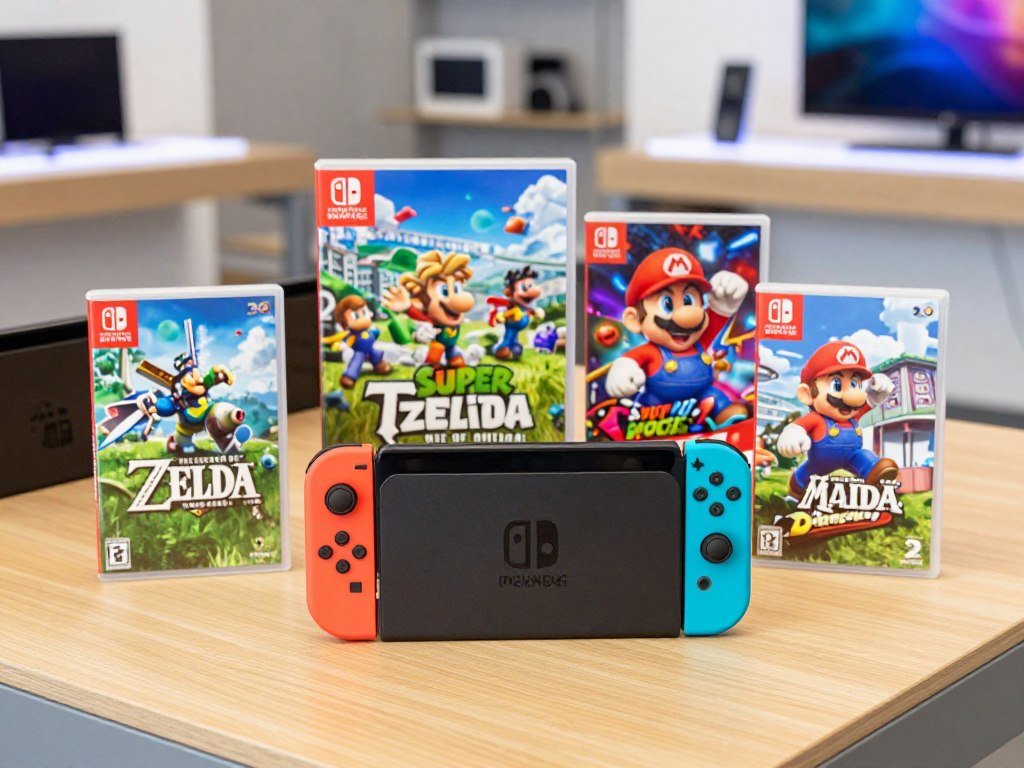
A Nintendo Switch 2 purchase can mean the console alone, a game bundle, or a system with extra accessories. Your choice affects what you pay upfront and what you can play right away. The standalone system means the console package sold without either featured game bundle. A bundle adds a game download and an online membership, while optional controllers and cameras can add to your setup.
This page focuses on U.S. prices and helps you compare package contents, retailer listings, and play needs before you buy. You might already know which games you want, or you may be choosing between portable play and a TV setup. Either way, comparing the full package matters more than looking at one number alone. The right starting point is the package that matches the games and play style you already have in mind.
Key Takeaways
- Choose the standalone system if you want to pick your game and membership separately.
- A bundle includes one full game download and a three-month online membership.
- Games do not come with the standalone system.
- Check the exact package name and contents in each retailer listing.
- Extra controllers and a camera are separate purchases.
- Match your choice to the games and play setup you expect to use.
How Much Is a Nintendo Switch 2?
The standalone Nintendo Switch 2 system has a regular U.S. price of $499.99 in 2026. That price covers the system package, not a game, online membership, or optional accessories.
Use $499.99 as a baseline when comparing complete purchase options. A retailer’s checkout total may differ because the listing, seller, and terms can vary.
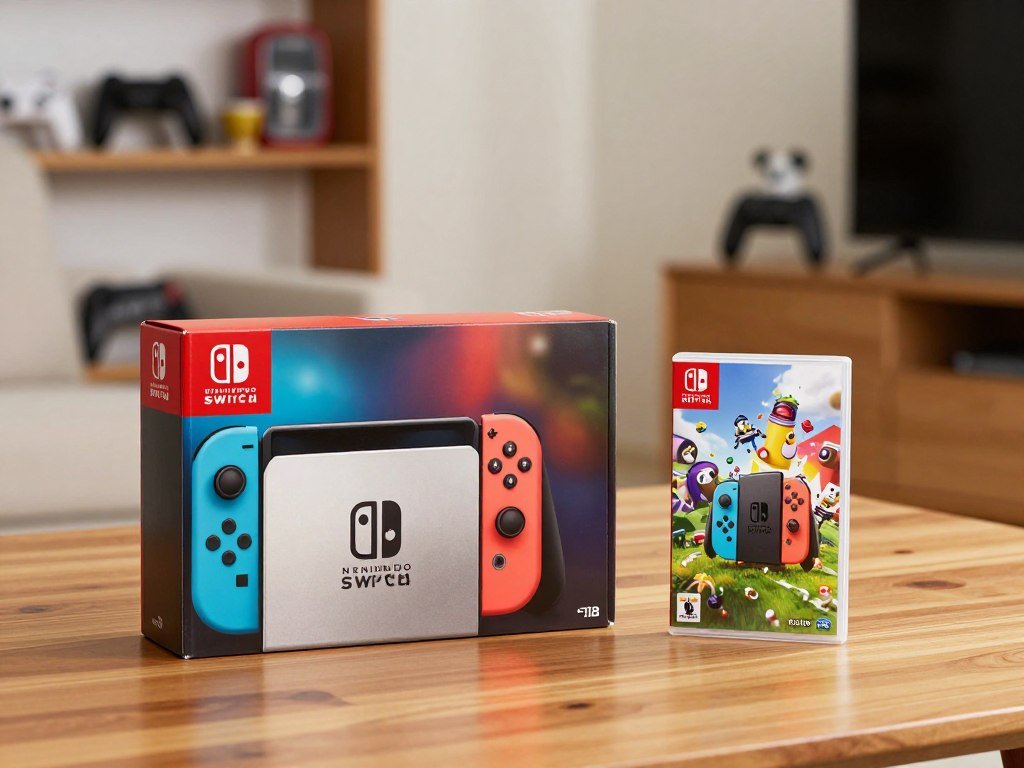
The regular system price is a starting point, not a guarantee of your final checkout total.
The Nintendo Switch system package comes with hardware and connection accessories, but the standalone system does not include a game. You will need a game to play, whether you choose a physical game card or a digital download. Optional items may also suit your setup, though they are separate from the system price.
That distinction helps you compare like with like. A listing that includes a game or other items may cost more upfront, but the extra contents matter only if you plan to use them. Check each listing’s product name, contents, and checkout terms before comparing totals.
Retail listings may also differ in fulfillment, seller, or other terms. A regular price does not promise that every seller will offer the same package or final amount. Compare the contents of each package before treating a higher total as a better value.
What Do the Nintendo Switch 2 Bundles Cost?
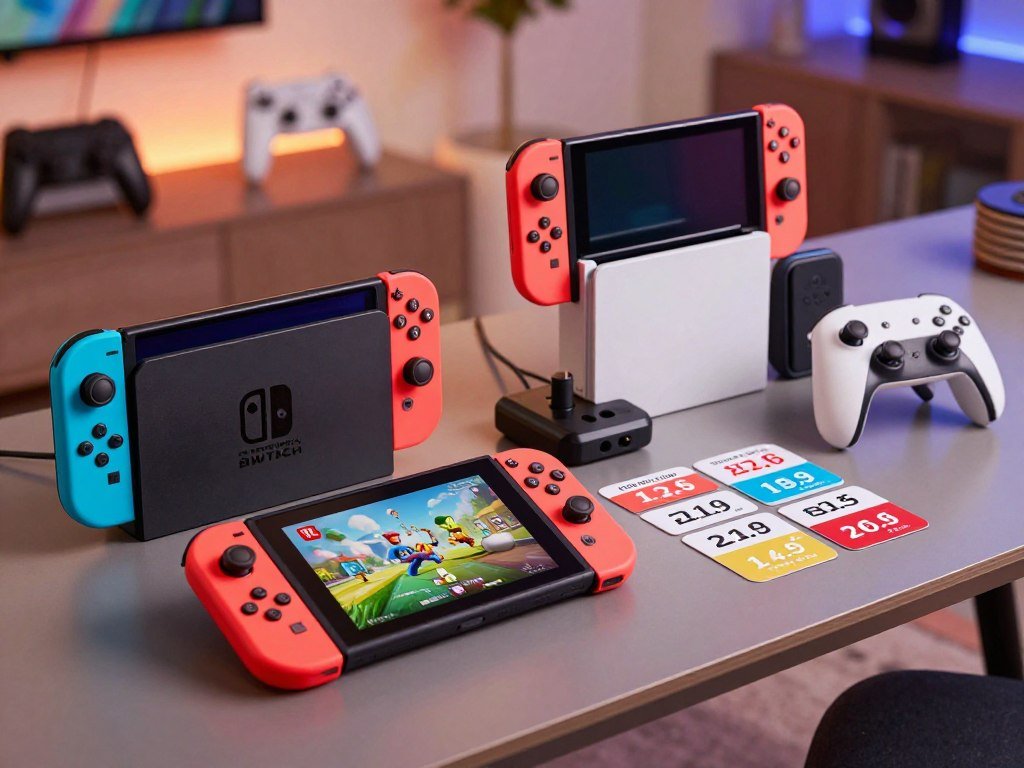
The two bundles add a full game download and a three-month Individual Membership, with the game determining which package suits you. Both include a 3-month Nintendo Switch Online Individual Membership.
The Mario Kart World bundle costs $549.99 in 2026 in the U.S., while the Nintendo Switch Sports Resort bundle costs $529.99. Each game comes as a download, not as an extra physical game card.
| Purchase option | Game included | Nintendo Switch Online membership included |
|---|---|---|
| Standalone system | No bundled game | No bundled membership |
| Nintendo Switch 2 + Mario Kart World Bundle | Full game download of Mario Kart World | 3-month Individual Membership |
| Nintendo Switch 2 + Nintendo Switch Sports Resort Bundle | Full game download of Nintendo Switch Sports Resort | 3-month Individual Membership |
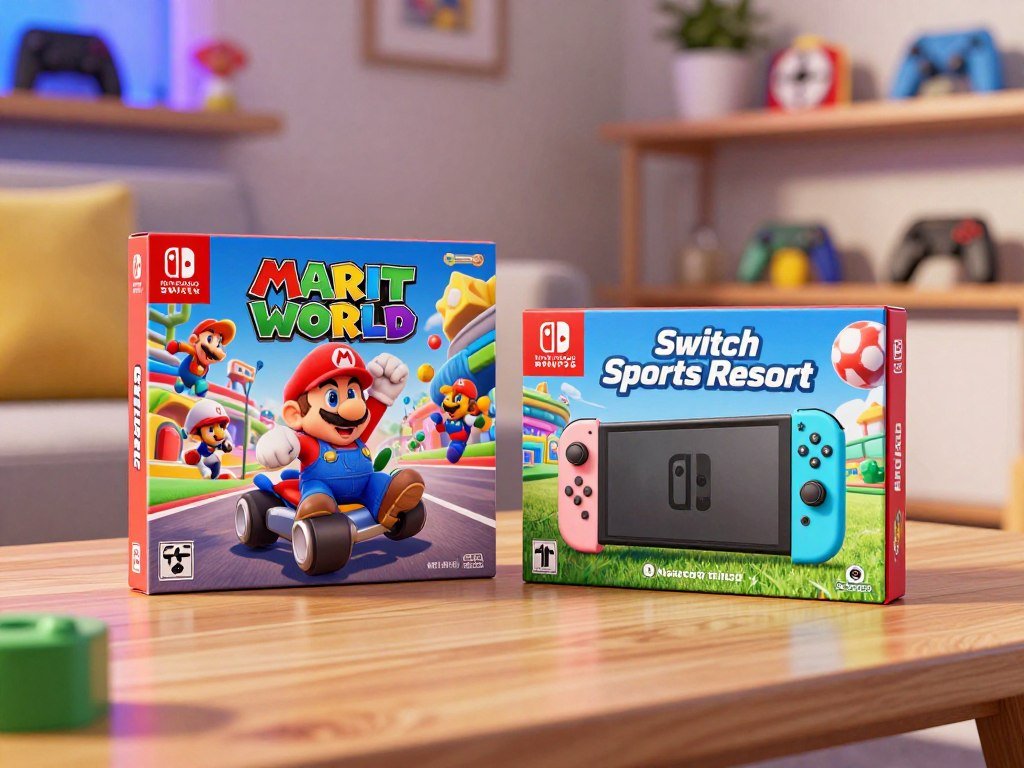
The Mario Kart World package suits you if you want to start with a racing game. The name may appear in listings with words such as Switch Mario Kart or Kart World, so read the full product title before ordering. Confirm that the selected option is the game bundle, rather than a standalone system.
The other bundle includes Nintendo Switch Sports Resort as a download. That may fit your plans better if you would rather begin with that game. The choice is about which game you expect to play, not simply which listing has the larger or smaller total.
Both bundles pair a game with the same membership term. The included game is a download, so you do not receive a separate cartridge to lend or trade. Choose between the two game bundles by deciding which included title you would actually play.
How Much Is the Original Nintendo Switch?
The original Nintendo Switch’s current asking price depends first on which model you mean. Model and condition both shape the price, so listings for the family do not all compare equally.
Check whether a listing is for an LCD, OLED, or Lite model before comparing its asking price. Each name refers to a different system in the original Nintendo Switch family.
LCD, OLED, and Lite models
The standard LCD Switch has an LCD screen and is often listed simply as Nintendo Switch. The OLED model has an OLED screen, while Switch Lite is a smaller, handheld-only model. These model names matter because the screen and play options differ.
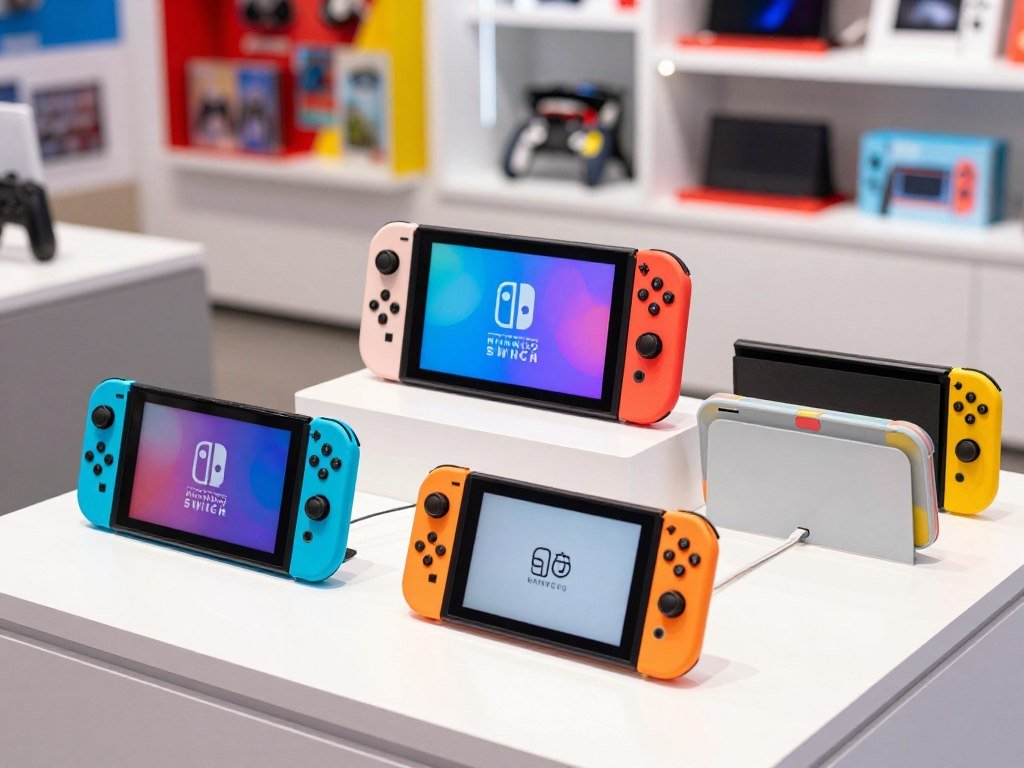
A listing may also use a bundle name or show accessories alongside the console. Do not assume that a lower price means the same model or package. Read the full product details, including the model label.
What changes the current asking price
New, used, and refurbished units have different conditions, and sellers may include different items. A used system with both controllers and a dock is not the same offer as a console alone. Check which controllers are included and whether they work.
Seller terms can change the value of a listing, too. Look for details about returns, warranty coverage, and what happens if a component fails. A low asking price may come with limited return options, so weigh the terms alongside the hardware.
Photos can help you spot wear, but they do not confirm that buttons or controllers work. Ask what the listing includes when a key detail is unclear. Check the exact model name before comparing two listings.
What Comes in the Nintendo Switch 2 Box?
The standalone system includes the console, two Joy-Con 2 controllers, and the essential dock and connection accessories. The included pieces support handheld and TV use once you have a game.
Games are sold separately with the standalone system. You can begin setting up the hardware with the included accessories, but you need a game to play.
- Nintendo Switch 2 Console
- Light blue left and light red right Joy-Con 2 controllers
- AC adapter and USB-C charging cable
- Nintendo Switch 2 Dock
- Joy-Con 2 Grip and two Joy-Con 2 Straps
- Ultra High Speed HDMI cable
The Joy-Con 2 controllers can attach to the console or be used separately. The grip gives you another way to hold them during play. The dock connects the system to a TV with the included HDMI cable.
The AC adapter and USB-C charging cable provide power for the system. Keep the dock and cable together if you plan to move between portable and TV play. Check the package details if you are buying from a seller other than a standard retail listing.
Accessories sold separately can expand your setup, but the box already contains the basic hardware needed to use the system. A game is the key missing item for play on the standalone package. Check that the package includes its dock if you plan to play on a TV.
Does the Included Switch Online Membership Renew Automatically?
The membership included in either bundle auto-renews at the then-current price after its initial term unless you cancel. That renewal is automatic, so the membership does not simply stop when its first term ends.
Check the membership’s cancellation terms and renewal date before buying. The next charge uses the price in effect at renewal, not a fixed price promised by the bundle.
Bundle savings are calculated against buying the game, system, and membership separately. Actual savings may vary, and participating retailers determine availability. A bundle’s value can depend on whether you wanted its game and membership in the first place.
If the included game suits you, compare its separate price and the membership term with the bundle’s total. If you would not choose that title, a lower upfront cost on another package may serve you better. The value is personal, even when the package contents are clear.
Read the membership information shown with the bundle, including how to cancel and when renewal begins. Retailer terms can also affect the order, so check the listing before you pay. Keep the renewal details somewhere you can find them later.
Automatic renewal may be easy to overlook while setting up a new console. Mark the end of the initial membership term if you want to decide before another charge. Check the renewal date and cancellation terms before the included membership period ends.
Where Can You Compare Switch 2 Listings at GameStop, Target, and Best Buy?
Compare the exact listing and checkout details at GameStop, Target, and Best Buy rather than assuming their offers match. Each listing may describe a standalone system or a game bundle.
For Nintendo Switch 2 at GameStop, verify the exact package and seller. At Target, check the included items and fulfillment options shown for the selected listing.
For Nintendo Switch 2 at Best Buy, compare the selected edition with the final details in your cart. The name of a product may look similar across options, while the contents differ. Keep the comparison focused on the package you would actually order.
- Exact product or bundle name
- Seller and fulfillment details
- Included game and membership
- Final cart amount and applicable terms
A system and a bundle can have different contents even when they appear next to each other in a store’s search results. Retailer pages can also show different fulfillment choices. Read the selected listing rather than relying on a general search result or a product image.
Keep a note of the exact package name while comparing stores. That helps you avoid placing a bundle beside a standalone listing and treating them as equal. Confirm the selected package in the cart before placing the order.
What Should You Check at Walmart and Costco?
At Walmart or Costco, identify the exact package first, because a system listing and a game bundle are not the same purchase. Package contents affect the comparison.
How much a Nintendo Switch 2 costs at Walmart depends on the exact listing and whether it is the standalone system or a bundle. Check the current item page and checkout total for the package you select.
For Nintendo Switch 2 at Costco, verify the precise package contents and any conditions shown with that listing. Walmart and Costco are separate U.S. retail channels, and their pages may describe different purchase options. A listing’s presence does not mean a particular configuration is available.
- Match the package name.
- Confirm what is included.
- Review the final checkout details.
A bundle may include a game download and membership, while a system listing may not. Check those details directly rather than comparing only the headline total. The package name should match the items described in the listing.
Checkout can show the terms tied to the exact item in your cart. Review those details before you pay, especially if the listing has several package choices. Use the listing’s final checkout details, not a different package’s advertised total, to make your comparison.
How Can You Tell Whether Nintendo Switch 2 Is on Sale?
A sale is meaningful only when you compare the same system or bundle before and after the offer. Like-for-like prices reveal whether the product itself costs less.
Compare the exact standalone system or exact bundle, not one package against another. A bundle can have a higher total because it includes a game and membership.
Nintendo Switch 2 launched on June 5, 2025, at an introductory U.S. price of $449.99. That launch figure is historical context, not proof of a current sale. The Associated Press covered the 2025 launch and preorder period, when demand and retailer preorder issues drew attention.
- Confirm the same product and edition.
- Check the offer’s dates and eligibility.
- Compare the final checkout total.
A promotion may depend on dates, payment methods, or other terms. Check whether the selected item qualifies, rather than assuming every package gets the offer. A discount shown beside one edition may not apply to another.
Retailer headlines can leave out conditions that appear later in checkout. Review the total after selecting the product, delivery method, and any eligible offer. Check the offer’s eligibility and dates at checkout rather than relying on a headline promotion.
What Affects the Price of a Used Nintendo Switch 2?
A used system’s asking price depends on its condition and what comes with it. Seller terms and any included bundle items also affect what you are getting.
A bare console and a complete package are different listings. Compare the parts, condition, and return terms before deciding whether an asking price fits.
Condition and included components
Look for visible wear on the screen, console edges, and Joy-Con 2 controllers. Test the buttons and sticks if you can, since a clean case does not prove that controls work. Confirm whether the dock and power accessories are present.
A used listing may include a game or other bundle items, which changes the package you are comparing. The seller’s terms matter too, especially if the system has a problem after purchase. A return option gives you a way to respond if the condition differs from the listing.
Checks before you pay
- Test the screen and buttons.
- Confirm the included components.
- Check that the system can be set up.
- Review the seller’s return terms.
Nintendo Switch 2 has 256 GB of internal storage and uses microSD Express cards for compatible storage expansion. Check those details when estimating usable space for your games. Do not assume that a memory card in a listing uses the supported format.
If possible, ask the seller to show that the system starts and reaches its setup screen. That test can help reveal a basic issue before you pay. Do not compare a bare console with a complete package as if they were identical listings.
How Does Switch 2 Compare With the Original Switch?
Switch 2 offers a larger screen and more internal storage than the original LCD and OLED models. The hardware changes are easy to compare by looking at screen size and built-in space.
Switch 2 has a 7.9-inch screen and 256 GB of storage. The original LCD model has a 6.2-inch screen and 32 GB, while the OLED model has a 7-inch screen and 64 GB.
Screen and storage differences
The larger screen can make handheld play feel different, while extra internal storage gives you more room for digital games. Those figures describe the built-in space, not how much remains after system files and downloads. Your available space will change as you add games.
PCMag’s hands-on Switch 2 preview reported a 7.9-inch 1080p screen and a 120Hz refresh rate. A refresh rate describes how often a screen can update each second. Game support still affects what you see while playing.
What the hardware change means
Switch 2 is the newer system, with a larger screen and more internal storage than the original models listed above. That does not mean every game will look or run the same way. Game support and the player’s chosen title remain part of the experience.
Your existing Nintendo Switch games may matter more than a screen size on paper. Think about the titles you already own, the games you want next, and whether you mostly play handheld or at home. A larger display may matter more to a frequent handheld player than to someone who usually uses a TV.
The upgrade decision is personal, not a simple score based on storage or screen size. Decide whether those hardware changes matter for the games and storage needs you actually have.
Which Switch 2 Play Modes Fit Your Setup?
The three modes are handheld, tabletop, and TV, so the same system can suit portable play or a television setup. Choose by where you expect to play most often.
The 7.9-inch screen supports 1080p, HDR, and up to 120 fps in supported games. Docked output can reach 4K on a compatible TV, capped at 60 fps.
| Play mode | Setup | Main use |
|---|---|---|
| Handheld | Joy-Con 2 attached | Play while holding the system |
| Tabletop | System supported by its kickstand | Play with detached controllers |
| TV | System connected through the included dock to a compatible television | Play on the larger display |
Handheld mode keeps the screen and controls together, which can suit travel or a shared TV. In tabletop mode, the kickstand holds the screen while you use detached controllers. TV mode sends the picture through the dock to a television.
Resolution and frame rate depend on the game and display. A compatible game and TV are needed for 4K output, and 4K output does not exceed 60 fps. The system’s screen and docked TV output have different limits, so do not treat one figure as applying to both.
A rumored Switch 2 Lite does not establish a confirmed product or play mode. Nintendo has not confirmed that model, its specifications, or its price; the report on the Switch 2 Lite rumor explains what remains unconfirmed.
Check the display you already own before choosing your preferred setup. Check that your TV supports the resolution you want before counting on 4K output.
Which Games Are Compatible With Switch 2?
Nintendo Switch 2 plays physical and digital Nintendo Switch games, with compatibility varying by title. Most existing game types can carry over, but support is not the same for every release.
Check each game’s support status before buying it for the new system. Some titles may not work or may have limits in how they work.
Physical and digital Nintendo Switch games
Compatible physical game cards and digital games can be used on Switch 2. Digital titles tied to an account may be part of a System Transfer, though transfer steps are separate from checking whether a game works. Your library can help shape the value of an upgrade.
For family play, consider which titles everyone already knows and wants to keep using. A guide to multiplayer Switch games can help you compare local and online play choices. Compatibility still depends on each game, so a list of popular titles is not a guarantee for every edition.
Titles that need a compatibility check
Some games may not be supported or fully compatible. Certain titles offer upgrade packs, including The Legend of Zelda: Tears of the Kingdom, Super Mario Party Jamboree, and Kirby and the Forgotten Land. These examples do not mean every Nintendo Switch game has an upgrade pack.
- Identify the exact game and edition.
- Confirm compatibility for that title.
- Check whether it needs an update, upgrade pack, or accessory.
The exact edition matters because a title can have more than one release or add-on. Check the requirements for the version you own, not only the game’s general name. An update or accessory may change what you need to play as intended.
If multiplayer games are central to your plans, also check how each title supports local or online play. The game’s own details can clarify player limits and extra requirements. Verify a specific game before buying it for use on the new system.
Should You Buy Extra Joy-Con 2 Controllers or a Pro Controller?
The included Joy-Con 2 pair is enough to start, while an extra pair and a Pro Controller serve different preferences. Buy extra only when another setup or player needs it.
The system includes one Joy-Con 2 pair. A separate pair costs $99.99, and the Nintendo Switch 2 Pro Controller costs $89.99.
| Controller option | Price or included status | Best fit |
|---|---|---|
| Included Joy-Con 2 pair | Included with system | Detachable play and flexible control |
| Extra Joy-Con 2 pair | $99.99 | Additional Joy-Con 2 controllers |
| Nintendo Switch 2 Pro Controller | $89.99 | A separate controller choice |
Joy-Con 2 controllers attach to the system magnetically and detach for flexible play. In compatible games, a Joy-Con 2 controller can also act as a mouse. That feature may suit a title designed around mouse-style control.
An extra pair can help if you want more detachable Joy-Con 2 controllers for local play. A Pro Controller is a separate option if you prefer that type of controller. The best choice depends on your own play style and the games you expect to use.
Do not buy another controller just because it appears beside the system. First consider how many people will play, which games they share, and whether the included pair meets those needs. Buy an additional controller only if its play style or player count fills a real need.
What Do You Need for Online Play and GameChat?
Online features and GameChat require internet access, a Nintendo Account, and Nintendo Switch Online membership. All three are needed for the required online features.
GameChat is an online feature, not a standalone voice service. Its use depends on the account, membership, and internet access needed for online features.
Online features and membership
A Nintendo Account is required online, and Nintendo Switch Online membership supports the required online features, including GameChat. The membership included with a bundle is one way to begin, while other users may choose their own membership plan.
Online multiplayer also depends on the game. Some titles have their own play options, while the membership provides access to Nintendo Switch Online features. Check a game’s online requirements if you plan to play with other people.
Voice chat and video requirements
Press the C button on the right Joy-Con 2 to start GameChat. Sessions can start only with people on the player’s Friend List. The built-in microphone supports voice chat, so a separate microphone is not required for that feature.
Video chat needs a Nintendo Switch 2 Camera or a compatible USB camera, sold separately. A camera is not included with the system. Make sure a USB camera is compatible before choosing it for video features.
GameChat and video have different setup needs: voice uses the built-in microphone, while video needs a camera. Check the camera requirement separately if face-to-face video chat matters to your setup.
Can You Transfer Your Games and Saves to Switch 2?
Yes, System Transfer can move digital games, save data, and settings from an original Switch to Switch 2. Those key items can move as part of the system transfer process.
Follow the console’s transfer setup instructions and confirm the process finishes. Do not rely on the new system as your only device before checking the transfer.
Digital games and saved data
System Transfer covers digital games, save data, and settings. That can help you continue using an existing library and saved progress after changing systems. It does not mean every game, account detail, or accessory transfers in the same way.
Keep the original system available while you follow the transfer steps. The instructions on the consoles guide the setup, and the status shown during the process helps you see whether it has finished. Avoid assuming that a started transfer is already complete.
Settings and transfer preparation
Read the instructions for both systems and follow each prompt in order. Check that the new system shows the data you expect after the transfer. If a game or setting is missing, use the console’s help steps before changing the original system.
Transfer needs can differ by game or data type, so do not assume every item moves identically. Keep access to both consoles until you have checked what arrived. This gives you a chance to address a problem while the original system remains available.
Confirm the transfer has finished before resetting or giving away the original console.
That final check protects your access to the old system while you verify the new one. Confirm the transfer has finished before resetting or giving away the original console.
Conclusion
The best purchase is the one whose included game, play setup, and online needs match how you plan to use the system. Choose the standalone system if you want to select those items separately, or pick a bundle when its game and membership suit you.
Account for any extra controller or camera your setup needs, then compare the selected package with its final checkout terms. Before ordering, check the exact package contents and final checkout terms for the listing you choose.
FAQ
Can I play GTA on Nintendo Switch?
Yes, Grand Theft Auto: The Trilogy – The Definitive Edition is available on Nintendo Switch. It includes three older Grand Theft Auto games, not the later GTA V. GTA V does not have a Nintendo Switch version, so check the exact title before buying a game card or digital copy.
When did Switch V2 come out?
The revised original Nintendo Switch began shipping in the United States in August 2019. That hardware revision is often called Switch V2, and it is different from Nintendo Switch 2. Switch 2 launched on June 5, 2025, so check the model name when comparing a used listing.
Is Switch 1 still worth it in 2026?
Yes, an original Switch can suit you in 2026 if your chosen games work on it and you do not need Switch 2 features. The family includes LCD, OLED, and Lite models, with different screens and play options. Check the exact model and the support status of the games you plan to play.
Why is the Pro controller so expensive?
The Pro Controller is an optional separate controller, while the system already includes Joy-Con 2 controllers. Its listed price is a separate cost, but that alone does not explain why it costs what it does. Compare its features and fit with your preferred play style before deciding whether to buy one.
Should I buy Joy-Cons or Pro Controller?
Choose an extra Joy-Con 2 pair if you want more detachable controllers or need them for more players. The included pair supports detachable play, so you may not need another set right away. A Pro Controller may suit you better if you prefer using a separate controller for your games.
Are fake Joy-Cons good?
Counterfeit products that use Nintendo branding are different from legitimate third-party controllers. Third-party models can vary, so check whether the controller works with Switch 2 and which features it supports. Review the seller’s terms and return coverage, especially if the product does not work as described.
Should I get a PS5 or a Switch?
Choose Switch 2 if you want Nintendo games and handheld, tabletop, or TV play. A PS5 may suit you better if its game library and home-console setup fit your needs. Compare the games you want and where you plan to play, or use a family console comparison to weigh those priorities.
Is Nintendo still replacing Joy-Cons for free?
Free repair is not guaranteed for every Joy-Con 2 controller or issue. Eligibility and repair terms can change, so check Nintendo’s current support guidance for the specific controller and problem. Keep proof of purchase and describe the fault clearly when reviewing the available service options.



