Choosing a PlayStation Plus Premium plan comes down to which benefits you will actually use and how long you want to pay for them.
US players can choose Essential, Extra, or Premium, then pick a billing term that fits their budget. The effective monthly cost is the equivalent per-month amount when a longer plan’s upfront price is divided by its term.
Your choice depends on whether you value online play, a game library, classics, trials, or streaming. The more features a tier adds, the more useful it becomes when those extras match your regular play habits.
Key Takeaways
- Premium costs $19.99 per month in the United States in October 2026.
- Essential covers online multiplayer and Monthly Games.
- Extra adds the Game Catalog for players who want more games to download.
- Premium adds classics, selected game trials, and cloud streaming.
- A longer billing term lowers the effective monthly cost but costs more upfront.
- Choose a tier based on the features you expect to use.
Treat a longer billing term as a commitment as well as a way to lower the effective monthly cost.
How Much Is PlayStation Plus Premium Per Month?
A US PlayStation Plus Premium subscription costs $19.99 for one month in October 2026. The one-month plan is available in all three tiers, and the price depends on the tier you choose.
A PS5 does not add a separate PlayStation Plus charge. The membership price depends on your plan, not on whether you use a PS5 or another supported PlayStation console.
The listed US prices are before tax. On May 20, 2026, Sony raised the monthly price of each tier. The previous prices and increases appear below.
| Tier | Current monthly price | Previous price and increase on May 20, 2026 |
|---|---|---|
| Essential | $10.99 | $9.99, up $1 |
| Extra | $16.99 | $14.99, up $2 |
| Premium | $19.99 | $17.99, up $2 |
The current US monthly prices make Premium the highest-cost option. Extra sits between Premium and Essential, while Essential costs the least each month.
Contemporary coverage from BBC News on the May price rise reported the announced US monthly increase for Essential. The new monthly rates listed above apply in October 2026.
Check the price shown for your account at checkout, since the stated US list price is before tax.
Your checkout total can include tax, so the amount due may be higher than the listed price. Check the price shown for your account at checkout, since the stated US list price is before tax.
What Do PlayStation Plus Plans Cost for 3 or 12 Months?
A 12-month Premium plan costs $159.99 in the United States in October 2026. Paying for a year means a larger upfront charge, even though its effective monthly cost is lower than paying month by month.
The 12-month term offers the lowest effective monthly cost for a full year of membership. A 3-month term costs less upfront, but it is not the lowest effective monthly cost if you stay subscribed all year.
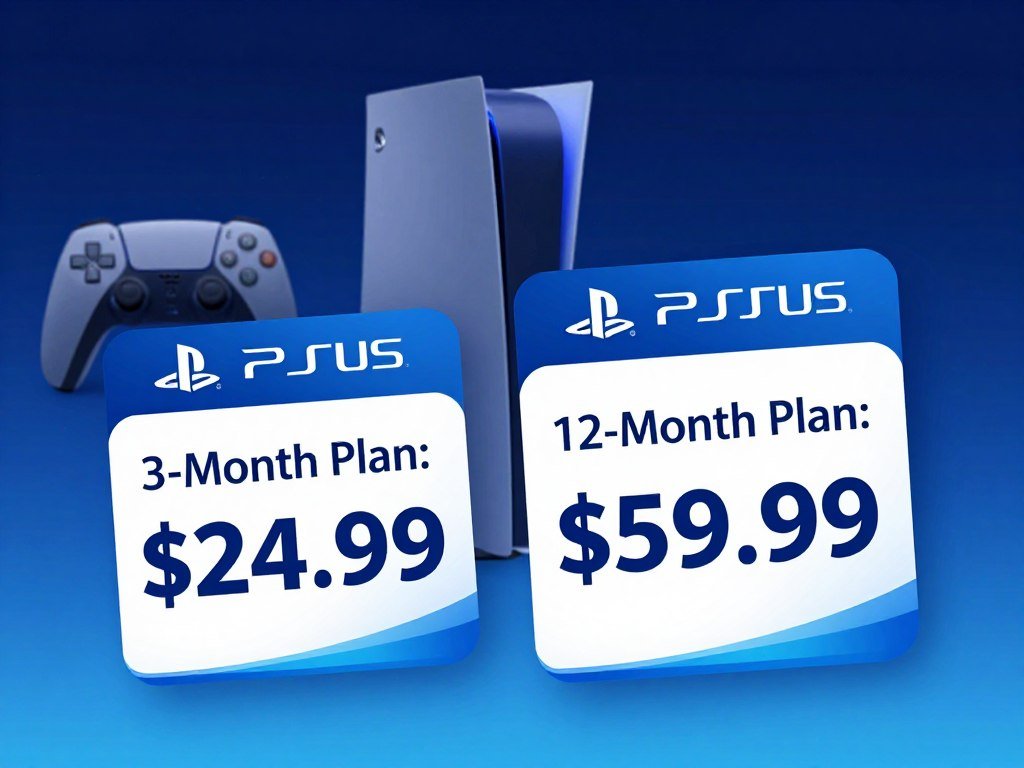
These US list prices are before tax. The 3-month plan gives you a shorter commitment, while the annual plan asks you to pay for the full term at once.
| Tier | 3-month price | 12-month price |
|---|---|---|
| Essential | $27.99 | $79.99 |
| Extra | $43.99 | $134.99 |
| Premium | $54.99 | $159.99 |
For Premium, the 12-month price is $159.99, while the 3-month price is $54.99. Your effective monthly cost comes from dividing the upfront price by the number of months in that term.
That comparison is useful if you already know you will keep the membership. A yearly plan ties up more money at once, so it may not suit a player who is still testing the service or expects a break.
Quarterly billing works as a shorter commitment, rather than the lowest effective monthly cost for someone who stays subscribed all year. You renew more often and can reconsider the plan at each renewal.
Choose the 3-month term if you value a shorter commitment more than the lowest effective monthly cost.
What Does Each PlayStation Plus Tier Include?
The main difference is how far beyond online play and Monthly Games each tier goes. Essential starts with the basics, while Extra and Premium add catalog access.
Premium includes the Essential and Extra benefits, then adds the Classics Catalog and limited-time game trials. The higher tier builds on the lower tiers instead of replacing their benefits.
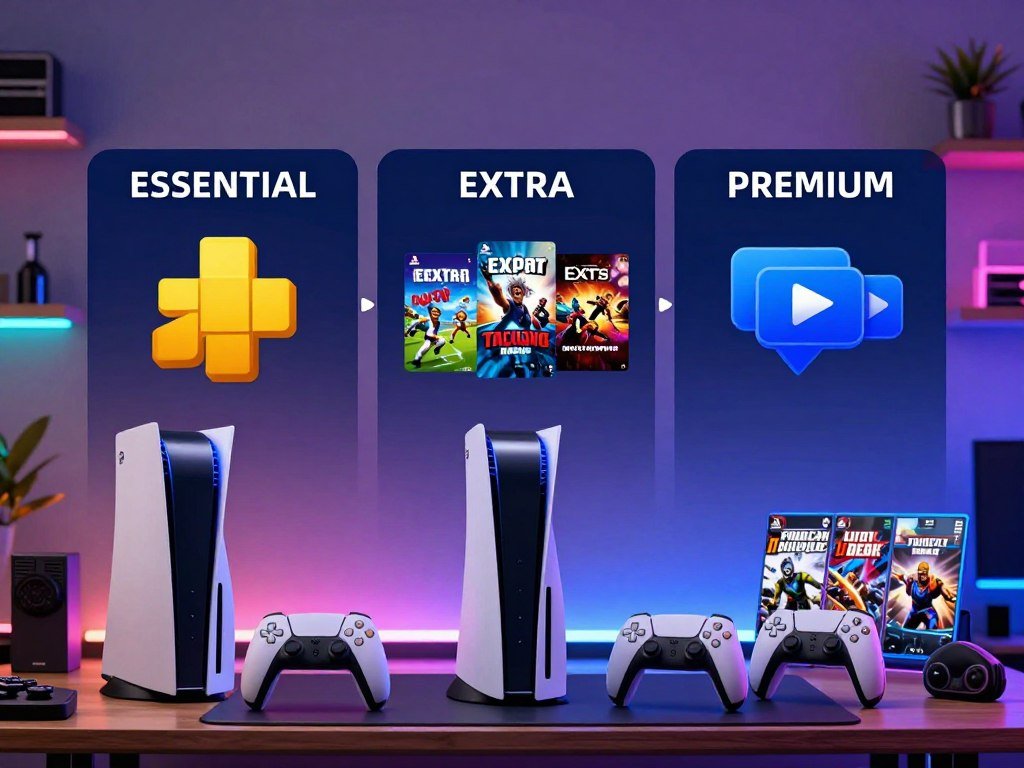
Use this table to compare the main features before choosing a membership. A check means the tier includes that benefit.
| Benefit | Essential | Extra | Premium |
|---|---|---|---|
| Online multiplayer | Included | Included | Included |
| Monthly Games | Included | Included | Included |
| Game Catalog | Not included | Included | Included |
| Classics Catalog | Not included | Not included | Included |
| Game trials | Not included | Not included | Included |
The Game Catalog and Classics Catalog are tied to the tier that provides access. Their available games can change over time, so a title you see now may not remain available indefinitely.
Essential is the base membership tier. Extra is the middle membership tier, and Premium is the top membership tier. The difference matters most when a feature fits how you play.
For a broader look at how PlayStation 5 and its memberships fit into a household, see this family gaming console guide. It compares systems and describes the recurring cost of PlayStation Plus.
Compare the benefits you will use regularly, not simply the number of boxes marked as included.
What Does Premium Add With Classics and Game Trials?
Premium’s retro library and game trials matter most to players who will use both features, not simply because they are exclusive to the top tier. Both extras have limits: the catalog changes, and trials cover selected games for a set time.
The Classics Catalog does not include every older PlayStation release, and trials are not offered for every new game. Treat each feature as a reason to choose Premium only when its available titles interest you.

What the Classics Catalog is for
The Classics Catalog gives you access to a changing selection of older PlayStation games. It can suit you if you enjoy revisiting past releases or want to try games from earlier console generations.
The selection can change over time, so the catalog is not a promise of access to every legacy title. Look at the games available in your region and plan before choosing Premium for a specific classic.
Catalog access also differs from buying a game. A title in the Classics Catalog is available through the membership, so the access depends on both the service and your eligible tier.
How limited-time game trials work
Game trials let Premium members try selected games for a limited period. They offer a way to sample a title before deciding whether to buy it, rather than a permanent library of full games.
Trial availability depends on the game and can change. A game you want may not have a trial, and the time limit may not suit every player or every game.
Use the trial details to see which game is offered and how long you can play. Check the game’s trial details before relying on a trial to decide whether to buy it.
How Does Premium Cloud Streaming Work on PS5 and Portal?
Premium lets you stream supported games instead of downloading them, but the device and connection determine what is available. Streaming requires a steady connection, and not every game supports it.
Portal cloud streaming requires Premium, an adult account, and a PlayStation account in a supported country, including the United States. Speed targets help set expectations, but meeting a minimum does not guarantee a stable, high-quality stream.
Streaming on PS4 and PS5
Premium members can stream supported games from the Game Catalog and Classics Catalog on PS4 and PS5 consoles. Game availability depends on the title and device, so a catalog game may not be streamable on every console.
On PS5, the supported selection includes a wide range of PS5 games and hundreds of PS3 and PS2 titles. Supported PS5 games can stream at up to 4K, with HDR at 60Hz.
The minimum internet speed for cloud streaming on PS4 and PS5 is 5 Mbps. Higher resolution and a stable connection may call for more speed and a reliable home network.
Streaming on PlayStation Portal
PlayStation Portal cloud streaming needs Premium and an adult PlayStation account in a supported country. The United States is among the supported countries.
Portal needs at least 5 Mbps upload and download to start streaming. Higher speed targets support higher resolutions, though actual results can depend on your connection.
| Portal connection speed | What it enables |
|---|---|
| 5 Mbps upload and download | Start streaming |
| 7 Mbps upload and download | Stream at 720p |
| 13 Mbps upload and download | Stream at 1080p |
The 5 Mbps figure is the entry speed, not a promise of high resolution. A connection at 13 Mbps meets the listed target for 1080p, but network quality still affects play.
The Portal streaming speed guide lists the same speed thresholds for starting and reaching each resolution. Check that the specific game supports streaming on your device before planning to play it this way.
Is PlayStation Plus Premium Worth Paying More For?
Premium is worth choosing when its exclusive features are ones you expect to use, rather than benefits that merely sound attractive. Your usual play style is a better guide than the tier name.
Choose the lowest tier that covers the games and features you use regularly. Essential is enough for online-first play, Extra suits players who want catalog downloads, and Premium fits those who use its extra features.
Choose Essential for online-first play
Essential fits a player who already owns the games they want and mainly needs online multiplayer. Monthly Games add another benefit, but this player does not need a large on-demand Game Catalog.
If you mostly play one or two purchased games with friends, paying for a higher tier may add features you rarely open. Essential keeps the membership focused on online play.
Choose Extra for downloadable game discovery
Extra suits a player who enjoys trying different games from the Game Catalog. Downloading catalog titles is a practical step up when you want more choices than your own game collection provides.
Think about how often you would browse and play those games. If you prefer a steady rotation of downloads, Extra may fit better than paying for Premium features you will not use.
Subscription models differ across platforms. For a PC comparison, this guide to game bundles and monthly offers explains how selection and cancellation shape value.
Choose Premium for classics, trials, or streaming
Premium fits a player who expects to use classics, trials, or cloud streaming on a regular basis. Those features can make the higher tier a better personal match, but only if they fit your play habits.
A one-month Premium subscription is available if you prefer a short commitment. The 12-month plan has a lower effective monthly cost, but it requires more money upfront.
Compare that commitment with how often you play and which features you will use. If you are unsure, choose the lowest tier that covers the way you actually play.
What Happens When a Game Leaves the Catalog?
A downloaded Game Catalog or Classics Catalog title is still service access, not a permanent purchase. Downloading does not change ownership, and a title can leave the service even if it is already on your console.
Access to a catalog game depends on the title remaining available and your membership tier. Some games have announced end dates, so check a title’s listing before you plan a long playthrough.
These three cases work differently:
- A game that remains in the catalog stays available through an eligible active membership.
- A catalog game that reaches its announced end date leaves the service and is no longer available through that catalog.
- A game you buy separately is a purchase, not catalog access, and is treated separately from the subscription.
Downloading or streaming a catalog game does not grant permanent ownership. If you want to keep playing after a title leaves, you may need to buy it separately.
Leaving the service can affect access to content that depends on the catalog game, too. For example, related content may not work if its main game is no longer available through your membership.
The Game Catalog and Classics Catalog are subscription libraries, not a way to build a permanent collection. Before starting a long game, check whether it has a published end date in the service.
Which Games Were on PlayStation Plus in February 2026?
The February 2026 lineup included four games across PS4 and PS5. Those titles are historical, and their availability window has passed.
The February Monthly Games were available from February 3 through March 2, 2026. The lineup included one PS5 game, two games for PS4 and PS5, and one PS4 game.
- Undisputed, for PS5.
- Subnautica: Below Zero, for PS5 and PS4.
- Ultros, for PS5 and PS4.
- Ace Combat 7: Skies Unknown, for PS4.
These were the February 2026 Monthly Games, not a current list of available titles. Each game had the same February 3 to March 2 availability period.
Three games from the prior month had an earlier add-to-library deadline. Members could add Need for Speed Unbound, Disney Epic Mickey: Rebrushed, and Core Keeper through February 2, 2026.
The dates matter if you are looking back at a past lineup. The earlier games were not part of the February 3 start window, and their deadline ended one day before it.
Treat the February titles and dates as past availability, not a promise about the current lineup.
What Happens When You Upgrade or Downgrade?
An upgrade can take effect before the next billing date, while a downgrade waits until that date. The payment timing differs, so check the change before you confirm it.
An upgrade costs a prorated amount for the remaining paid period, then the upgraded plan’s standard price applies at the next payment date. A downgrade starts on that next payment date.
Upgrading to a higher tier
You can move from Essential to Extra or Premium, or from Extra to Premium. The upgrade charge covers the remaining paid subscription period at a prorated rate.
At your next payment date, the upgraded plan’s standard price applies. That later renewal is separate from the prorated amount charged for the rest of your current period.
Look for the change options in Account Settings and Subscriptions Management on your console. You can also use your account’s subscription management page on the web.
Downgrading to a lower tier
A downgrade does not switch your membership right away. The lower tier takes effect on the next payment date, and your current benefits remain until then.
When the lower tier starts, you lose benefits that belong only to the tier you left. Moving from Premium to Extra removes Premium-only benefits, while moving to Essential also removes Extra benefits.
Use the console’s Account Settings and Subscriptions Management, or your account’s subscription management page on the web. Check the next payment date and the benefits you will lose before confirming a downgrade.
How Do You Cancel PlayStation Plus and Request a Refund?
Canceling future payments stops the next renewal, not the payment already made or the remaining paid access. Turning off renewal is not a refund, and your membership stays active through the paid period.
PlayStation Plus fees recur at the selected billing frequency until you cancel. You can cancel up until the next payment date, but a cancellation does not return earlier payments.
Turn off future payments
Use your account’s subscription settings to turn off future payments. This stops the next renewal while leaving your membership active until that payment would have been due.
Canceling does not end access at once, and it does not refund charges already made. The paid period remains in place until its scheduled end.
Check the next payment date in your subscription details. That date tells you when the current access period ends if you have turned off renewal.
Check the refund window
You may request a refund within 14 days of the initial PlayStation Store transaction. The refund may be reduced based on how much you used the service during that time.
A free-trial period counts toward the 14-day window. If you started with a trial, those days are part of the time from the initial transaction, rather than extra days added after it.
A refund request is separate from turning off future payments. If you want a refund, submit the request within 14 days of the initial transaction and account for any time used.
Do You Need PS Plus to Play Online Multiplayer?
A PlayStation Plus membership is needed for online multiplayer in most purchased games, but not every game. Free-to-play games are an important exception, and their online modes do not require a membership.
All three tiers include access to online modes that require a membership. If a purchased game needs PlayStation Plus for online multiplayer, Essential, Extra, and Premium all cover that requirement.
Free-to-play games that do not require PlayStation Plus include Fortnite, Apex Legends, and Call of Duty: Warzone. You can play their online modes without paying for a membership.
That exception does not apply to every game you can play online. Many paid games require a membership for their online modes, but each game can set its own access rules.
- Check the game’s store page for an online multiplayer note.
- Look for a PlayStation Plus requirement before buying a game for online play.
- Confirm whether the mode you want is online multiplayer or another online feature.
- Do not assume that one game’s free access rule applies to another title.
PlayStation Plus covers online modes that require membership, but it does not make every online feature work the same way. Check the individual game’s online requirements before subscribing solely to play it online.
How Do Monthly Games Work?
Monthly Games are a rotating selection that members can add to their library while the titles are available. Claiming a title matters, because you need to add it during its monthly availability period.
Claimed Monthly Games can be played while your membership is active. All three tiers receive the same Monthly Games selection, separate from the on-demand Game Catalog.
Follow these steps to add a game to your account:
- Find the current Monthly Games in the PlayStation Plus section of the store.
- Add each game to your account library while it is available.
- Play claimed games while your PlayStation Plus membership is active.
The monthly lineup changes, and each title has a set period when members can add it. Adding a game attaches it to your account library, but you still need an active membership to play it.
Monthly Games and the Game Catalog serve different purposes. Monthly Games are offered as a changing monthly selection, while the Game Catalog is an on-demand library of titles available through an eligible tier.
A claimed game is not the same as a separately purchased game. Its play access depends on your active membership, even after you have added it to your library.
Add a title before its monthly availability period ends if you want it attached to your account.
Add a title before its monthly availability period ends if you want it attached to your account.
Conclusion
The right PlayStation Plus plan is the one whose benefits you will use often enough to justify its billing term. If you mainly want online play, Essential may cover your needs.
If you expect to use the Game Catalog, Extra may suit your routine. Premium makes more sense when classics, trials, or cloud streaming are features you plan to use.
Before subscribing or changing tiers, check the plan and renewal term shown for your US account. Confirm the price and next payment date displayed for your account.



