

Quick Answer: Are password managers safe?
Yes. A reputable password manager is safer than reusing passwords or writing them in a notebook, because it encrypts your vault and lets you create a unique password for every account. You can use one on your phone, your laptop, or both, and most sync automatically.
That said, “safe” is not absolute. Browser built-in managers are convenient but usually offer thinner protection, while open-source and self-hosted tools shift more responsibility onto you. Before committing, compare the encryption model, the primary password requirements, independent audits, breach history, two-factor support, recovery options, and price.
Reusing the same password across a dozen sites feels efficient until one of those sites leaks its user database. Then attackers take that single password and try it everywhere else, a tactic known as credential stuffing. The 2019 “Collection #1” leak alone exposed more than 770 million email addresses and over 21 million passwords, according to reporting summarized on Wikipedia’s list of data breaches. Password managers exist to break that chain. The real question is whether the tool holding every key to your digital life can be trusted.
What a password manager actually does
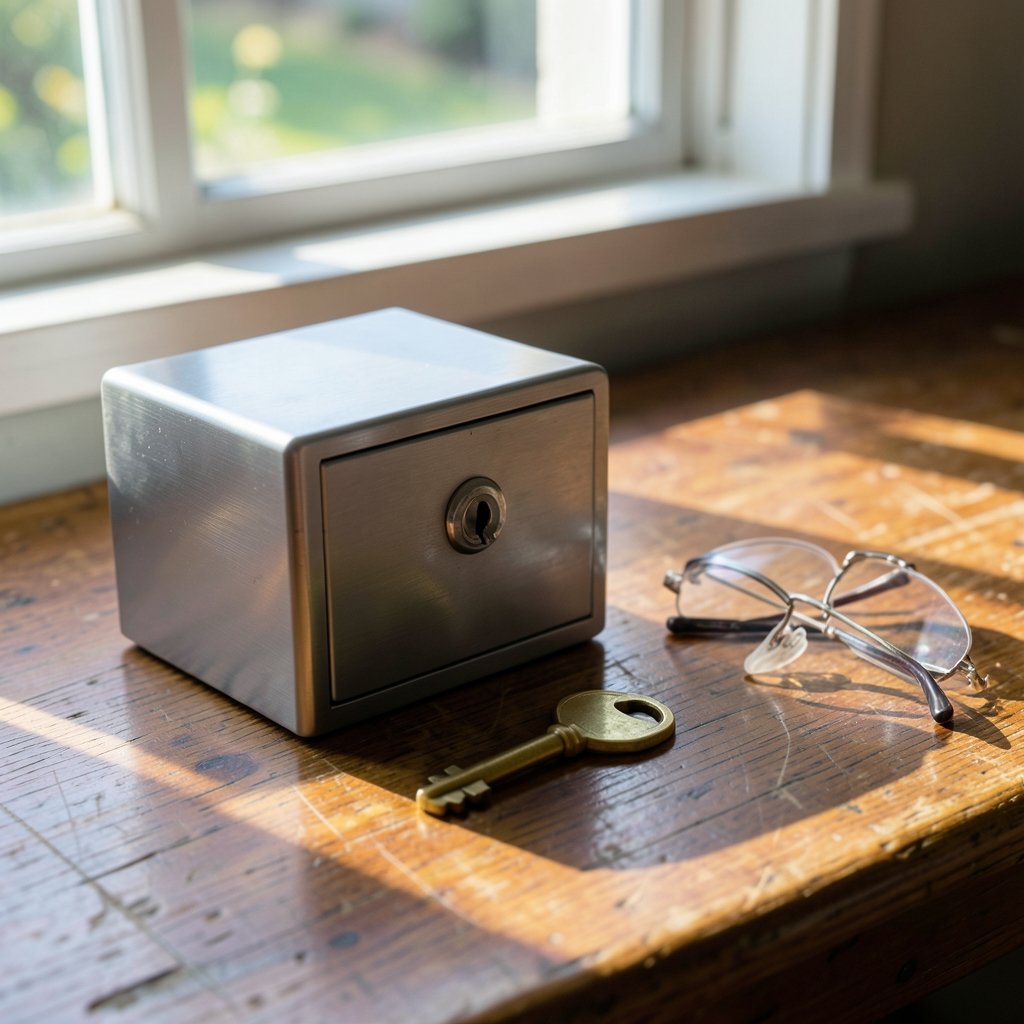
A password manager is a locked box. It stores your logins, generates long random passwords you could never memorize, and fills them in when you visit a site. You remember one strong primary password; the manager handles the rest. (Use Strong Passwords)
The important detail is where the encryption happens. In a well-designed manager, your vault is scrambled on your own device before anything leaves it. This is called zero-knowledge or client-side encryption. The company stores an encrypted blob it cannot read, and your primary password never travels to the server. If the vendor is breached, attackers get ciphertext, not your logins.
That distinction matters enormously, and it is the single best filter for judging any product.
Where the real risks hide
No tool is risk-free, and honest security writing says so plainly.
The primary password is the weak link
If your primary password is short, reused, or guessable, the whole model collapses. Security guidance from the National Institute of Standards and Technology has long emphasized length over complexity for memorized secrets, and that principle applies doubly here. A long passphrase of four or five random words beats a clever eight-character puzzle every time.
Breaches do happen to the vendors
The most instructive cautionary tale is LastPass. Attackers exfiltrated encrypted vault data in an intrusion disclosed in late 2022, and the company published detailed incident notices afterward. The stolen vaults were encrypted, so decryption depended on each user’s primary password strength. Users with weak primary passwords faced far greater exposure than users with strong ones. The lesson is not “avoid password managers.” It is “assume your vault could someday be stolen and choose a primary password that survives that scenario.”
Phishing and malicious extensions
Attackers increasingly target the primary password directly through fake login pages and rogue browser extensions that read what you type. Practical defenses: type your primary password only into the manager’s own app or verified extension, and keep your extension list short. Learning how to check whether a link is safe before clicking is a skill that protects far more than your vault.
Sync and recovery trade-offs
Cloud sync is convenient and generally safe when encryption is done properly, but it does add a server to the equation. Recovery features cut both ways: account recovery can rescue you from a forgotten primary password, but it can also create a path for attackers. There is no universally correct answer, only a trade-off you should choose consciously.
How the main options compare
Different tools suit different threat models. Here is a practical comparison.
| Option type | Examples | Encryption model | Best for | Main weakness |
|---|---|---|---|---|
| Cloud-based, closed source | 1Password, Dashlane | Client-side, zero-knowledge | Most people; easy sync | Must trust vendor claims |
| Cloud-based, open source | Bitwarden | Client-side, auditable code | Privacy-minded users | Slightly more setup |
| Local file, offline | KeePass | Encrypted file you control | Maximum control | You manage sync and backups |
| Browser built-in | Chrome, Safari, Edge | OS-level protection | Casual, low-stakes use | Often no separate primary password |
| Self-hosted | Vaultwarden, Bitwarden self-host | Client-side, your server | Technical users | You own uptime and security |
The pattern is clear: the more control you take, the more responsibility you accept. For most readers, a mainstream zero-knowledge manager is the sweet spot. If you want to narrow the field, this guide on how to choose a secure password manager walks through the decision criteria in order. (Password manager)
What the experts and governments recommend
This is not a fringe position. Government security agencies actively recommend password managers.
The U.S. Cybersecurity and Infrastructure Security Agency promotes password managers through its public awareness work as a practical defense against password reuse. The UK’s National Cyber Security Centre offers similar guidance, explaining that letting a manager generate and store long, unique passwords removes the human weakness from the equation. NIST’s digital identity guidelines discuss password managers as a mitigation for reuse as well.
Independent researchers reach the same conclusion. The consensus among security professionals is that a reputable manager beats the alternative of memorizing weak passwords or reusing strong ones. As Alex Weinert, a Microsoft identity security executive, has argued publicly, password complexity rules and forced rotation often make users less safe by pushing them toward predictable patterns. That argument is essentially a case for letting software handle password generation.
The honest framing: password managers reduce risk substantially, but they do not eliminate it.
Practical habits that make a manager genuinely safe
The tool matters, but habits matter more. These are the steps that separate people who are actually protected from people who merely installed an app.
- Build a strong primary password first. Use four to six random words, or a long random string stored on paper in a safe place. Never reuse it anywhere.
- Turn on two-factor authentication for the manager account itself, preferably with an authenticator app or hardware key rather than SMS.
- Generate every password. Let the manager create 16-plus character random passwords. Do not “improve” them by hand.
- Change reused passwords in priority order. Start with email, banking, and anything holding payment details. If you are locked out of an old account, this guide on how to recover a forgotten website password covers the legitimate routes.
- Keep offline backups. Export an encrypted backup periodically and store it somewhere safe. Locking yourself out is a real risk.
- Audit your extension list every few months and remove anything you do not recognize.
- Review breach notifications. Many managers include a dark-web or breach monitor. Act on it.
A common mistake is treating the manager as a one-time setup. The vault is only as strong as its weakest entry. One old reused password left in place can undo years of good hygiene.
Common mistakes people make
Beyond setup errors, a few patterns trip up even careful users.
Storing the primary password in the browser. That defeats the purpose entirely. If your browser remembers it, malware or anyone using your laptop while you are logged in can reach it.
Skipping the primary password on mobile. Some apps offer biometric sign-in, which is fine, but make sure the underlying primary password is strong. Fingerprints are convenient, not a substitute for a real secret.
Ignoring the recovery kit. Many managers generate a one-time recovery code at signup. People dismiss it. Then a phone breaks and the vault is gone. Print it, store it offline.
Assuming the browser is enough. Browser managers have improved, but they typically protect credentials with your device login rather than a separate primary password. For low-stakes shopping accounts that is acceptable. For email and banking, a dedicated manager is the better call.
Downloading apps from unofficial sources. This is especially relevant on Android, where sideloaded APKs are a known malware vector. If you install anything outside an official store, learn how to check whether an apk file is safe first, and understand what an apk file is and whether it is safe before sideloading at all.
Free versus paid: does it change safety?
Not fundamentally. Bitwarden’s free tier offers the same core encryption as its paid plans, and KeePass is free and open source. Paid tiers typically add features like encrypted file storage, breach monitoring, emergency access, and family sharing, not stronger cryptography.
That said, free products need a business model. Some ad-supported or bundled managers have weaker track records. If cost is the deciding factor, this roundup of the best free password managers for personal use focuses on options that do not compromise on encryption. For a security-first shortlist, see the best password managers for security.
One more consideration: a password manager is only one layer. If your broader concern is digital resilience as automation reshapes work, the question of what jobs are safe from ai is a different conversation entirely, but the underlying principle is the same. Adapt deliberately rather than react late.
When a password manager is the wrong choice
There are edge cases worth naming. If you are setting up a shared account for a household, a manager’s sharing features help, but a shared vault with a weak primary password is worse than separate ones. If you work in a high-security environment with hardware token requirements, your organization’s policy overrides consumer advice.
And if you genuinely will not maintain the habit, a poorly used manager creates false confidence. A tool you ignore protects nothing. In that case, the honest alternative is a shorter list of very strong, unique passwords for your most critical accounts, written down and stored securely offline.
Conclusion
Password managers are safe in the way seatbelts are safe: they dramatically reduce the severity of a bad outcome, but they do not make you invincible. The encryption design is sound, and the alternative, password reuse, is demonstrably worse. Your job is to pick a tool with genuine client-side encryption, build a primary password strong enough to survive a worst-case breach, enable two-factor authentication, and keep an offline backup.
Do those four things and the answer to whether password managers are safe becomes a confident yes, with the caveat that safety is a practice, not a purchase.
Frequently asked questions
Can a password manager be hacked?
Yes, in the sense that a vendor’s servers can be breached, as LastPass demonstrated. But the real question is what attackers get. With proper zero-knowledge encryption, they obtain encrypted data that is useless without your primary password. A strong primary password turns a breach into an inconvenience rather than a catastrophe.
Is it safe to store all my passwords in one place?
It is safer than the alternative most people actually practice, which is reusing a handful of memorable passwords across dozens of sites. A single encrypted vault with one strong primary password concentrates risk but also concentrates protection. The key safeguards are a long primary password, two-factor authentication, and an offline backup.
Are browser password managers safe enough?
For low-stakes accounts, generally yes. They are convenient and better than nothing. The limitation is that they usually rely on your device login rather than a separate primary password, so anyone who can sign in to your computer may reach your saved logins. For email, banking, and work accounts, a dedicated manager with its own primary password is the stronger choice.
What happens if I forget my primary password?
With most zero-knowledge managers, nobody can recover it for you, because the vendor cannot read your vault either. That is the point. Some services offer account recovery or emergency access features, and many provide a one-time recovery kit at signup. Print that kit and store it somewhere physically secure.
Is a free password manager as safe as a paid one?
Usually yes, at the level of core encryption. Products like Bitwarden and KeePass apply the same cryptography regardless of price. Paid plans tend to add features such as breach monitoring, file storage, and family sharing. What matters is the vendor’s encryption design and track record, not the price tag.
Should I use a password manager on my phone?
Yes, and it is arguably where you need it most, since mobile browsers make typing long passwords painful. Stick to official app stores, enable biometric sign-in if you like, and make sure the underlying primary password is strong. Avoid sideloaded apps from unknown sources, which are a well-documented malware risk.



