
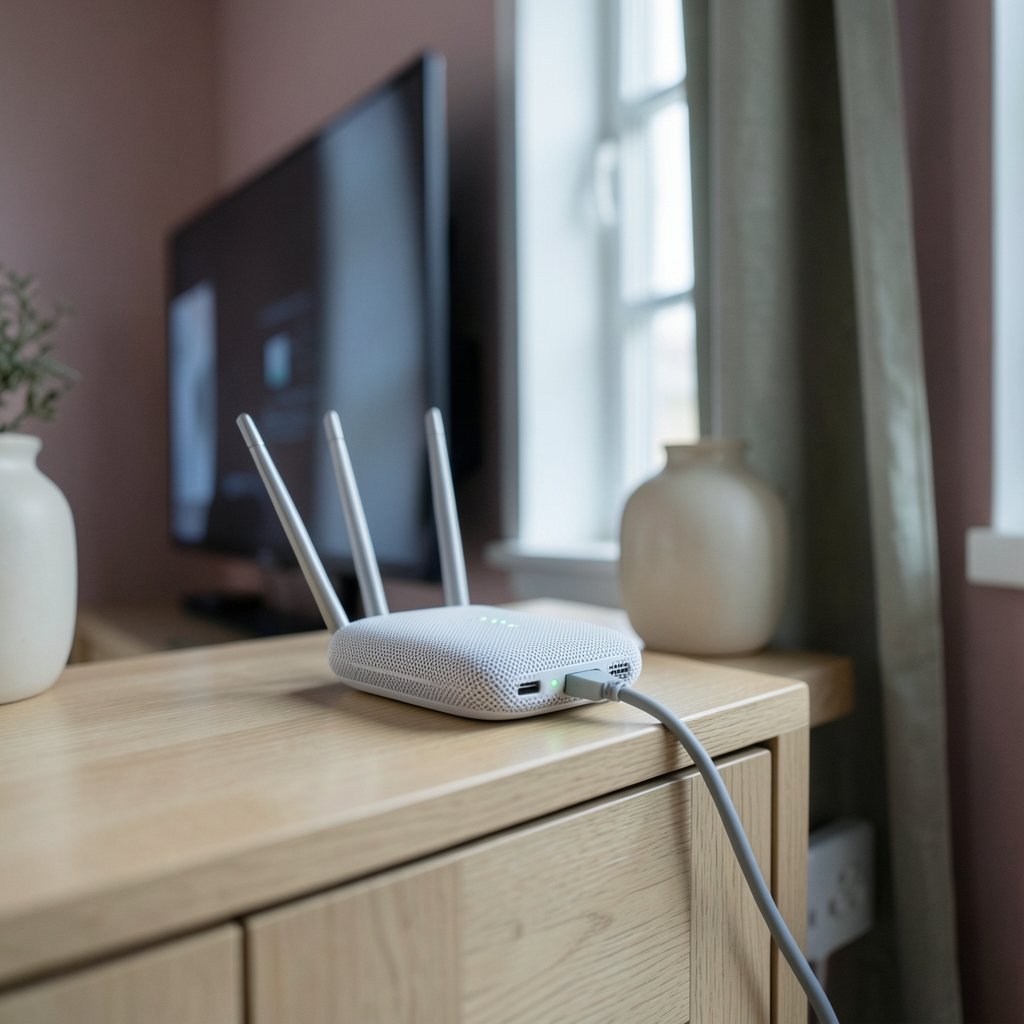
Quick Answer: What is a good internet speed for streaming?
A good internet speed for streaming is about 5 Mbps per HD stream and 25 Mbps per 4K stream, with roughly 25 to 50 Mbps being comfortable for most households. You can act on this by checking your plan against the number of screens you run at once, testing your actual speed during prime time, and upgrading only if your measured speed falls short. (Broadband Speed Guide)
The catch is that these are per-stream figures. A home with four people watching different 4K shows needs far more headroom than a single viewer. Upload speed, latency, and Wi-Fi quality also shape the experience, and none of them show up in a headline download number.
Before changing plans, compare your measured download speed, upload speed, latency, the number of simultaneous devices, router placement, and peak-hour congestion.
When the FCC raised its broadband benchmark from 25 Mbps to 100 Mbps download in March 2024, plenty of people glanced at their bills and panicked. Yet that same evening, millions of them streamed 4K video without a single stutter. The gap between “official broadband” and “enough to watch Netflix” is wider than most people realize, and understanding it can save a household real money every month.
The Per-Stream Numbers Most People Get Wrong

Streaming services publish recommended speeds per stream, not per household. Netflix has long suggested around 5 Mbps for HD and 25 Mbps for Ultra HD (4K) for each stream running at once. YouTube’s guidance has historically been far lower, roughly 1 Mbps for standard definition and around 2.5 Mbps for 720p.
Those figures look tiny next to a 500 Mbps fiber plan, and that is exactly the point. Streaming video is compressed and delivered with adaptive bitrate streaming, a technique where the player continuously adjusts quality to whatever bandwidth is available. If the connection tightens, the picture softens rather than stopping. That is why a family on a modest connection can still watch something, just not always at the sharpest setting.
The practical takeaway: a single person watching HD on a laptop is genuinely fine on 10 to 15 Mbps. The math only gets interesting when several screens, phones, and game consoles compete for the same pipe.
How Many Streams Are You Actually Running?
Household size drives the real requirement far more than any single recommendation. Multiply the per-stream figure by the number of simultaneous screens, then add a buffer for everything else on the network.
| Household scenario | Simultaneous streams | Rough download need |
|---|---|---|
| One viewer, HD | 1 | 10–15 Mbps |
| Couple, both HD | 2 | 20–30 Mbps |
| Family, mixed HD and 4K | 3 | 50–75 Mbps |
| Family, multiple 4K screens | 4 | 100 Mbps or more |
| Gamer streaming plus video calls | 2–3 plus upload | 75–100 Mbps, strong upload |
These are estimates built from per-stream figures, not guarantees. A household streaming four 4K titles at 25 Mbps each would theoretically need about 100 Mbps, which lines up neatly with the current federal broadband benchmark. Coincidence or not, it is a useful sanity check.
It is also worth remembering that every connected device counts, even the quiet ones. A phone syncing photos, a smart TV downloading an update, and a laptop on a video call all nibble at the same connection. People often blame the streaming service when the real culprit is a background backup running at 8 p.m.
Why Upload Speed and Latency Deserve Equal Attention
Download speed gets all the marketing glory, but two quieter numbers shape the experience just as much.
Upload speed matters for live streaming, video calls, cloud gaming, and anything where the household sends data out. A plan with 500 Mbps down and 10 Mbps up can feel lopsided the moment someone goes live on Twitch or joins a work call while others watch a movie.
Latency, measured in milliseconds, determines how quickly data makes the round trip. It barely affects a pre-recorded movie, which buffers ahead, but it makes or breaks live sports, video calls, and online gaming. High latency shows up as lag, delayed audio, and that awkward pause before someone responds on a call.
There is a third, sneakier factor: jitter, the variation in latency. A connection with steady 30 ms latency feels fine. One that swings between 20 ms and 200 ms feels broken even though the average looks acceptable. For anyone troubleshooting choppy calls, checking latency and jitter is often more revealing than running yet another download test. If privacy while streaming and browsing matters to you too, it pairs well with understanding what internet privacy is and how you can protect it. (Internet access)
The Real Reason Your Stream Buffers (Hint: It’s Usually Wi-Fi)
Here is the pattern that repeats in thousands of homes: someone pays for a fast plan, runs a speed test next to the router, sees a beautiful number, and still gets buffering in the bedroom. The plan was never the problem.
Common culprits, roughly in order of how often they cause trouble:
- Distance and walls. Wi-Fi signal weakens with every wall and floor. A bedroom two rooms away may get a fraction of the speed measured beside the router.
- The 2.4 GHz band. Older devices clinging to the slower band cap themselves well below what the plan delivers.
- Too many devices on one router. Entry-level routers choke when a dozen gadgets connect at once.
- Old hardware. A streaming stick from several years ago may struggle with 4K decoding regardless of bandwidth.
- Peak-hour congestion. Neighborhood networks get busy in the evening, and speeds dip accordingly.
Practical fixes that actually work: move the router off the floor and out of cupboards, switch to the 5 GHz or 6 GHz band where possible, use an Ethernet cable for the main TV if the layout allows, and consider a mesh system for larger homes. Before spending money on a faster plan, test the speed at the device that buffers, not at the router. That single change in testing habits solves a surprising share of complaints.
Matching Speed Tiers to What You Actually Watch
Plan tiers are marketed in broad strokes, so here is a plainer translation.
| Typical plan | Realistic streaming experience |
|---|---|
| 25–50 Mbps | Solid HD on two or three screens; one 4K stream is possible |
| 100 Mbps | Comfortable 4K on a couple of screens plus everyday browsing |
| 300 Mbps | Multiple 4K streams, gaming, and downloads with room to spare |
| 1 Gbps and above | Rarely necessary for streaming alone; useful for large households and heavy uploads |
The honest advice for most people is that 100 Mbps is a sensible floor for a busy family, and anything beyond 300 Mbps is usually about gaming, work-from-home uploads, or simply wanting headroom. Paying for gigabit to watch one television is like buying a truck to carry groceries.
For households where gaming and streaming overlap, the priorities shift toward latency and stability, which is why a guide to the best internet for gaming looks at different metrics than a streaming checklist does. Similarly, anyone who travels or uses region-locked services will find that a VPN changes the equation, and the trade-offs are covered in this look at the best VPNs for streaming in 2026.
How to Test Your Connection Properly
A speed test is only useful if it mimics real conditions. Three habits make the results trustworthy.
First, test at the device that struggles, rather than only beside the router. Second, test in the evening, when the neighborhood is online and the numbers reflect reality rather than a quiet Tuesday morning. Third, test with the household active, because a connection that handles 4K beautifully when alone may collapse when three people are home.
Run a few tests across a week and note the pattern. Consistent shortfalls point to the plan or the line. Speeds that are fine at the router but poor elsewhere point to Wi-Fi. Speeds that crater only at night point to congestion, which is often a conversation with the provider rather than an upgrade.
It also helps to know what the stream itself is doing. Netflix’s own published speed rankings, which track median prime-time performance by provider, tend to sit in the low single digits of Mbps for top performers. That is not a contradiction of the 25 Mbps recommendation; it reflects the average bitrate actually delivered, which is lower than the ceiling. Understanding that distinction stops a lot of unnecessary upgrade purchases.
Common Mistakes That Cost Money and Patience
A few habits reliably waste both.
- Upgrading the plan before testing the Wi-Fi. The most expensive mistake, and the most common.
- Ignoring upload speed. Fine until someone starts a livestream or a video call.
- Trusting the router’s placement. Cupboards, corners, and floors are where signals go to die.
- Assuming all 4K is equal. Bitrates vary by service and title, so two “4K” streams may not cost the same bandwidth.
- Forgetting background traffic. Cloud backups and game updates are silent bandwidth thieves.
- Overbuying for peace of mind. A single viewer on 500 Mbps is paying for capacity that will never be used.
Security deserves a mention too, since a compromised router can degrade performance and expose a household. A sensible baseline is covered in this guide to the best internet security in Australia, and the general principles apply anywhere.
Conclusion
A good internet speed for streaming comes down to simple arithmetic and honest testing. Roughly 5 Mbps per HD stream and 25 Mbps per 4K stream is the starting point, which puts most busy households comfortably in the 50 to 100 Mbps range and leaves anything above 300 Mbps as a choice rather than a necessity. The number on the bill matters far less than the speed that actually reaches the screen, and that number depends on Wi-Fi quality, router placement, device age, and how many people are watching at once.
The smartest sequence is always the same: measure at the device that buffers, test during peak hours, fix the wireless setup first, and only then consider paying for more speed. Do that, and the buffering spinner becomes a rare sight rather than a nightly ritual.
Frequently Asked Questions
Is 50 Mbps enough for streaming?
For most households, yes. Fifty Mbps comfortably handles two or three HD streams at once, or a single 4K stream alongside everyday browsing and phone use. It starts to feel tight when several people watch 4K simultaneously or when someone uploads large files in the background.
Does streaming use upload speed?
Pre-recorded streaming barely touches upload, since the data flows toward the viewer. Upload speed matters for live streaming, video calls, cloud gaming, and screen sharing. Households that do any of those things should treat upload as a first-class number rather than an afterthought.
Why does my stream buffer when my speed test looks fast?
Because the speed test likely ran close to the router on a quiet network. Buffering usually traces back to weak Wi-Fi at the device, an old streaming stick, or evening congestion. Testing at the buffering device during peak hours almost always reveals the real story.
Is 4K streaming worth upgrading my internet for?
Only if the rest of the setup supports it. A 4K television, a capable streaming device, and a stable connection of around 25 Mbps per 4K stream are all required. Many viewers find that a strong HD picture on a good screen looks excellent and costs far less bandwidth.
Does a VPN slow down streaming?
It can, because the traffic takes a detour through an encrypted tunnel. The impact varies widely by provider and server distance. Choosing a nearby server and a provider with fast infrastructure usually keeps the slowdown small enough to stay above streaming thresholds.
How many devices can one connection support?
More than most people expect, provided the plan has headroom. A 100 Mbps connection can keep a dozen devices connected while several stream, because most gadgets use very little bandwidth when idle. The limit tends to be the router’s capacity and Wi-Fi coverage rather than the plan itself.



