
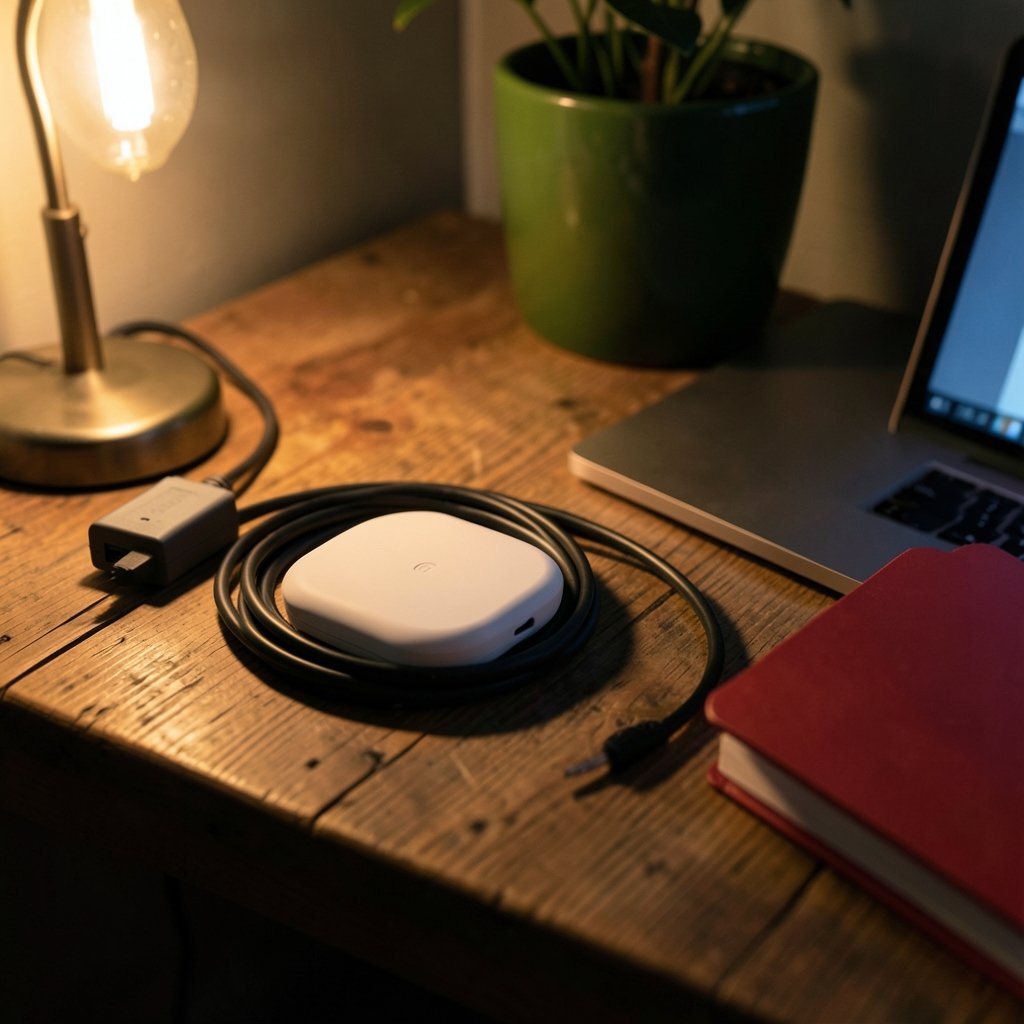
Roughly half of home Wi-Fi complaints trace back to a single problem: the router is in one corner of the house and the people who need bandwidth are in another. Two popular fixes dominate the shelves, and they work in completely different ways. A powerline adapter sends data through your home’s electrical wiring. A mesh Wi-Fi system uses multiple wireless nodes that talk to each other. Picking the wrong one wastes money and, worse, leaves the dead zone exactly where it was.
This comparison cuts through the marketing numbers and explains what each option actually delivers, where each one fails, and how to decide in about ten minutes.
The Core Difference in Plain Terms
A powerline kit comes as a pair. You plug one adapter into a wall outlet near your router and connect it with an Ethernet cable. The second adapter goes into an outlet near the device that needs internet. Data travels over the existing electrical circuit. No new cabling, no drilling, no wireless backhaul to configure.
A mesh system is a set of two to four units that blanket a home in Wi-Fi. One node connects to your modem, and the others place themselves around the house. They hand devices off to each other as you move around, so your phone stays connected from the kitchen to the attic.
The key distinction: powerline extends a wired connection to a fixed spot. Mesh extends a wireless connection across space. That single difference explains almost every scenario where one wins and the other loses.
How Powerline Adapters Actually Perform

Powerline adapters are sold with big numbers on the box. A unit marketed as “AV2-2000” or “G.hn 2400” is quoting a theoretical ceiling, not what you will see. In practice, real throughput depends heavily on the age and quality of your wiring, the distance the signal travels, and what else is running on the same circuit.
Three practical realities matter more than the spec sheet:
- Shared circuits are noisy. Motors, dimmer switches, and cheap power supplies inject interference. A hair dryer or a vacuum on the same circuit can visibly slow a powerline link.
- Performance is often asymmetric. Many adapters deliver strong download speeds but noticeably weaker upload, which matters if you work with large files or video call.
- Cross-circuit links degrade. Adapters work best on the same circuit. If your router outlet and your target outlet sit on different breakers, the signal may have to travel through the panel, and throughput can fall sharply.
The upside is real, though. A good powerline pair in a compatible home can deliver a stable, low-latency connection that feels far more consistent than a weak Wi-Fi signal. It is reliable in a way that flaky Wi-Fi is not — when the wiring cooperates.
Where Powerline Shines
- Feeding a smart TV or game console that sits far from the router
- Getting a wired connection into a home office in a converted garage or basement
- Acting as a backhaul for a mesh node in a room Wi-Fi cannot reach
- Rentals where you cannot run cable through walls
Where Powerline Falls Flat
- Older homes with aluminum wiring or very long runs
- Outlets on different circuits with heavy appliances
- Households that need coverage everywhere, rather than only at one desk
- Anyone expecting the rated speed printed on the box
How Mesh Wi-Fi Actually Performs
Mesh systems solve a different problem: coverage. Instead of one router blasting signal through walls, several nodes relay traffic. The trade-off is that every wireless hop costs bandwidth. When a node talks to another node on the same radio band, usable throughput typically drops, which is why tri-band systems with a dedicated backhaul band exist. That third radio handles node-to-node traffic so your devices keep the full front-haul speed. (Radio Frequency Safety)
Placement is everything. A mesh node placed where the signal is already weak will relay a weak signal. The rule that actually works: put each node roughly halfway between the router and the dead zone, in a spot where it still gets a strong connection. People routinely ignore this, stick a node in the far bedroom, and then blame the system.
Mesh also wins on convenience. Devices roam between nodes automatically, there is one network name, and most apps show you which node each device is using. For a household with phones, tablets, laptops, and smart speakers moving constantly, that automatic handoff is the whole point.
Where Mesh Shines
- Multi-floor homes with devices that move around
- Large open-plan spaces with many connected gadgets
- Households that want one app to manage everything
- Yards, garages, and outbuildings within reasonable range
Where Mesh Falls Flat
- Very thick stone or brick walls that block node-to-node links
- Long, narrow layouts where nodes cannot see each other well
- Budget two-node kits expected to cover a large house
- Anyone who needs a rock-solid wired link to one specific device
Head-to-Head Comparison
| Factor | Powerline Adapter | Mesh Wi-Fi |
|---|---|---|
| How it extends the network | Over electrical wiring | Over wireless links between nodes |
| Best for | One fixed location far from the router | Whole-home coverage with roaming |
| Real-world speed | Varies widely with wiring and circuit | Strong near nodes, drops per wireless hop |
| Latency | Usually low and stable when wiring is good | Low near a node, higher at the edge |
| Setup effort | Very easy, plug and pair | Easy, but placement matters a lot |
| Interference risks | Appliances, dimmers, circuit noise | Walls, distance, neighboring networks |
| Roaming between rooms | None, it is a fixed connection | Automatic handoff |
| Cost for full coverage | Higher, since each spot needs a kit | Usually better value per square foot |
| Ideal home | Older wiring in good shape, one problem room | Modern layout, many mobile devices |
The Hybrid Approach Most People Miss
The smartest setups often combine both. A mesh system handles general coverage, and a powerline pair feeds the one node that cannot get a clean wireless backhaul. This is a genuinely useful trick: mesh nodes need a viable path back to the main unit, and when walls block that path, powerline can rescue the node without running cable.
The reverse also works. If a powerline link is solid but you need Wi-Fi at that end, plug a mesh node or access point into the remote adapter. You get the stability of a wired link plus wireless coverage at the destination.
If you are weighing how far a single adapter can carry a signal, the same distance logic applies to any wireless extension you add, which is why it helps to think about how to name your Wi-Fi network clearly so you can tell which node or band a device has latched onto during testing.
Common Mistakes That Ruin Both Options
These come up again and again, and each one is easy to avoid.
Plugging powerline adapters into surge protectors or power strips. This is the single biggest mistake. Filters in the strip block the signal. Always use a wall outlet directly.
Judging powerline by the box number. Rated speeds are marketing ceilings. Test actual throughput with a speed test at the remote end before deciding the kit works.
Putting mesh nodes too far apart. Nodes need a strong link to each other. If the app shows a weak connection, move the node closer to the router, not farther from the dead zone.
Ignoring the backhaul band. On a dual-band mesh system, node-to-node traffic competes with your devices. Tri-band or Ethernet backhaul fixes this.
Testing once and calling it done. Powerline performance can shift when a new appliance joins the circuit. Test at different times of day.
Forgetting that firmware matters. Mesh systems improve with updates. An out-of-date node can underperform badly.
A Practical Decision Path
Work through these steps in order. They resolve most cases quickly.
- Map the dead zone. Identify exactly where coverage fails and whether the problem is one room or half the house.
- Check for an Ethernet run. If cable can reach the problem area, use it. Wired beats both options every time.
- Count your mobile devices. Many phones, tablets, and laptops moving around favor mesh. One fixed TV or desktop favors powerline.
- Test the wiring. Borrow or buy a powerline pair, plug both into wall outlets, and run a speed test at the remote end. If throughput holds up, keep it.
- Try mesh placement first. Before buying more nodes, move existing ones closer to the router and re-test.
- Combine if needed. Use powerline as backhaul for the one mesh node that struggles.
For anyone also planning backup power or network gear that must survive an outage, it helps to size the electrical side properly. A guide to home generators for reliable backup power covers how to keep routers and nodes running when the grid drops, and a look at solar generators for home backup explains the battery-side trade-offs. Powerline adapters, notably, do not pass signal through a UPS filter, so plan outlet placement with that in mind. (Power-line communication)
What the Standards Tell You
Two standards dominate powerline: HomePlug AV2 and G.hn. Both define how data rides the electrical line, and G.hn generally handles noisy lines better. On the mesh side, Wi-Fi 6, 6E, and 7 define the radio capabilities, while certification programs exist to make multi-brand mesh setups interoperable. The practical takeaway is simple: match standards across your gear where possible, and do not assume a newer standard automatically beats a well-placed older one. A Wi-Fi 6 mesh node in the right spot will outperform a Wi-Fi 7 node crammed into a closet.
It is also worth checking what your devices actually support. If every phone and laptop in the house is on an older Wi-Fi generation, a bleeding-edge mesh system delivers less than the box promises. Buy for the devices you own, not the ones you might own in three years.
Cost and Value in Real Terms
A single powerline pair typically costs less than a two-node mesh system, but that comparison is misleading. Powerline solves one location. Mesh solves an area. If you need coverage in three rooms, three powerline kits cost more than a three-node mesh system and deliver no roaming.
The value calculation flips when you need a rock-solid link to one device. A gamer or video editor who needs stable latency at a single desk often gets more from a $70 powerline pair than from a $300 mesh system, because the mesh still has to fight the same walls.
Conclusion
Neither option is universally better, and anyone who claims otherwise is selling something. Powerline adapters win when you need a stable wired connection to one fixed spot and your wiring is in decent shape. Mesh Wi-Fi wins when you need coverage across a whole home with devices that move. The most reliable setups often use both, with powerline quietly doing backhaul duty for the one mesh node that cannot get a clean wireless path.
Start by mapping the dead zone, test before you commit, and remember that placement beats specs every single time. A modest system installed thoughtfully will outperform an expensive one installed carelessly.
Frequently Asked Questions
Is a powerline adapter faster than mesh Wi-Fi?
It depends on the wiring and the distance. A powerline pair on a clean, same-circuit run can match or beat a mesh node that is relaying over a weak wireless hop. Near a mesh node with a strong backhaul, mesh usually wins. Rated speeds on powerline boxes are ceilings, not typical results.
Can I use a powerline adapter as mesh backhaul?
Yes, and it is one of the most useful setups available. If a mesh node cannot get a strong wireless link to the main unit, connect it to a remote powerline adapter with an Ethernet cable. The node then gets a stable wired backhaul and broadcasts Wi-Fi normally.
Why is my powerline adapter so slow?
The usual culprits are surge protectors, cross-circuit runs, and appliance interference. Plug both adapters directly into wall outlets, keep them on the same circuit if possible, and test at different times of day. If throughput stays low, the wiring itself is likely the limit.
Do mesh systems work in old houses with thick walls?
They can, but node placement becomes critical. Thick stone or brick walls block node-to-node links, so each node needs a clear-ish path to the next. When walls are the problem, a wired or powerline backhaul for the far node is often the only reliable fix.
How many mesh nodes do I actually need?
Start with two and add only if coverage still fails. More nodes mean more wireless hops and more interference if they are placed too close together. One well-placed node beats three crammed into the same hallway.
Does a powerline adapter create a new Wi-Fi network?
Most kits include Wi-Fi, which means yes, often a second network name. Some units clone your existing network name and password so devices connect automatically. Check the manual, and consider giving the new network a distinct name during setup so you can tell which one a device is using.



