
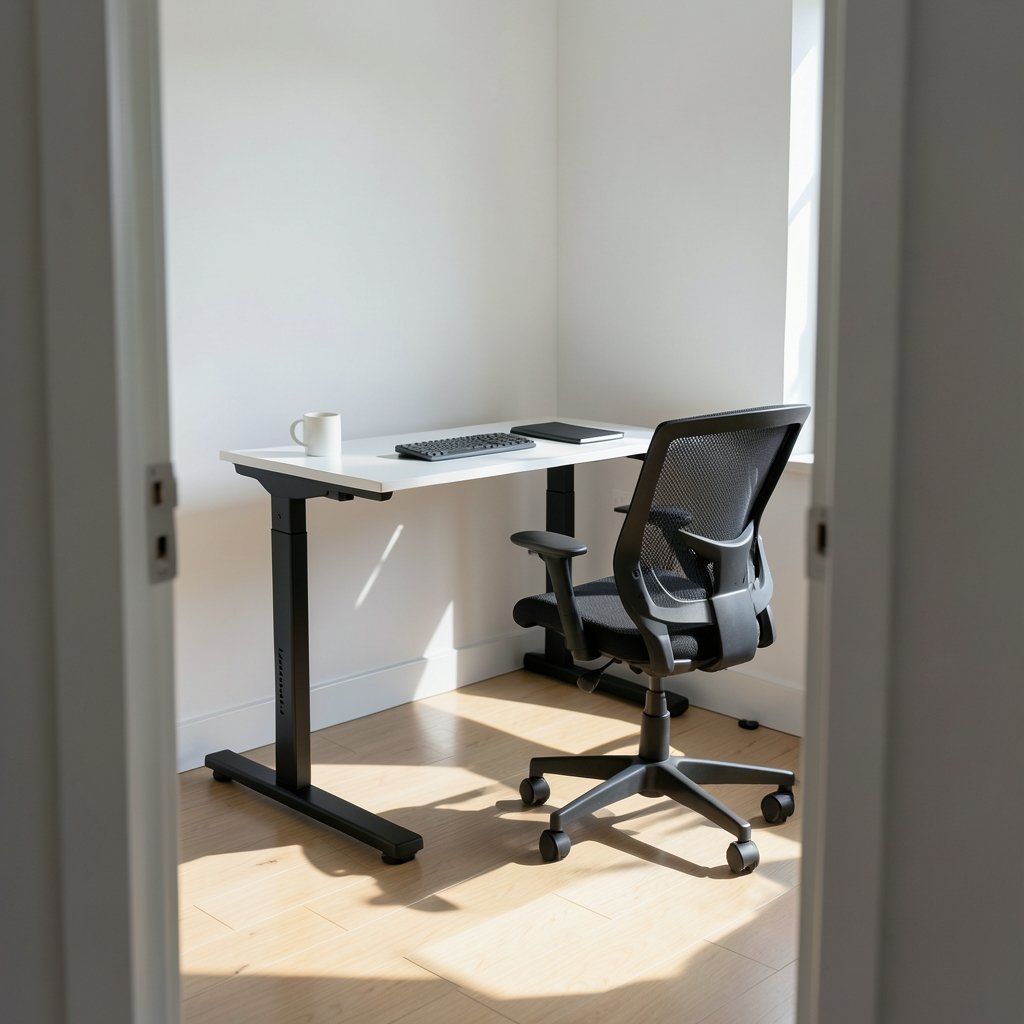
Roughly 80% of office workers sit for most of their day, and the average desk worker logs six to seven hours of chair time before lunch even ends. That number explains why the standing desk market keeps growing, and why every retailer now slaps a “2026 model” sticker on frames that haven’t changed in years. The real question isn’t which desk has the flashiest marketing. It’s which frame will hold its height without wobbling, survive a decade of daily use, and actually fit your body. This guide cuts through the noise and focuses on what separates a good standing desk from an expensive wobble machine.
The 2026 Label Is Mostly Marketing
Here’s the uncomfortable truth: most “new” standing desks released this year reuse the same frames, motors, and controllers as last year’s models. Retailers relabel products annually to refresh search rankings and justify price bumps. A genuine 2026 upgrade looks like a new motor architecture, a redesigned control box, or a real change in height range. If the spec sheet is identical to the 2025 version, you’re paying for a sticker.
That matters because the category has matured. Dual-motor frames are now standard at mid-range prices, and the gap between budget and premium has narrowed to stability, warranty, and controller quality rather than raw lifting power. Budget shoppers should watch for seasonal price drops, because desk discounts follow predictable calendar patterns tied to major sales events. (Black Friday Car Deals: Best Offers and Prices for 2026)
Height Range Beats Every Other Spec
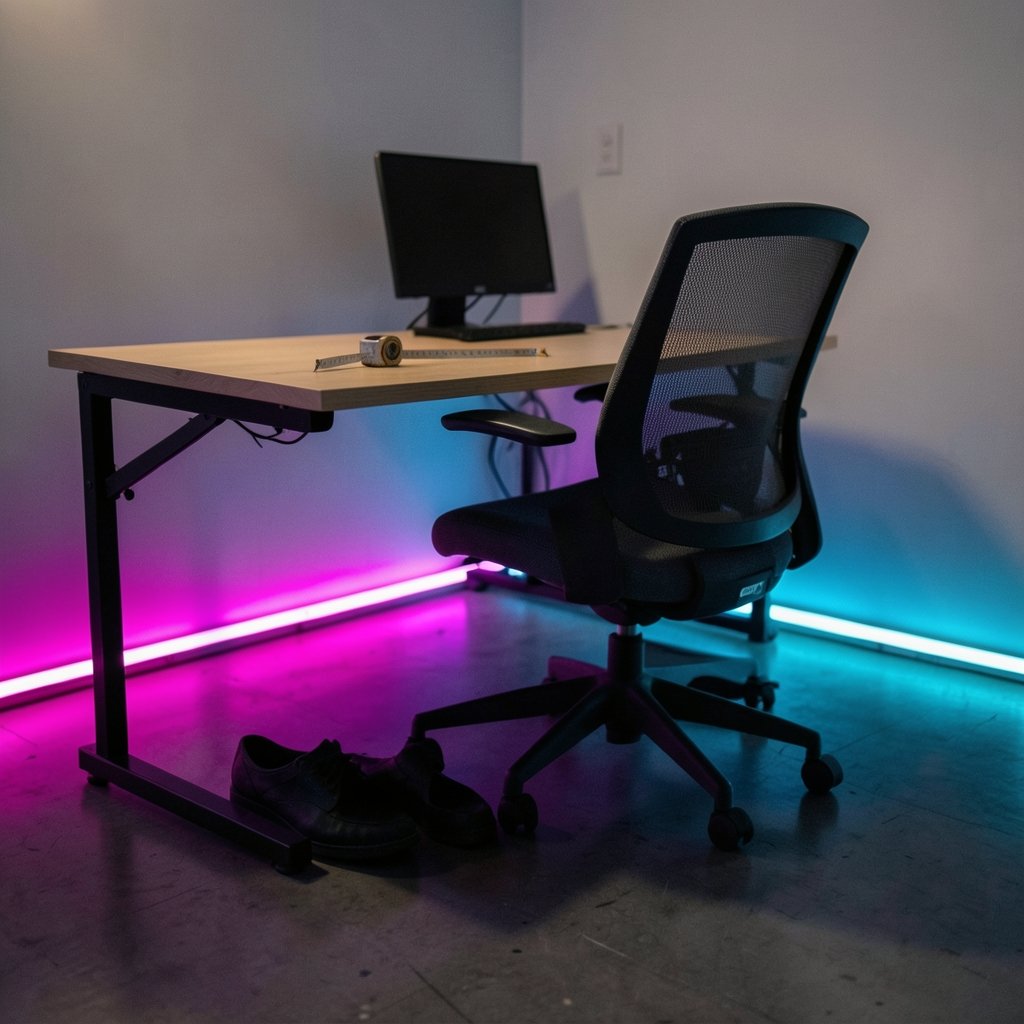
If you only check one number before buying, check the height range. For most adults, a desk needs to reach roughly 24 to 26 inches (61 to 66 cm) at the low end for comfortable seated work, and 48 to 50 inches (122 to 127 cm) at the top for standing use. People under about 5’2″ or over about 6’4″ often need ranges outside that window, and a desk that doesn’t fit your body is worse than no desk at all.
A few practical checks that save people from regret:
- Measure your seated elbow height with your chair adjusted properly, then add an inch or two for keyboard clearance.
- Measure your standing elbow height in flat shoes, not the sneakers you wear once a month.
- Compare both numbers against the desk’s minimum and maximum height, not the “ideal for people 5’0″ to 6’6″” marketing line.
- Check whether the desk’s lowest height clears your thighs and chair arms.
The most common mistake is buying a desk that goes low enough for standing but not low enough for sitting. Short users get stuck with floating shoulders or a keyboard tray they never wanted.
Stability Is Where Cheap Desks Fall Apart
Wobble is the great divider. A desk that shakes when you type at standing height feels cheap no matter how much you paid, and it gets worse over time as joints loosen. Stability comes down to three things: frame material and gauge, the number of leg stages, and the foot design.
Three-stage legs extend higher than two-stage legs and generally hold position better at the top of their range. Thicker steel and cross-support bracing reduce side-to-side sway. Wide, flat feet with adjustable glides handle uneven floors better than small pads. If you can, test a floor model at full height and push it gently from the side. If it rocks, walk away.
Load ratings are the other signal. Dual-motor frames typically carry more weight and lift faster than single-motor versions, though exact figures vary by model and change constantly. A desk rated for 250 to 300 pounds comfortably handles a monitor arm, dual displays, and a desktop PC without strain.
The Health Claims Deserve Skepticism
Standing desks are often sold as a fix for back pain, fatigue, and even longevity. The evidence is more modest than the marketing suggests. Research on sit-stand interventions generally shows small reductions in sitting time and modest comfort improvements, not dramatic health transformations. Some studies also link prolonged standing to leg discomfort and vascular strain, which is why the standard advice is to alternate positions rather than stand all day.
The practical takeaway is simple: a standing desk is a tool for variety, not a cure. The people who get the most from them are the ones who actually switch positions regularly instead of standing for three hours straight to justify the purchase. If your broader setup needs an upgrade too, the same “buy for real use, not labels” logic applies to other hardware purchases, where specs matter more than announcements. (Tesla website robotaxi semi roadster three hardware bets 2026)
Warranty Length Tells You What the Maker Thinks of Its Frame
Warranty terms are an underrated buying signal. Frames in this category commonly carry 5 to 15 years of coverage, while electronics and controllers usually get 2 to 5 years. A company offering 15 years on the frame is betting the steel won’t fail. A company offering 2 years total is telling you something too.
Read the fine print on what’s excluded. Some warranties void coverage if the desk is used commercially, moved, or paired with accessories the maker didn’t approve. Others cover motors but not control boxes, which are the parts that actually fail. Keep your receipt and register the product, because claims often require proof of purchase.
Desktop Size and Cable Management
Most buyers focus on the frame and forget the top. A 48-inch desktop feels cramped once a monitor, speakers, and a coffee mug claim space. 55 to 60 inches is the practical sweet spot for a single-monitor setup with room to spread out paperwork. Depth matters too: 24 inches is workable, 30 inches is comfortable, and anything shallower forces your monitor too close to your eyes.
Cable management separates a desk that looks intentional from one that looks like a server closet. Look for integrated trays, grommets, or at minimum a frame with space to zip-tie cables underneath. A monitor arm mounted through a grommet clears the desktop and makes height changes smoother, since the arm moves with the desk.
Sit-Stand Accessories Worth Budgeting For
The desk is only part of the setup. A few accessories genuinely change how often you use standing mode:
- Anti-fatigue mat: Makes standing stretches comfortable enough that you’ll actually do them.
- Monitor arm: Keeps the screen at eye level in both positions and frees desk space.
- Keyboard tray or adjustable keyboard stand: Helps shorter users keep wrists neutral.
- Cable sleeve or tray: Prevents the mess that makes people stop adjusting the desk.
Skip the treadmill-desk hype unless you’ve tried one first. Walking while typing is harder than it looks, and many treadmill desks end up gathering dust within a month.
How to Compare Standing Desks Side by Side
Use a simple comparison framework instead of getting lost in spec sheets. The table below shows the trade-offs that matter most at each price tier. (Apple scotus 27 percent app store fee 2026)
| Feature | Budget tier | Mid tier | Premium tier |
|---|---|---|---|
| Motor setup | Single motor | Dual motor | Dual motor, faster lift |
| Frame warranty | 2–5 years | 5–10 years | 10–15 years |
| Stability at full height | Noticeable sway | Minor sway | Minimal sway |
| Height range | Often limited | Standard range | Wide range, low minimum |
| Controller | Basic up/down | Memory presets | Presets, app, anti-collision |
| Best for | Light use | Daily office work | Heavy setups, tall users |
The pattern is consistent: each tier buys you better stability and longer coverage, not dramatically better lifting. If you work at the desk eight hours a day, the mid tier is usually the value sweet spot. If you’re tall, use heavy equipment, or plan to keep the desk for a decade, premium pays off.
Common Buying Mistakes to Avoid
People repeat the same errors year after year. The biggest one is buying on price alone and then discovering the desk wobbles at standing height, which kills the habit fast. The second is ignoring the minimum height, which locks shorter users into uncomfortable seated posture. The third is underestimating assembly time; most desks take 45 to 90 minutes to build and require two people for the heavier frames.
Another mistake is assuming “ergonomic” means “fits everyone.” It doesn’t. A desk is ergonomic only if it matches your measurements. Finally, don’t buy a desk with a controller you can’t replace. Controllers fail more often than frames, and a proprietary control box can turn a working desk into scrap. (Ergonomics)
What Actually Works in Practice
The people who stick with standing desks share a few habits. They set a memory preset for seated and standing heights so switching takes one button press. They start with 20 to 30 minutes of standing per hour and build up gradually instead of diving into full days. They keep a stool nearby for the moments when standing stops feeling good. And they treat the desk as one part of a setup that includes a properly adjusted chair, monitor at eye level, and feet flat on the floor or a footrest. (Standing desk)
That gradual approach matters more than any spec. A modest desk used well beats a premium desk used as a shelf. The same principle shows up across consumer tech: the tool matters less than whether it fits how you actually work.
Conclusion
The best standing desk in 2026 isn’t the one with the biggest discount or the newest label. It’s the one whose height range fits your body, whose frame stays steady at full extension, and whose warranty suggests the maker expects it to last. Check the minimum height first, test stability second, and treat health claims with healthy skepticism. Buy for daily use, set memory presets, and alternate positions instead of standing all day. Do that, and the desk becomes what it should be: a quiet tool that makes long workdays easier on your body.
FAQ
What height should a standing desk be for someone 5’10”?
For most people around 5’10”, standing desk height lands near 42 to 44 inches with elbows bent at roughly 90 degrees. The exact number depends on arm length and footwear, so measure your standing elbow height and set the desk an inch or two below it for keyboard comfort.
Are standing desks actually good for your back?
The evidence is mixed. Sit-stand desks are linked to modest comfort improvements and reduced sitting time, but they aren’t a treatment for back pain. Alternating between sitting and standing, plus proper chair and monitor adjustment, matters more than the desk itself.
Do I need a dual-motor standing desk?
Not always, but dual-motor frames generally lift faster, carry more weight, and stay steadier at full height than single-motor versions. If you work at the desk daily or use heavy monitors and a desktop PC, dual-motor is worth the extra cost. For light, occasional use, a single motor can be enough.
How much weight can a standing desk hold?
Load ratings vary widely by model, but many dual-motor frames are rated for roughly 250 to 300 pounds. That comfortably covers dual monitors, a monitor arm, and a desktop computer. Always check the specific model’s rating, since budget frames are often rated much lower.
How long do standing desks last?
A well-built frame with a 10- to 15-year warranty typically lasts a decade or more with normal use. Controllers and motors are the parts most likely to fail first, which is why replaceable electronics and clear warranty terms matter as much as frame quality.
Is it bad to stand all day at a standing desk?
Yes, prolonged standing without breaks can cause leg fatigue and discomfort. The standard guidance is to alternate positions, standing for roughly 20 to 30 minutes per hour at first and sitting or moving in between. A standing desk works best as a tool for variety, not as a replacement for sitting entirely.



