
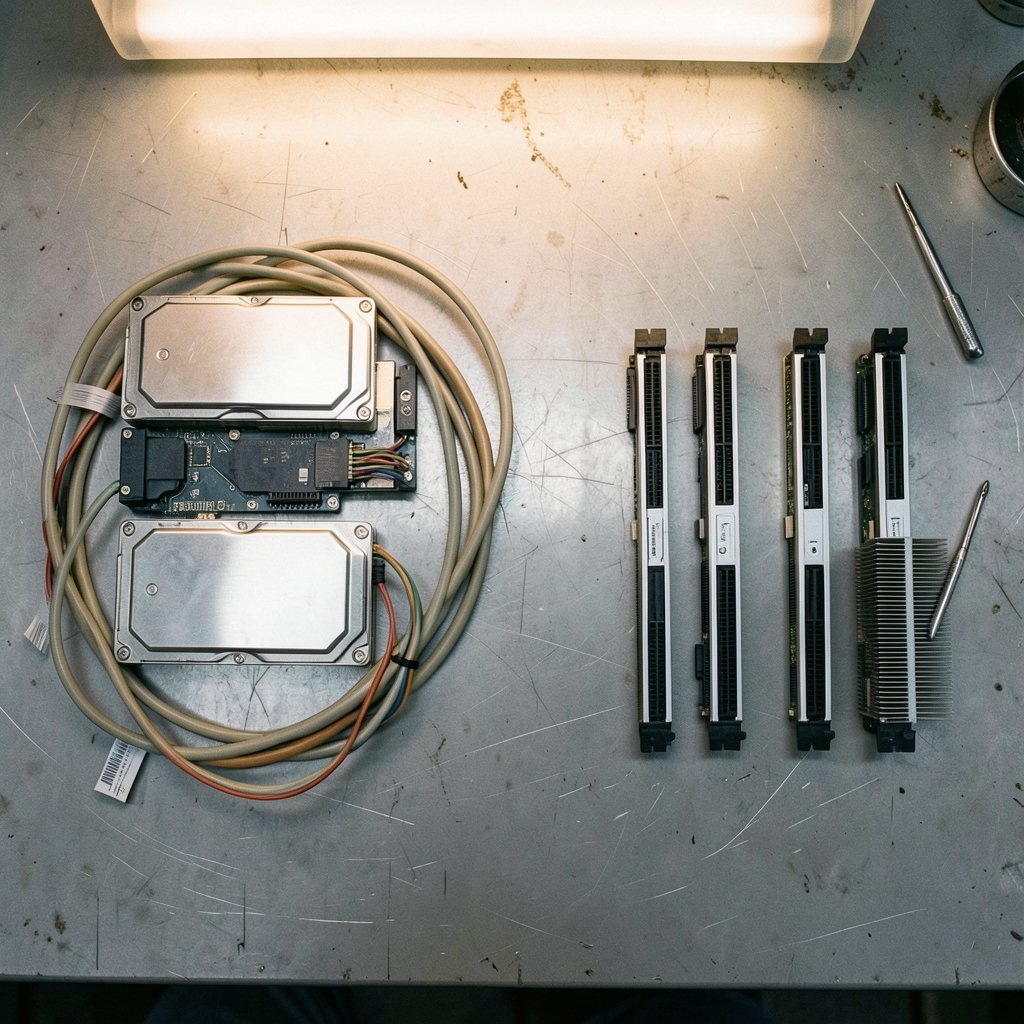
In the mid-2010s, a team of Amazon engineers made a bet that broke a decades-old habit. Instead of running a database on one big machine, they pushed the storage layer out onto a fleet of thousands of disks and let compute nodes stay small and disposable. That decision, which became Amazon Aurora, helped redefine what a cloud database could be. The core idea behind it, separating storage from compute, now shapes almost every serious cloud database on the market.
This article walks through how cloud database architecture actually works, where the trade-offs bite, and what practitioners get wrong when they migrate. (Best ai architecture generators for building designs)
What cloud database architecture actually means
A traditional database bundles everything on one server: the query engine, the transaction log, the buffer pool, and the disks. A cloud database architecture pulls those pieces apart and runs each one where it makes the most sense. Storage lives in a distributed layer replicated across zones. Compute nodes handle queries and can be added or killed in seconds. A control plane manages provisioning, backups, and failover.
That split is the whole game. It is why a team can scale reads without copying data, why a failed node can be replaced without data loss, and why billing can track usage minute by minute instead of by the month.
The pattern shows up under different names. Some vendors call it disaggregated storage. Others call it shared-data architecture. The mechanics differ, but the goal is the same: make the database elastic without making it fragile.
The three layers most cloud databases share
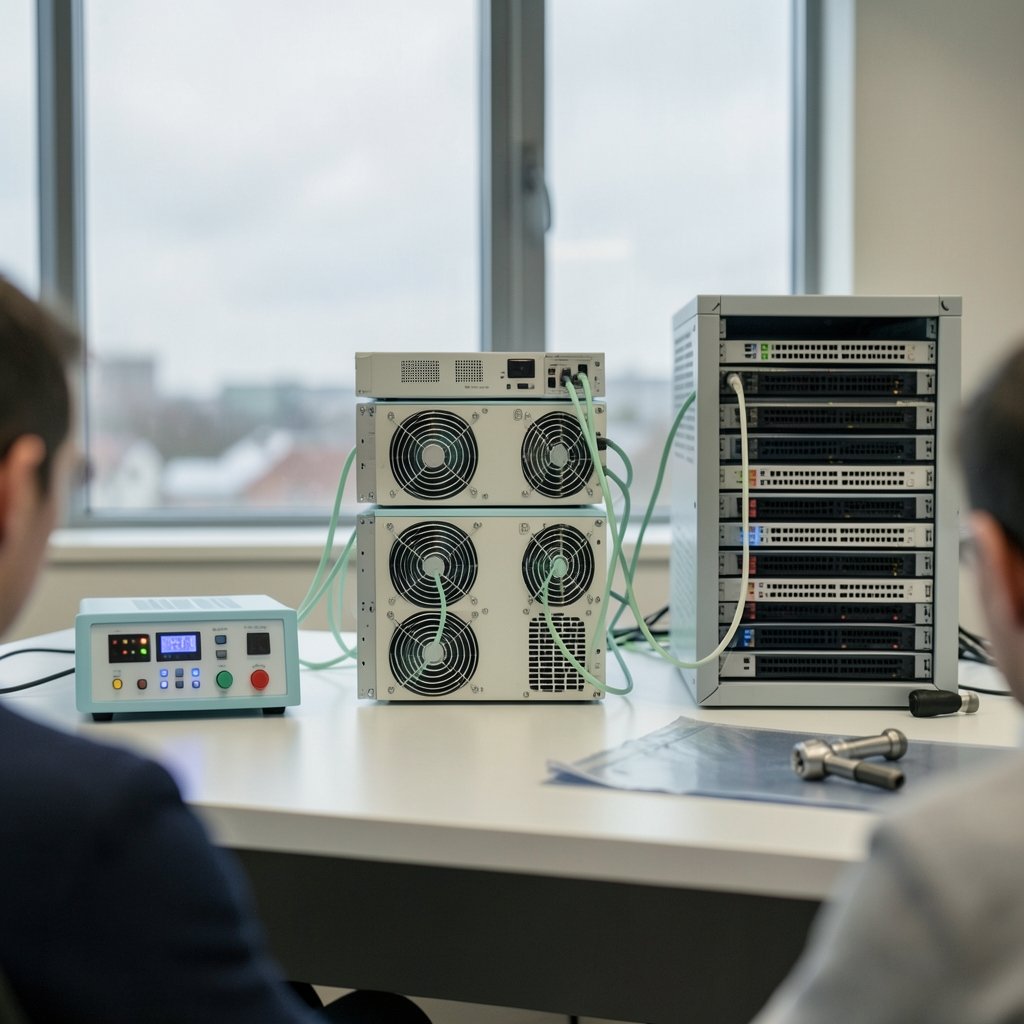
Most modern systems organize around three logical layers. Understanding them helps you read any vendor’s architecture diagram without getting lost.
| Layer | Job | Typical behavior |
|---|---|---|
| Storage layer | Persist data durably across zones | Replicated, log-structured, scales independently |
| Compute layer | Run queries, cache hot pages, execute transactions | Stateless, elastic, replaceable in seconds |
| Control/services layer | Handle metadata, security, backups, scaling decisions | Managed by the provider, invisible to users |
When you hear that a database is “serverless,” it usually means the control layer handles compute scaling automatically. When you hear “multi-cluster,” it usually means several compute clusters read from one shared storage layer. Neither term is standardized, which is why vendor marketing can be confusing. If you want the broader picture of how these layers fit into larger systems, a solid primer on software architecture fundamentals covers the concepts that apply here too.
How the storage layer changed everything
The classic single-node database writes changes to a local log, then flushes pages to local disk. Cloud-native designs invert this. They ship the redo log itself to a distributed storage service, and that service replays it, replicates it, and repairs itself. Compute nodes become almost stateless caches.
The practical payoff is durability. Aurora, for example, spreads data across six copies in three availability zones. Losing a whole zone does not lose data. Losing a disk does not even slow a query, because the storage layer repairs in the background.
The cost is network chatter. Every write now travels over the network to the storage tier. Engineers spend real effort batching, compressing, and pipelining that traffic. It is one reason cloud databases sometimes show higher write latency than a well-tuned local machine, even though they win on resilience.
This is the same underlying shift described in discussions of cloud storage versus local storage: durability and elasticity get better, while raw single-node latency can get slightly worse. The trade is almost always worth it for production systems, and almost always annoying for a developer benchmarking on a laptop.
Consistency, replication, and the CAP reality check
Distributed databases have to answer a hard question: when a network partition splits the cluster, do you keep serving requests or do you refuse them to stay correct? That tension is captured by the CAP theorem, which says a distributed system can guarantee only two of consistency, availability, and partition tolerance at once. In practice, partitions happen, so the real choice is between consistency and availability during a partition.
A later framework, PACELC, extends the idea: even when there is no partition, you still trade latency against consistency. That second half matters more day to day. Strongly consistent reads cost round trips. Eventually consistent reads are fast but can return stale data.
Most cloud vendors now offer tunable consistency. You can pick strong consistency for financial writes and relaxed reads for a product catalog. The mistake practitioners make is treating consistency as a global setting. It is not. It is a per-query decision, and getting it wrong in either direction causes real problems: stale reads in checkout flows, or needless latency on a dashboard nobody is watching in real time.
Serverless and autoscaling: what actually works
Serverless databases promise that you stop thinking about capacity. The reality is more nuanced. Autoscaling reacts to load, but it reacts after the load arrives, and cold starts are real. A database that scales to zero will take a moment to wake up, which is fine for a staging environment and unacceptable for a payment API.
What works in practice:
- Set a minimum capacity floor so the database never fully sleeps in production.
- Watch the scaling metrics for a week before trusting them under real traffic.
- Load-test with realistic concurrency, not a single script hammering one query.
- Keep connection pooling in place; serverless compute still has connection limits.
What does not work: assuming autoscaling will cover a badly designed schema. No amount of elasticity saves a query that scans ten million rows because an index is missing.
For teams weighing providers, a comparison of AWS vs Azure vs Google Cloud helps frame which managed database services fit which workloads, since each vendor’s autoscaling behavior differs meaningfully. (What is a cloud database?)
Multi-region design without the pain
Running a database across regions is where architecture decisions get expensive. There are three broad patterns.
Single-region primary with read replicas. Writes go to one region, reads can happen anywhere. Simple, predictable, and fine for most businesses.
Active-passive failover. A standby region stays warm and takes over if the primary dies. Recovery time depends on how warm the standby is.
Active-active multi-region. Writes happen in multiple regions at once. This delivers the best latency and the worst complexity. Conflict resolution, clock skew, and cross-region consistency all become your problem.
Most teams that think they need active-active actually need a well-tested active-passive setup. Active-active is worth it when you have users on multiple continents and write latency is a genuine product problem, not before.
Security and confidential computing
Cloud databases inherit the provider’s security model, but the shared-responsibility line matters. The provider secures the physical infrastructure and the managed service. You secure access control, encryption keys, and query permissions.
A newer layer is confidential computing, where data is encrypted even while in memory during processing. It is promising for regulated industries, but it comes with performance overhead and operational complexity. Treat it as a targeted tool for specific sensitive workloads, not a default.
The privacy angle also shows up in how providers handle data internally. Apple’s approach to private cloud compute, which routes sensitive requests through verifiable infrastructure, is a useful case study in how far providers will go to prove data handling claims. The details of Apple private cloud compute and its intersection with Google Cloud show how seriously this layer is being taken. (Cloud database)
Common mistakes when moving to cloud databases
Having watched many migrations, a few failure patterns repeat.
Lifting and shifting without rethinking indexes. A schema tuned for a single server often performs poorly when storage is remote. Re-examine indexes and query plans after migration.
Ignoring egress and I/O billing. Storage is cheap. Cross-zone traffic and read operations are not. A workload that scans constantly can produce a surprising bill.
Over-engineering consistency. Teams add strong consistency everywhere “to be safe” and then wonder why latency doubled. Match consistency to the actual requirement.
Skipping failover drills. A multi-region setup that has never been failed over is a diagram, not a capability. Test it quarterly.
Treating managed as magic. Managed services remove operational toil, not design responsibility. Bad schemas fail the same way in the cloud.
Where the architecture is heading
Two trends are worth watching. First, HTAP convergence: systems that handle transactional and analytical workloads in one engine, reducing the need to copy data into a separate warehouse. Second, disaggregation deepening, with more work pushed down to smart storage so compute stays lean.
Both trends point the same direction: the database becomes a set of composable services rather than a monolith. For architects, that means the skill set shifts from tuning one server to reasoning about data flow, consistency boundaries, and cost. If you are building on top of these systems, understanding how cloud storage works at the infrastructure level pays off, because the database’s behavior is ultimately the storage layer’s behavior.
Conclusion
Cloud database architecture is not a single design. It is a family of trade-offs built around one central move: separating where data lives from where it is processed. That separation buys durability, elasticity, and geographic reach. It costs network round trips, added complexity, and a new set of billing surprises.
The teams that succeed treat architecture as a series of explicit choices. They pick consistency per query, set capacity floors, test failover, and re-examine indexes after migration. They resist the urge to adopt active-active or confidential computing before a real requirement demands it. The technology is genuinely better than what it replaced, but only for teams that understand what they are trading away.
FAQ
What is cloud database architecture in simple terms?
It is the way a database is built when it runs in the cloud. Instead of one server doing everything, the storage, the query processing, and the management controls run as separate layers. That lets each layer scale on its own and survive failures independently.
Is a cloud database always faster than a traditional one?
No. Cloud databases usually win on durability, elasticity, and geographic reach. A well-tuned local database can still beat them on raw single-node write latency because cloud writes travel over a network to a distributed storage layer.
What does separating storage and compute actually achieve?
It lets you add or remove compute capacity without copying data, and it lets the storage layer replicate and repair itself independently. The result is a database that scales reads quickly and survives zone failures without data loss.
Do I need a multi-region database setup?
Most teams do not. A single-region primary with read replicas handles the vast majority of workloads. Multi-region active-active is worth the complexity only when users span continents and write latency is a real product problem.
How does the CAP theorem affect my database choice?
CAP says a distributed system cannot guarantee consistency and availability at the same time during a network partition. In practice, you choose per query: strong consistency for critical writes, relaxed consistency for reads that can tolerate slight staleness.
What is the biggest mistake teams make when migrating?
Assuming the managed service will fix a poorly designed schema. Indexes, query plans, and access patterns still determine performance. Migration is a good moment to re-examine all three rather than lift and shift unchanged.
The takeaway for architects is to design for the failure modes you can actually observe, not the ones that make for the most dramatic diagrams. Instrument the write path, watch replication lag, and set alerts on the metrics that precede an incident rather than the ones that merely report it. A database that pages you before users notice is worth more than one that merely survives a zone outage on paper. Architecture, in the end, is the discipline of knowing which trade-offs you have made — and writing them down before the next engineer inherits them.



