

Cloud waste is one of the quietest budget leaks in modern IT. Industry surveys have repeatedly found that a large share of cloud spend goes to idle or oversized resources, and the problem rarely fixes itself. The reason is simple: when anyone with a credit card and an account can spin up servers in minutes, spending grows faster than the controls meant to watch it. Cloud cost management is the discipline that closes that gap, and it has matured from a monthly spreadsheet exercise into a formal operating model with its own frameworks, tools, and job titles.
What Cloud Cost Management Actually Means
Cloud cost management is the practice of planning, monitoring, and optimizing what an organization spends on public cloud infrastructure while keeping performance and reliability intact. It covers forecasting budgets, tagging resources, catching anomalies, rightsizing workloads, and choosing the right pricing model for each workload.
It helps to separate three things people often blur together:
- Cost visibility is knowing who spent what, on which service, for which team or product.
- Cost optimization is changing what you run so the same outcome costs less.
- Cost governance is the set of rules, roles, and guardrails that keep the first two from slipping once attention moves elsewhere.
The FinOps Foundation, which became part of the Linux Foundation, defines FinOps as an operating model that combines systems, best practices, and culture so teams can make informed trade-offs. That cultural piece is why cost management fails when it is treated as a finance-only chore. Engineers make the spending decisions; finance owns the budget; product owners decide what is worth paying for. All three have to be in the room.
Why Cloud Bills Grow Faster Than Usage
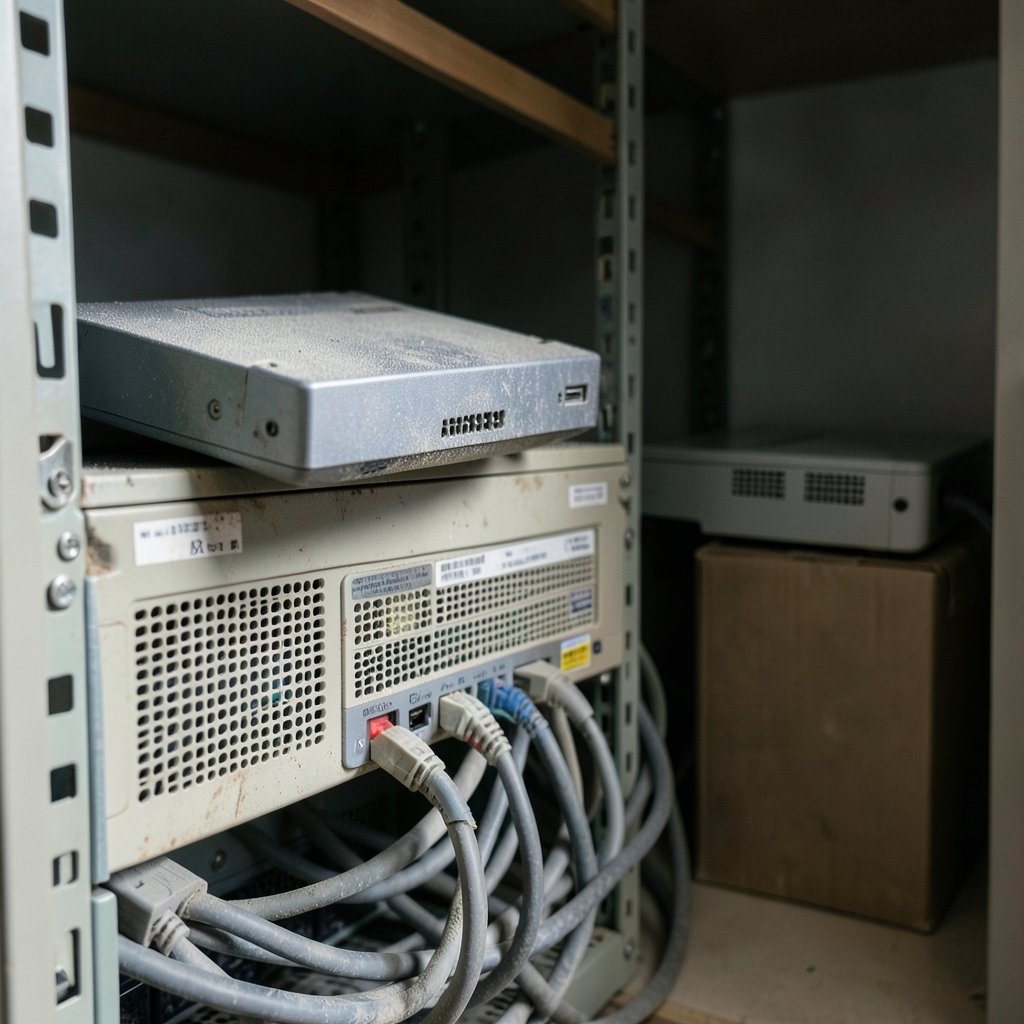
Traditional data centers had a natural brake: buying hardware required a purchase order, a rack, and a wait. The cloud removed every one of those friction points. A developer can provision a GPU cluster before lunch and forget it by Friday.
Several patterns drive the overspend:
- Orphaned resources. Storage volumes, load balancers, and snapshots outlive the servers they were attached to and keep billing quietly.
- Oversized instances. Teams pick a size “to be safe” and never revisit it after launch traffic settles.
- Non-production sprawl. Staging and test environments run nights and weekends when nobody uses them.
- On-demand everything. Workloads with steady, predictable demand pay the highest per-hour rate because nobody converted them to committed pricing.
- Data transfer blind spots. Egress fees and cross-region traffic show up late and are hard to attribute.
None of these are dramatic on their own. Together they explain why so many organizations find that a meaningful slice of their bill buys nothing at all.
The FinOps Lifecycle in Plain Terms
The main framework divides the work into three repeating phases: Inform, Improve, and Operate.
Inform means giving every team accurate, timely, and shared data about their own spending. That requires consistent tagging, cost allocation that maps cloud accounts to business units, and dashboards people actually open. Without this phase, optimization becomes guesswork.
Improve means acting on the data: rightsizing instances, deleting waste, moving steady workloads to committed discounts, and re-architecting where it pays. The FinOps Foundation’s maturity model describes this progression as Crawl, Walk, Run, and the labels are useful because they set expectations. A Crawl-stage team is just getting tags and a monthly report right. A Run-stage team ties unit costs to product decisions in near real time.
Operate means making the whole thing routine. Budgets with alerts, anomaly detection, review cadences, and clear ownership so cost does not depend on one enthusiastic person remembering to check a dashboard.
The cycle never ends. Every new service and region resets part of the work, which is why governance matters more than any single optimization win.
Native Tools Compared Across the Big Three
Every major provider ships cost tooling, and most teams should exhaust the native options before buying a third-party platform. The table below summarizes the core capabilities.
| Capability | AWS | Microsoft Azure | Google Cloud |
|---|---|---|---|
| Cost exploration | Cost Explorer | Microsoft Cost Management | Cloud Billing reports |
| Budgets and alerts | AWS Budgets | Budgets in Cost Management | Budgets and alerts |
| Commitment discounts | Savings Plans, Reserved Instances | Reservations, savings plans | Committed use discounts |
| Usage-based discounts | Spot Instances | Spot VMs | Spot VMs, sustained use discounts |
| Anomaly detection | Cost Anomaly Detection | Cost alerts | Budget alerts and anomaly features |
| Data export | Cost and Usage Report | Cost details exports | Billing export to BigQuery |
The naming has shifted over time. Microsoft renamed Azure Cost Management to Microsoft Cost Management as its scope widened beyond Azure, so older documentation and tutorials may use the previous name. If a team is comparing providers on cost tooling, it helps to read current documentation rather than blog posts from several years ago. Broader platform comparisons also shape cost decisions, since pricing structures differ as much as the tools do; a side-by-side look at AWS vs Azure vs Google Cloud in 2026 is a reasonable starting point before committing to a multi-year discount. (Cloud computing)
Building a Tagging and Allocation Strategy
Almost every cost problem traces back to allocation. If a bill cannot be split by team, product, or customer, nobody feels responsible for it.
A workable tagging strategy usually includes a small mandatory set: cost center or business unit, environment (production, staging, development), application or service name, and owner. Enforce those tags at provisioning time through infrastructure-as-code templates and policy controls, not through reminders. Tags applied after the fact are incomplete by definition.
Two practical tips from teams that have done this well:
- Start with a handful of mandatory tags, not thirty. A long taxonomy gets abandoned. Four or five enforced tags beat a perfect scheme nobody follows.
- Build a showback report before you build chargeback. Showing teams their own numbers changes behavior faster than invoicing them does, and it surfaces tagging gaps without starting a budget fight.
For organizations with many accounts and subscriptions, a third-party platform that ingests billing exports and normalizes them becomes worth the license fee. The FinOps Foundation’s FOCUS specification, which aims to standardize cost and usage data across providers, is worth watching for teams tired of maintaining separate schemas per cloud.
Commitment Discounts: The Biggest Lever With the Sharpest Edges
Committed pricing is usually the single largest savings opportunity, often far bigger than rightsizing. It is also where teams get burned.
Savings Plans and Reserved Instances trade flexibility for discount. Commit to too much, or to the wrong instance family, and the organization pays for capacity it cannot use. The discipline that works is to commit only against a stable baseline, typically measured over the trailing three to six months, and to leave headroom for growth and experimentation.
A simple sequence that avoids most mistakes:
- Clean up waste first. Committing to resources you should delete locks in the mistake.
- Rightsize the workloads that will remain.
- Measure the steady-state floor over several months.
- Commit to a portion of that floor, not all of it.
- Review coverage and utilization monthly, and adjust as the baseline moves.
Spot and preemptible capacity handles a different job: batch processing, CI pipelines, and fault-tolerant workloads that can survive interruption. Mixing spot into the wrong workload creates reliability incidents that cost more than the savings.
Kubernetes and Container Cost Allocation
Containers broke the old mapping between a bill line and a workload. A single node runs many pods from different teams, so the invoice no longer tells you who spent what.
The open-source project OpenCost, hosted by the Cloud Native Computing Foundation, addresses this by allocating cluster costs down to namespaces and workloads based on actual resource requests and usage. The practical takeaway is that container cost management requires its own tooling layer; provider bills alone will not get you there. Teams running Kubernetes should also set resource requests and limits deliberately, because overprovisioned requests are one of the most common hidden costs in container platforms.
Common Mistakes That Undo Good Intentions
A few patterns show up again and again, even in organizations with dedicated cost teams.
Optimizing once and declaring victory. Cloud environments change weekly. A rightsizing pass from last year describes an infrastructure that no longer exists.
Chasing savings that damage reliability. Cutting redundancy or squeezing instance sizes until latency suffers trades a small bill reduction for a large customer-experience problem. Cost optimization is a trade-off discipline, not a race to zero.
Ignoring unit economics. A bill that grows 20 percent while revenue grows 40 percent is healthy. A bill that stays flat while usage collapses is not. Tracking cost per customer, per transaction, or per order tells a truer story than the total, and it is the metric that lets engineering and finance have a productive conversation.
Letting finance own it alone. Cost decisions happen in code. Without engineers engaged, the recommendations go nowhere.
Skipping the forecast. Budgets built on last month’s bill plus a guess produce surprises. Forecasts tied to known product plans and seasonality give teams time to react.
A Realistic 90-Day Starting Plan
Teams starting from scratch do not need a platform purchase on day one. A practical first quarter looks like this:
- Weeks 1–2: Turn on native cost tools, enable billing exports, and identify the top ten services by spend.
- Weeks 3–4: Define four or five mandatory tags and enforce them in infrastructure templates.
- Weeks 5–6: Build a showback dashboard per team and start a monthly review.
- Weeks 7–8: Hunt waste. Delete orphaned resources, schedule non-production shutdowns, and rightsize the obvious outliers.
- Weeks 9–10: Measure the steady-state baseline and model a first, modest commitment purchase.
- Weeks 11–12: Set budgets with alerts, turn on anomaly detection, and agree on who responds when an alert fires.
That sequence front-loads visibility, which is correct: every later step depends on knowing where the money goes. It also produces early wins that build credibility for the harder governance work.
Where Cloud Cost Management Is Heading
Two shifts are reshaping the field. The first is standardization. The FOCUS specification and similar efforts aim to make cost data portable across providers, which should reduce the integration burden that has kept smaller organizations out of serious cost management.
The second is the cost of AI workloads. GPU capacity, model inference, and data processing for machine learning introduce new spending patterns that do not fit neatly into traditional instance-based models. Teams that built their cost practices around virtual machines are now discovering that inference calls and accelerator hours need their own allocation logic. The same principles apply, but the tooling is younger, and the stakes are higher because the per-hour costs are larger.
There is also a broader lesson in how organizations handle adjacent technology costs. The same discipline that governs cloud spend, namely knowing the unit price, the usage pattern, and the alternatives, applies to hardware and software purchases too. A team that carefully models a committed-use discount but buys devices on impulse is only halfway to good cost hygiene; understanding what drives the price of something like a Steam Deck or a PlayStation Plus subscription is the consumer-scale version of the same thinking.
Conclusion
Cloud cost management works best when it is treated as an ongoing operating discipline rather than a one-time cleanup. The organizations that keep their bills under control share a few traits: they tag consistently, they show teams their own numbers, they commit only to a measured baseline, and they review spending on a fixed cadence instead of waiting for a quarterly shock. None of that requires exotic tooling. It requires the unglamorous habit of looking at the data regularly and acting on it while it is still current. Start with visibility, fix the obvious waste, and let governance grow from there. The savings compound the same way the waste did.
Frequently Asked Questions
What is cloud cost management?
Cloud cost management is the ongoing practice of planning, monitoring, and optimizing spending on public cloud services while maintaining performance. It combines visibility into who spends what, optimization of resources and pricing models, and governance rules that keep spending aligned with business value.
What is FinOps and how does it relate to cloud cost management?
FinOps is an operating model for managing cloud value, developed and maintained by the FinOps Foundation, which is part of the Linux Foundation. It frames cost management as a shared responsibility across engineering, finance, and product teams, organized around informing, optimizing, and operating. Cloud cost management is the practical work; FinOps is the framework that makes it stick.
How much can a company typically save through cloud cost optimization?
Savings vary widely by starting point. Organizations that have never done a cleanup often find substantial waste from idle and oversized resources, while mature teams see smaller but steady gains from commitment coverage and unit-cost tracking. The honest answer is that the first pass usually yields the largest savings, and later rounds require better data and more engineering effort.
Should we use native cloud tools or a third-party cost platform?
Start with native tools. AWS Cost Explorer and Budgets, Microsoft Cost Management, and Google Cloud’s billing reports cover visibility, budgets, and anomaly detection at no extra cost. A third-party platform earns its fee when you run multiple clouds, need normalized data across providers, or want allocation down to Kubernetes workloads and business units.
What are the most common cloud cost management mistakes?
The most common mistakes are optimizing once and never revisiting, failing to enforce tagging at provisioning time, committing to discounts before cleaning up waste, and tracking only the total bill instead of unit economics such as cost per customer. Letting finance own the process without engineering involvement is another frequent failure.
How do you manage costs for Kubernetes and container workloads?
Container costs need a dedicated allocation layer because provider bills do not map cleanly to pods and namespaces. Tools such as OpenCost, a Cloud Native Computing Foundation project, allocate cluster costs to workloads based on resource requests and actual usage. Setting deliberate resource requests and limits is equally important, since overprovisioned requests are a common hidden cost.



